
Notion Templates
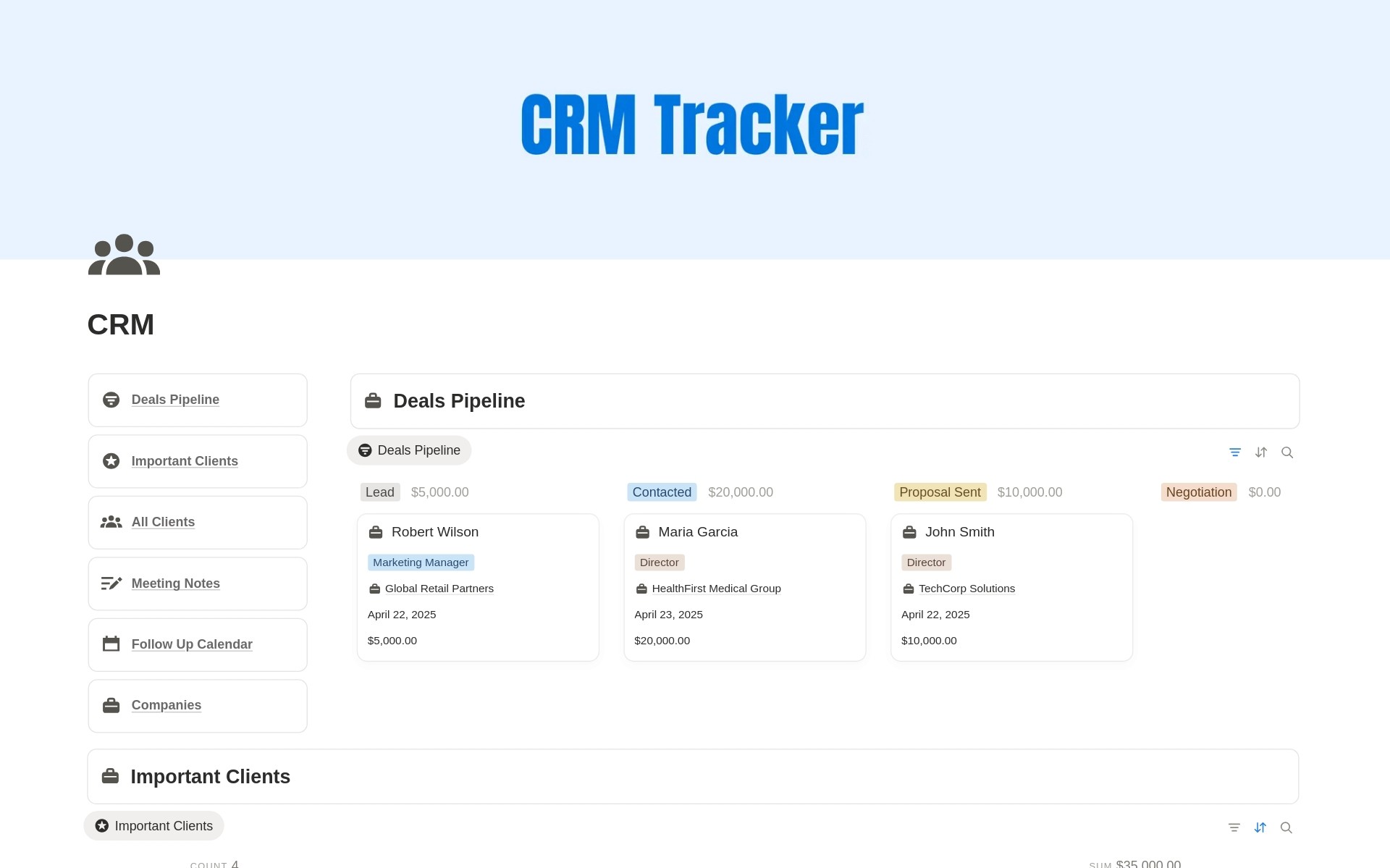
CRM Client Tracker
$9
+Free Lifetime Updates
Get Template
Explore Features
Instant Duplicate Link after Purchase
Step by step guide included
Free future template updates
Beginner friendly structure
Want all templates instead ?
Upgrade to Notion Bundle & Save More
See Bundle
Is Notion a CRM?
Notion is not a traditional CRM software, but it can be used as a CRM with the right setup. Using a Notion CRM template allows you to track clients, leads, deals, and follow-ups inside a customizable workspace without paying for dedicated CRM tools.
How do I use Notion as a CRM?
To use Notion as a CRM, you need a structured database that tracks contacts, deal stages, and notes. This CRM client tracker Notion template already includes these essentials, allowing you to manage your sales pipeline and client relationships instantly.
Who should use a Notion CRM template?
A Notion CRM template is ideal for freelancers, solopreneurs, consultants, and small teams who want a lightweight CRM. It’s especially useful if you don’t need complex automation and prefer full control over your data.
Is this Notion CRM suitable for sales tracking?
Yes. This template works as a Notion sales CRM, letting you track leads, deal value, status, and next steps. You can visually manage your sales pipeline and update progress as deals move forward.
Can I customize this CRM template in Notion?
Absolutely. One of the biggest advantages of using Notion as a CRM is customization. You can add properties, create new views, change deal stages, or adapt the template to fit your workflow.
Do I need any integrations to use this CRM?
No integrations are required. This CRM in Notion works entirely inside Notion, making it simple, fast, and easy to maintain without external tools.
Is this better than traditional CRM tools?
For individuals and small businesses, a Notion CRM can be more flexible and cost-effective than traditional CRM software. If you need simplicity, customization, and control, using Notion as a CRM is often a better choice.
More Templates
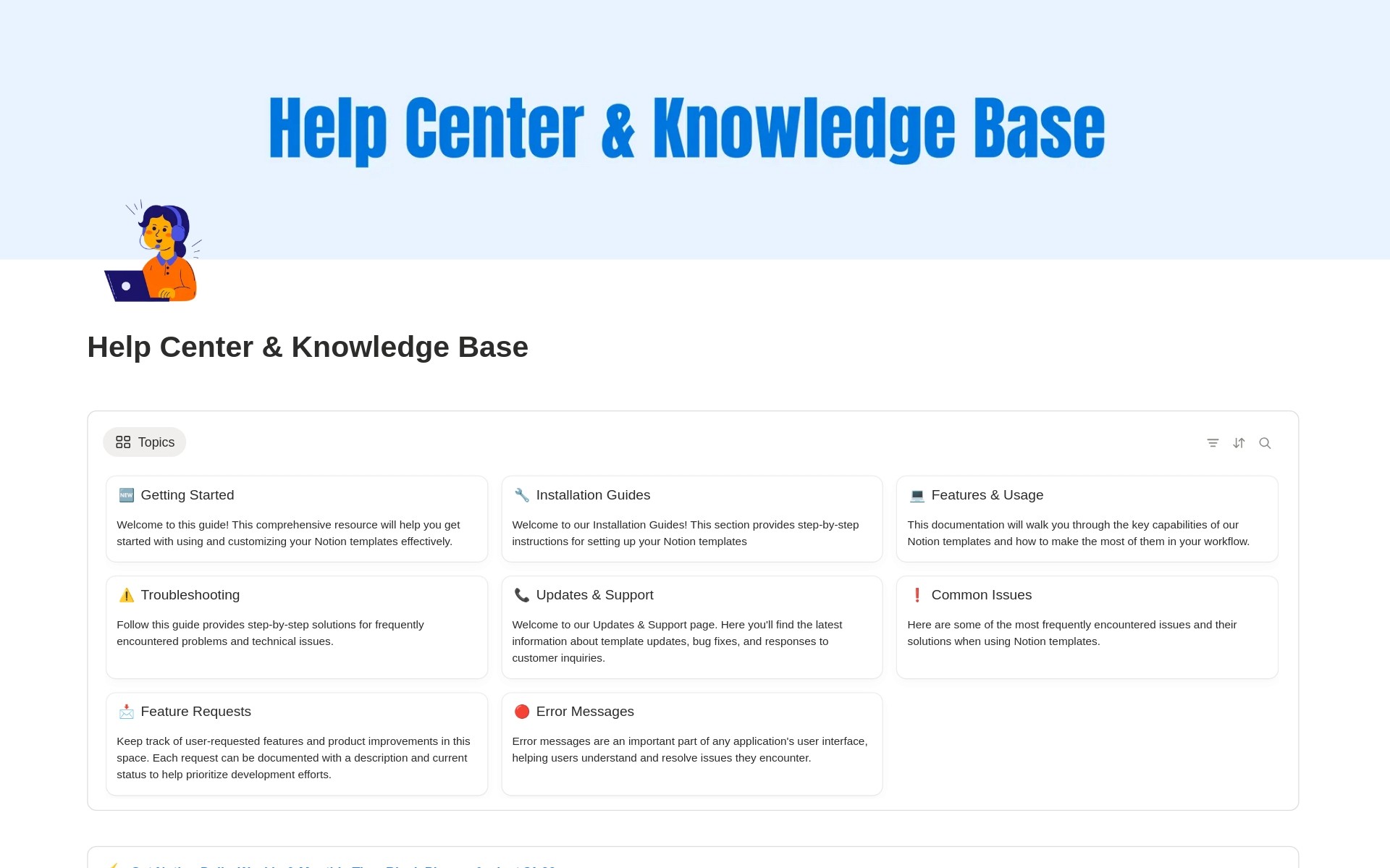
Notion CRM Template for Client & Sales Tracking
Looking for a simple way to manage clients and sales inside Notion?
This Notion CRM template helps you track leads, clients, follow-ups, and deal status in one clean workspace. If you’re wondering whether you can use Notion as a CRM, this template is built exactly for that purpose—no complex setup, no extra tools.
What This Notion CRM Template Helps You Do
This client tracker is designed for freelancers, solopreneurs, and small teams who want a flexible CRM in Notion.
With this template, you can:
Track clients, prospects, and leads in one place
Manage your sales pipeline visually
Store contact details, notes, and deal value
Monitor deal status from lead to closed
Use Notion as a lightweight but powerful CRM
Why Use Notion as a CRM?
Traditional CRM tools are often expensive and over-engineered.
Using Notion as a CRM gives you:
Full customization
Zero monthly cost
Complete control over your data
A CRM that adapts to your workflow
This Notion CRM template gives you structure without locking you into rigid software.
Who Is This Template For?
Freelancers managing multiple clients
Solopreneurs tracking sales conversations
Startup founders validating deals
Consultants handling long-term client relationships
If you’ve searched for Notion CRM templates or a Notion sales CRM, this is built for you.
Key Features
Client & lead database
Sales pipeline stages
Deal value tracking
Status-based views
Easy customization inside Notion
No integrations required. Duplicate and start using instantly.
How This CRM Client Tracker Works
Add clients or leads to the CRM database
Update deal status as conversations progress
Track notes, next steps, and deal value
View your entire sales pipeline at a glance
This turns Notion into a practical, daily-use CRM system.
Why This Notion CRM Template Is Different
Most CRMs try to do everything. This one focuses on what actually matters:
Clarity
Speed
Flexibility
You get a clean CRM in Notion that’s easy to maintain and scale as your business grows.