What is a Notion knowledge base?
Can I use this as a public help center?
Is this a Notion help center template or just a database?
Do I need Notion Pro to use this template?
Can I customize categories and statuses?
One-time purchase. Lifetime access.
Perfect if you only need this template only
Buy Now
Instant Duplicate Link after Purchase
Step by step guide included
Free future template updates
Beginner friendly structure
Instant Notion access link delivered via Gumroad email receipt.
BESTSELLER
Every premium template I've created, including the Knowledge Base & Help Center
Best if you want a complete notion bundle
Includes all current & future templates, delivered via Gumroad.
One-time payment. Lifetime access.
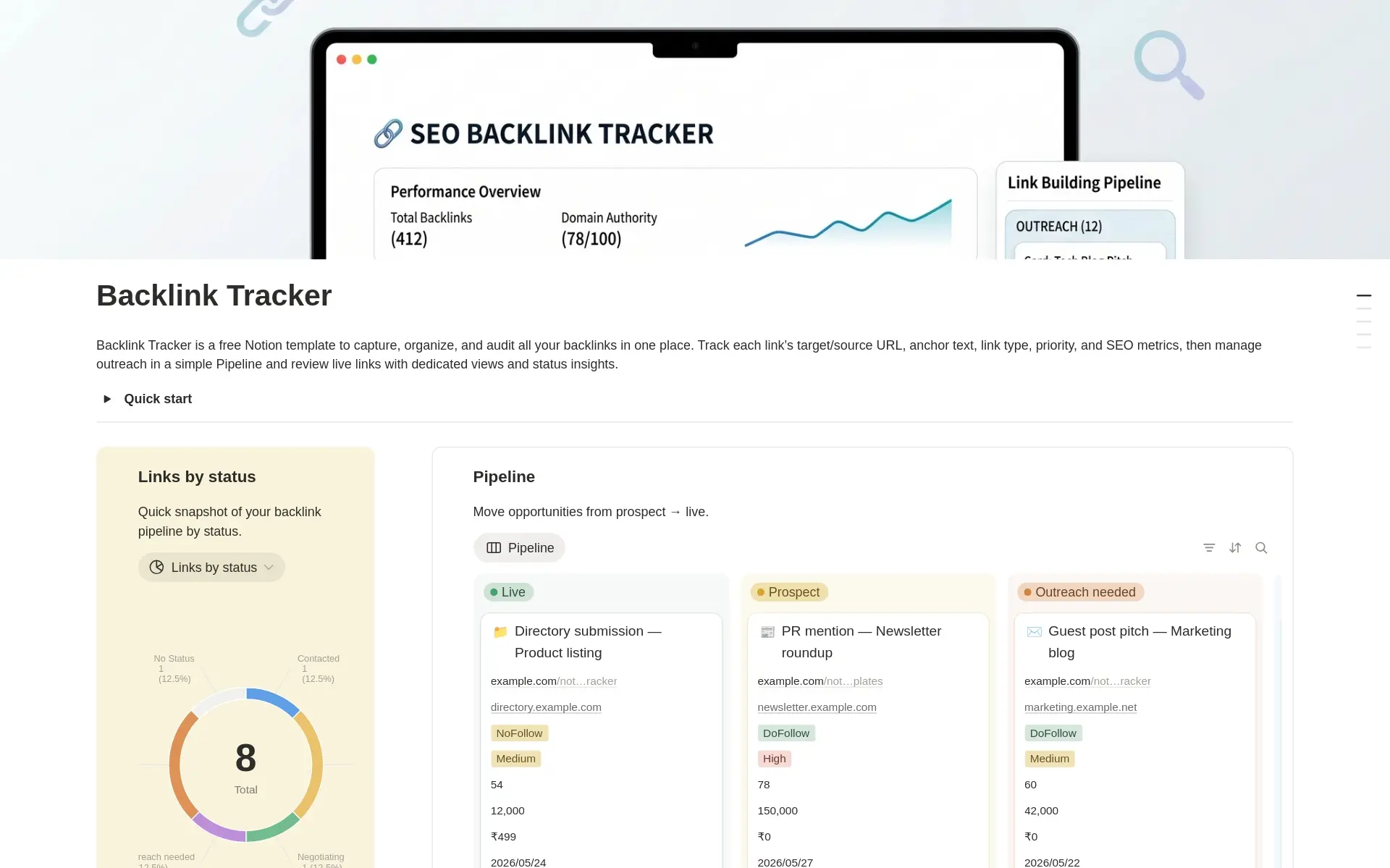
SEO Backlink Tracker
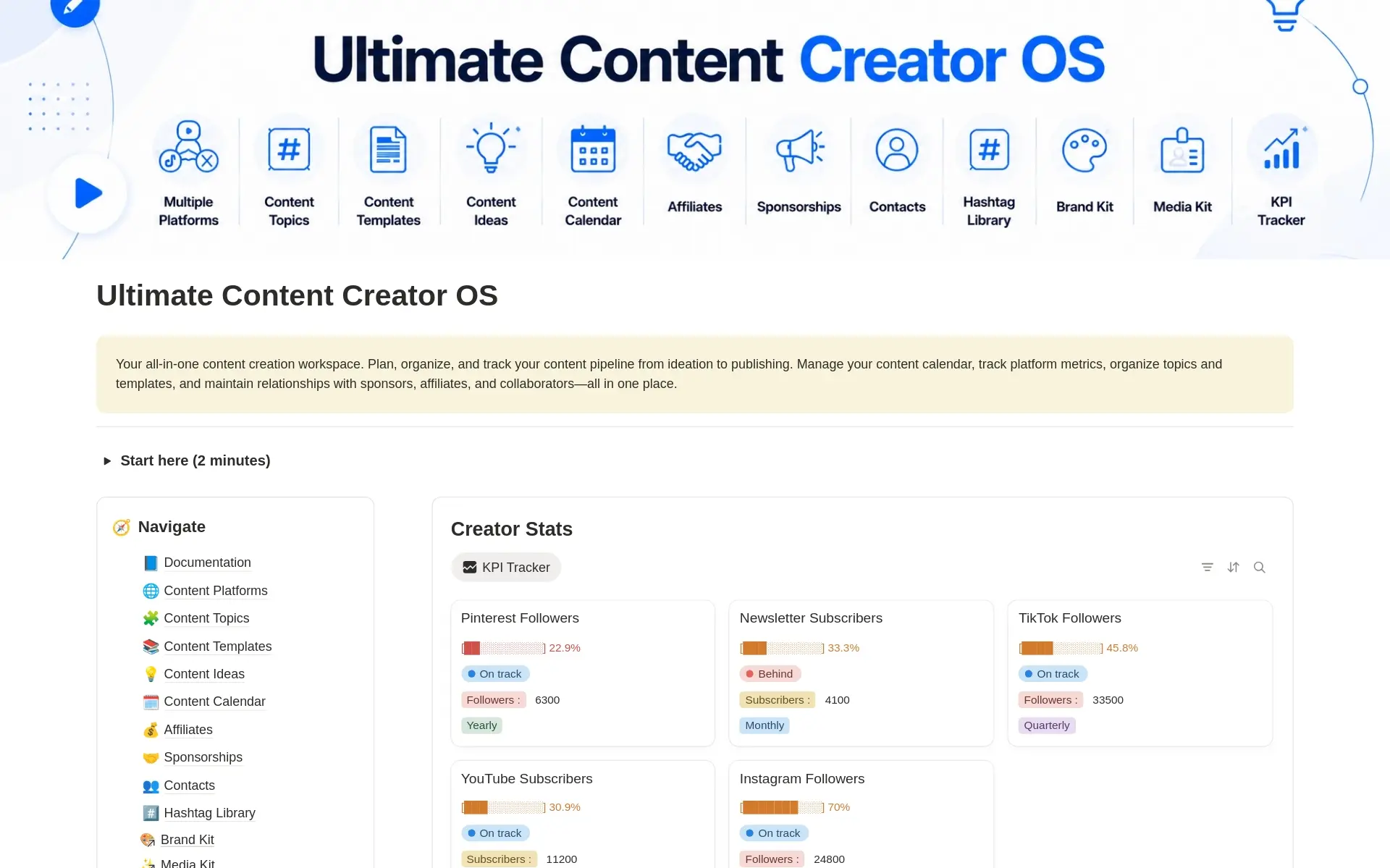
Ultimate Content Creator OS
2026 Life Planner
Knowledge Base & Help Center
2026 Goal Tracker
Time Block Planner
Personal Portfolio
CRM Client Tracker
Professional Resume & CV
Vision Board 2026
Daily & Monthly Expense Tracker
2026 Yearly Goal Tracker & Vision Board
Daily, Weekly & Monthly Planner
Daily OS
2026 Goal Tracker
2026 Life Planner
2026 Vision Board with Goals
Ultimate Planner – Daily, Weekly & Monthly
Daily Planner with Time Blocking
2026 Expense Tracker
Christmas Gifts Planner & Tracker
Knowledge Base & Help Center
CRM Tracker
Personal Portfolio & Resume for Job Seekers
Professional Resume & CV – Modern & ATS-Friendly
Content Creator OS (Multi-Platform)
Digital Product Pricing Calculator
100+ SEO AI Prompts
Technical SEO Audit Checklist
On-Page SEO Checklist for Blogs & Landing Pages
Internship Applications Tracker
Side Hustle & Passive Income Ideas
2025 Yearly Goal Tracker & Vision Board
Profile entry not yet resolved #1
Profile entry not yet resolved #2
COMPLETE BUNDLE
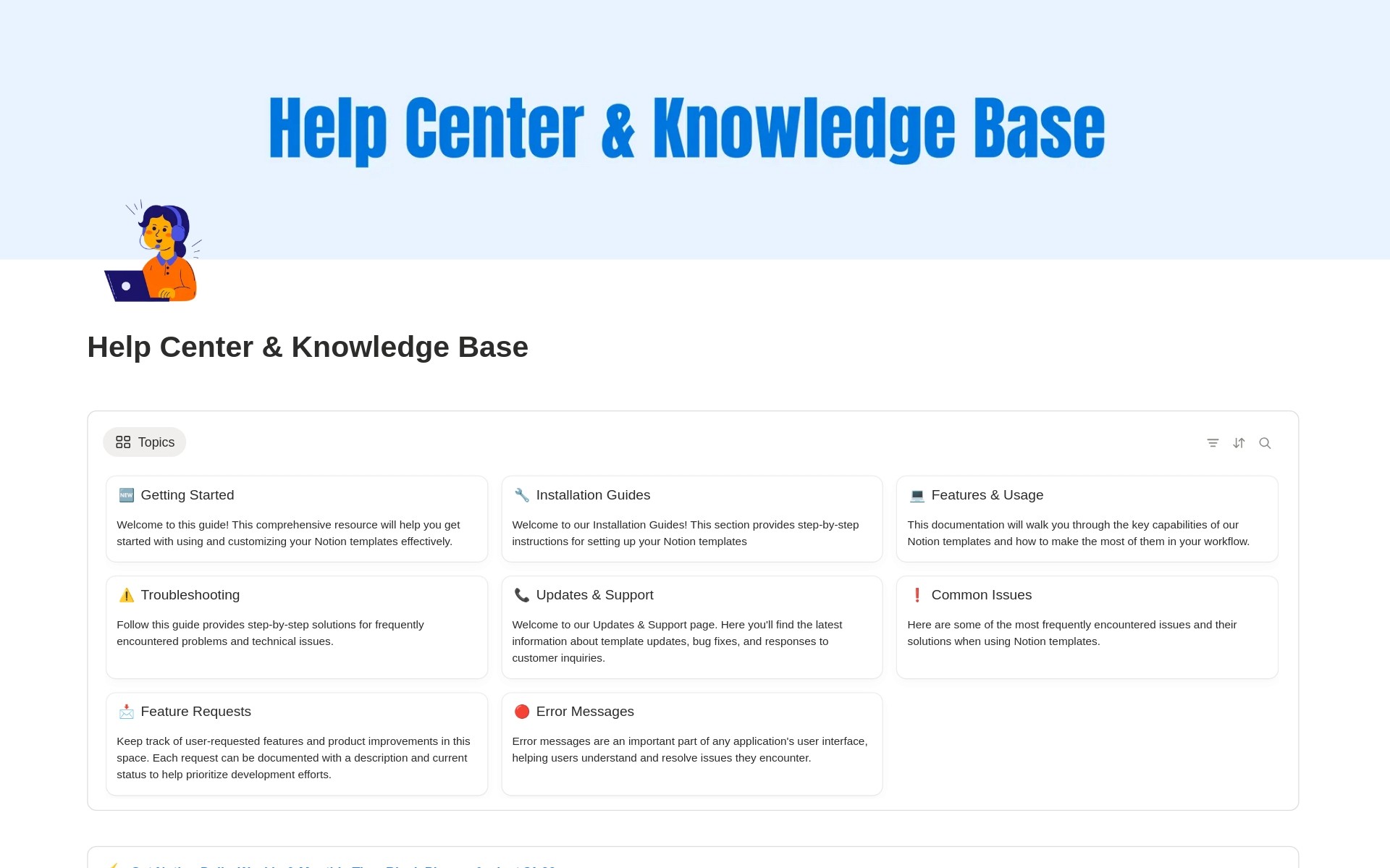
Notion Help Center & Knowledge Base Template
Build a Professional Notion Knowledge Base in Minutes
Looking for a clean, scalable Notion knowledge base to organize help articles, FAQs, and internal documentation? This Notion Help Center & Knowledge Base Template is designed to help creators, startups, SaaS teams, and solo founders build a structured help center inside Notion—without code or complex setup.
Whether you’re creating customer support docs or an internal wiki, this template gives you a ready-to-use system that’s easy to customize and maintain.
What This Notion Knowledge Base Template Includes
Centralized Help Center
Create a single source of truth for all your documentation, guides, and FAQs using a clear database-driven structure.
Category-Based Navigation
Organize articles by topic such as:
Getting Started
Troubleshooting
Billing & Accounts
Product Updates
Status-Driven Articles
Use Notion’s status property to manage drafts, published articles, and archived content—perfect for maintaining a professional help center workflow.
Search-Friendly Layout
Quickly find articles with filters, tags, and views designed for usability and clarity.
Public or Private Use
Share your help center for Notion publicly with customers or keep it private for internal team documentation.
Who This Template Is For
SaaS founders building a Notion help center
Indie hackers and solopreneurs
Product teams and customer support teams
Agencies creating documentation for clients
Anyone replacing tools like Zendesk or Intercom docs with Notion
Why Use Notion as Your Help Center?
Notion is flexible, fast, and easy to update—making it an excellent alternative to traditional help desk tools.
With this Notion help center template, you get:
No monthly fees
Full customization
Real-time collaboration
Easy publishing and sharing
Key Features at a Glance
Pre-built article database
Status-based publishing workflow
Category and tag system
Clean UI optimized for reading
Easy duplication and setup
What You Get
A fully structured Notion knowledge base template
Ready-to-edit help articles
Scalable system you can grow over time