
Notion Tutorials & Content Creation Guides
Explore Notion tutorials, template roundups, and content creation guides. Find practical ideas for daily planning, blogging, and organizing your workspace.
More articles
Turn the ideas into a working system.
Ready-made Notion templates for planning, content and everyday organization. Preview one, duplicate it, and make it yours.
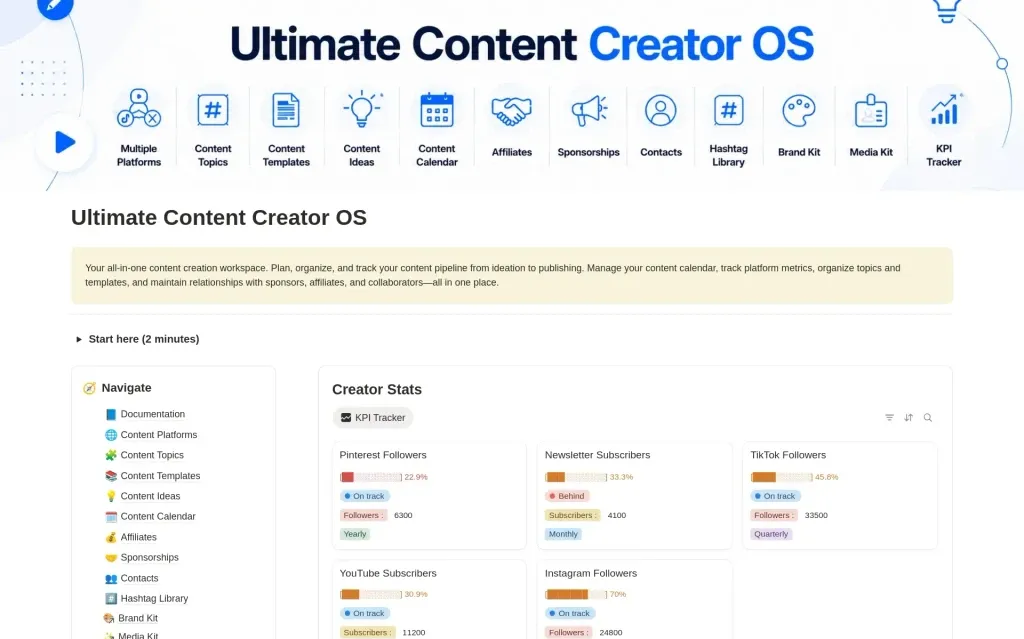
Ultimate Content Creator OS
$19.50Plan your content, track growth, and manage brand deals in one connected Notion workspace.
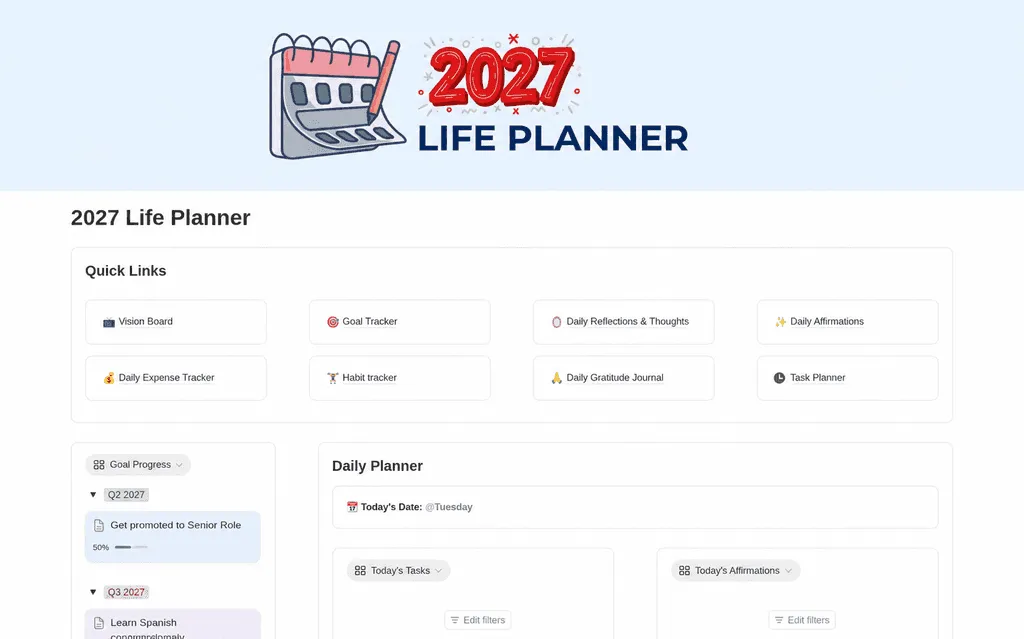
2027 Life Planner
$9.50Make room for what matters in 2027. Organize your goals, daily tasks, habits, reflections, and expenses with a Notion life planner that brings your year into focus.
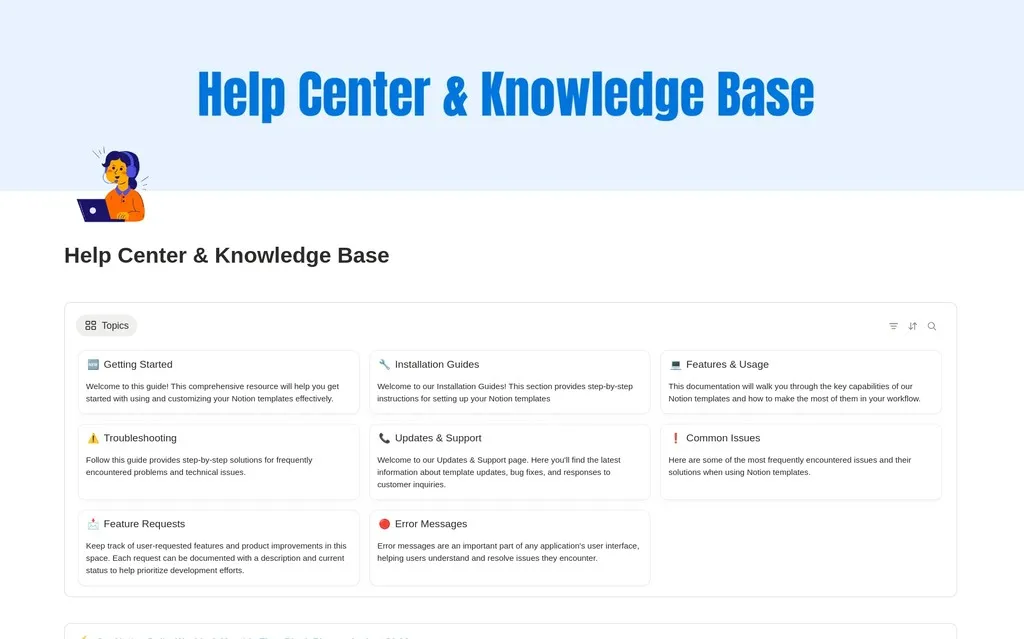
Knowledge Base & Help Center
$9.50Create a clean knowledge base and help center in Notion. Organize docs, FAQs, and support articles your team and customers can actually find.
Practical guides to Notion, planning & content
Explore practical articles about Notion, content creation, and organizing the work around them. Choose a guide that relates to something you are doing now, such as planning your day or deciding how to structure a blog post. Each article is a starting point for trying an idea in your own workflow.
Read, then try one change
Open an article from the cards above to read the full guide. Keep the next step small: adjust a planning routine, outline a piece of content, or compare a template with the way you already work. Test the change with a real task before rebuilding your whole workspace around it.
Explore the related resources
The template library includes planners, trackers, and content systems that you can preview before choosing. The widget library provides clocks and calendars for your Notion pages. Use those resources when they solve a specific need identified while reading. Revisit older articles with their publication date in mind, especially when a guide refers to a particular year or product interface.
Notion guides & content creation questions
Turn a useful idea into a small, practical change.
This blog brings together Notion resources, template roundups, and content creation guides by Jithin Rajiv. The articles can help you compare planning ideas, explore templates, and decide how to structure your own content. Read the topic and publication date so you can tell whether a guide matches the task you are working on today.
Choose one idea to test rather than rebuilding your whole workflow after every article. A planning guide might lead you to try a different weekly review. A template roundup can help you compare layouts before duplicating a planner. A content creation article can give you a format for your next post. Use the related resource only when it supports the change you want to make.
Where should a beginner start with Notion?
Start with one page or a focused free template for a real task. Add a few records, learn where the information goes, and try the workflow for several days before expanding it. Use the guides as support for a specific question rather than trying to learn every feature at once.
Are the guides the same as downloadable templates?
No. A guide is an article that explains an idea or approach. A template is a ready-made Notion page or system that you duplicate into your workspace. Some guides discuss templates, but you should use the individual resource page for its preview, features, and access instructions.
How should I use articles that mention an older year?
Read the publication date and any year in the title as part of the context. Planning principles may remain useful, while product interfaces, prices, and availability can change. Check the current resource page or official documentation before relying on an older article for a specific feature or purchase decision.