
Premium Notion templates
Premium Notion templates. Ready for more.
Explore paid Notion templates for content creation, daily planning, and business. Compare complete workspaces and preview the features that fit your routine.
 Rated 4.9/5
Find your next starting point
Browse by what you do
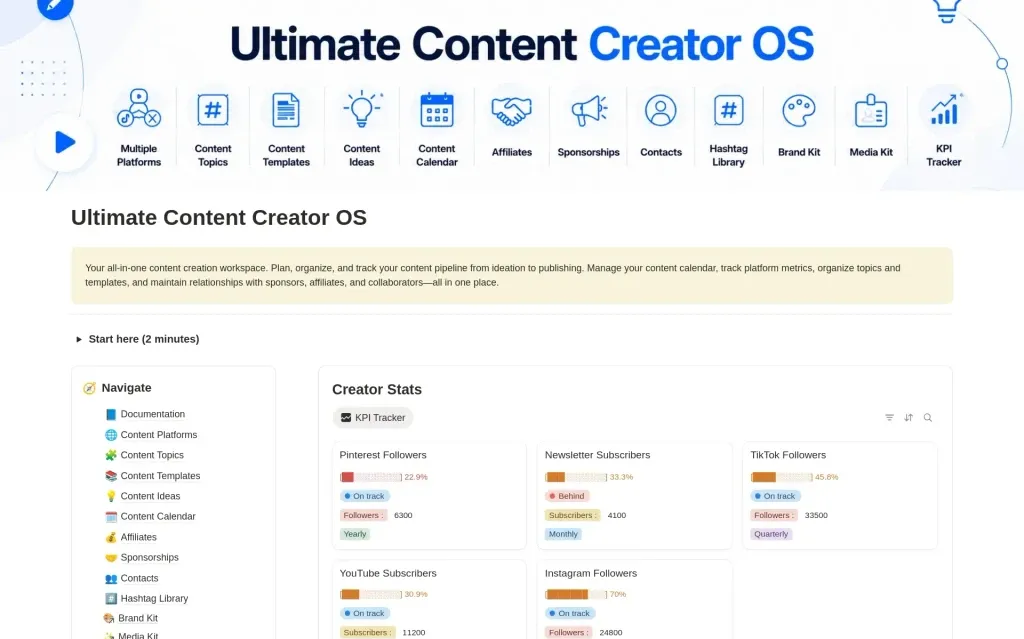
Ultimate Content Creator OS
$13.30Plan your content, track growth, and manage brand deals in one connected Notion workspace.
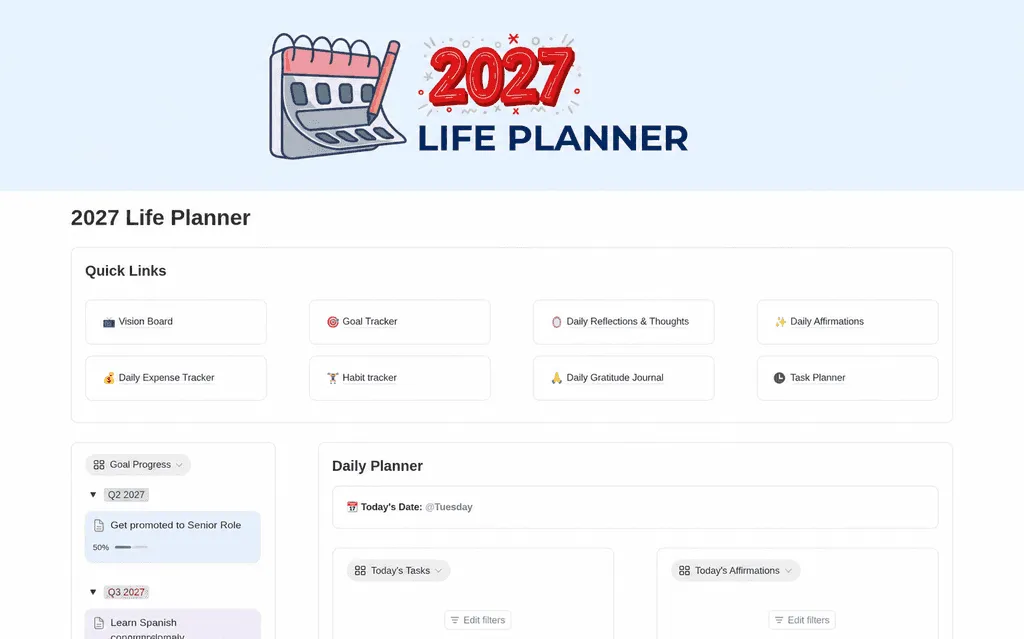
2027 Life Planner
$13.30Make room for what matters in 2027. Organize your goals, daily tasks, habits, reflections, and expenses with a Notion life planner that brings your year into focus.
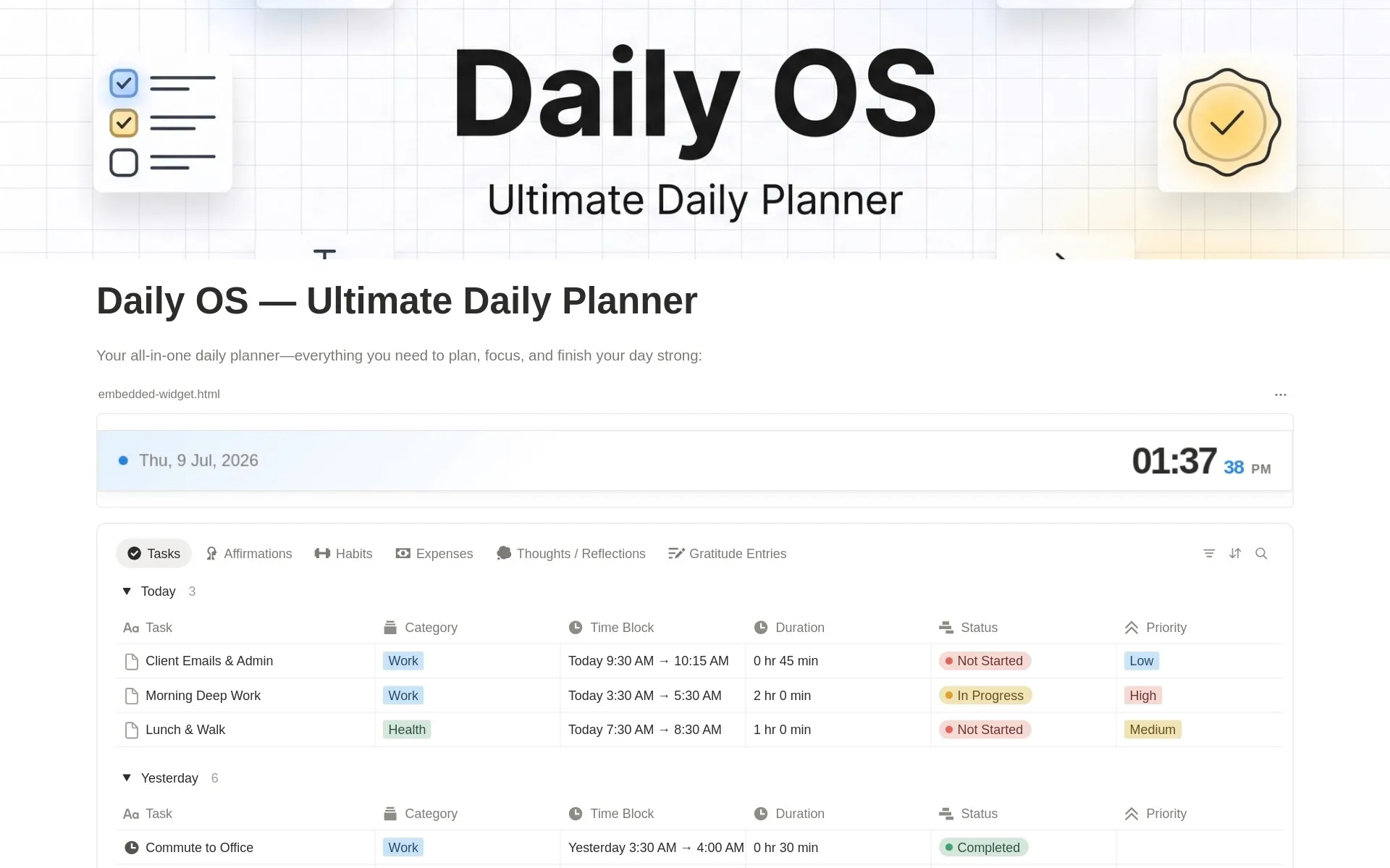
Daily OS - Daily Planner
$8.40Time block your schedule, build habits, track expenses, journal, and reflect — all in one simple daily system.
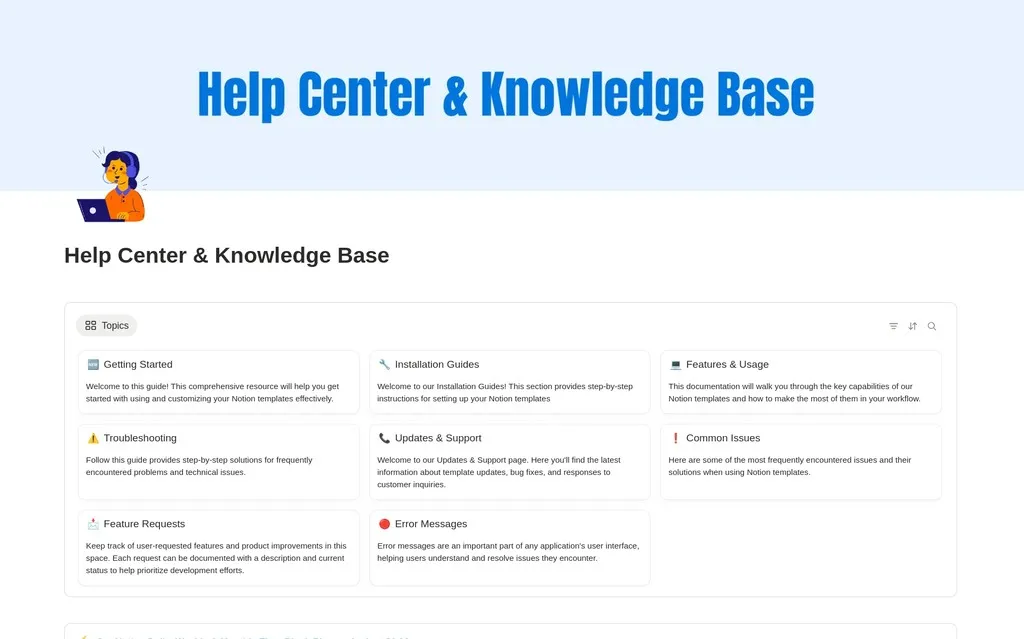
Knowledge Base & Help Center
$13.30Create a clean knowledge base and help center in Notion. Organize docs, FAQs, and support articles your team and customers can actually find.
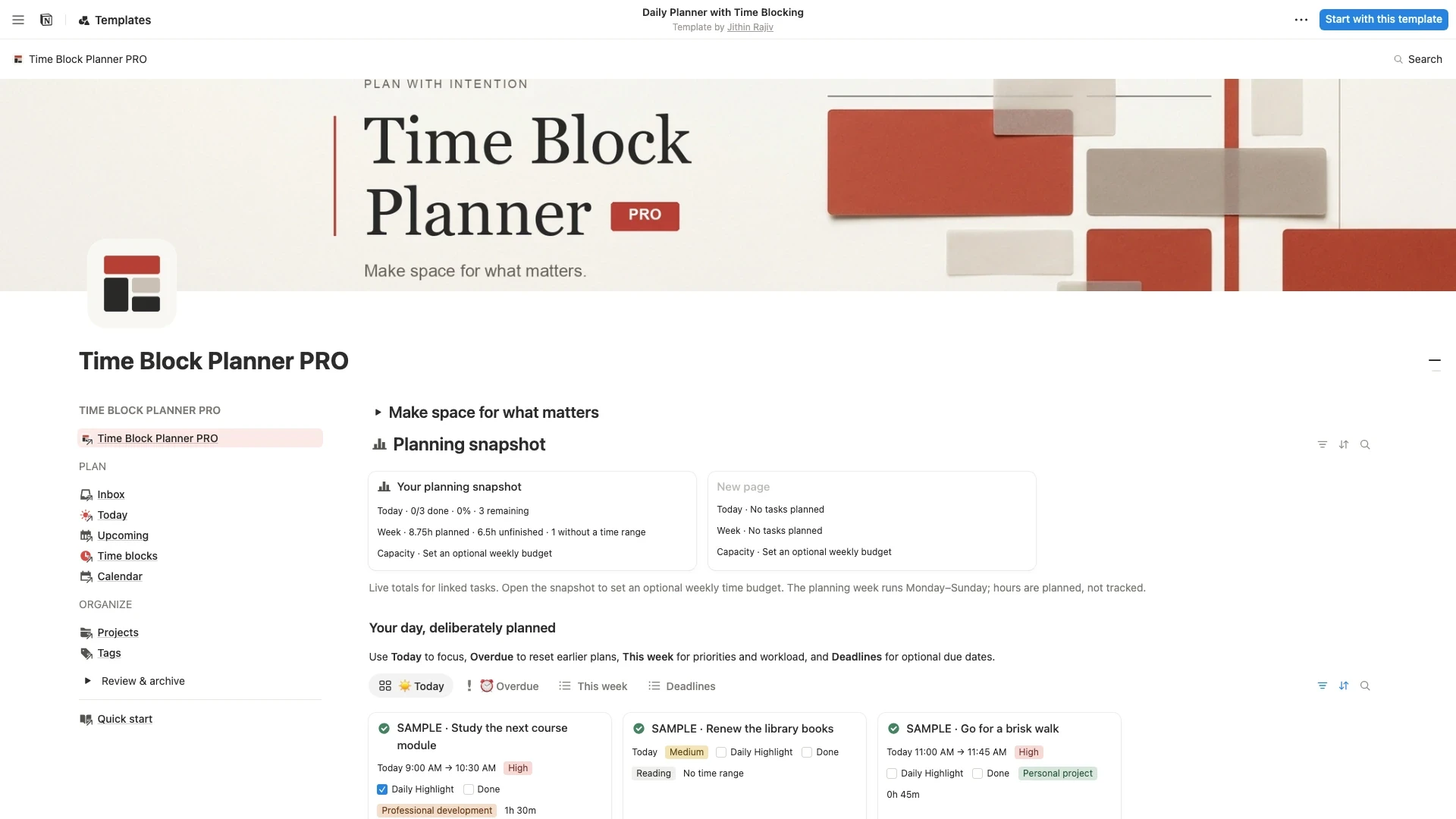
Time Block Planner PRO
$6.30Turn a busy to-do list into a realistic day. Capture tasks, choose one Daily Highlight, and plan focused sessions with a Notion time blocking template for work, study, and life.
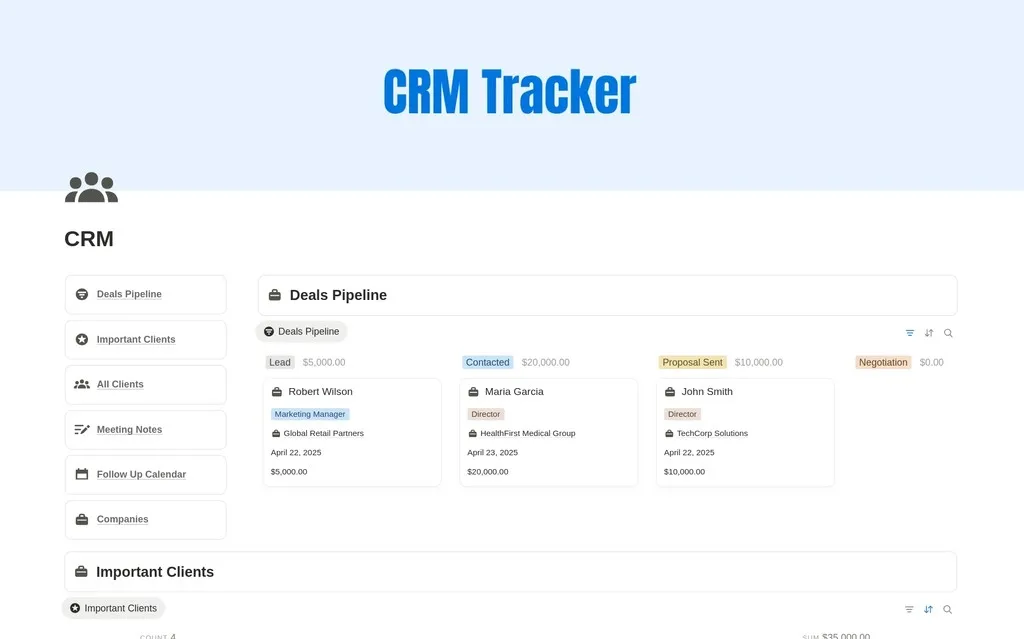
CRM Tracker
$8.40Manage leads, clients, deals, and follow-ups in one simple Notion CRM built for freelancers, small businesses, consultants and solopreneurs.
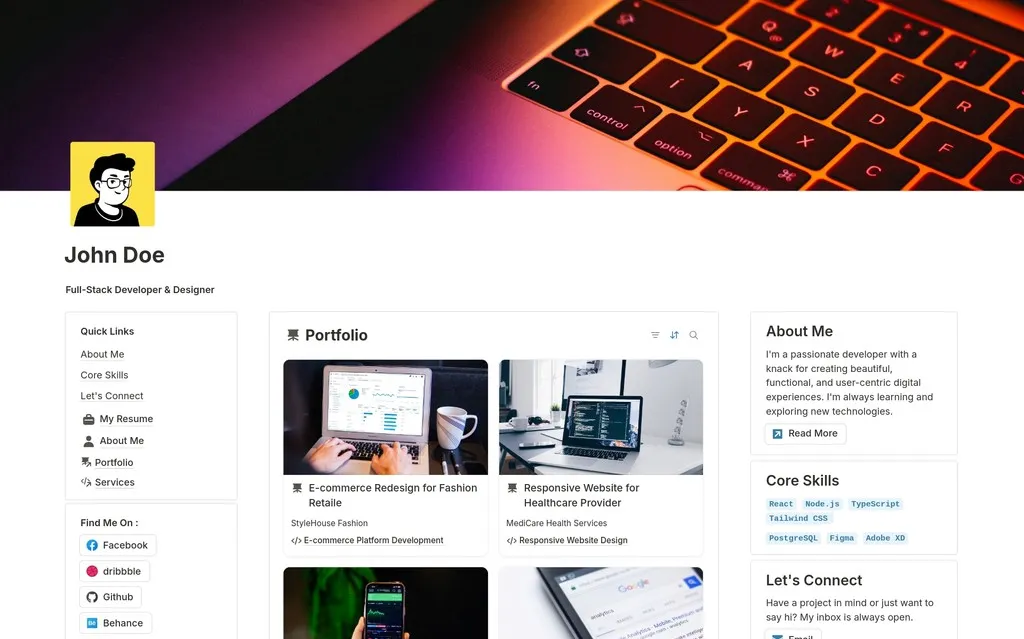
Personal Portfolio Website for Designers & Developers
$6.30A personal portfolio website template for designers and developers. Launch a polished online presence with projects, about, and contact sections in minutes.
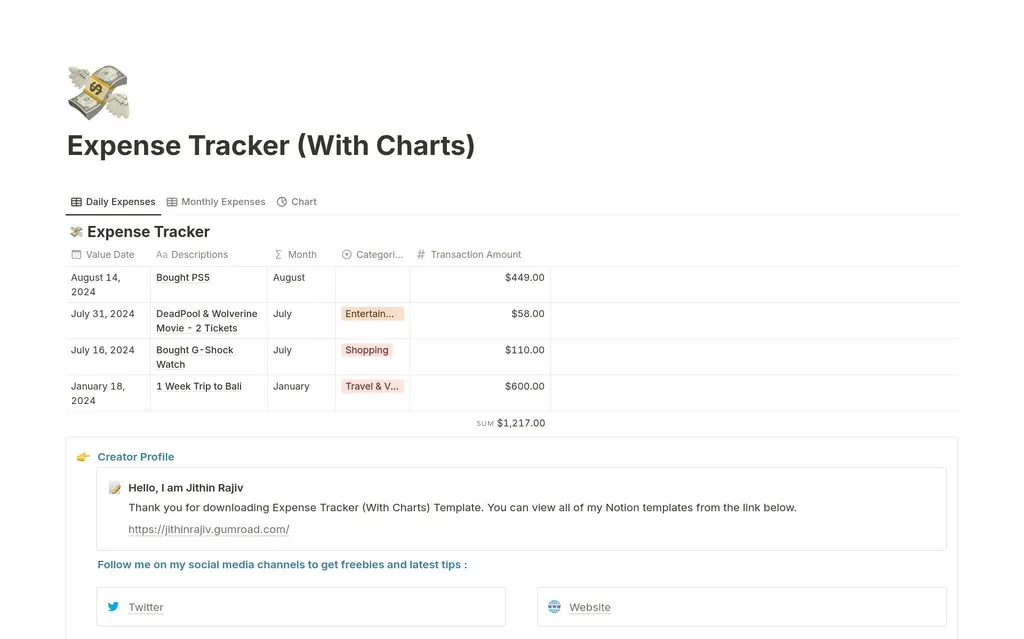
2026 Expense Tracker - Monthly Expense Tracker
$4.90Know exactly where your money goes in 2026. Track daily and monthly expenses, budgets, and spending categories in one simple Notion dashboard.
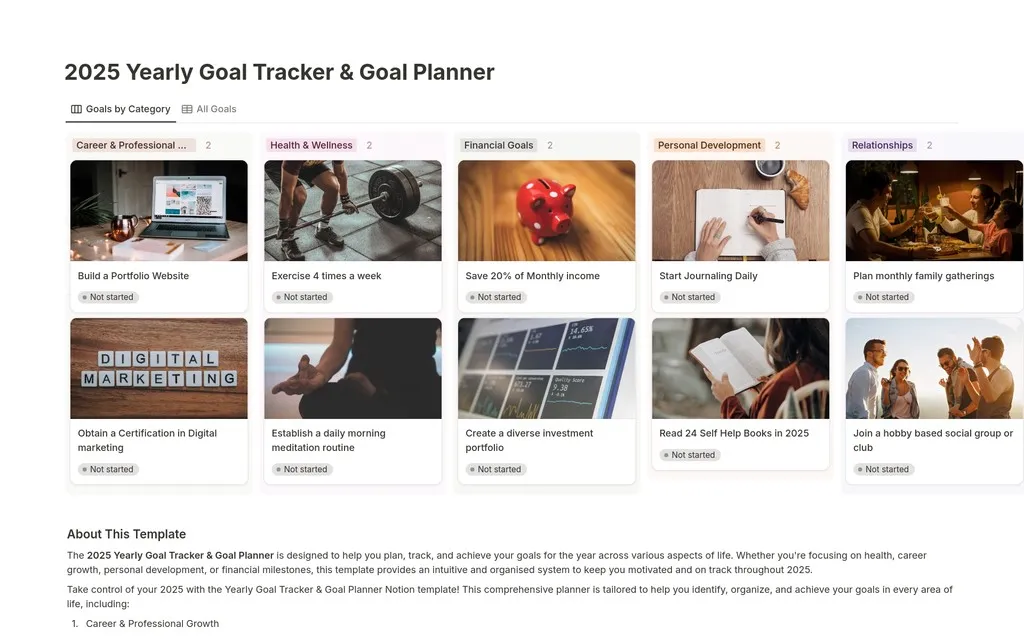
2025 Yearly Goal Tracker Vision Board
$2.10Set and achieve your 2025 goals with a yearly goal tracker and vision board. Break ambitions into projects, habits, and monthly milestones.
Start small. Start free.
Try a free Notion template and find a starting point that fits your workflow.
How to choose a premium Notion template
Premium templates offer a starting point for workflows that need more than a single list or tracker. Consider the information you manage repeatedly and the parts of your routine you want to connect. Review each template’s preview and description to see whether its structure matches those needs before purchasing.
Compare paid templates with the complete bundle
A content workspace, a life planner, and a daily planning system serve different purposes. Choose based on the work you will do most often. Open individual cards to inspect the template and follow the purchase link for its current price and delivery details. If you want several systems, compare that option with the complete Notion template bundle.
Introduce the system gradually
After purchase, follow the access instructions and duplicate the template into your Notion workspace. Begin with one part of the system and a small set of real information. Add the other sections as you need them, adjusting labels and routines to suit your work. Keep your workspace practical: the value comes from a structure you understand and maintain, not from filling every section immediately.
Premium Notion template questions
Compare the system, not just the screenshots.
Premium Notion templates are paid, ready-made workspaces for particular tasks and workflows. A content creation system, a daily planner, and a client management workspace can each save setup work, but they organize different information. Choose the one whose pages, databases, and views match the way you intend to use Notion.
Before buying, identify the work the template needs to support. For content creation, think about ideas, publishing plans, and performance tracking. For everyday planning, consider tasks, priorities, and reviews. For business use, check the information you need to keep about clients or projects. Use the individual product preview to confirm which of those features are actually included.
What should I check before buying a Notion template?
Review the template description, preview, access method, and current price. Check any stated requirements and read the return policy before purchasing a digital product. Choose based on the features shown for that template, rather than assuming every resource contains the same databases or setup instructions.
Should I buy one template or the complete bundle?
An individual template can suit one clear need. The complete bundle is a separate option for people who want several systems from the library. Compare the templates you plan to use with the bundle’s current purchase details. The prices on individual cards are not the final bundle price.
How can I make a larger workspace easier to use?
Begin with one part of the template and a small amount of real information. Learn how its pages and views connect before changing its structure. Add the other sections as you need them, and keep a backup before making larger changes. A system you understand is easier to maintain over time.