
Help center
Notion template help center
Setup guides and answers for our Notion templates, written from each template's own documentation. Search 89 questions or pick your template.
Guides for free Notion templates
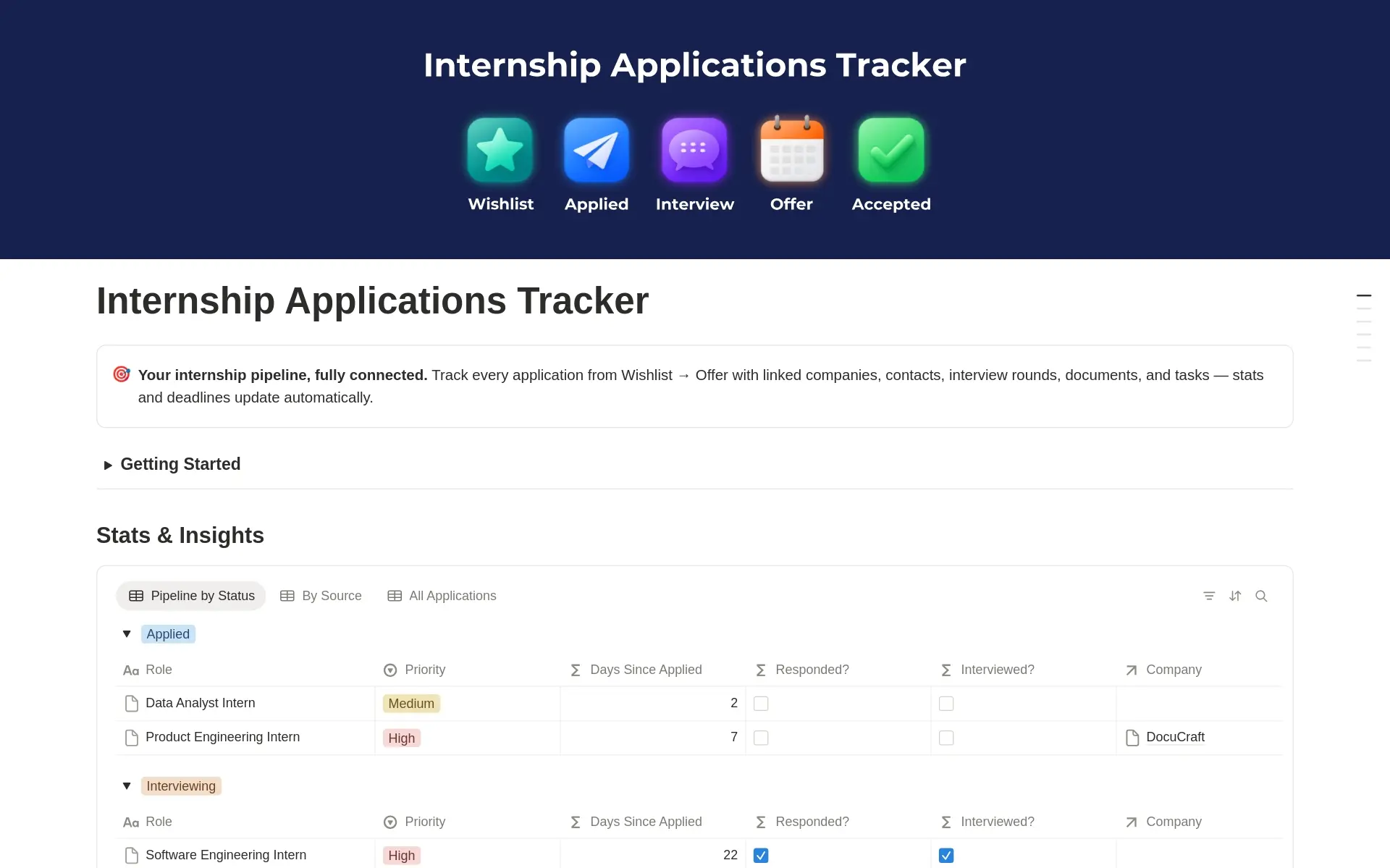
Internship Applications Tracker
FreeA complete Notion system for your internship search, from wishlist to signed offer. Six connected databases keep applications, companies, contacts, interviews, documents and tasks in sync, and the dashboard shows what needs attention this week.
9 questions answered →
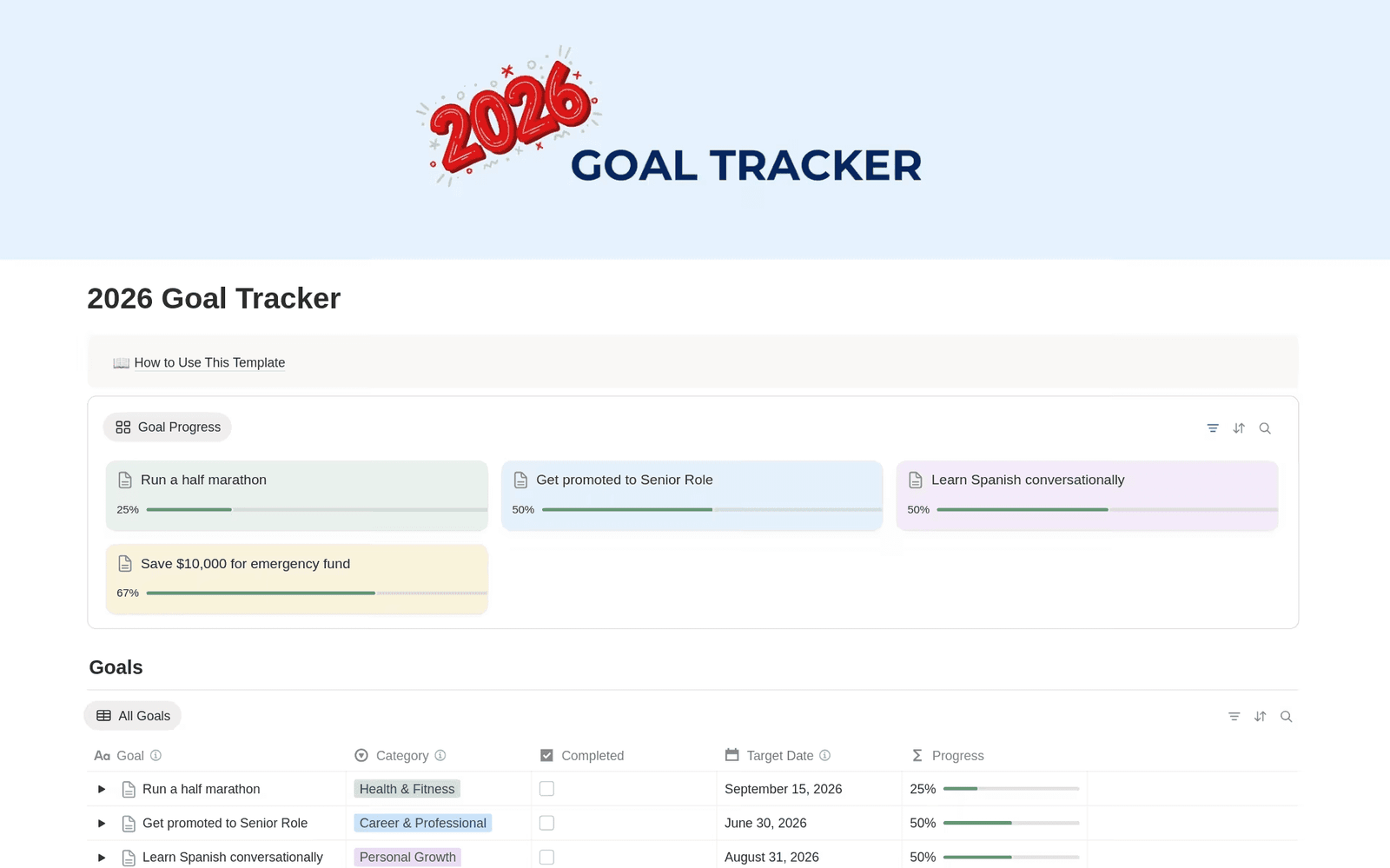
2026 Goal Tracker
FreeA Notion goal tracker for the year. Add goals with a category, quarter and target date, break each one into sub-items, and watch the progress bar fill as you check them off.
6 questions answered →
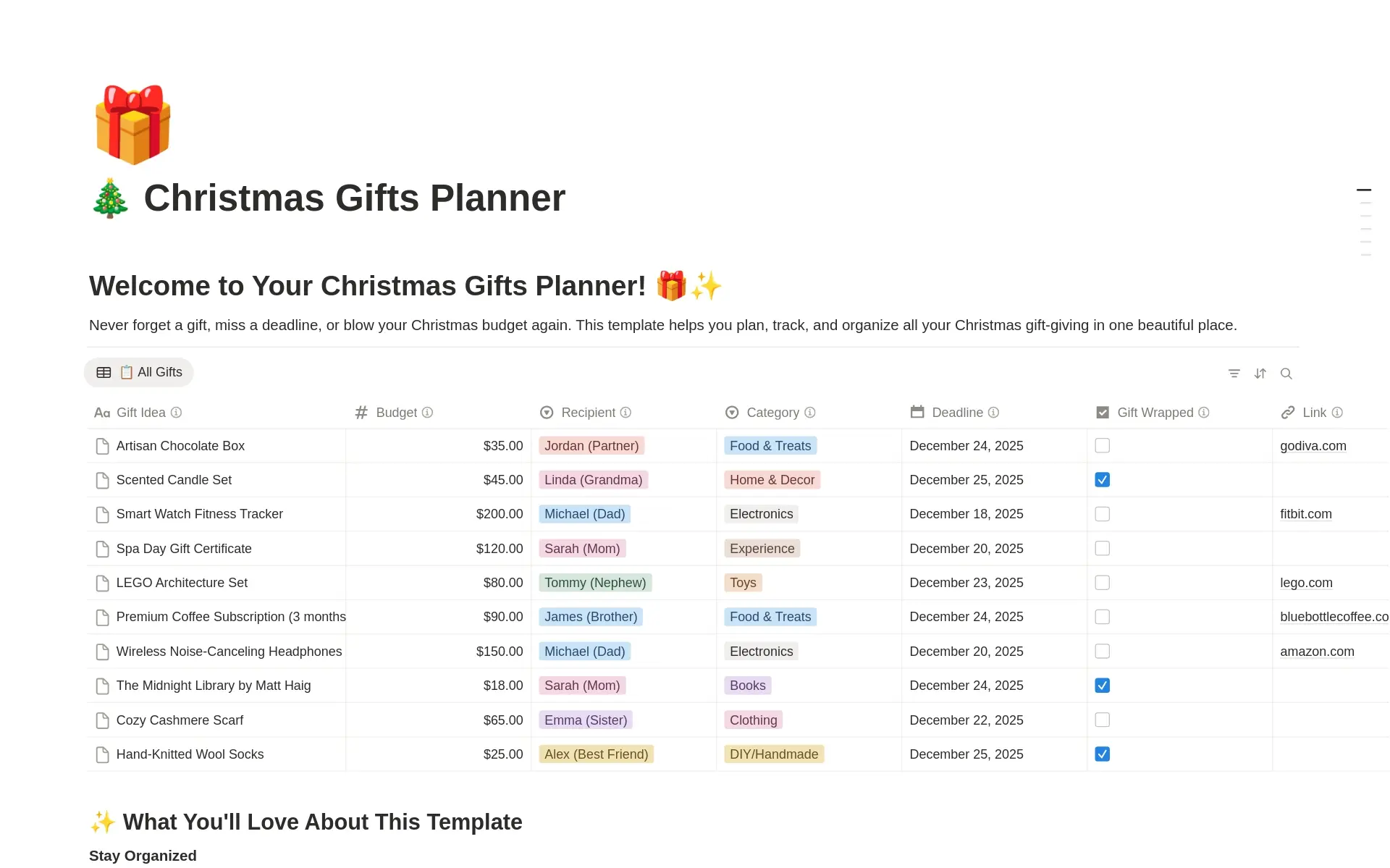
Christmas Gifts Planner
FreeA Notion template for the holiday season that tracks gift ideas, budgets, shopping progress, wrapping status and shopping links for every person on your list.
7 questions answered →
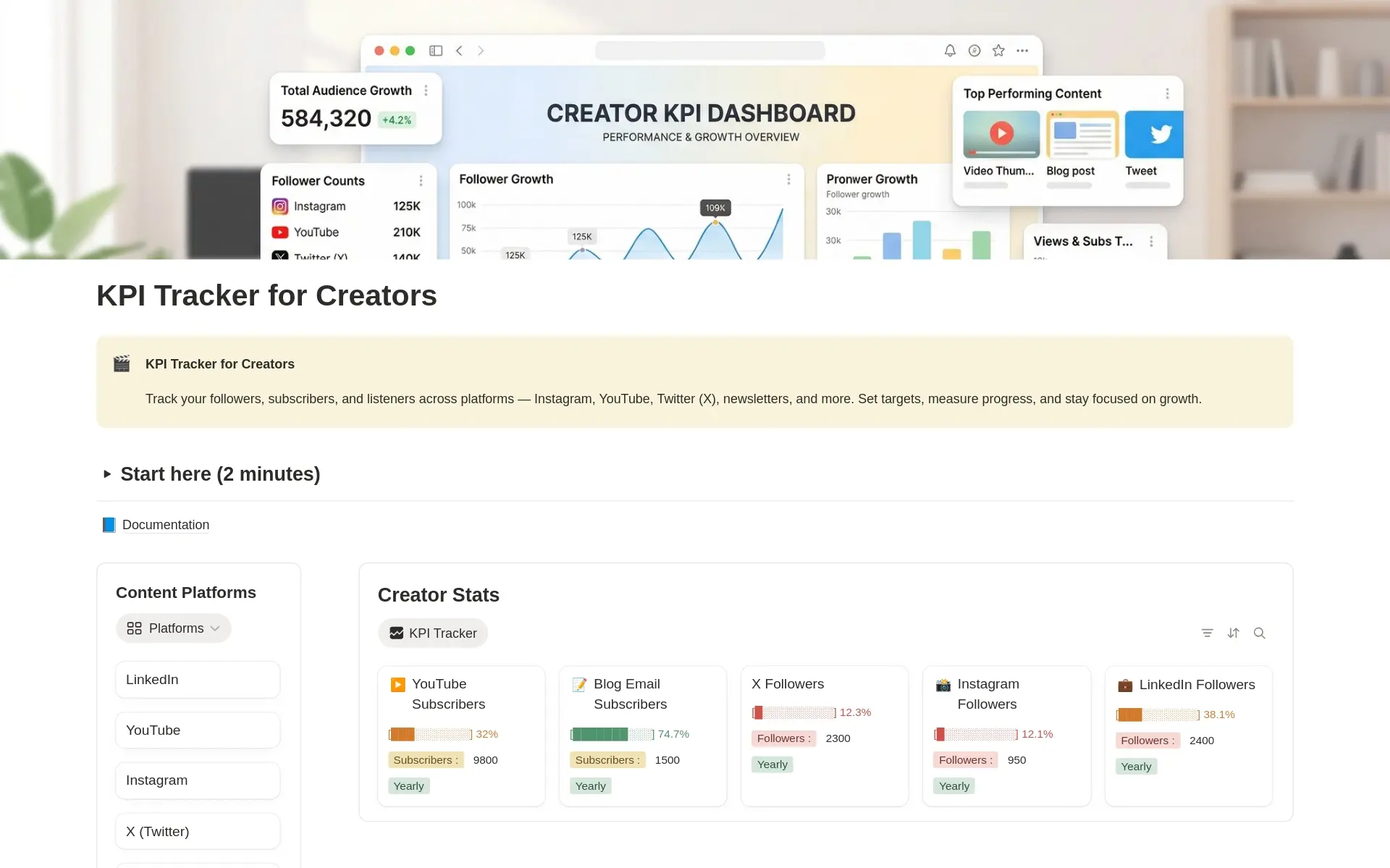
KPI Tracker for Creators
FreeA focused Notion workspace for tracking growth across platforms: followers, subscribers, listeners and more, with targets and automatic progress in one place.
7 questions answered →
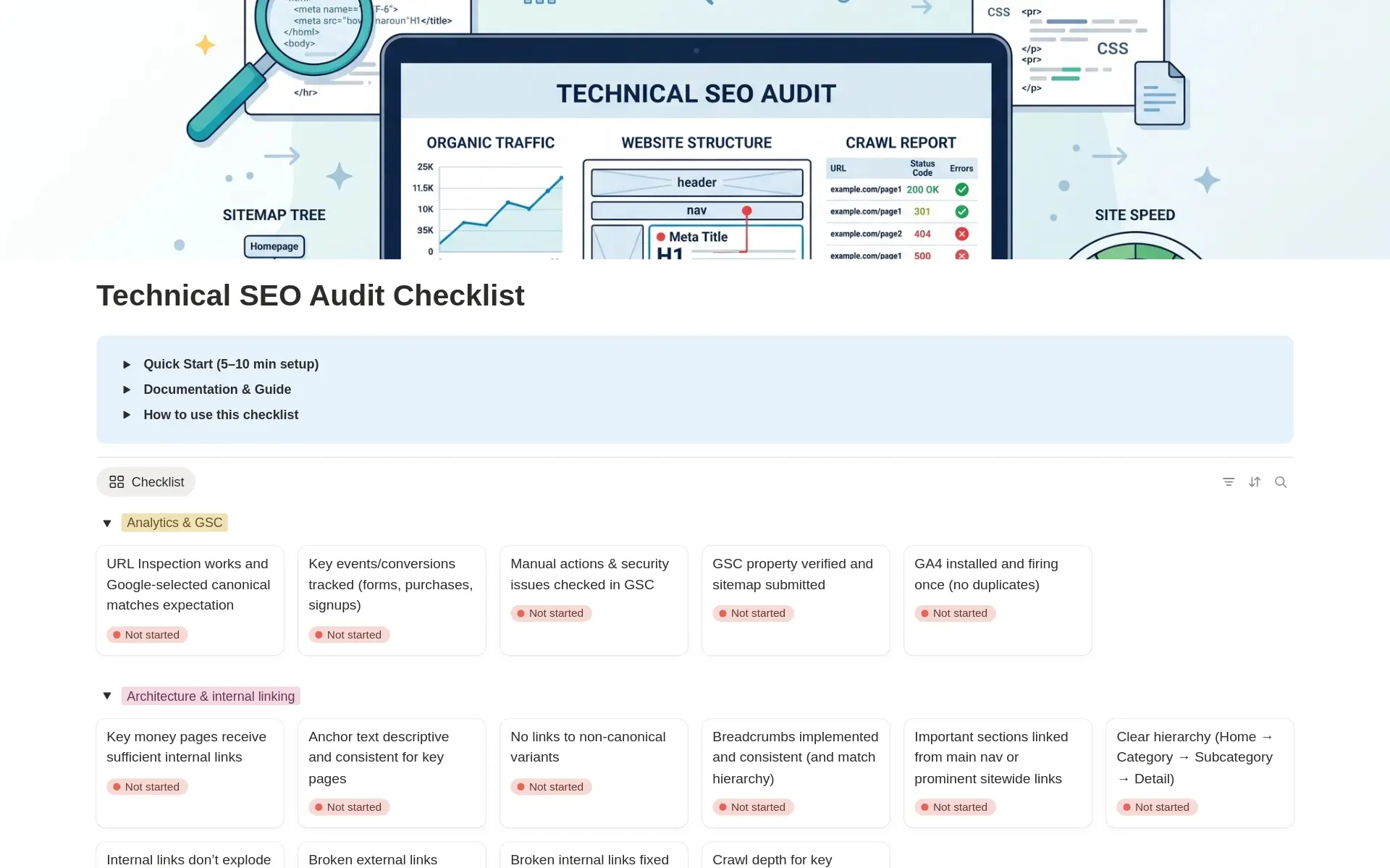
Technical SEO Audit Checklist
FreeA Notion database where each row is one technical SEO check. Track priority, impact, the tool you used and the evidence for each, then turn the audit into an action plan.
8 questions answered →
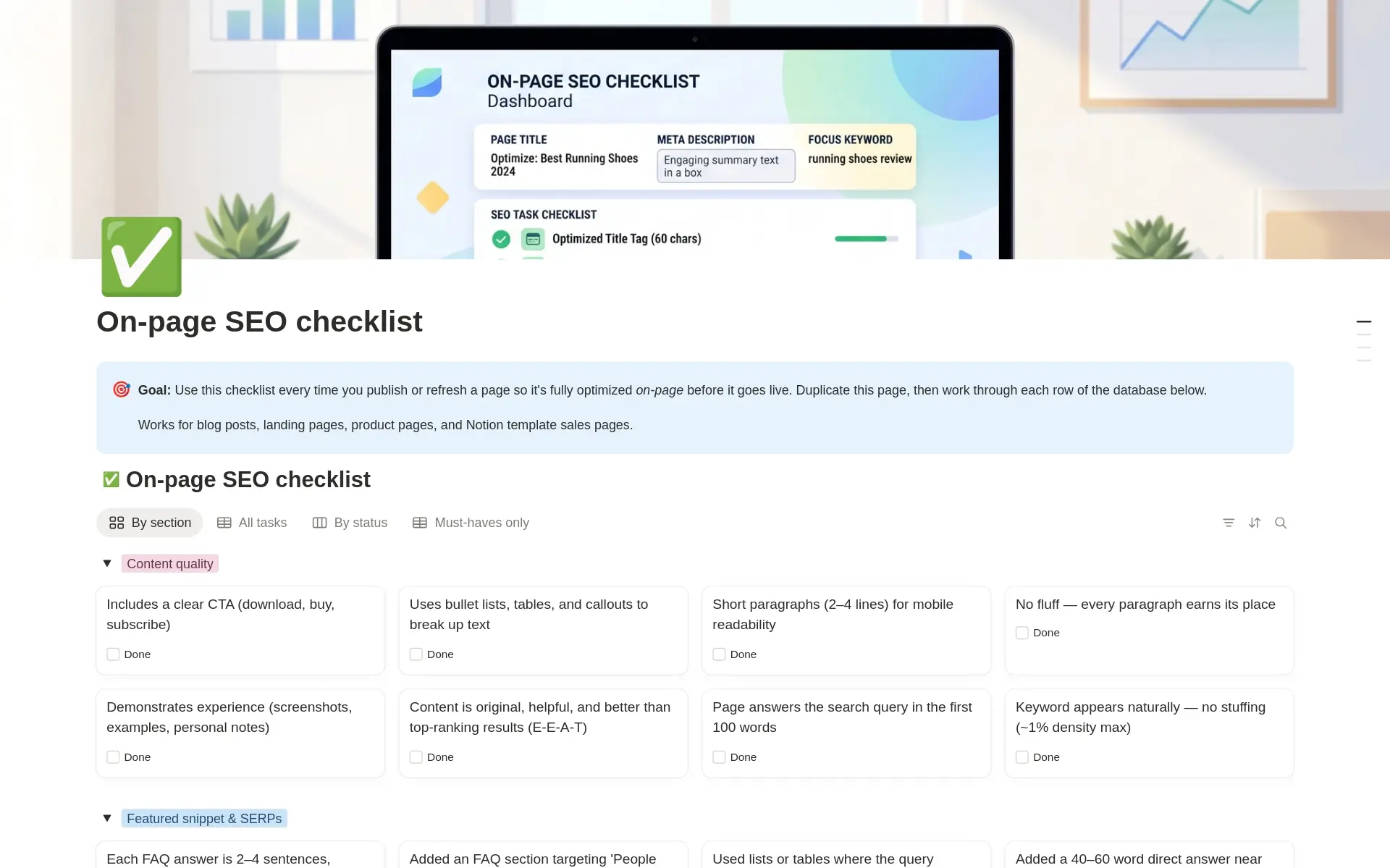
On-Page SEO Checklist
FreeA repeatable Notion checklist you work through every time you publish or refresh a page, for blog posts, landing pages, product pages and Notion template sales pages.
6 questions answered →
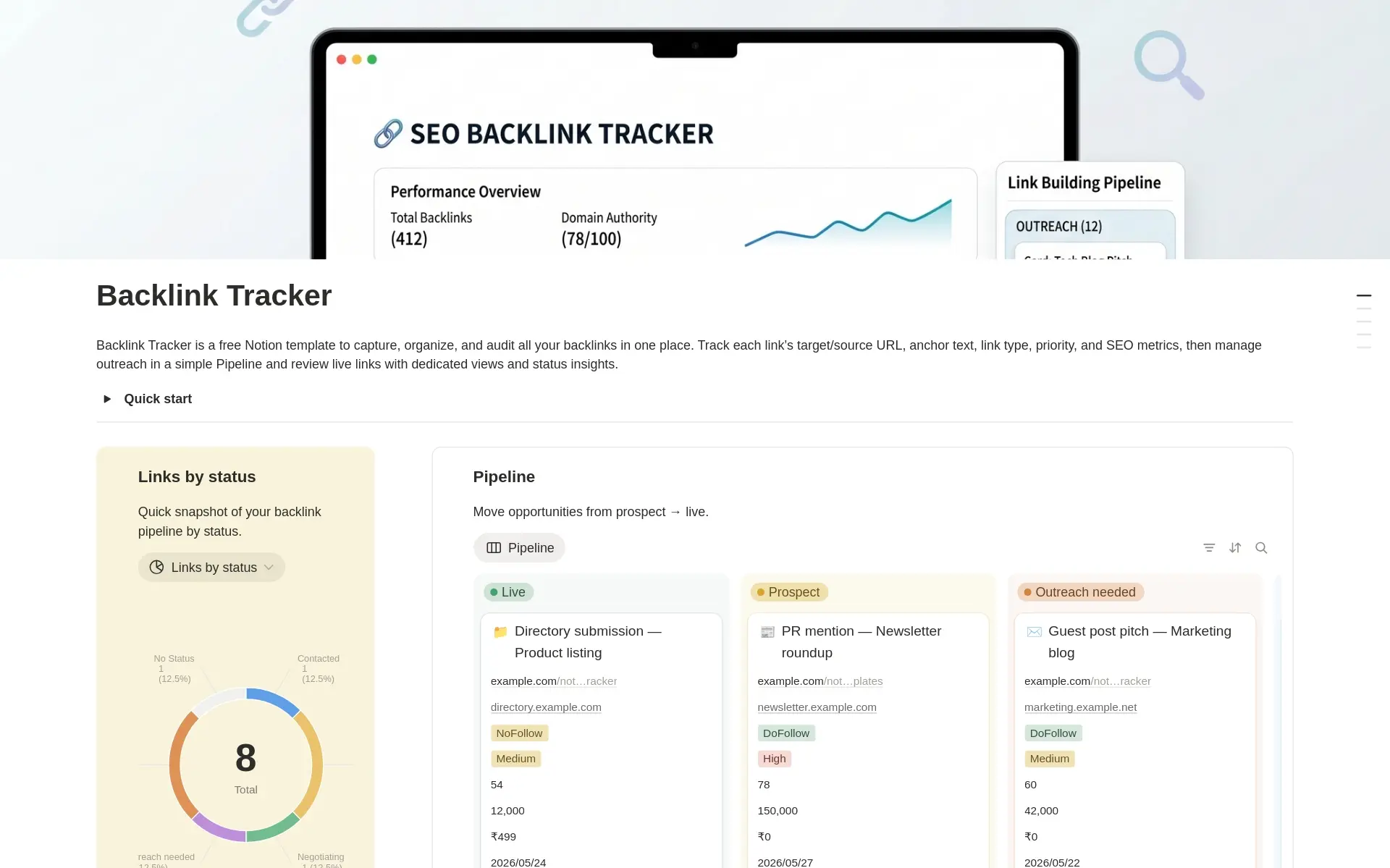
SEO Backlink Tracker
FreeA Notion database for backlink opportunities and live links in one place, with a pipeline board that moves each link from prospect to live.
5 questions answered →
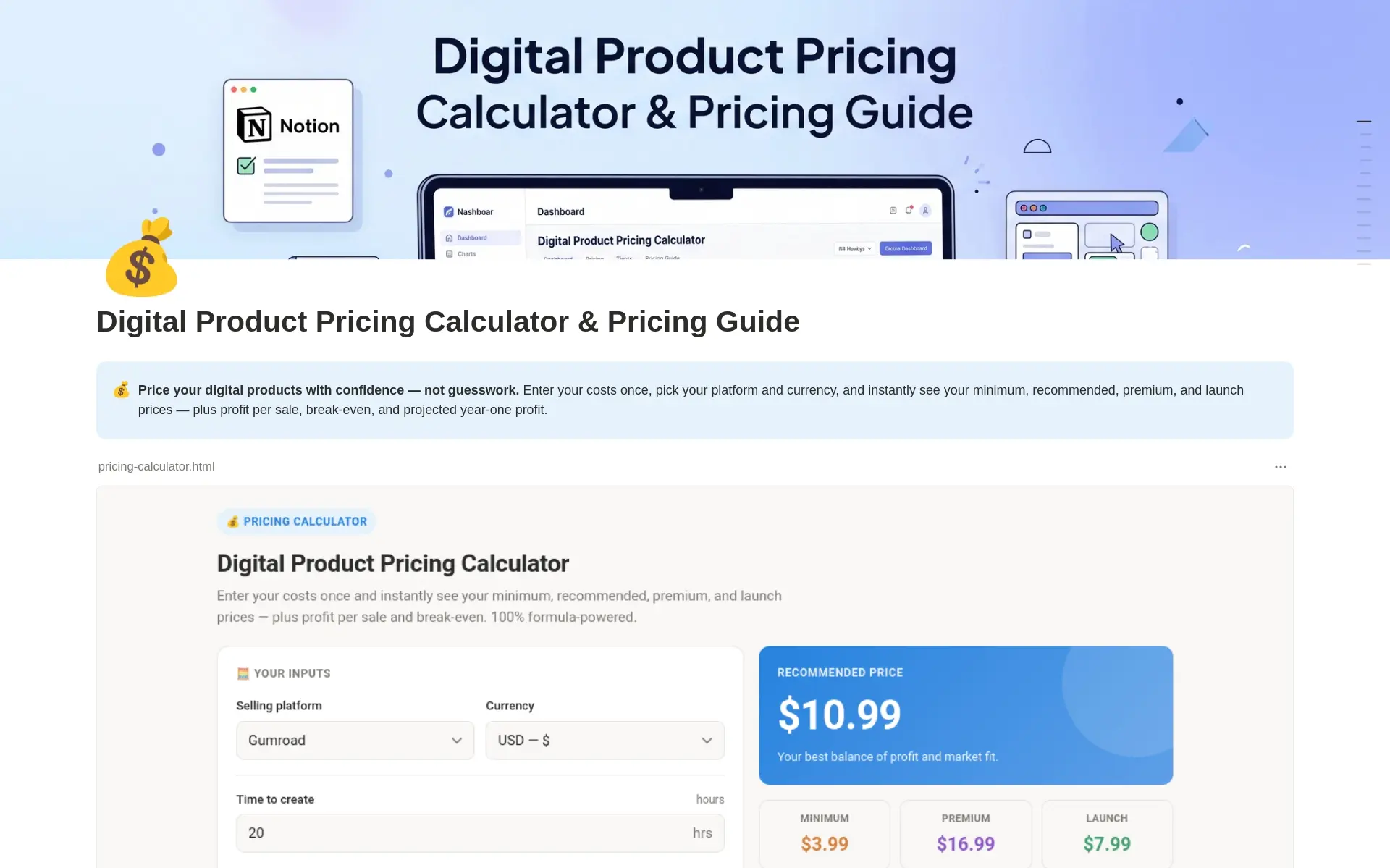
Digital Product Pricing Calculator
FreeA Notion calculator that turns your costs, fees and target margin into a minimum price, a recommended price, a premium price and a launch price, plus profit and break-even numbers.
13 questions answered →
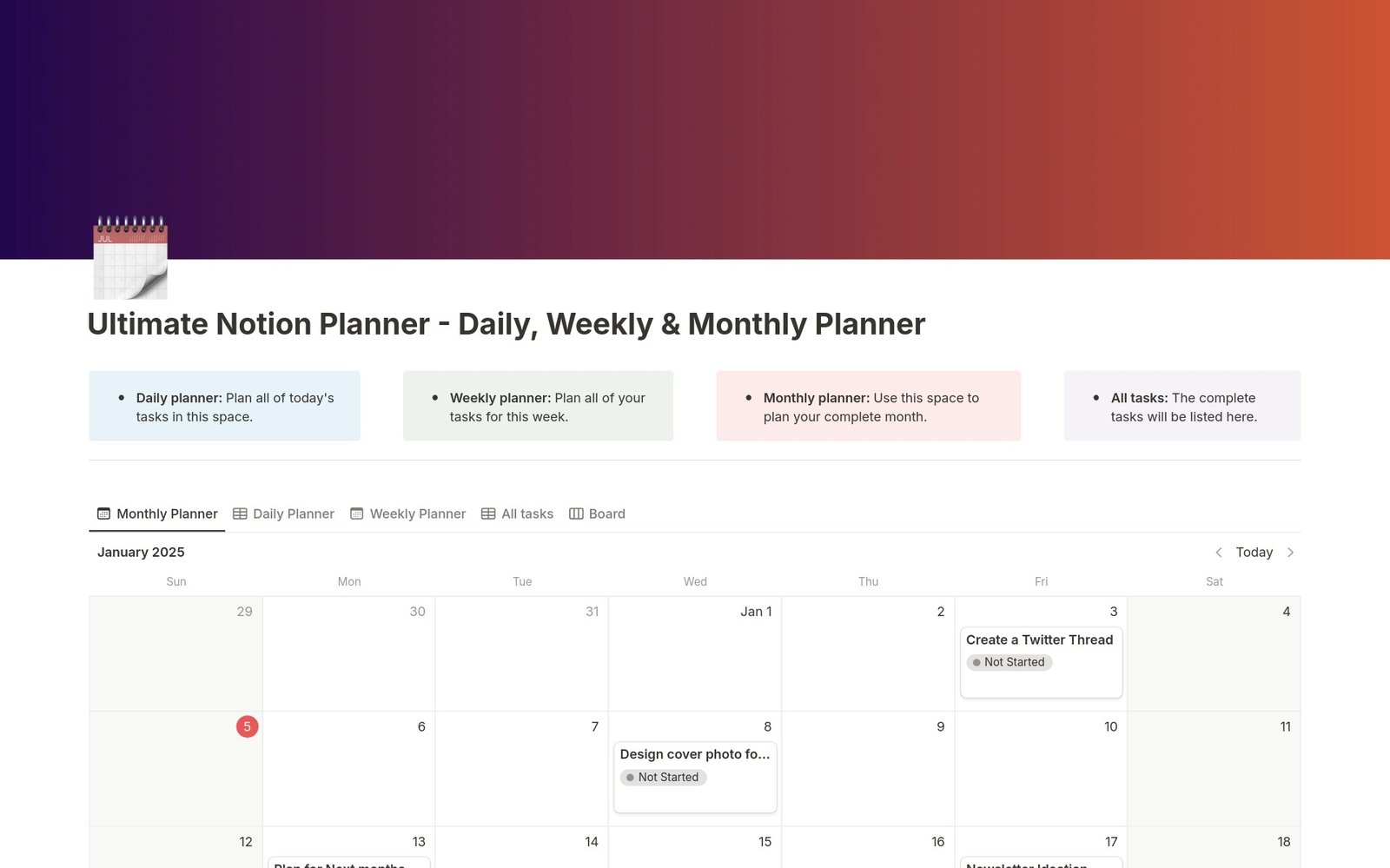
Daily, Weekly & Monthly Planner
FreeA Notion planner with a daily, weekly and monthly view over one task database, so you plan today, this week and the whole month in one place.
4 questions answered →
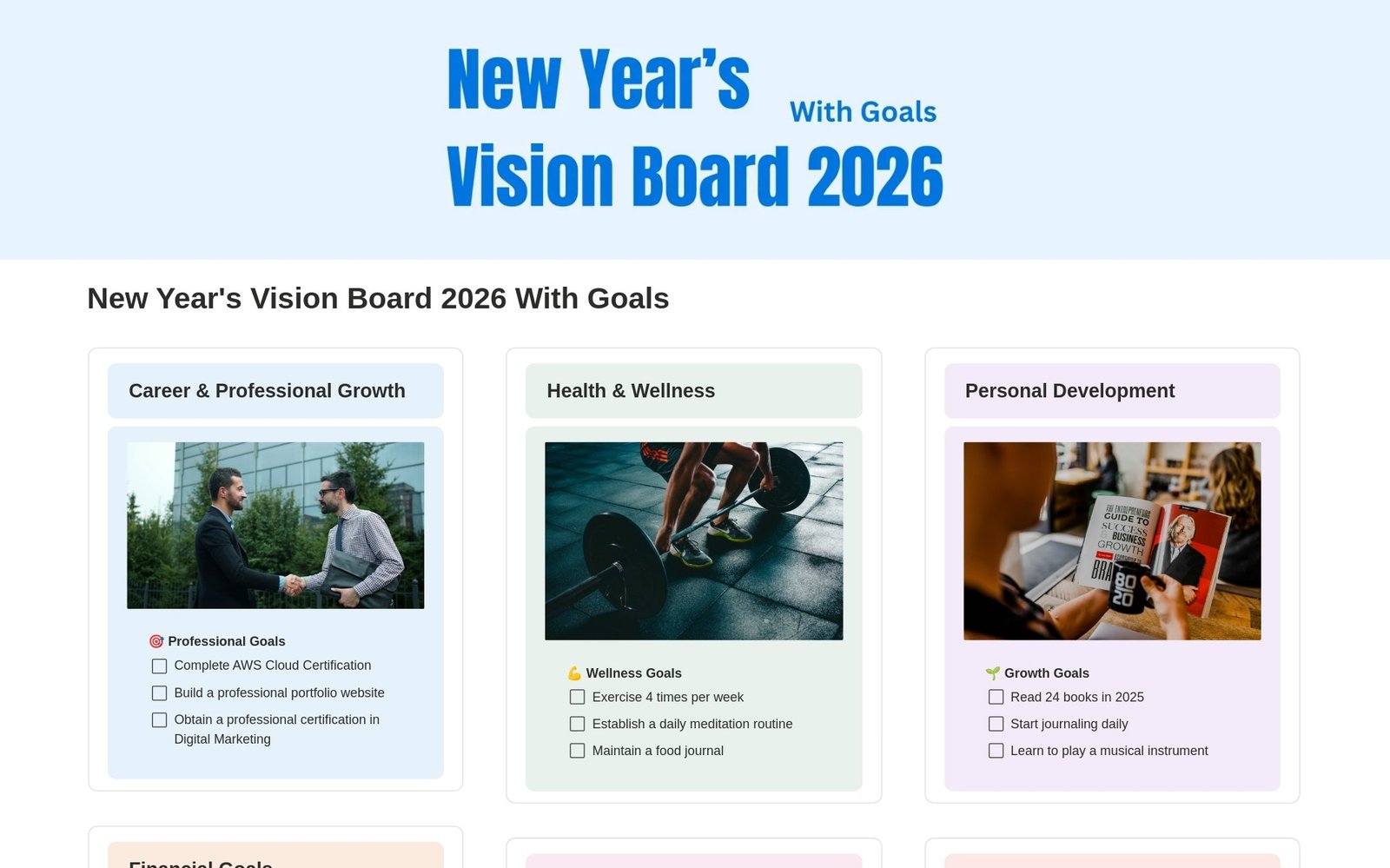
2026 Vision Board
FreeA guided Notion page for planning your year: set an annual intention, choose core values, score your life areas, define big outcomes and build habits that make them likely.
7 questions answered →
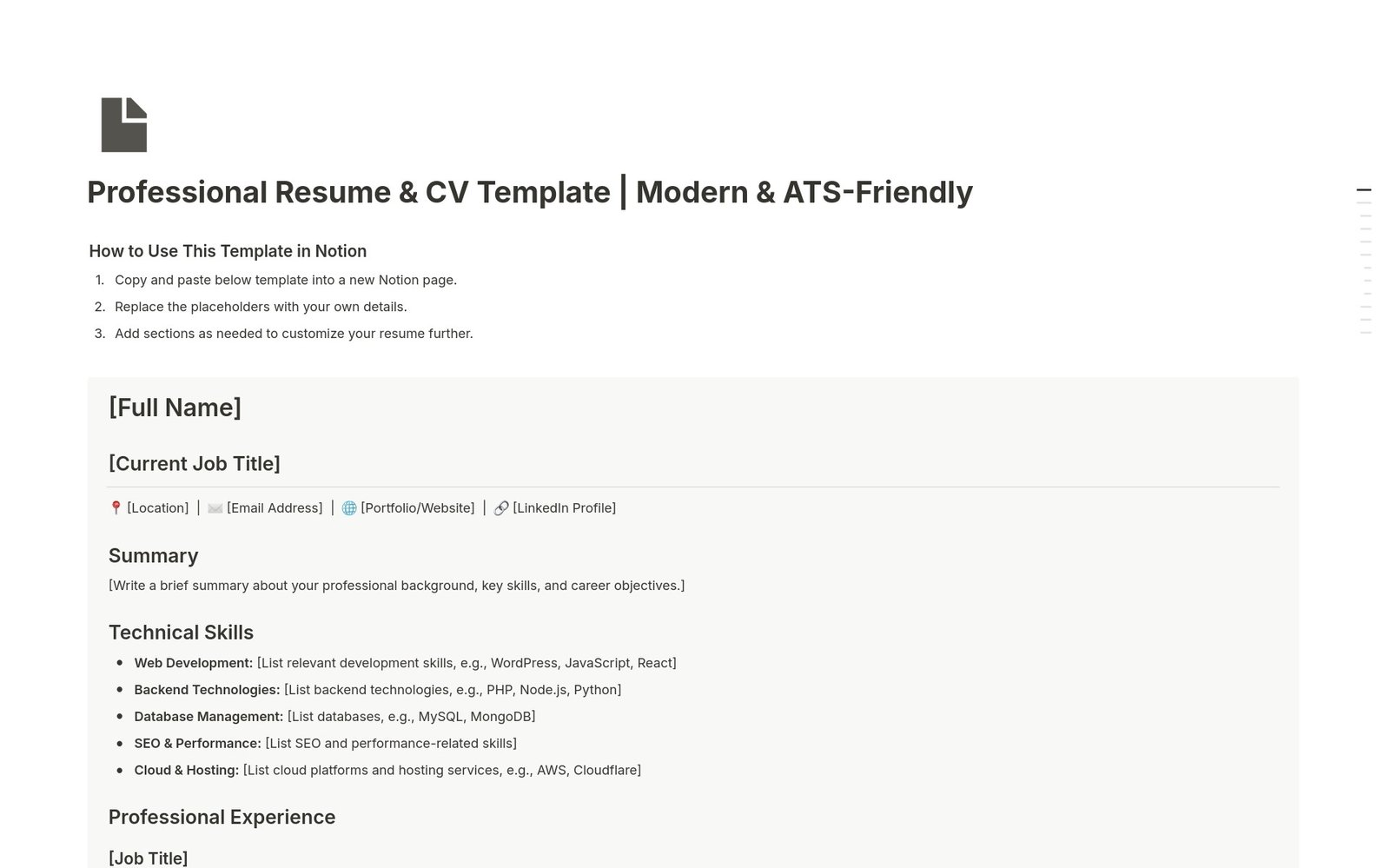
Professional Resume & CV
FreeA clean resume and CV layout for Notion with sections for your summary, skills, experience, education, certifications and awards.
3 questions answered →
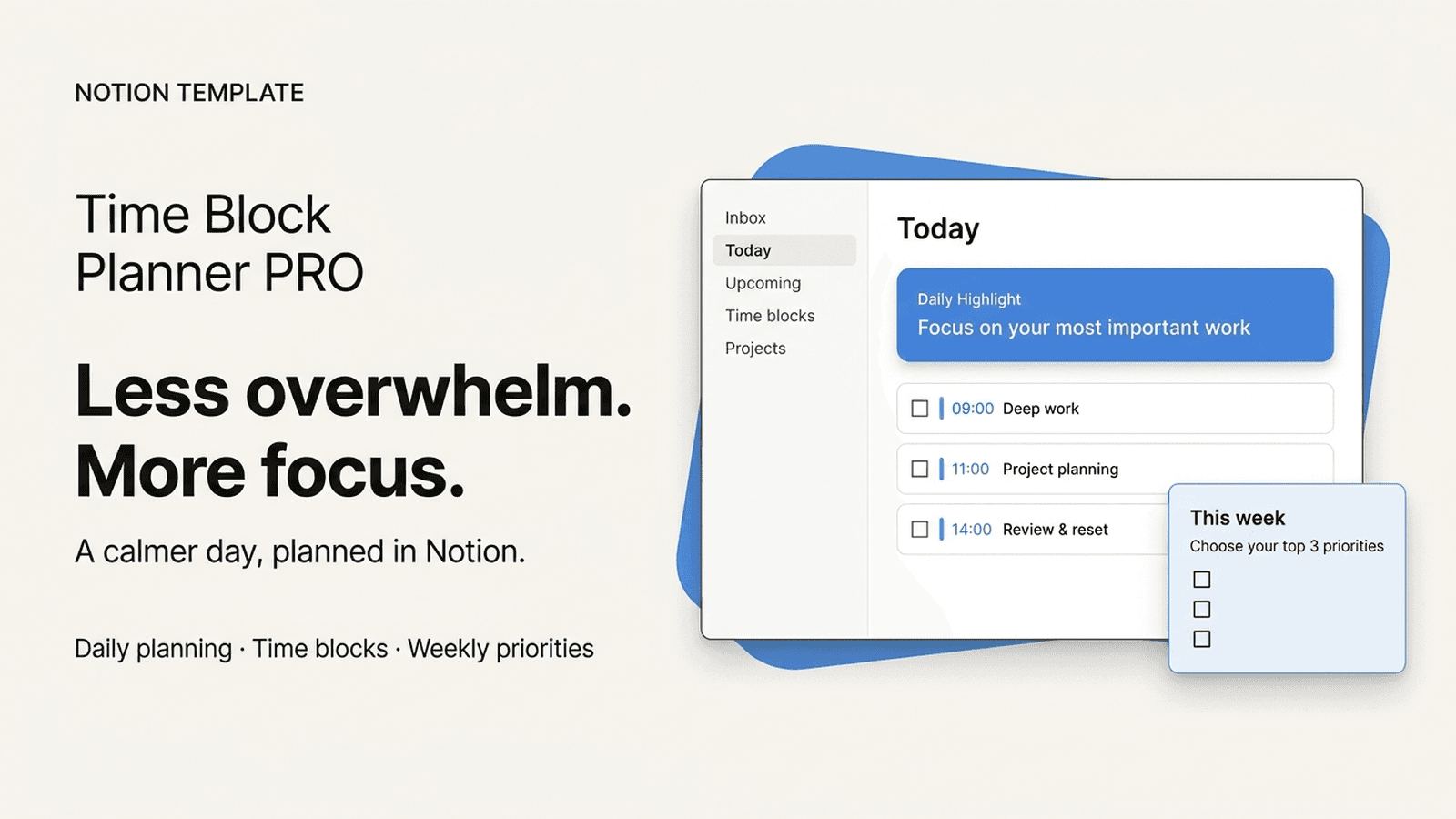
Getting started
New to Notion templates?
The basics that apply to every template.
How do I duplicate a Notion template into my workspace?
Open the template page and click Duplicate in the top right corner. On mobile, tap the three-dot menu to find the Duplicate option. The copy lands in your own Notion workspace, where you can edit it freely.
Do I need a Notion account to use these templates?
Yes. If you don't have a Notion account yet, sign up for one before you duplicate the template, because the copy is saved to your own workspace.
Are the templates in this help center free or paid?
The help center covers both free and premium Notion templates. Each guide links to the template page, which shows whether the template is free or paid and how to get it.
Who do I contact if something in a template isn't working?
Email templates@jithinrajiv.com. It helps to include the template name and what you were trying to do. Check the guide for that template first, because the most common questions are answered there.