
Notion template collections
Notion Template Collections by Goal
Compare Notion planners and templates for content creators, students, marketing, SEO, and personal finance. Choose a collection, then find the right tool for your next task.
Curated collection
Notion Planner Templates
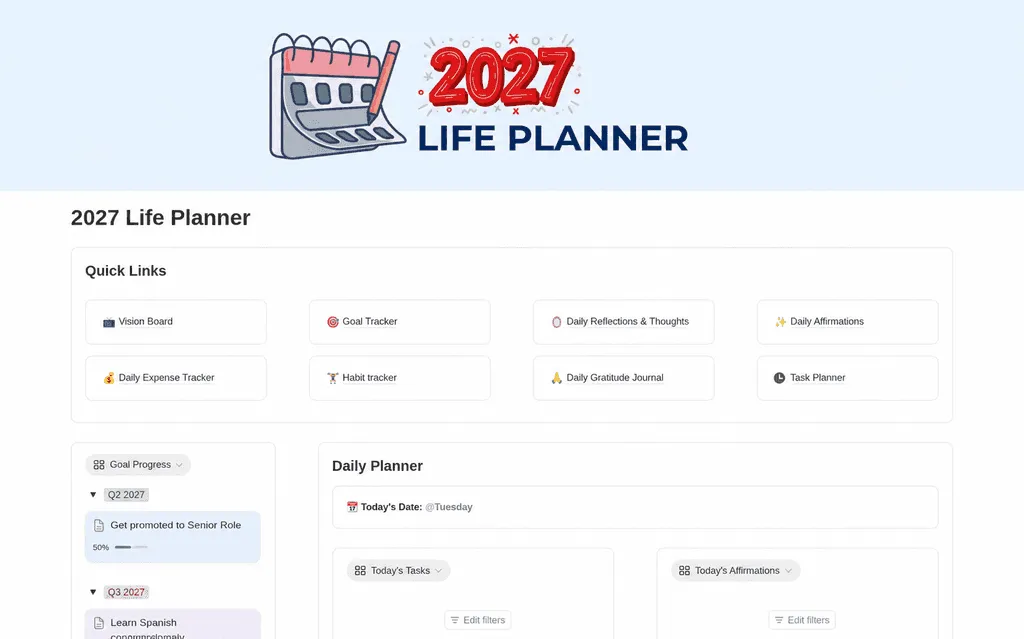
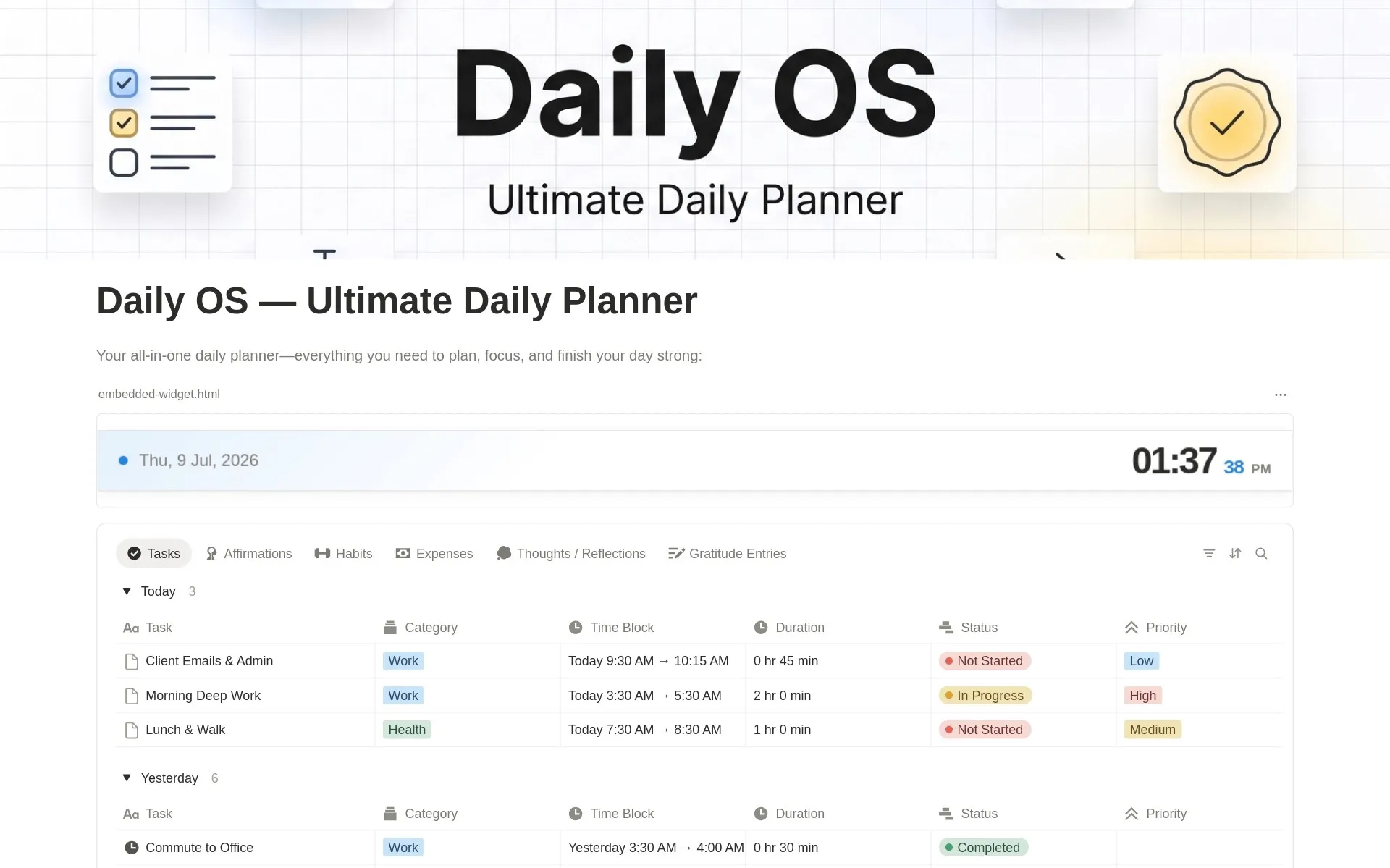
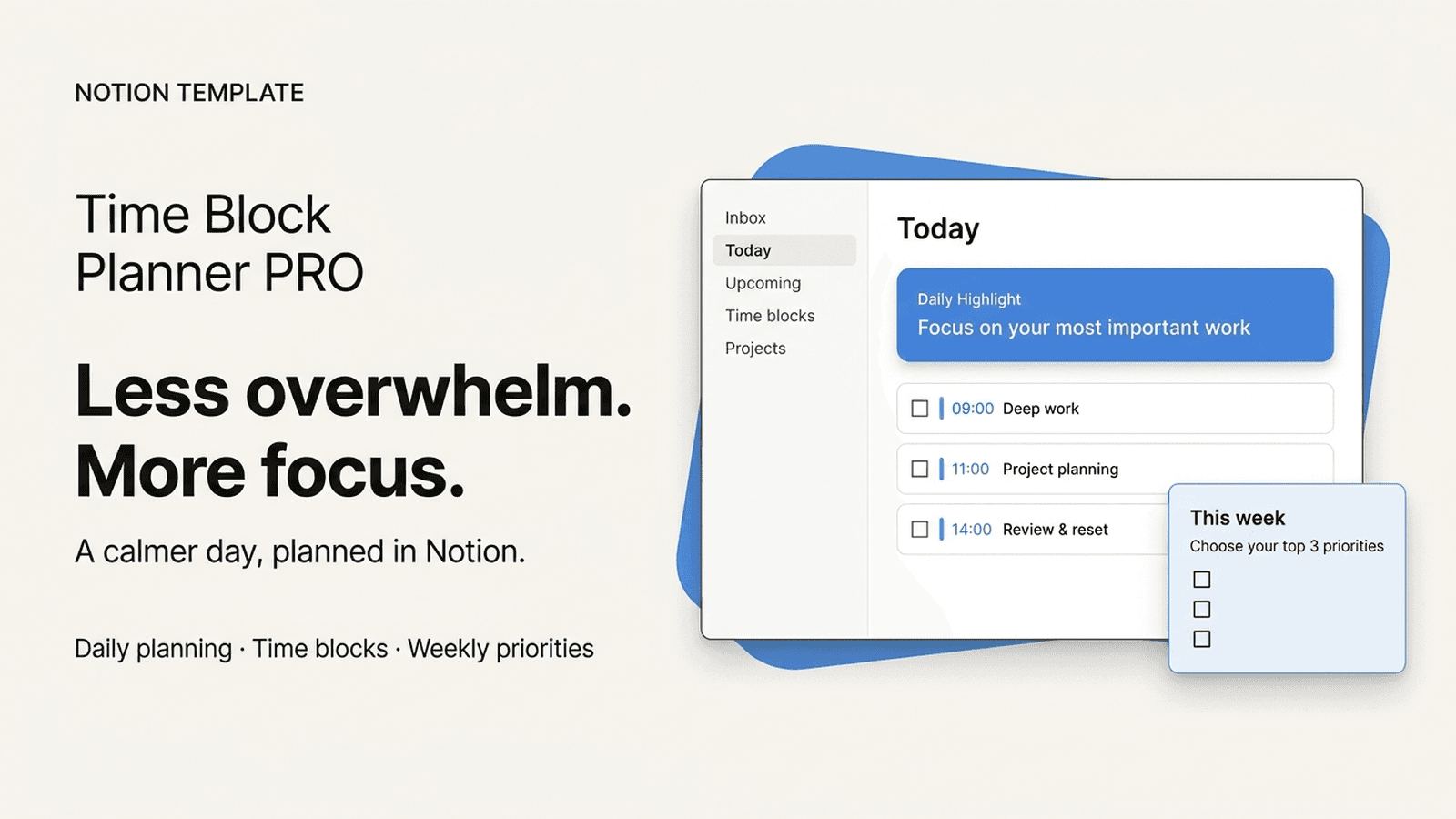
Compare free and paid Notion planner templates for daily tasks, weekly schedules, time blocking, and life goals. Find a system that fits your routine.
Explore Collection →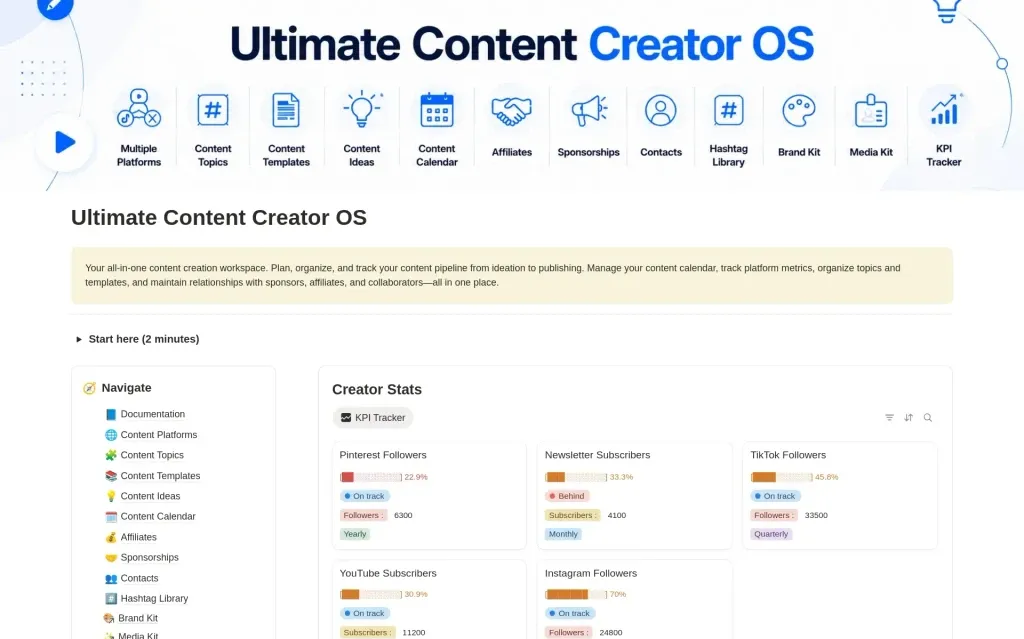
Curated collection
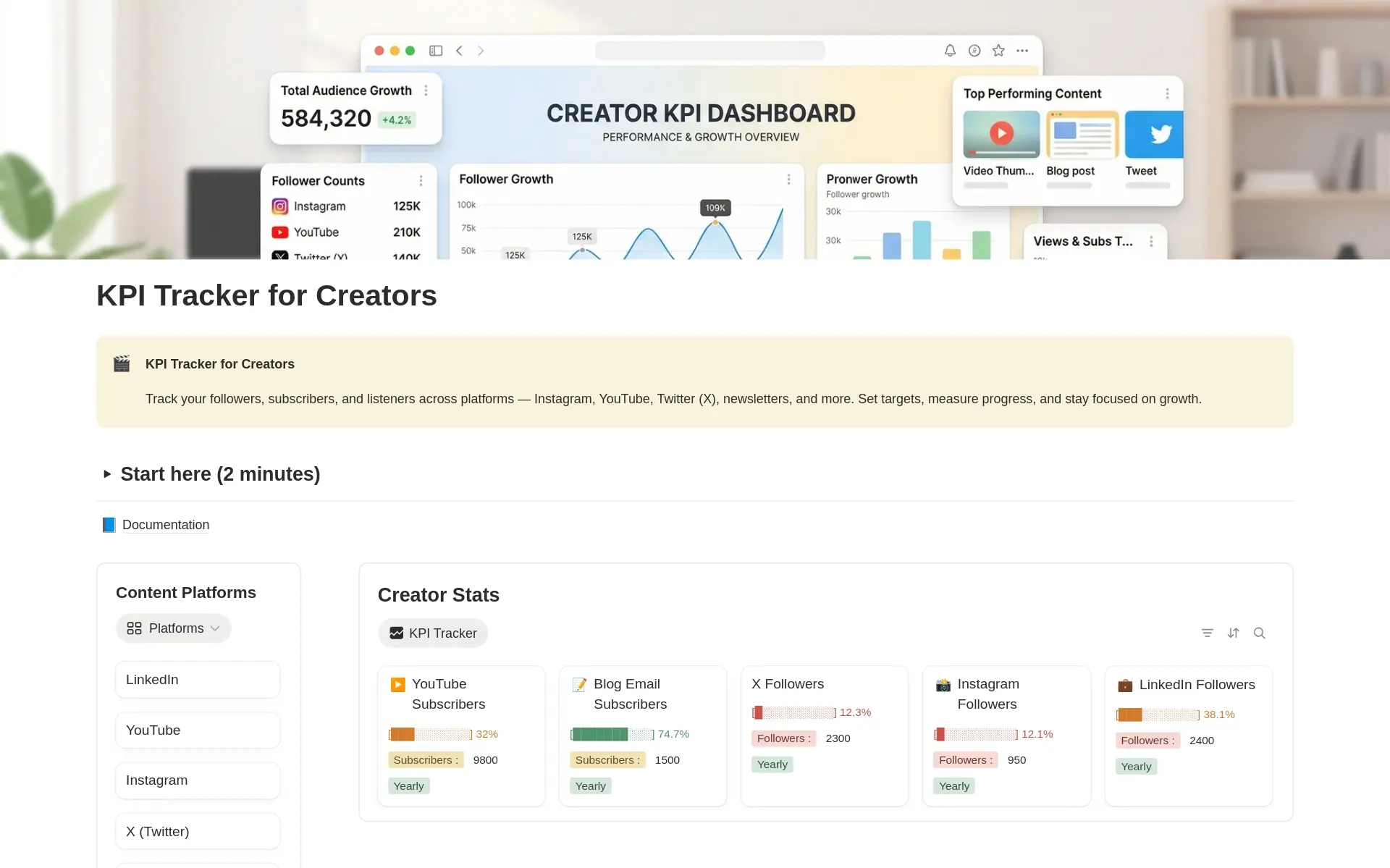
Content Creators
Compare a free creator KPI tracker with the Ultimate Content Creator OS. Plan content, organize publishing, track growth, and manage brand deals in Notion.
Explore Collection →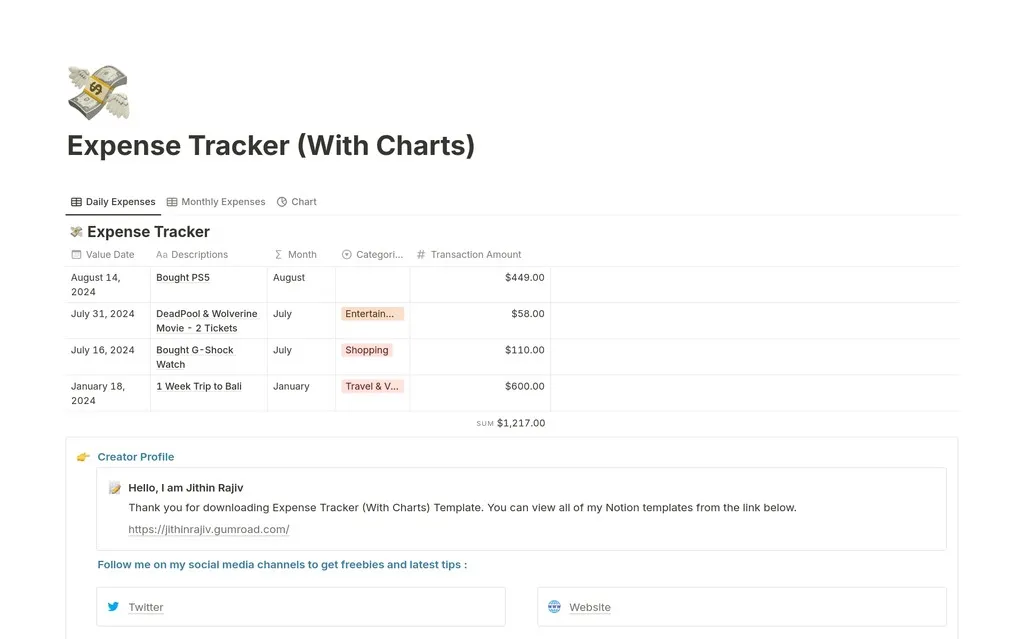
Curated collection
Students
Explore free and paid Notion templates for students: study time blocking, daily and weekly planning, internship applications, resumes, goals, and expenses.
Explore Collection →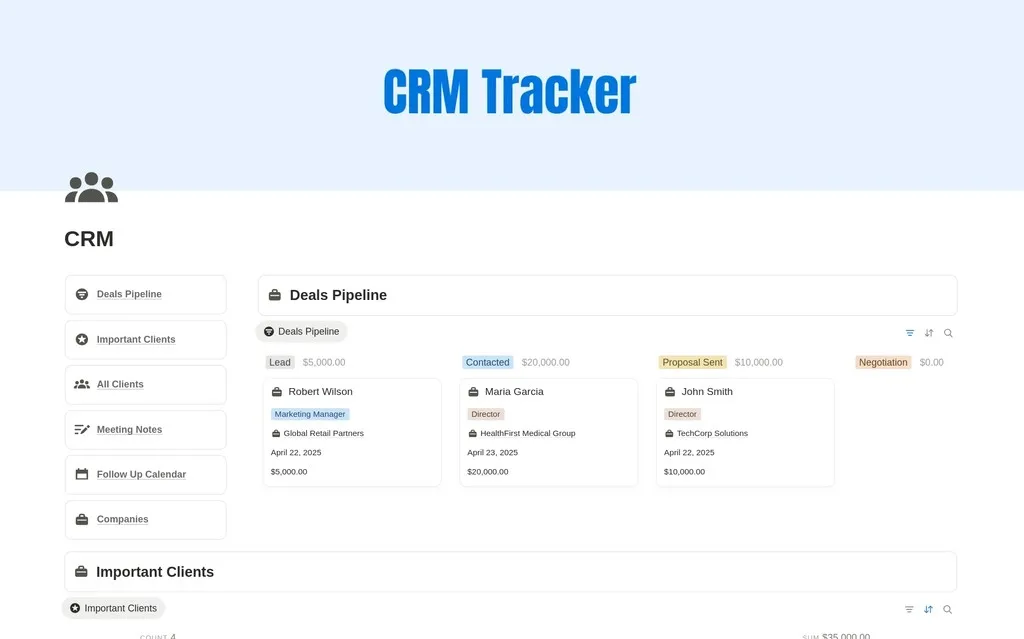
Curated collection
Marketing
Organize marketing work with Notion templates for content planning, creator KPIs, client follow-ups, and backlink outreach. Compare focused tools and workspaces.
Explore Collection →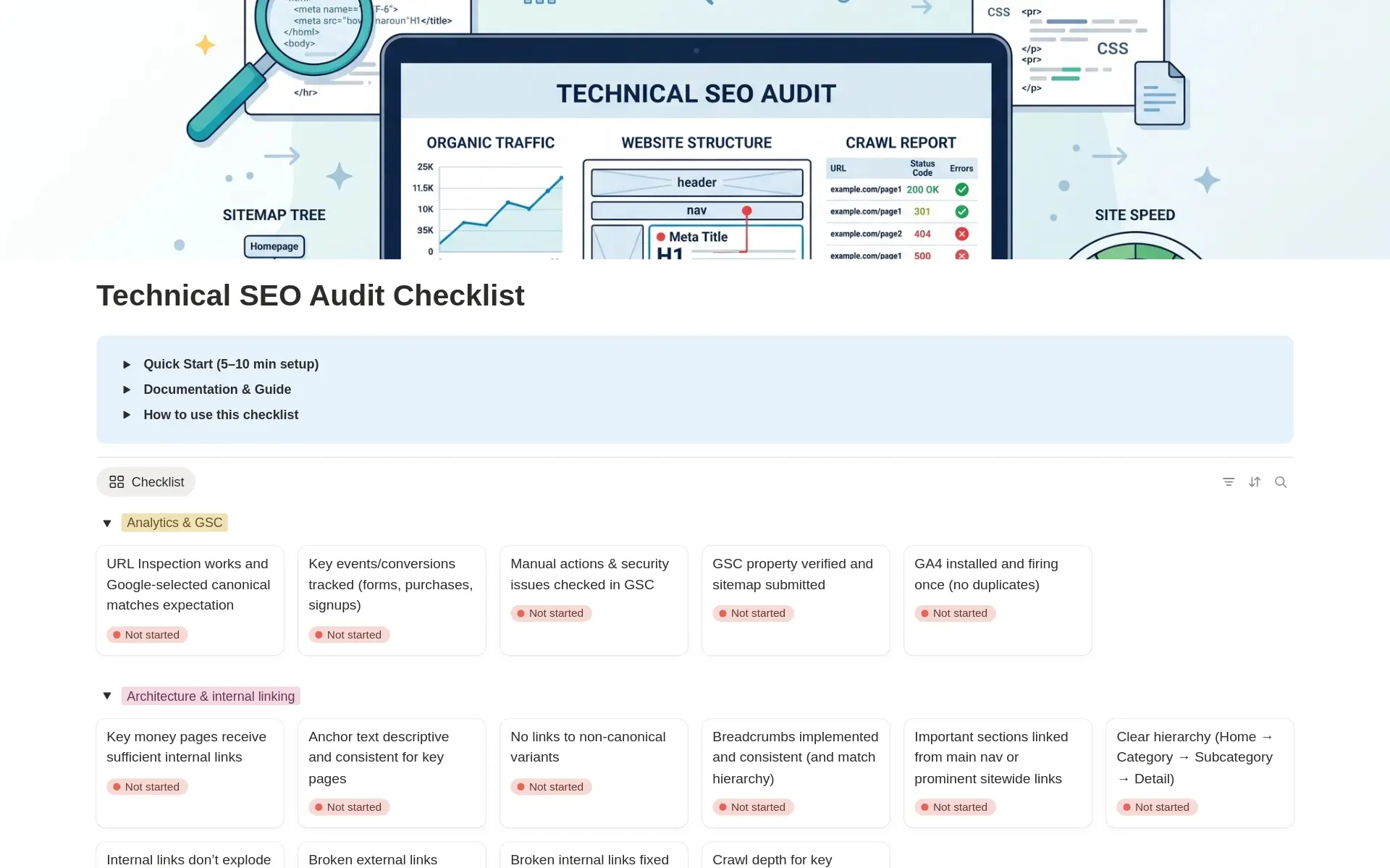
Curated collection
SEO
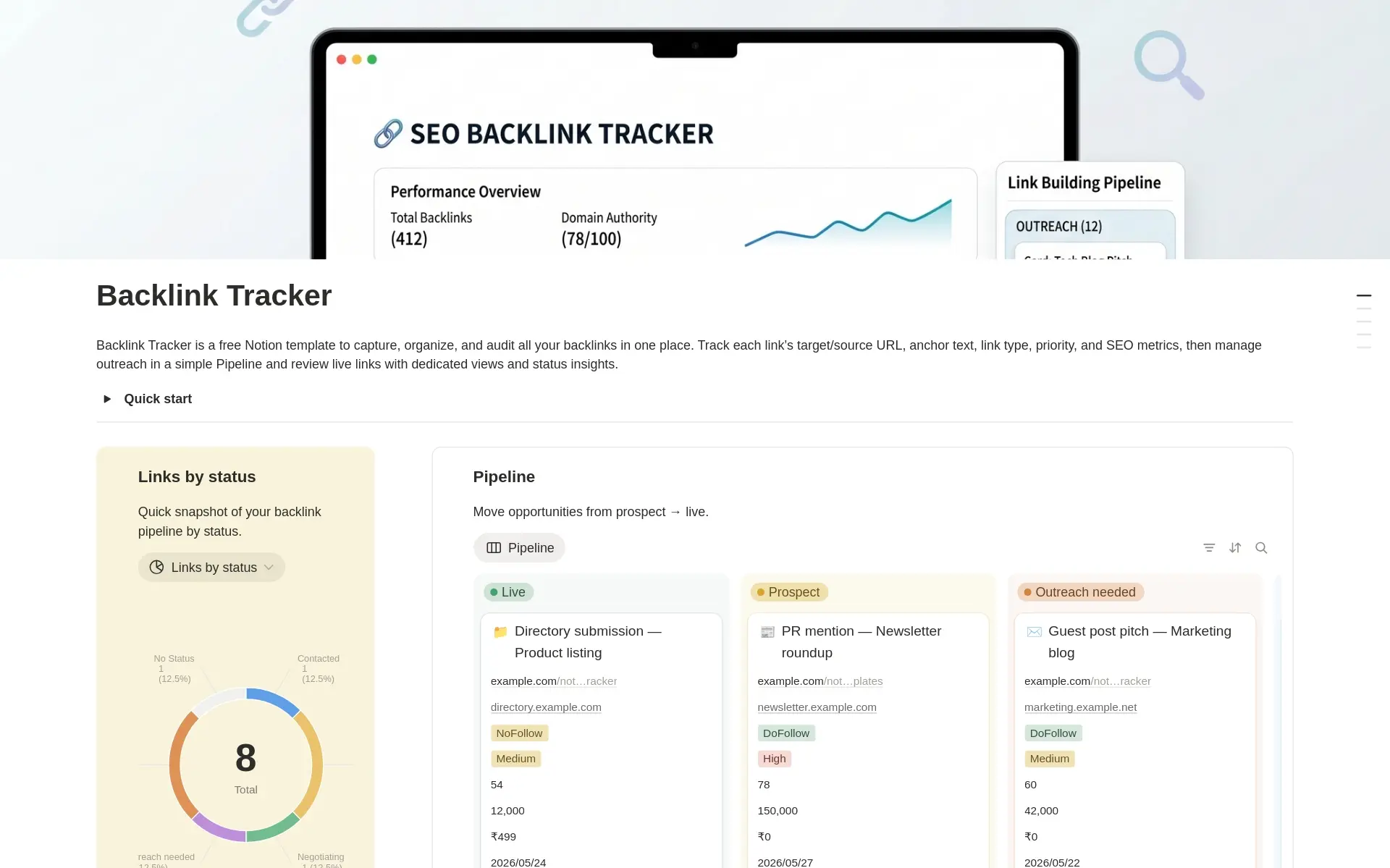
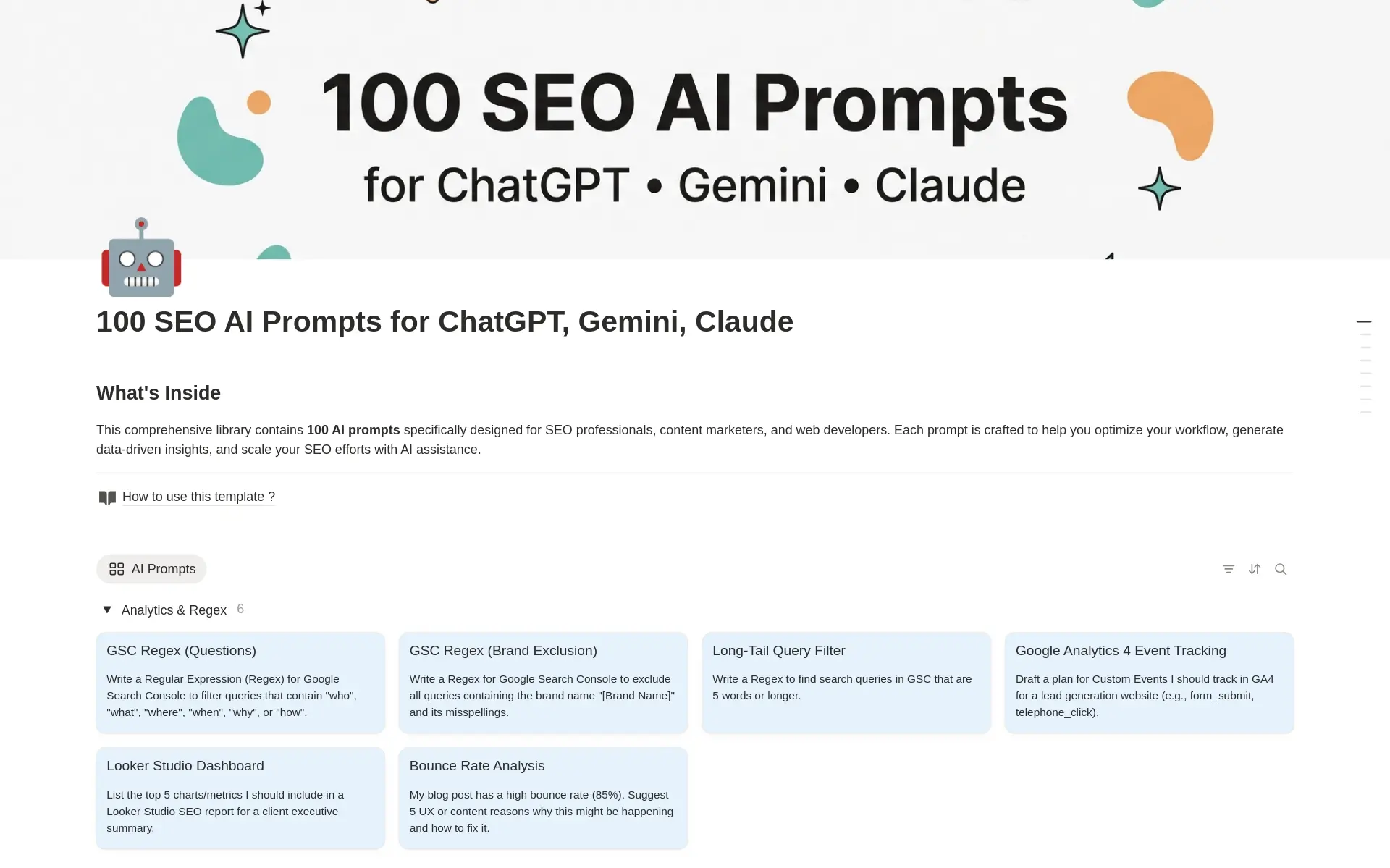
Organize SEO work with free Notion templates for technical audits, on-page checks, backlink outreach, and AI prompts. Choose a tool for your next SEO task.
Explore Collection →Curated collection
Personal Finance
Compare Notion templates for tracking expenses and budgets, with daily and life planners that include expense tracking. Choose a focused or broader workspace.
Explore Collection →Prefer browsing everything?
See the full Notion template catalog with free and premium options.
Choose a Notion template collection by role or goal
Collections group Notion templates around a role, goal, or area of work. Use them when you know what you want to organize but are not sure which individual template to start with. Open a collection to explore its selection, then visit a template page for the preview, description, and access details.
Begin with one need
Choose a collection that reflects your current priority. For example, a creator may want to organize content and ideas, while a student may need a planning or application tracker. A collection helps narrow the library; it does not mean every template in that group is necessary for your workspace. Select the one that addresses the most immediate task.
Compare individual templates
Check whether a template is free or premium and review what it is designed to organize. A collection is a browsing route, while a bundle is a separate purchase option with its own access terms. Follow the individual template or bundle link to confirm those details. If none of the collections fits your need, browse the full catalog and search directly for the type of planner or tracker you want.
Notion template collection questions
Browse by your role, then choose by your task.
Notion template collections organize the library around roles and goals, making it easier to find a relevant starting point. A creator might look for content planning resources, a student for study or application trackers, and a freelancer for client organization. Open a collection, then review the individual templates rather than assuming every resource in a group serves the same purpose.
Start with the part of your routine that creates the most friction. If ideas are scattered, look for a content system. If follow-ups are easy to lose, compare client or contact trackers. If your priority is daily focus, explore planning and productivity resources. A collection narrows the options; the individual preview helps you decide which template is worth adding to your workspace.
Are all templates in a collection free?
A collection is a browsing group, not a pricing category. It can contain resources with different prices and access methods. Check the individual template card and detail page, or use the dedicated free template library when you want to browse only the free options.
Does opening a collection give me a template bundle?
No. Collections help you discover templates by role or goal. The complete Notion template bundle is a separate offer with its own purchase and access details. Review that offer if you want several systems rather than choosing an individual resource.
Can one template fit more than one role?
Yes. A planner, goal tracker, or content workspace can be useful in more than one context. Use the collection as a starting point, then compare the template’s actual structure with your task. You can also browse the full library if a role label does not describe how you work.