

Organize your complete SEO workflow in Notion. Explore practical templates for technical audits, keyword research, content planning, link building, client management, and reporting—created by a working technical SEO professional.
Technical SEO Templates
Use practical systems to audit websites, prioritize issues, assign fixes, collaborate with developers, and validate completed work. Start with the free Technical SEO Audit Checklist. A premium Technical SEO Audit Manager is coming soon, planned at $15–$25.
Content SEO Templates
Plan keywords, briefs, production, optimization, internal linking, and content refreshes in one workflow. A Content & SEO Operations system is planned at $25–$39.
Link-Building Templates
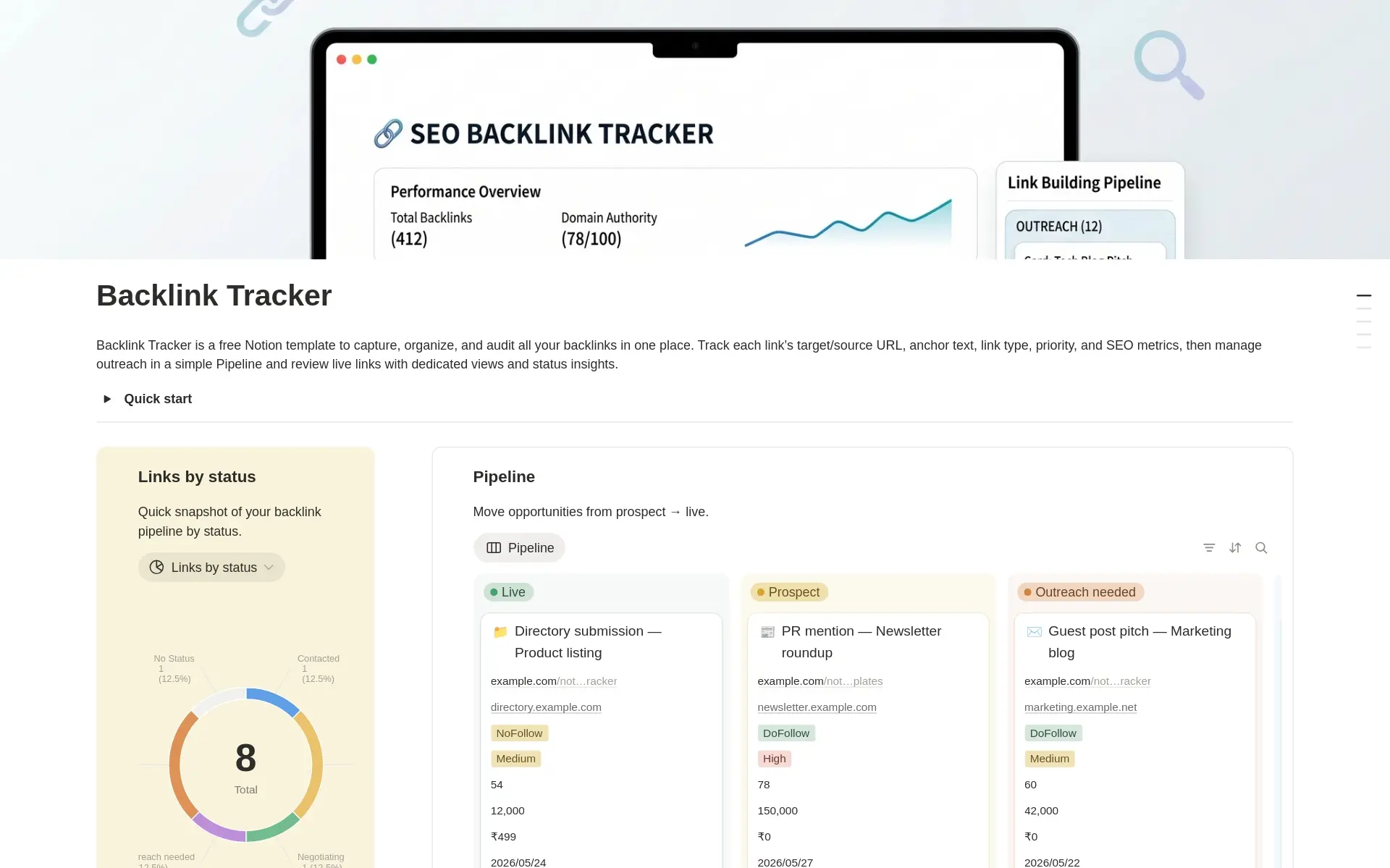
Manage prospects, outreach, follow-ups, live backlinks, anchor text, and campaign performance. Start with the free SEO Backlink Tracker. A Link-Building & Outreach system is planned at $19–$29.
SEO Client & Agency Templates
Organize client onboarding, deliverables, meetings, documents, approvals, and reporting. An SEO Client Portal is planned at $39–$59, followed later by an SEO Agency OS at $69–$99.
SEO Reporting Templates
Track priorities, completed work, outcomes, and monthly reporting history so clients and stakeholders can clearly understand progress.
Why manage SEO in Notion?
SEO work often becomes fragmented across spreadsheets, documents, task managers, and emails. Notion provides an operational layer for connecting strategy, findings, tasks, documentation, and collaboration. These templates complement—rather than replace—crawlers, analytics platforms, keyword tools, and rank trackers.
Who are these templates for?
These templates are designed for freelance SEO consultants, small SEO agencies, in-house SEO specialists, and content-led businesses.
Created from real technical SEO experience
I’m Jithin Rajiv, a technical SEO lead and website builder. I create practical, customizable templates based on real workflows for audits, implementation, content, documentation, and reporting.
Frequently asked questions
What is an SEO Notion template?
A ready-made Notion workspace for organizing SEO audits, keyword research, content planning, link building, issue tracking, and reporting.
Can Notion replace SEO tools?
No. Notion organizes the workflow around your specialist SEO tools; it does not replace crawling, analytics, rank tracking, or keyword research software.
Which template should I start with?
Start with a focused free checklist or tracker. Choose a paid manager when you need prioritization, ownership, deadlines, implementation tracking, and repeatable workflows.
Can I customize the templates?
Yes. You can adapt properties, views, categories, and workflows to your process.
Do paid templates include instructions?
Paid products are planned to include setup guidance, example data, workflow explanations, and product demonstrations.
Looking for Free Templates ?
See the free Notion template catalog.
Browse Free Templates


