2027 Life Planner
Keep tasks, habits, reflections, and expenses together in a central Notion workspace.
Define what you want to achieve in 2027 and break it into priorities for each quarter.
Turn larger goals into manageable plans for the month and clear actions for today.
Track the habits you want to build and review how they fit into your everyday life.
Make space to record your thoughts, reflect on progress, and practice gratitude.
Log everyday expenses alongside your plans to stay aware of your spending.
A Notion Life Planner Template for a More Intentional 2027
Planning a year starts with deciding what matters to you. This Notion life planner template gives you a place to organize those priorities alongside the tasks, routines, and everyday commitments that shape your progress.
Use the 2027 Life Planner to bring goals, habits, reflections, and expenses into one workspace. Start with the sections you need, then adapt your planner as your priorities develop throughout the year.
Turn Yearly Goals Into Everyday Actions
Set your direction for 2027, choose a focus for each quarter, and break larger goals into monthly priorities. From there, plan the daily tasks that move your work forward.
Keeping these planning levels together helps you review whether your everyday actions still support the goals you chose.
Build Routines You Can Review
Use the habit tracking tools to record the routines you want to practice. Pair them with reflection and gratitude to consider what is working, what feels difficult, and what you want to change.
Your planner gives you a place to revisit your plans as circumstances change.
Keep Everyday Details Together
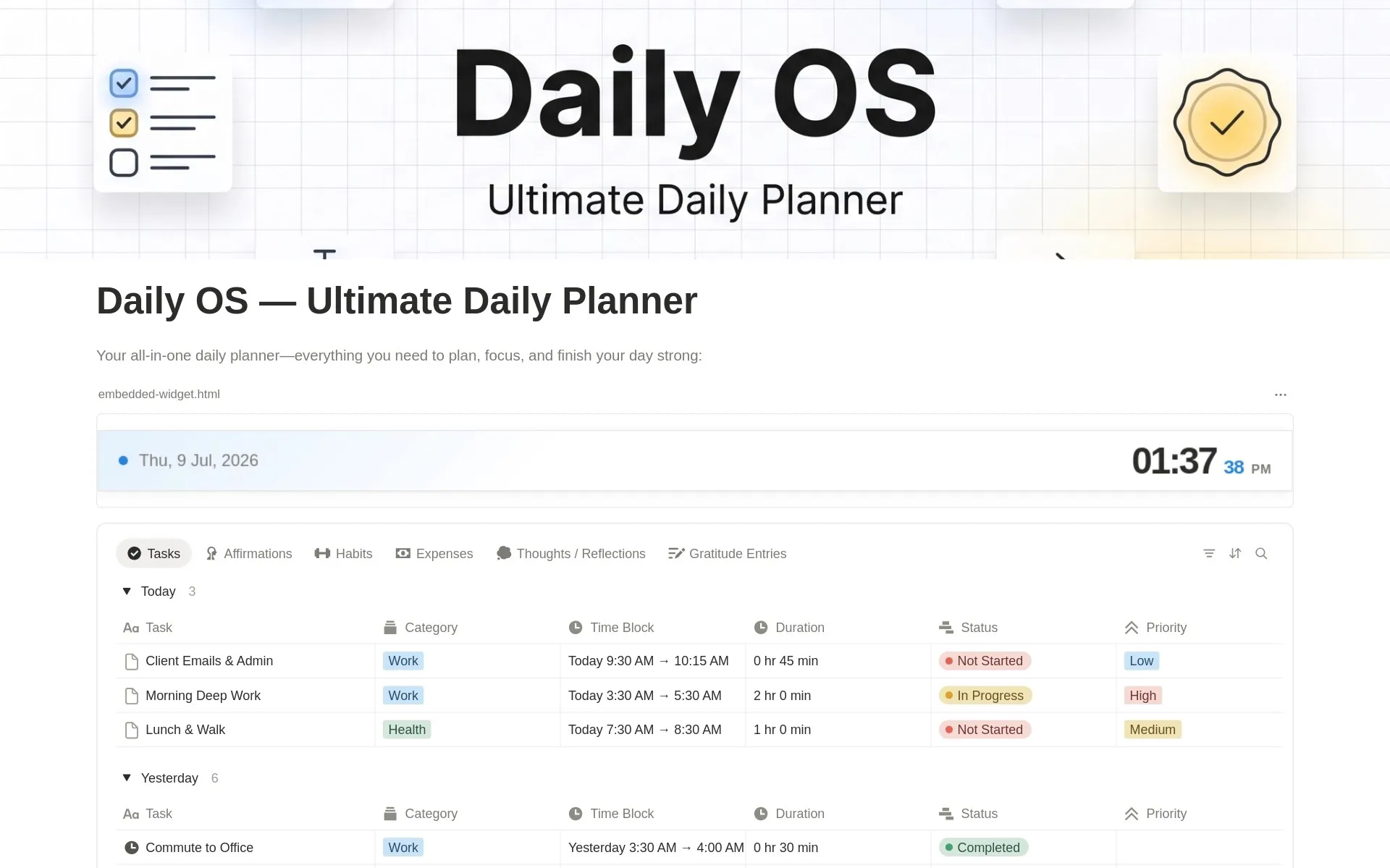
Alongside goal planning, use the dashboard to organize daily tasks and record expenses. Bringing these details into the same workspace makes it easier to review your plans without switching between scattered pages.
Set Up Your 2027 Life Planner in Notion
Duplicate the template into your workspace and follow the included setup guide. Add your goals, choose your first monthly priorities, and begin with a few daily tasks and habits.
You can customize the layout to suit your routine and expand your use of the planner over time.
Start with one template, or unlock the full library—including future releases.
You’re viewing this template
Make room for what matters in 2027. Organize your goals, daily tasks, habits, reflections, and expenses with a Notion life planner that brings your year into focus.
✓
One Life Dashboard
✓
Yearly Goals and Quarterly Focus
✓
Monthly Priorities and Daily Tasks
✓
Habits and Routines
✓
Reflection and Gratitude
✓
Simple Expense Tracking
Build your workspace today. Keep growing with every new release.
✓ Includes 2027 Life Planner
✓ All my current free and premium Notion templates
✓ Access to all future Notion templates I release
The 2027 Notion Life Planner is a digital template for organizing yearly goals, quarterly focus, monthly priorities, daily tasks, habits, reflections, and expenses in one Notion workspace.
2026 Life Planner is an all-in-one Notion life planner template that helps you manage goals, habits, daily plans, and finances in one workspace.
It includes a central dashboard, goal planning, daily tasks, habit and routine tracking, reflection tools, and simple expense tracking. A step-by-step setup guide is also included.
Yes. The system is easy to use right after duplication and can be customized without any advanced Notion knowledge.
Yes. The template includes setup instructions and a customizable layout, so you can start with the sections you need and adapt your workspace over time.
Absolutely. The structure is reusable and can be duplicated for future years.
Yes. You can access the template through Notion on desktop and mobile. Larger planning views may be easier to work with on a desktop.
No. This is a paid digital template available for a one-time purchase. The current price is shown in the purchase section.
Your Gumroad email receipt includes the Notion access link. Open the link and duplicate the template into your own Notion workspace.
Get the template, duplicate it into Notion, and shape it around the way you work.