
Free Notion templates
Free Notion templates for everyday work.
Explore free Notion planners, trackers, and workspaces for your tasks, content, and ideas. Preview a template, duplicate it into Notion, and customize it for your routine.
Free to duplicate · Easy to customize
Find your next starting point
Browse by what you do
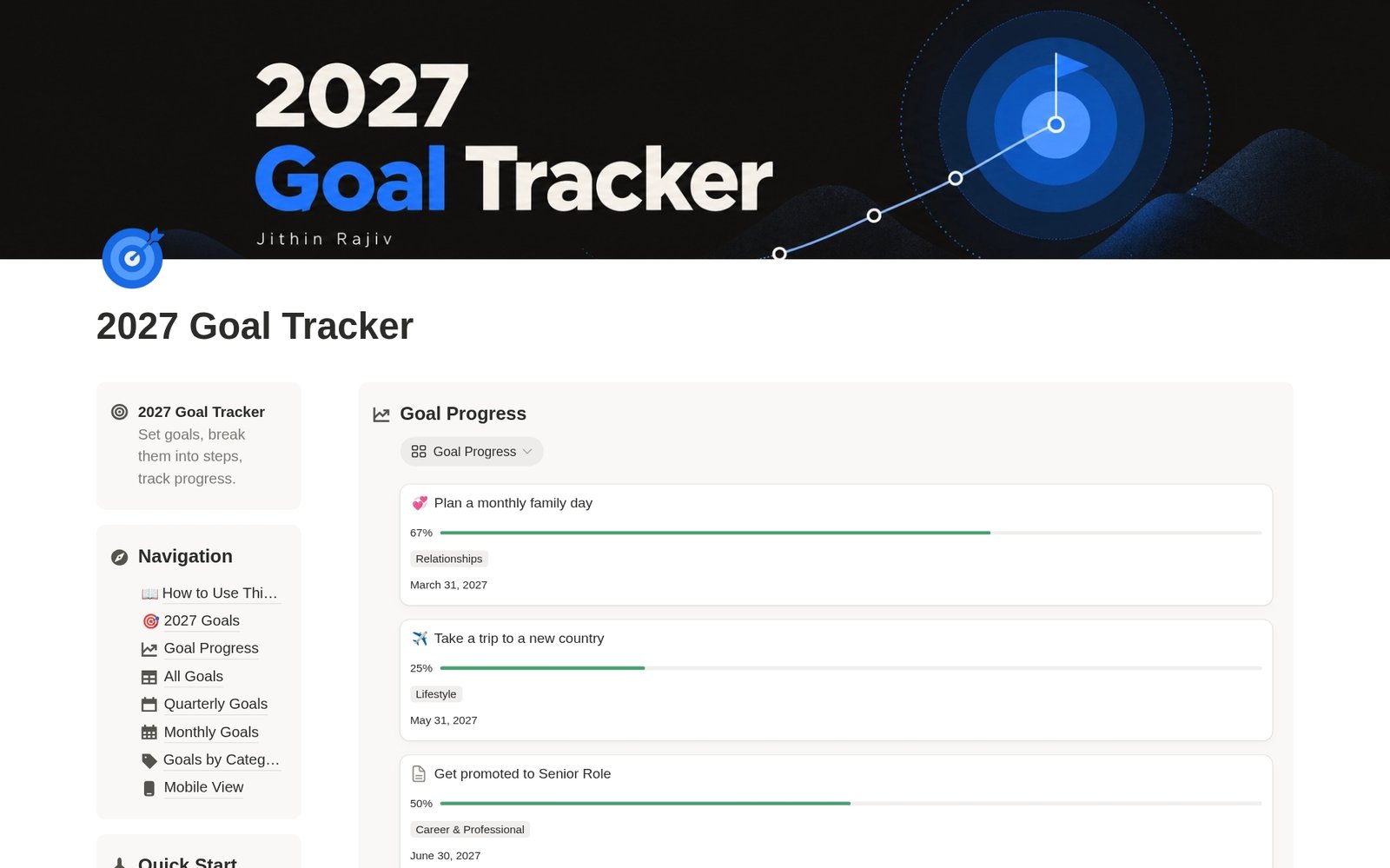
2027 Yearly Goal Tracker & Planner
FreeA free Notion goal tracker for 2027. Set yearly goals, break them into steps, and track progress by quarter, month and category.
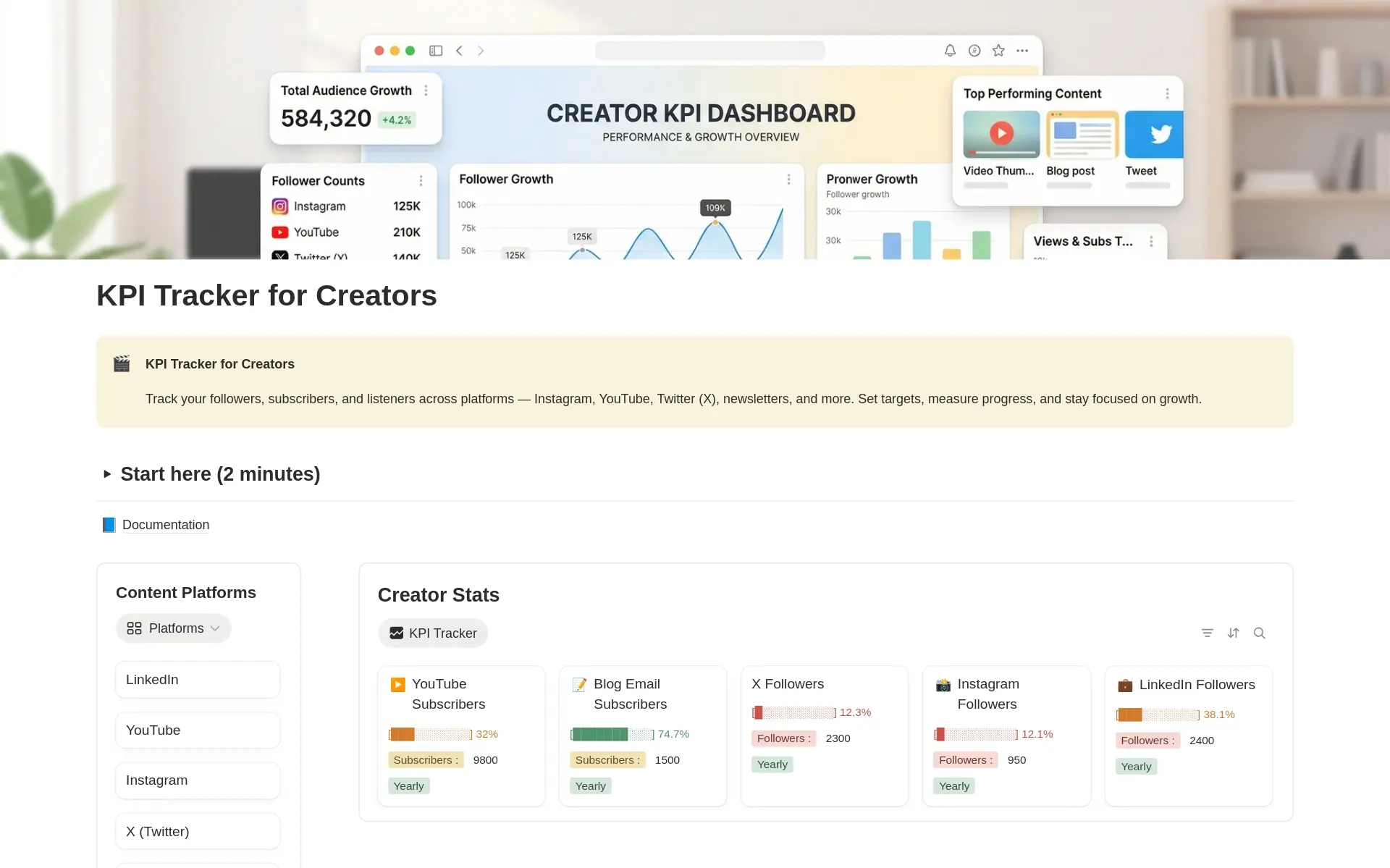
KPI Tracker for Content Creators
FreeTrack the numbers that matter as a creator. Monitor followers, views, engagement, and revenue across platforms in one Notion KPI dashboard.
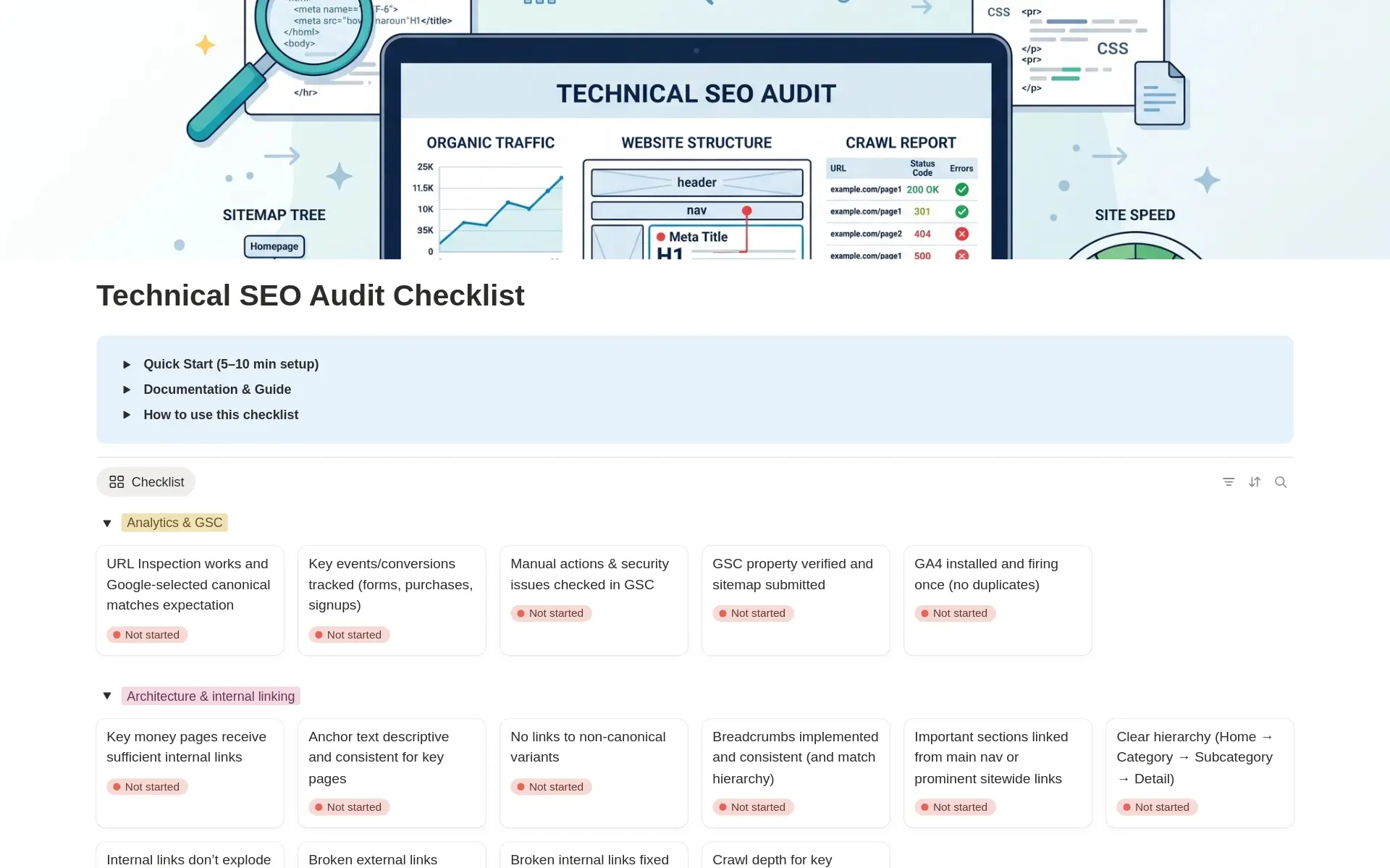
Technical SEO Audit Checklist
FreeRun a complete technical SEO audit without missing critical checks. Turn findings into an execution plan with priorities, impact, due dates, and proof.
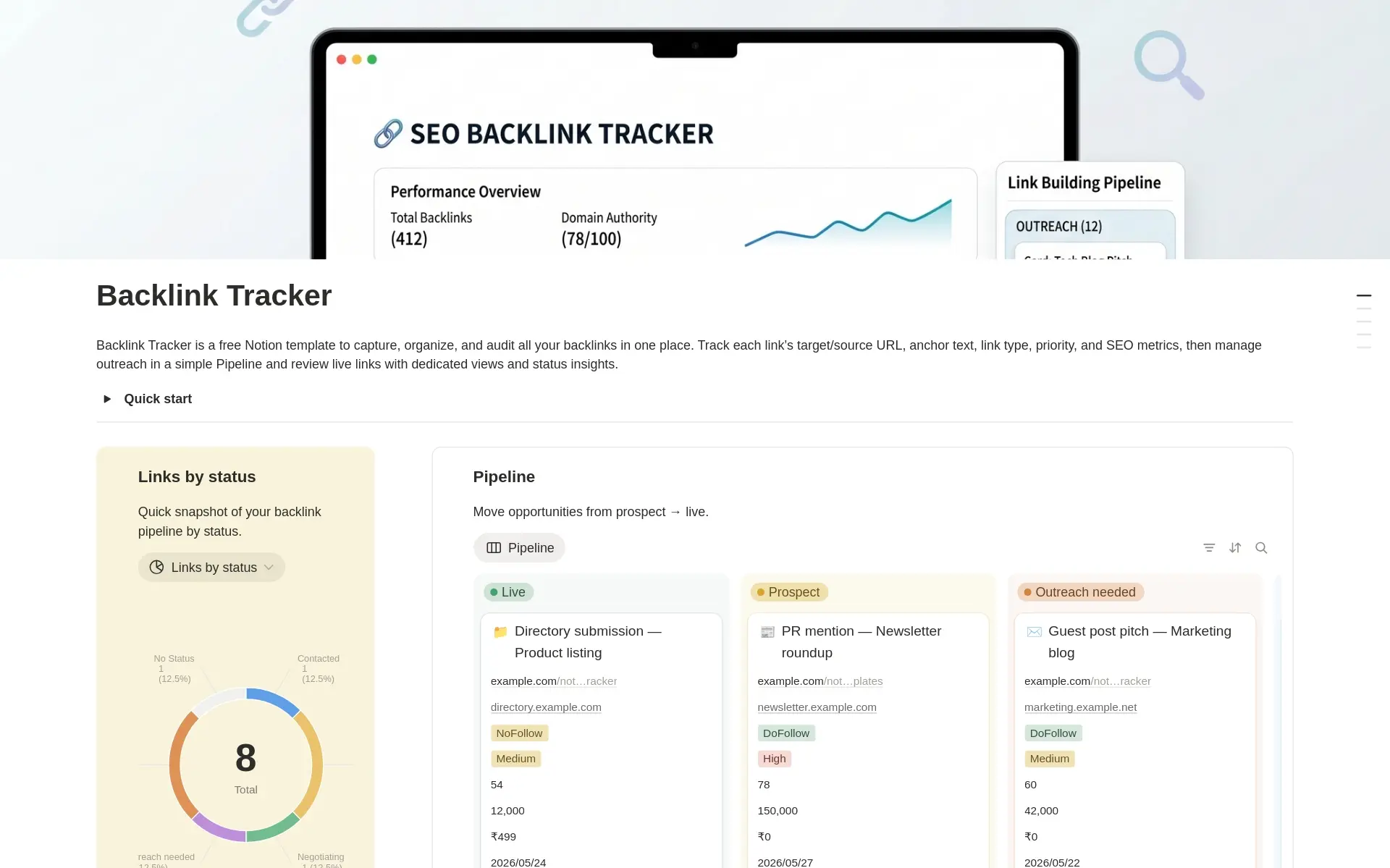
SEO Backlink Tracker
FreeA free Notion backlink tracker for SEO, link building, and digital PR. Manage backlink prospects, outreach, follow-ups, live links, SEO metrics, costs, and backlink audits in one organized workspace.
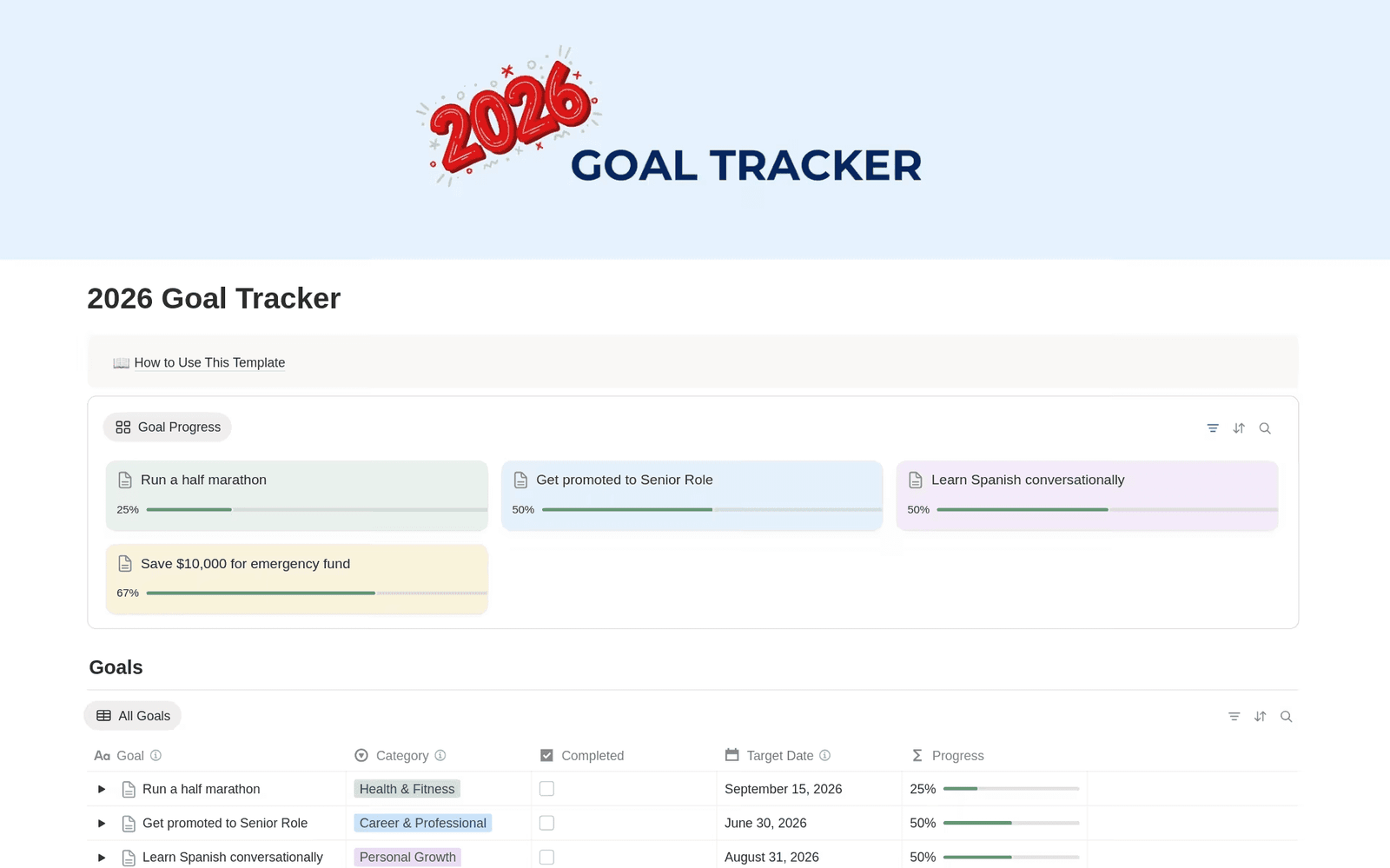
2026 Goal Tracker
FreeTrack your goals effortlessly with the 2026 Goal Tracker Notion template — define targets, break them into sub-goals, and visualize your progress as the year unfolds.
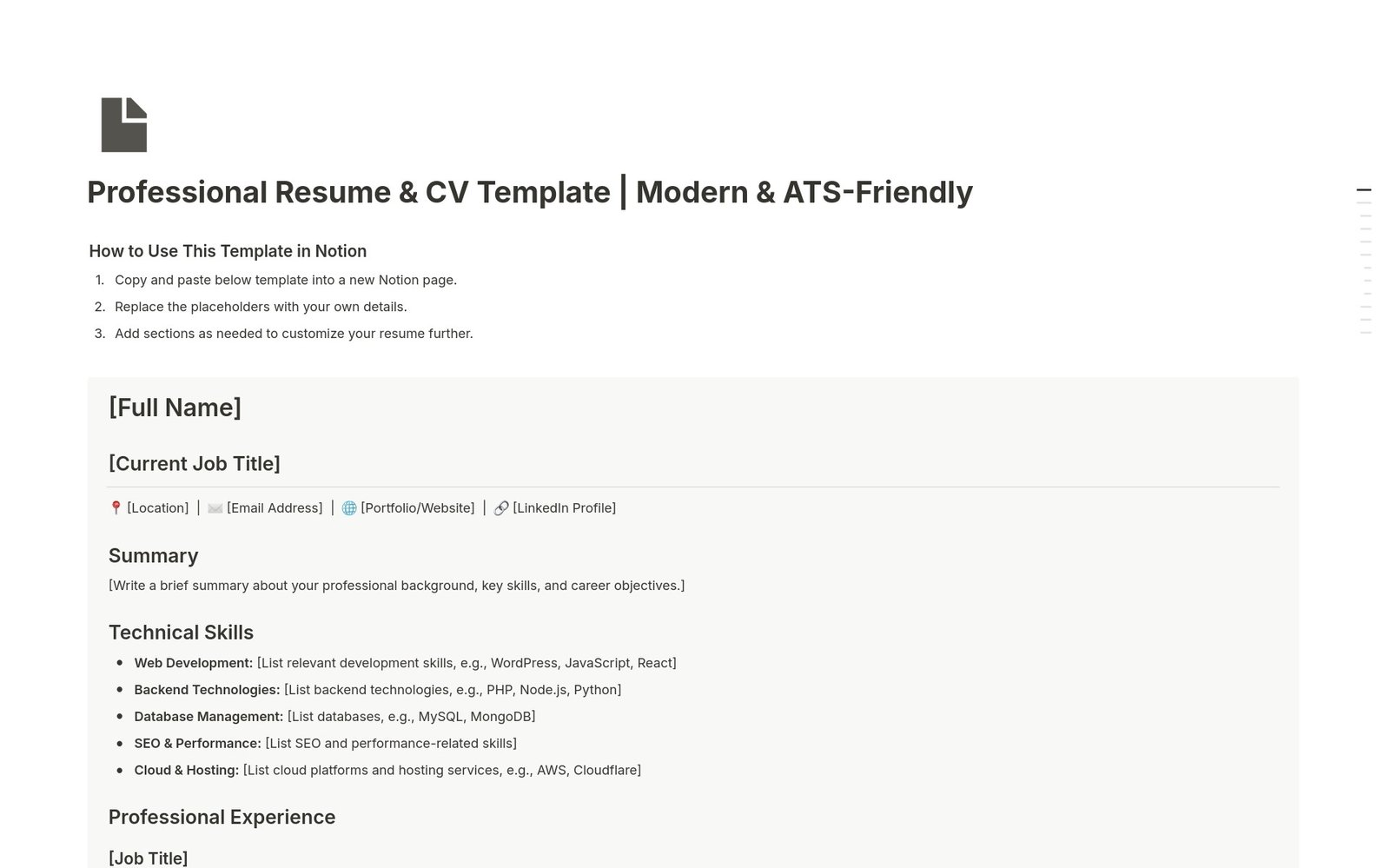
Professional Resume & CV
FreePresent your experience clearly with a free Notion resume template. Customize your professional summary, work history, skills, education, and certifications to tell your career story.
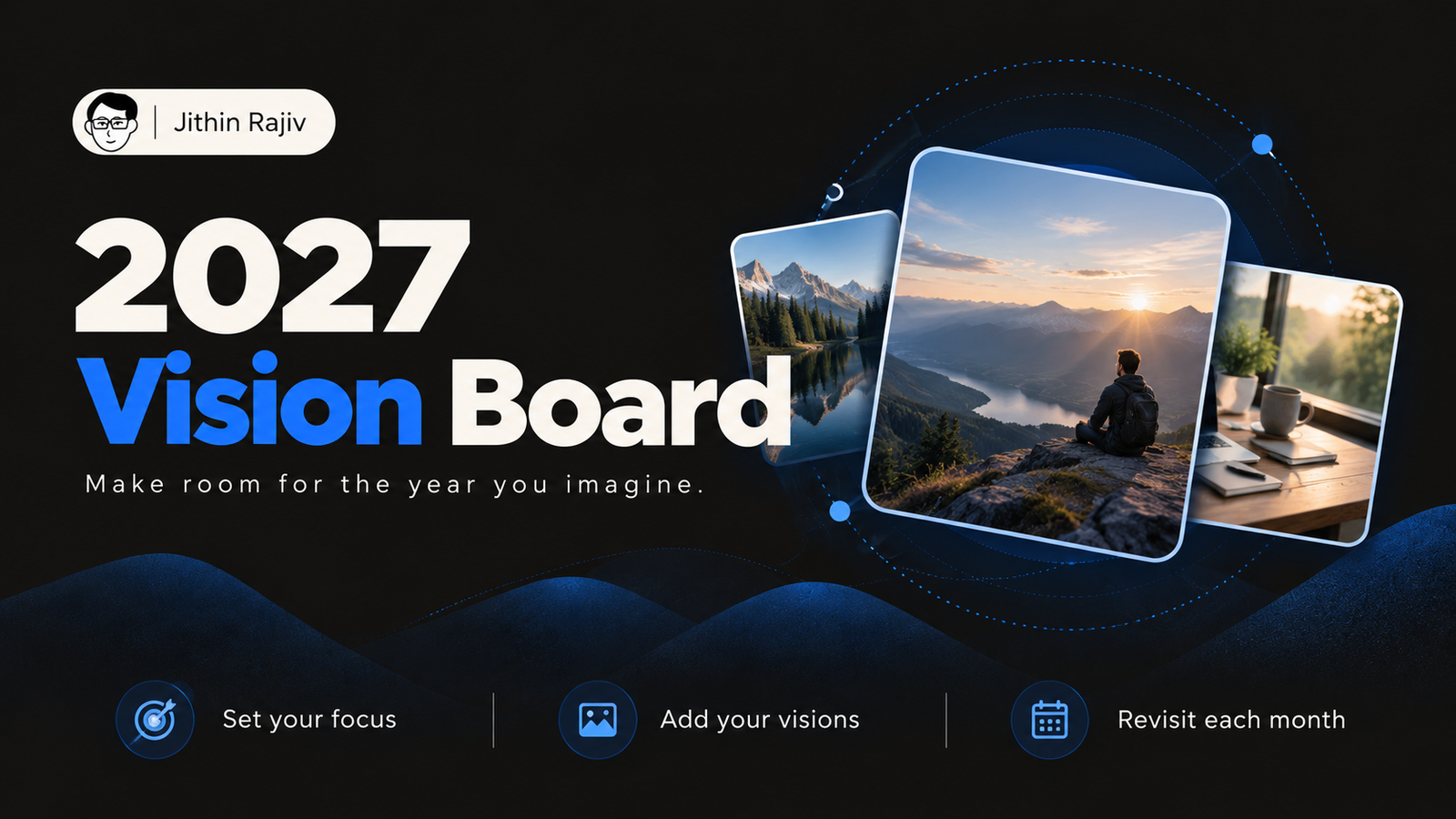
2027 Vision Board
FreeA free Notion vision board for 2027. Pick a Word of the Year, collect your visions by life area, and check in monthly.
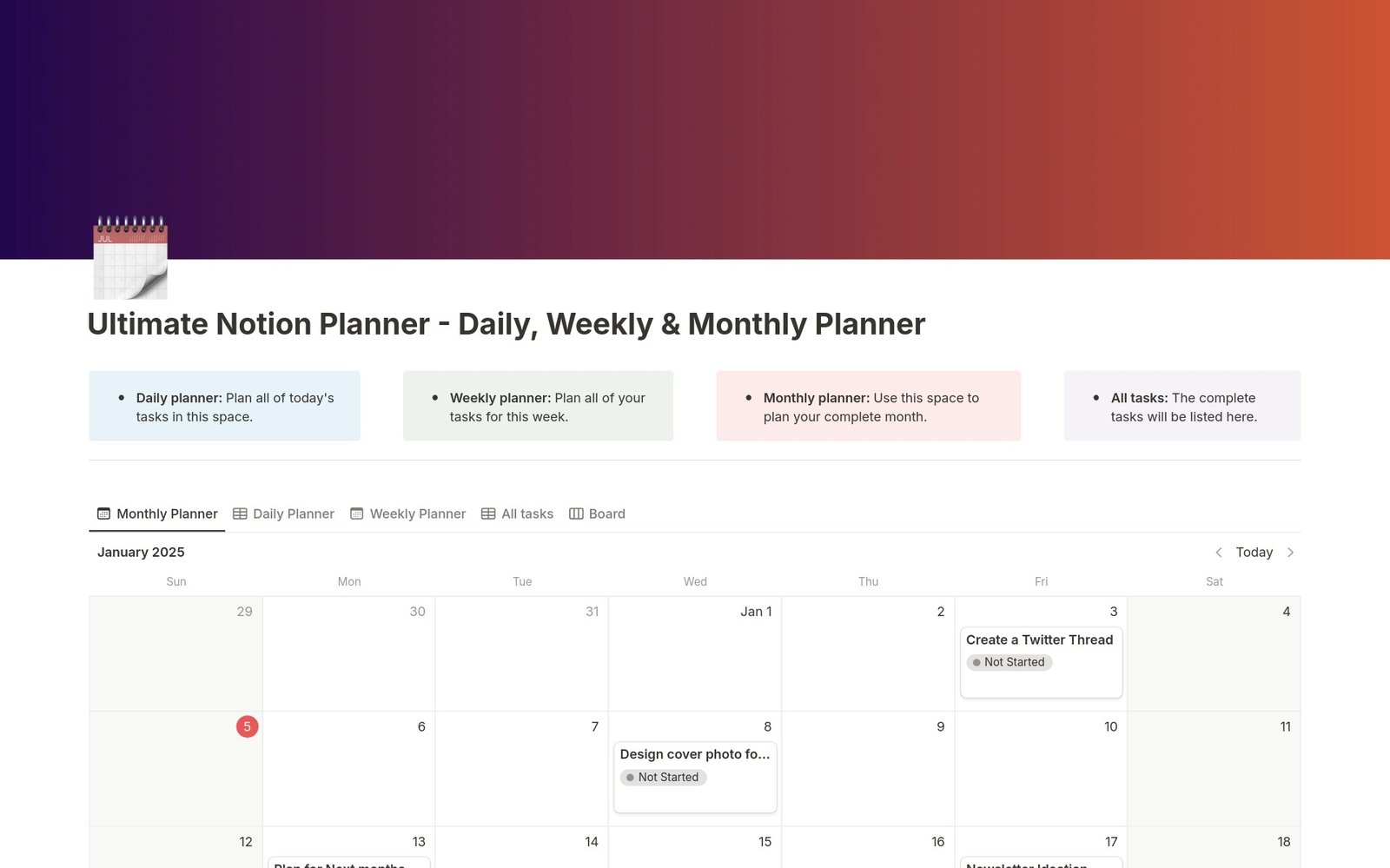
Daily Planner, Weekly Planner & Monthly Planner
FreeOne interconnected Notion planner for your days, weeks, and months. Plan tasks, review progress, and stay organized in a single dashboard.
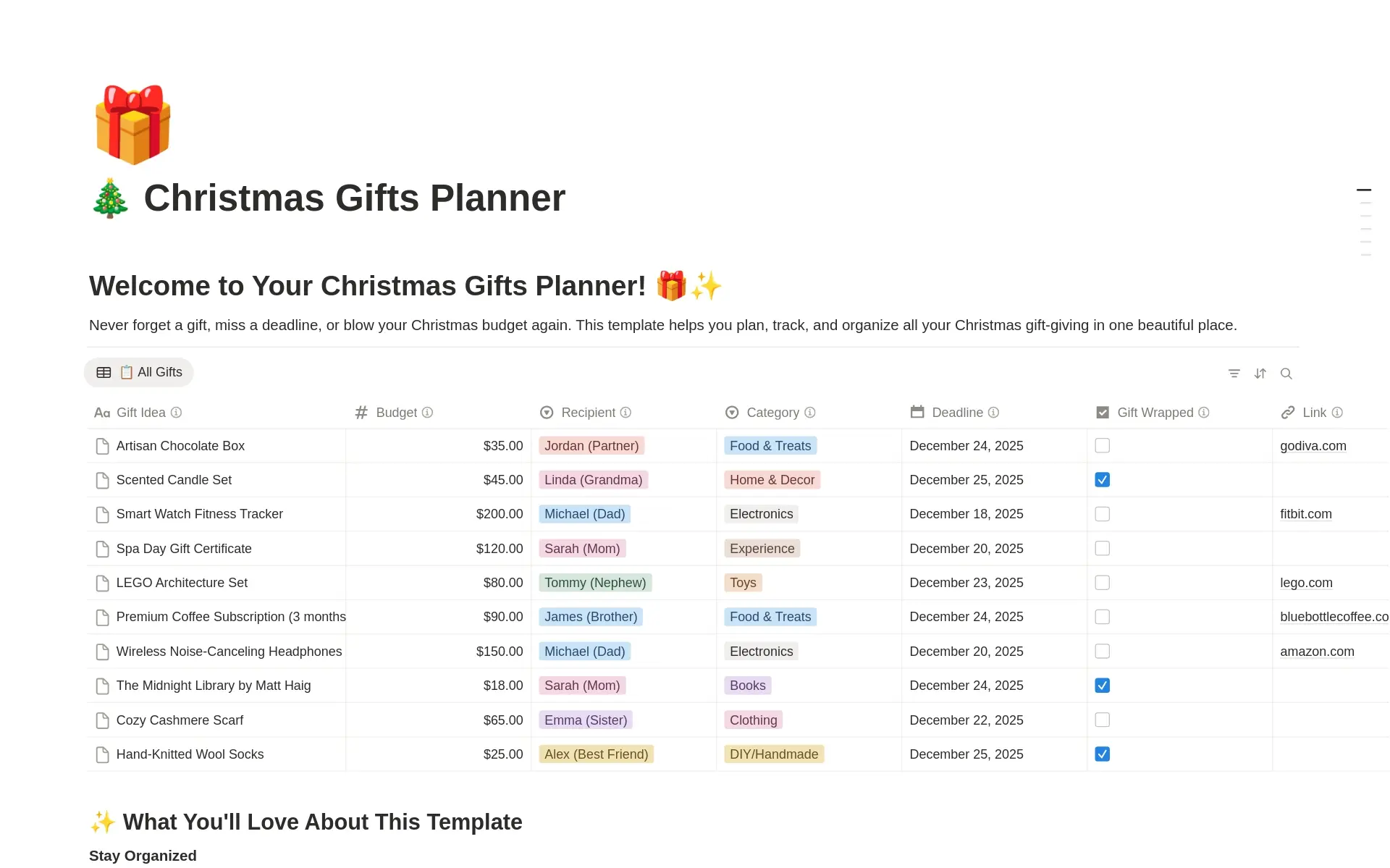
Christmas Gifts Planner & Tracker
FreePlan every Christmas gift in one place. Track ideas, budgets, purchases, and wrapping status so the holidays stay stress free.
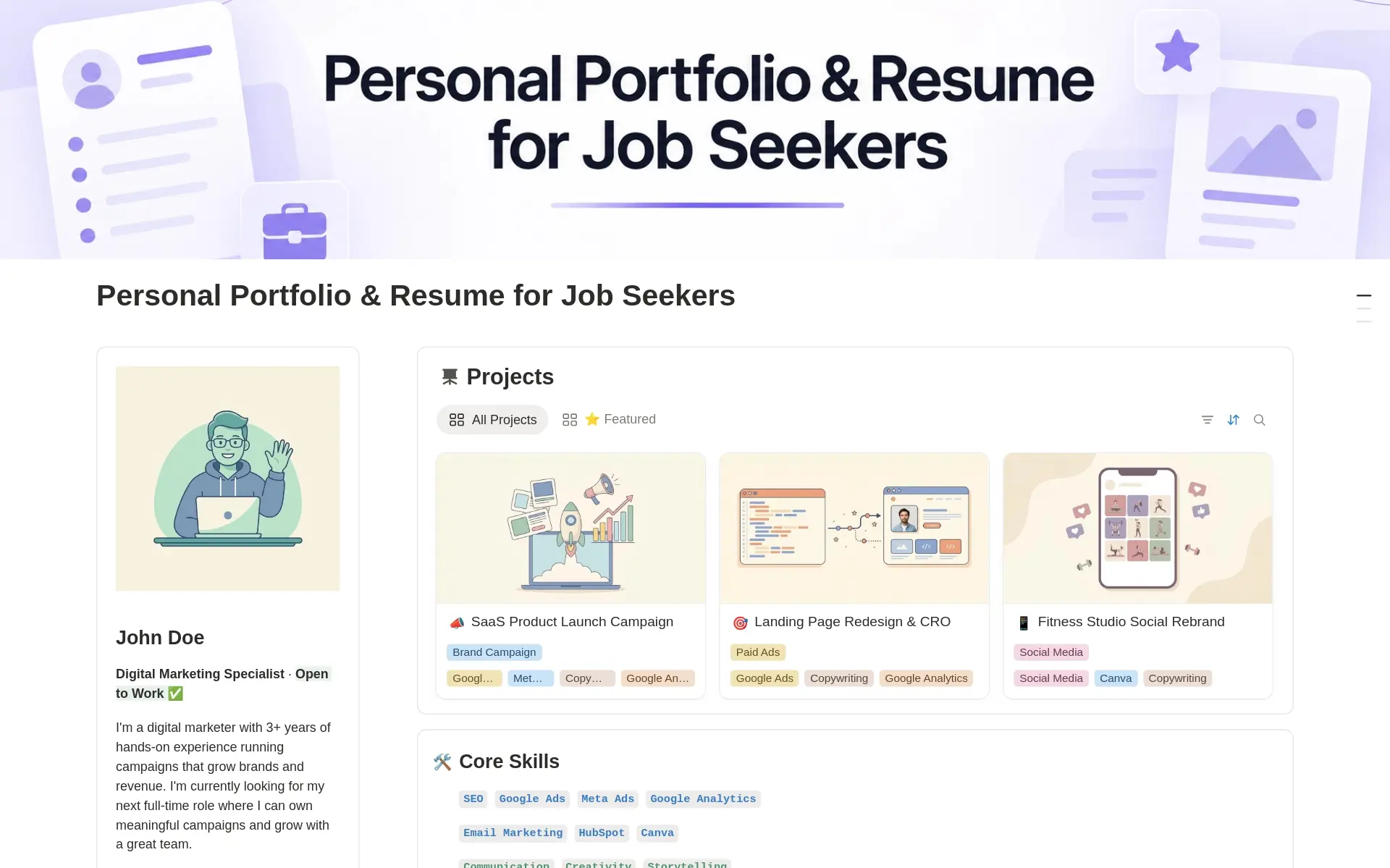
Personal Portfolio & Resume for Job Seekers
FreeA Notion personal portfolio and resume template built for job seekers. Showcase projects, skills, and experience, and share one polished link with recruiters.
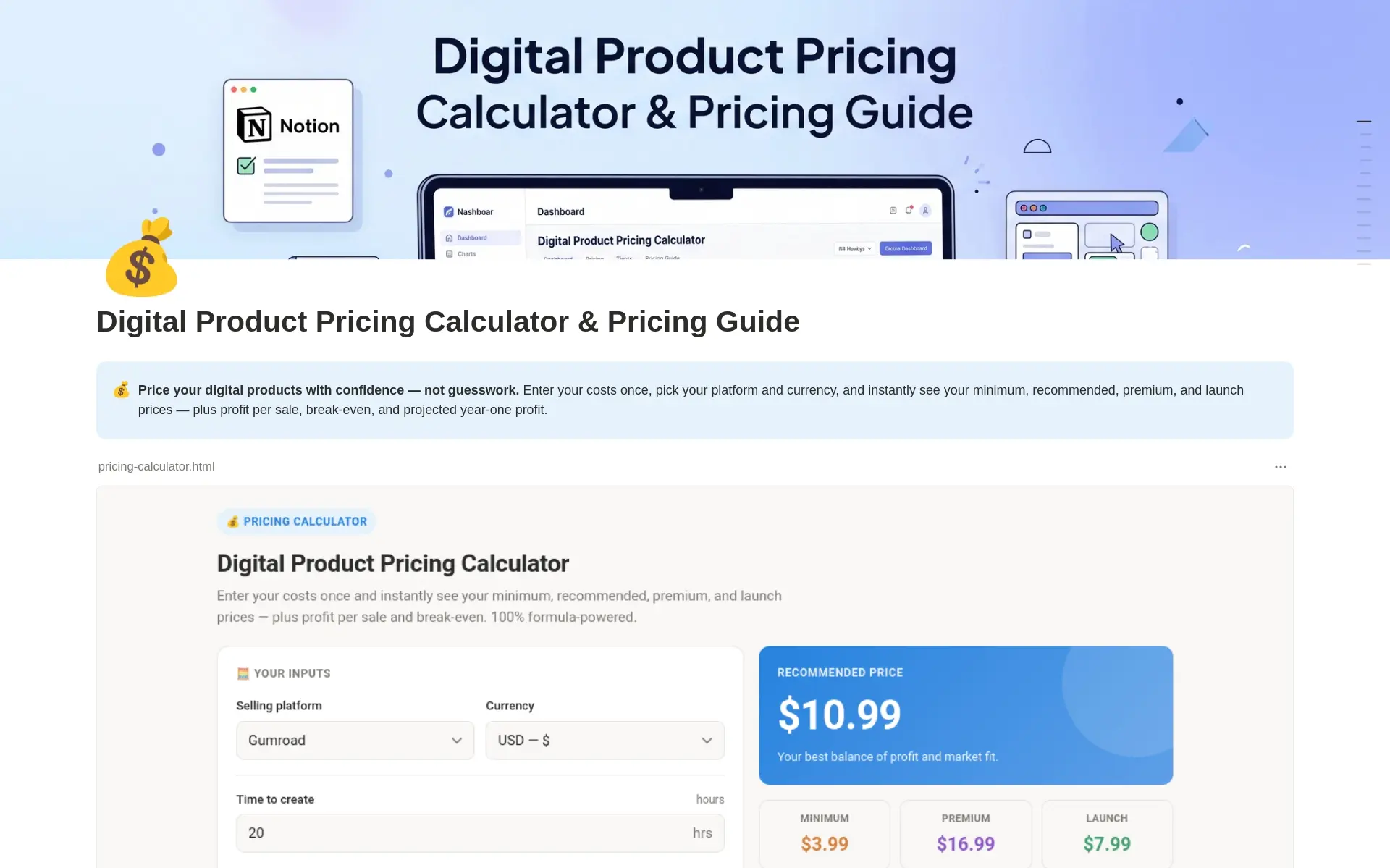
Digital Product Pricing Calculator
FreePrice your digital products with confidence. Calculate costs, fees, margins, and profit targets in a simple Notion pricing calculator.
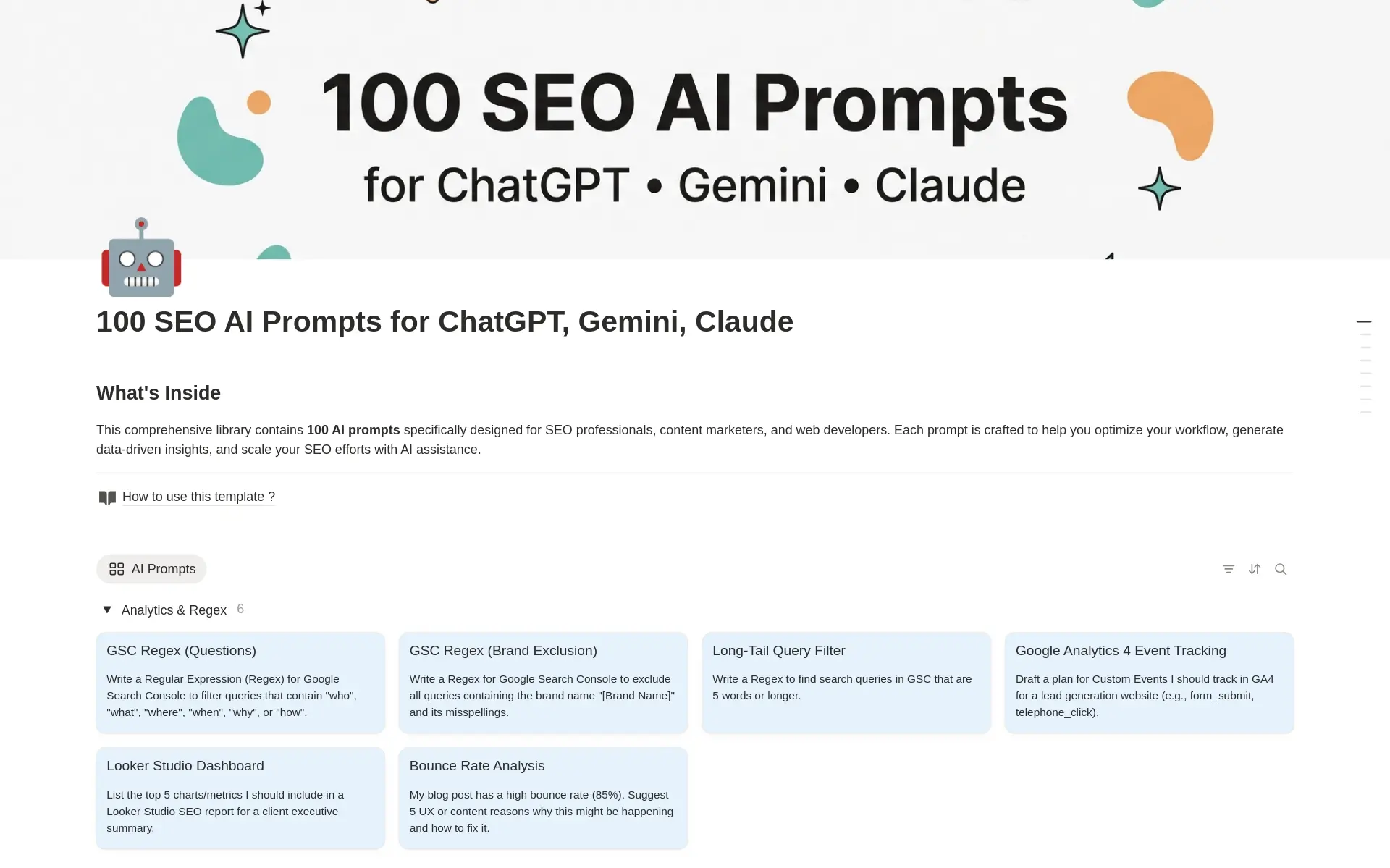
100+ SEO AI Prompts
Free100+ ready-to-use AI prompts for SEO. Speed up keyword research, content briefs, on-page optimization, and link building with proven prompts.
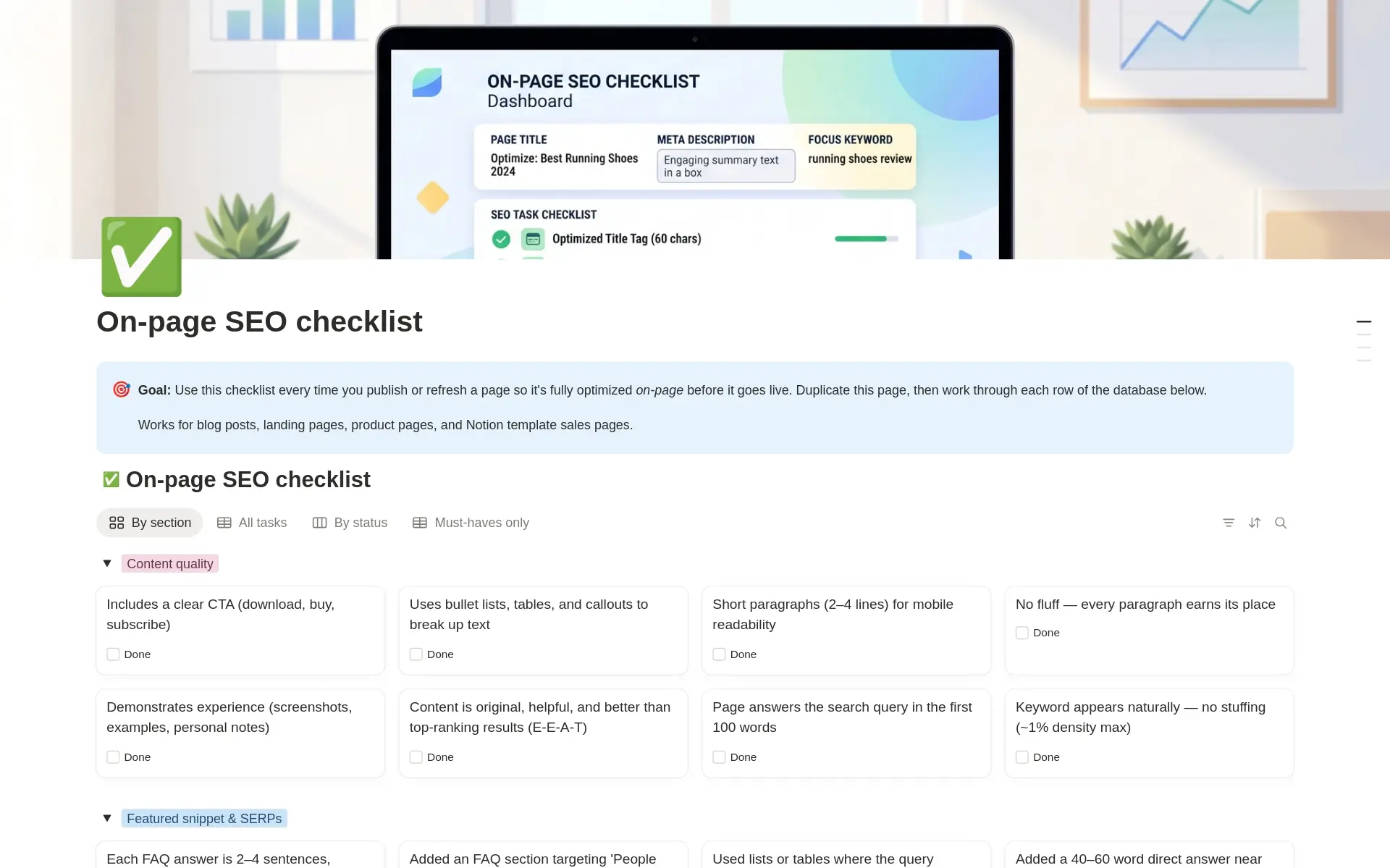
On-Page SEO Checklist for Blogs & Landing Pages
FreeOptimize every page before publishing with a simple Notion checklist for titles, meta tags, headings, links, and content.
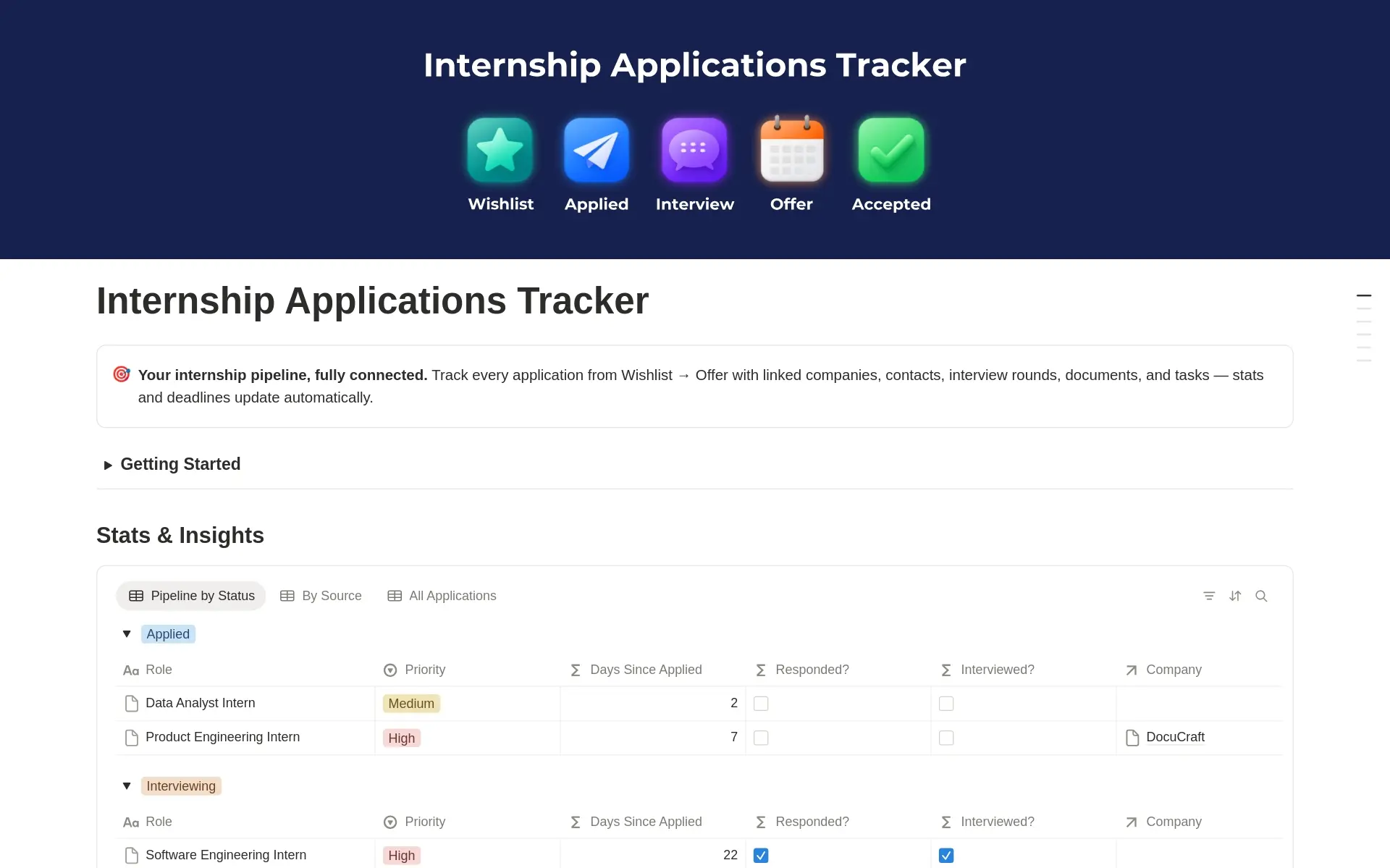
Internship Applications Tracker
FreeTrack every internship application in one Notion dashboard. Manage deadlines, statuses, contacts, and interviews so nothing slips through the cracks.
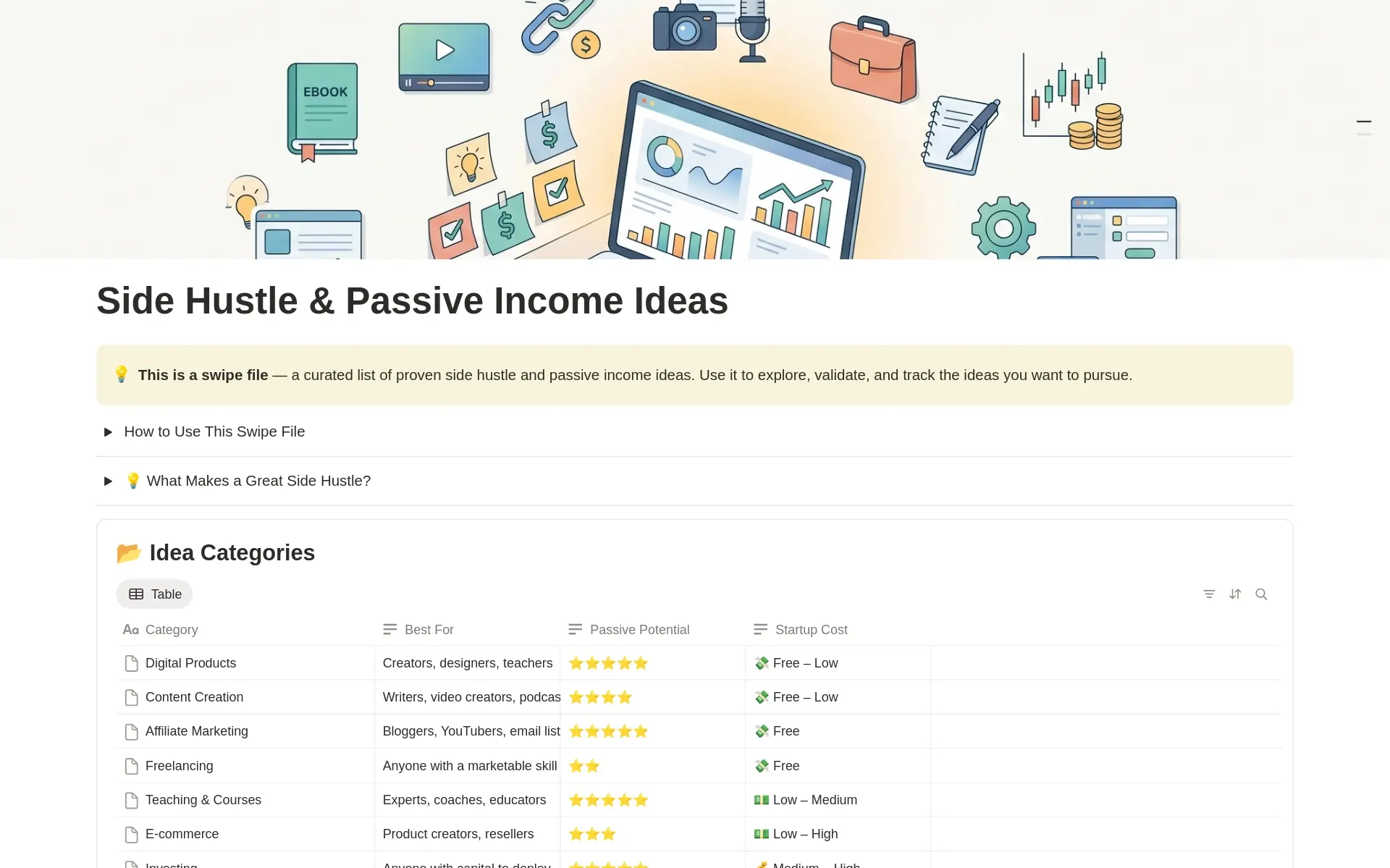
Side Hustle & Passive Income Ideas
FreeA curated Notion database of side hustle and passive income ideas. Compare effort, startup cost, and earning potential to pick your next project.
Ready for a more complete system?
Explore premium templates for bigger workflows, content planning, and everyday organization.
How to use free Notion templates
A free template is a useful way to try a new workflow before committing to a larger system. Pick one immediate need, such as planning tasks, tracking applications, or organizing ideas. Open a card to review the template preview and description, then follow its access link to the Notion template page.
Start with a small amount of real information
Duplicate the template into your own Notion workspace and add a few records you will actually use. Check that you understand where to add information and how to find it again. Rename labels or adapt the layout where helpful. Keep the original structure until you have tried it long enough to know what needs to change.
Find a free template for your workflow
Browse categories or search by name to narrow the options. Compare the description of each template with the job you want it to do, rather than choosing only by its appearance. If your needs later expand into content planning or a broader everyday system, the premium library offers additional options. You can continue using a focused free template whenever that is enough for your routine.
Free Notion template questions
Try a useful workflow without buying a template.
Free Notion templates are ready-made pages and systems available without a template purchase price. They can help you test a new planning routine, organize a small project, or keep a specific set of records in one place. Start with the problem you want to solve, then use the search and categories above to narrow the library.
The best first template is one you can use with information you already have. Add this week’s tasks to a planner, enter a few applications in a tracker, or organize ideas for your next piece of content. Try the workflow before adding extra fields and views. This makes it easier to see whether the template fits your routine or needs a few adjustments.
Are these Notion templates free to access?
The resources listed in this section are the free templates in Jithin Rajiv’s library. Open an individual template to review its access instructions and what it includes. A free template does not make every feature of Notion or a linked external service free; check any separate service requirements for your intended use.
Do I need a Notion account to use a template?
You need to be signed in to a Notion account to duplicate a Notion template into your own workspace. Follow the template’s access link, choose the destination workspace, and create your copy. If duplication is unavailable or the access link is broken, use the support details on the return policy page.
When should I consider a premium template?
Consider a premium option when you need a broader system than the free template provides. Compare the actual preview and features with the work you want to do. If a focused free planner or tracker already meets your needs, you can keep using it rather than switching just because another option is paid.