
One-time payment
Complete Notion Template Bundle
Get free and premium Notion templates in one bundle for daily planning, content creation, clients, goals, and finances. Pay once for access to current and future templates.
One bundle for your Notion workspace
$48.30$69$69one-time payment
- One-time payment
- Unlimited downloads
- For personal and team use
- Access all current and future templates
Black Friday: 30% off
Limited-time offerView the bundle and final price on Gumroad
Explore the included Notion templates
Browse planners, content systems, client trackers and more. Open any template to explore its features. Prices on the cards are individual template prices.
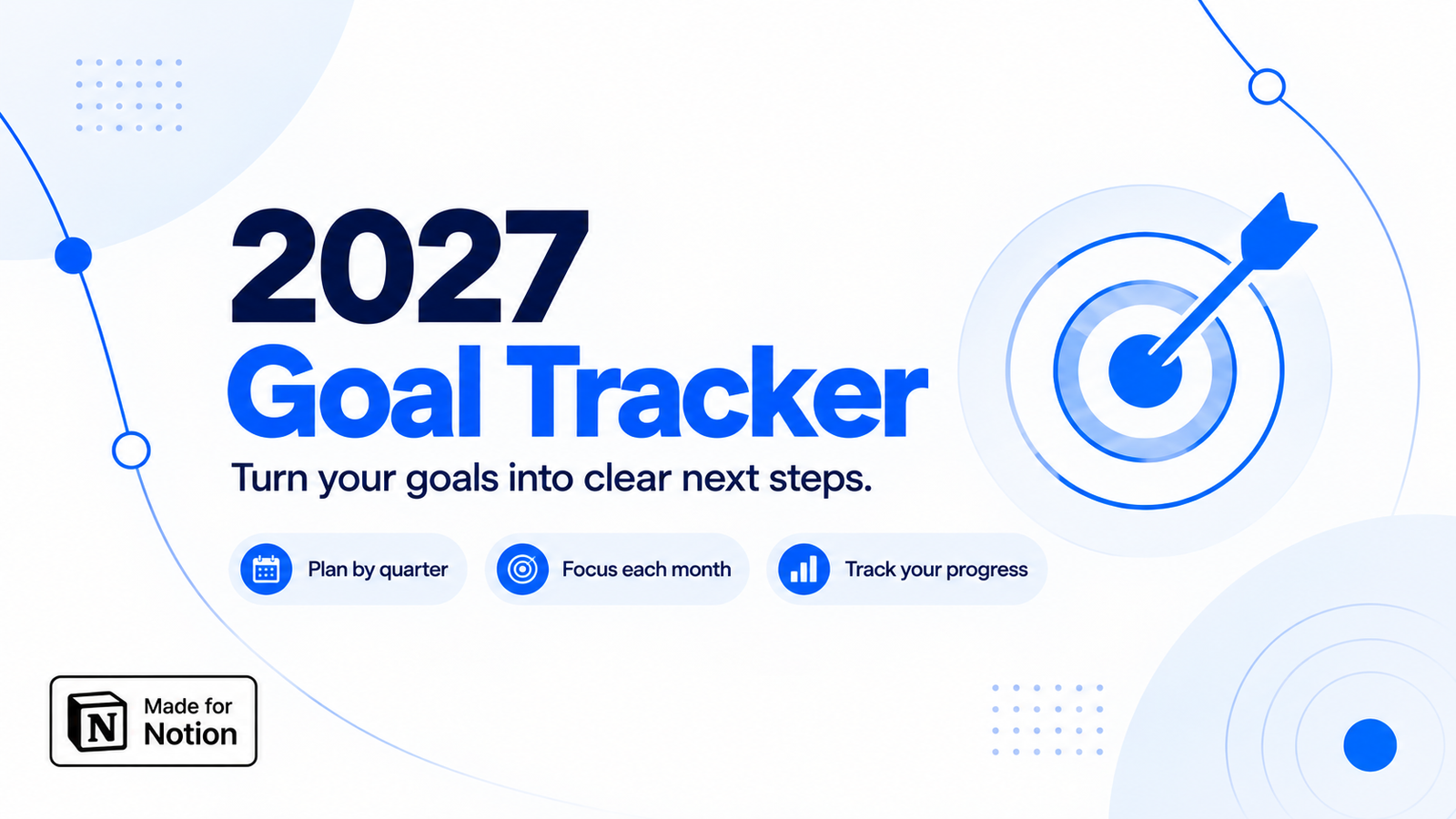
2027 Yearly Goal Tracker & Planner
FreeA free Notion goal tracker for 2027. Set yearly goals, break them into steps, and track progress by quarter, month and category.
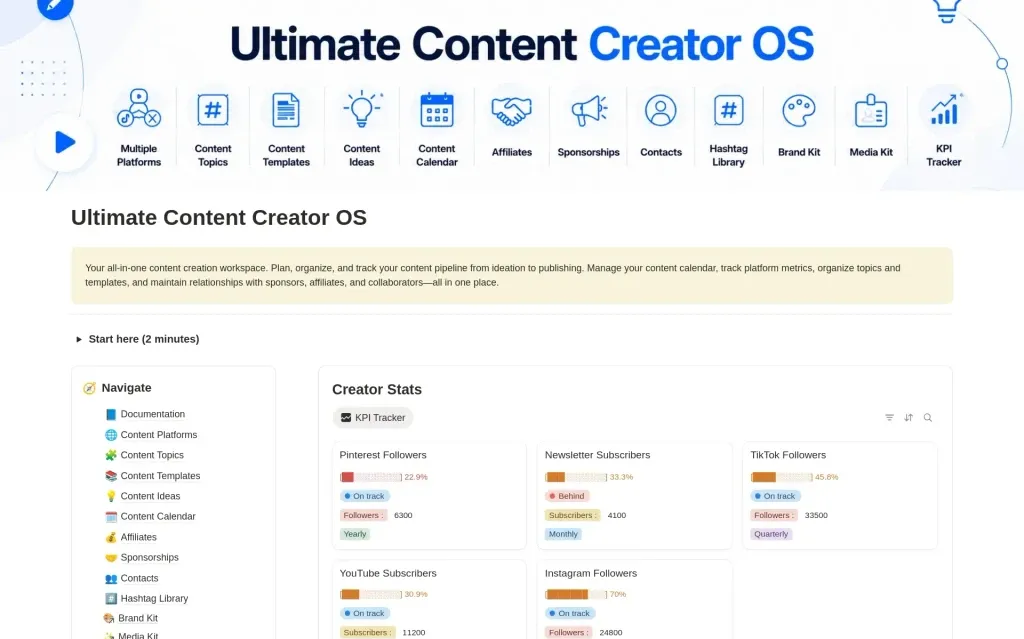
Ultimate Content Creator OS
$13.30Plan content, manage social media, track KPIs, sponsorships, affiliates and contacts with an all-in-one Notion template for content creators.
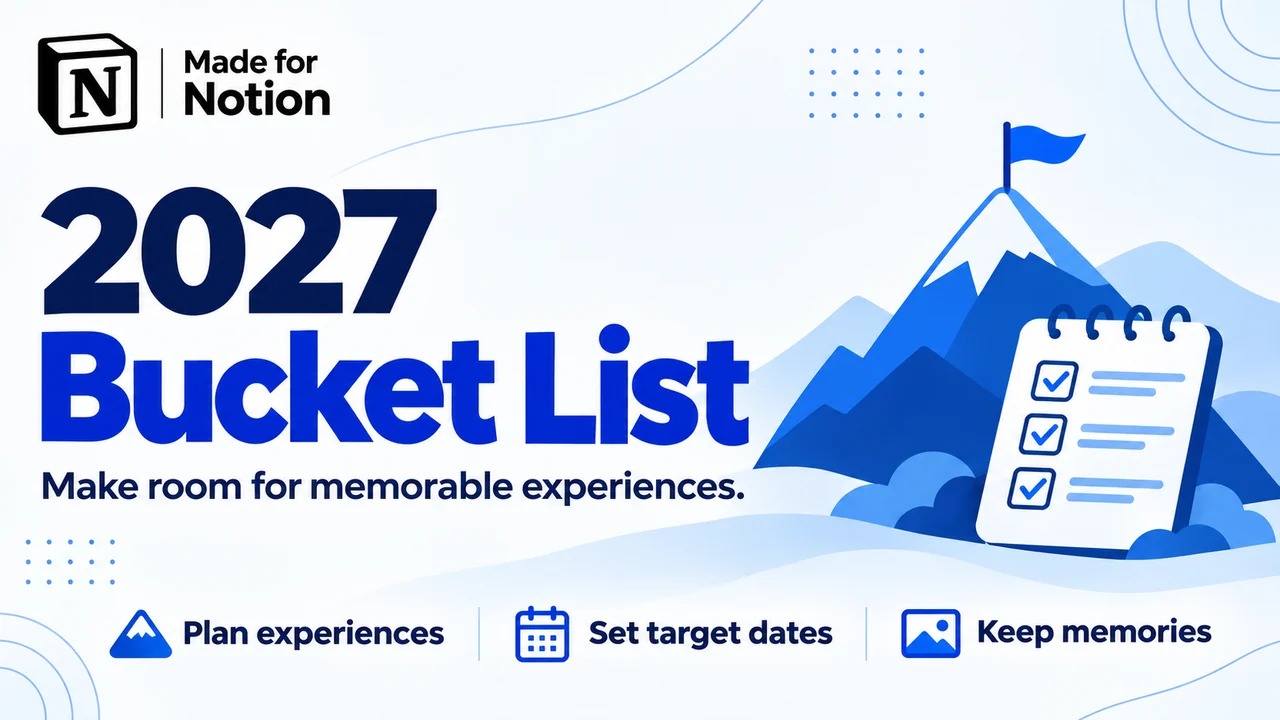
2027 Bucket List
FreeA free Notion bucket list template for 2027. Add experiences, set target dates, move plans across a board, and keep photos on your Memory Wall.
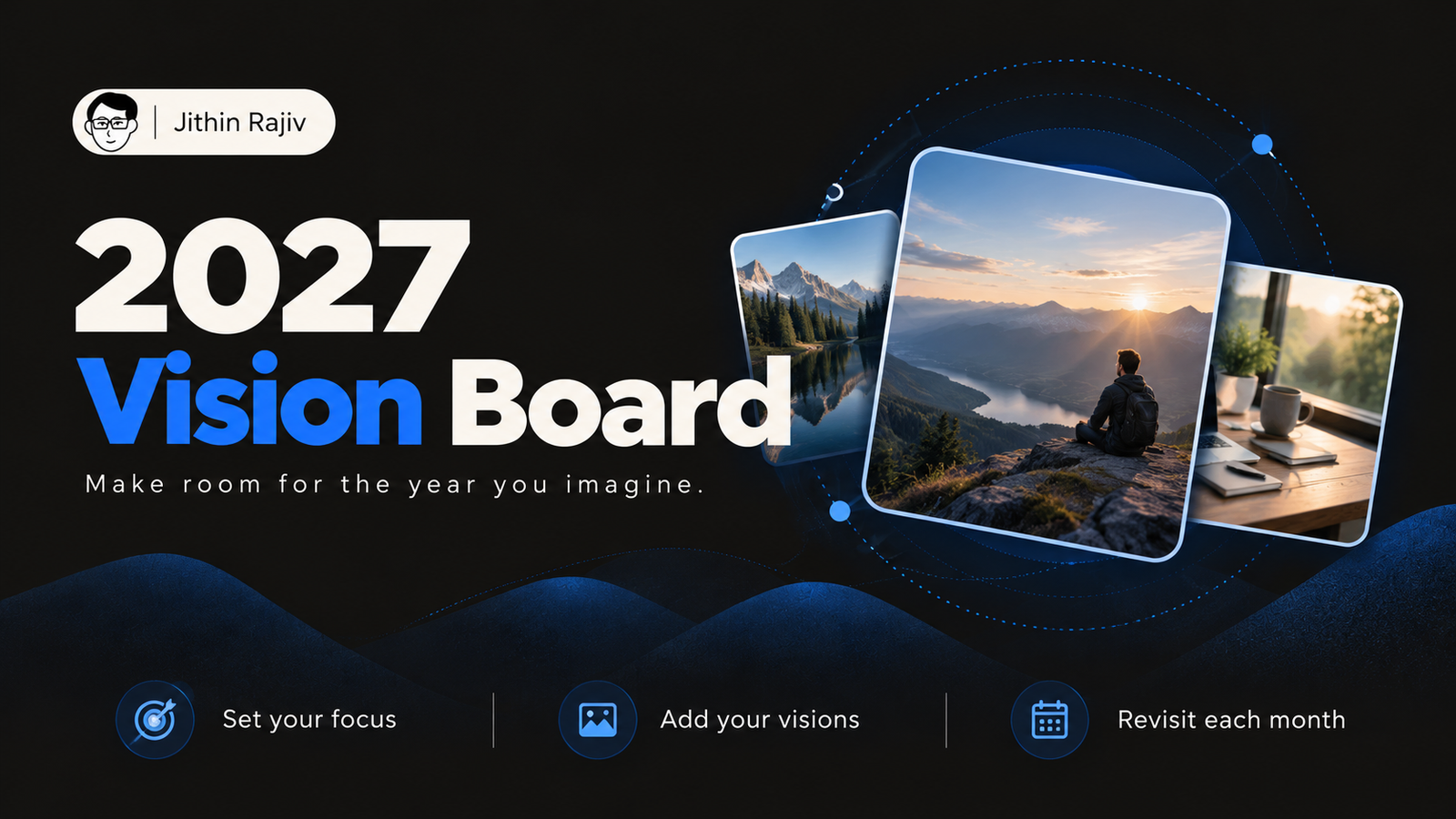
2027 Vision Board
FreeCreate a 2027 vision board in Notion. Collect your visions by life area, add a Word of the Year, and check in every month.
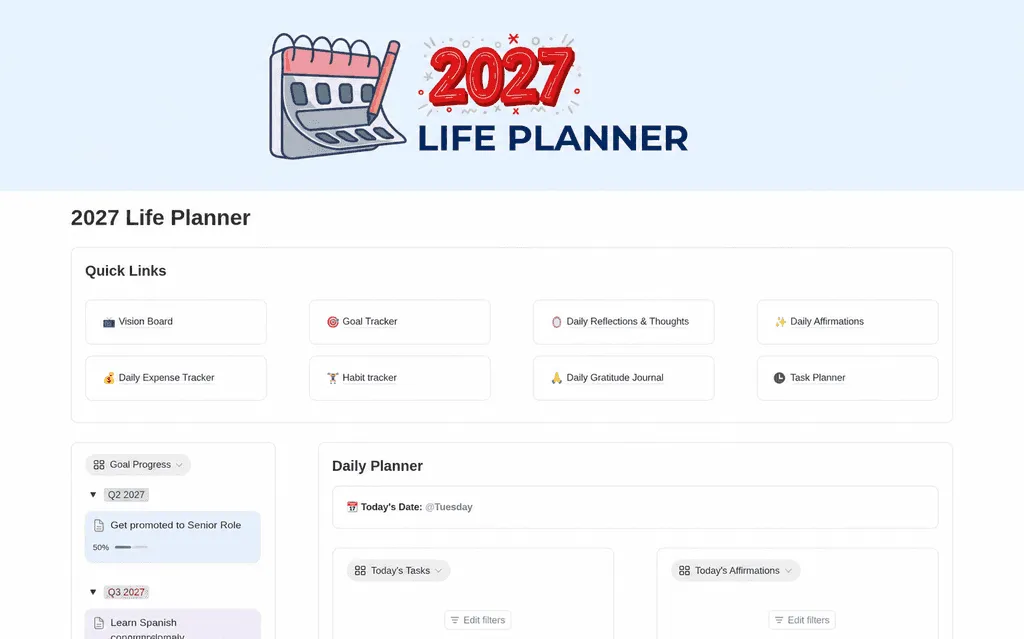
2027 Life Planner
$13.30Plan 2027 with a Notion life planner template for goals, daily tasks, habits, reflections, and expenses. Bring your priorities together in one workspace.
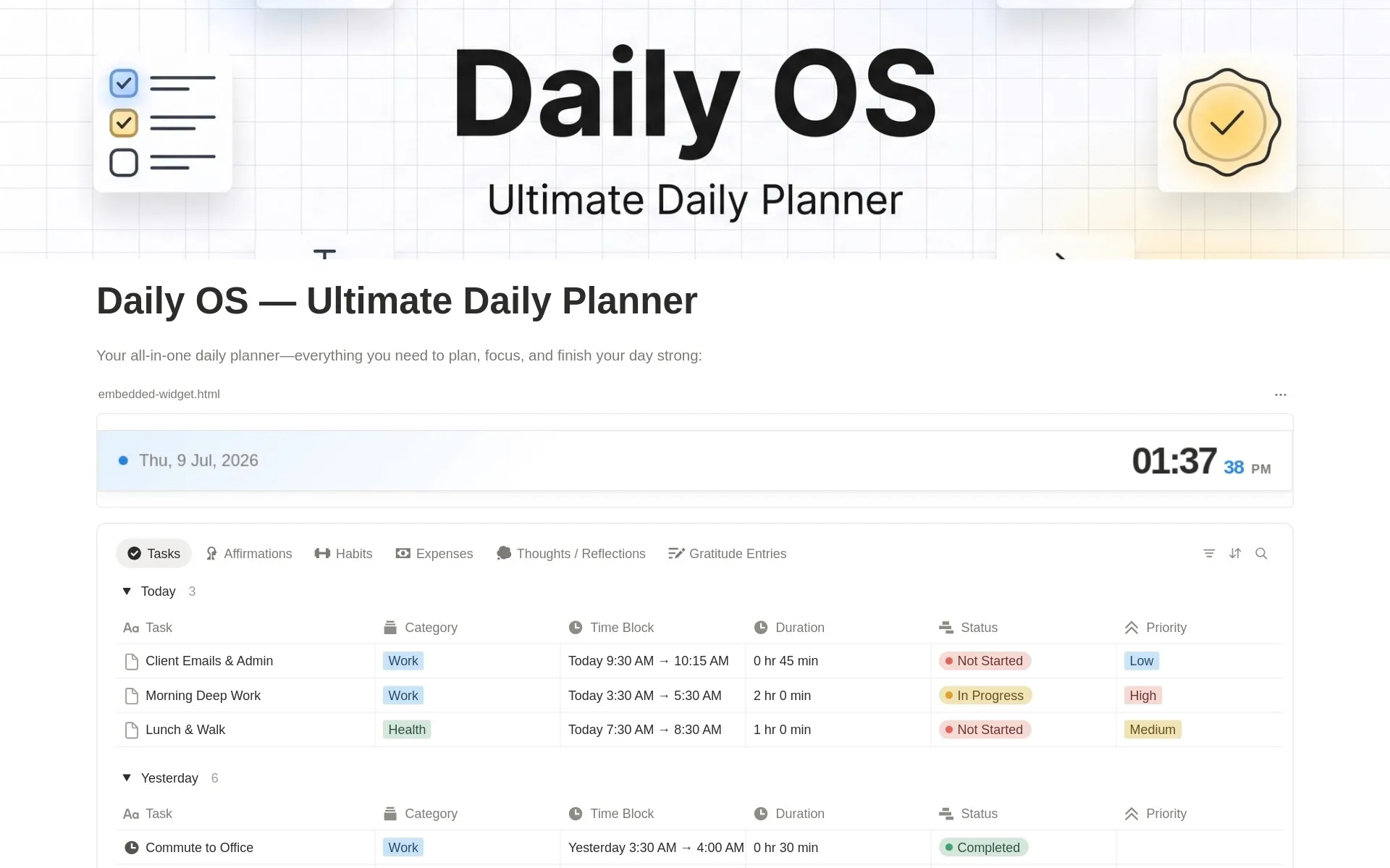
Daily OS - Daily Planner
$8.40Plan your day with Daily OS, an all-in-one Notion daily planner template for time blocking, habits, expenses, gratitude, notes, and daily reflection.
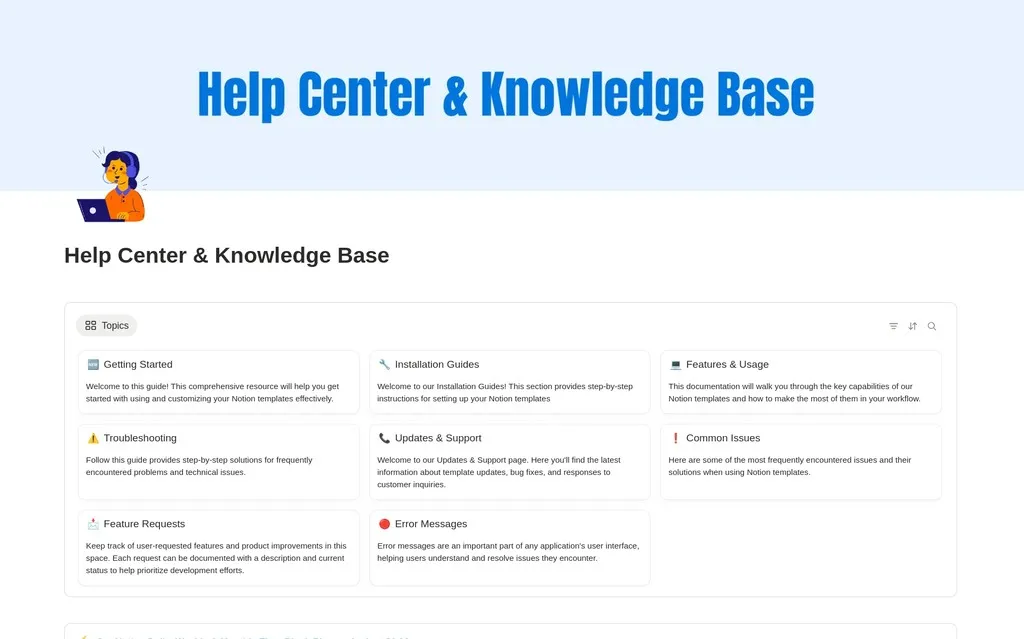
Knowledge Base & Help Center
$13.30Create a clean Notion help center and knowledge base in minutes. Organize docs, FAQs, and support articles with ease.
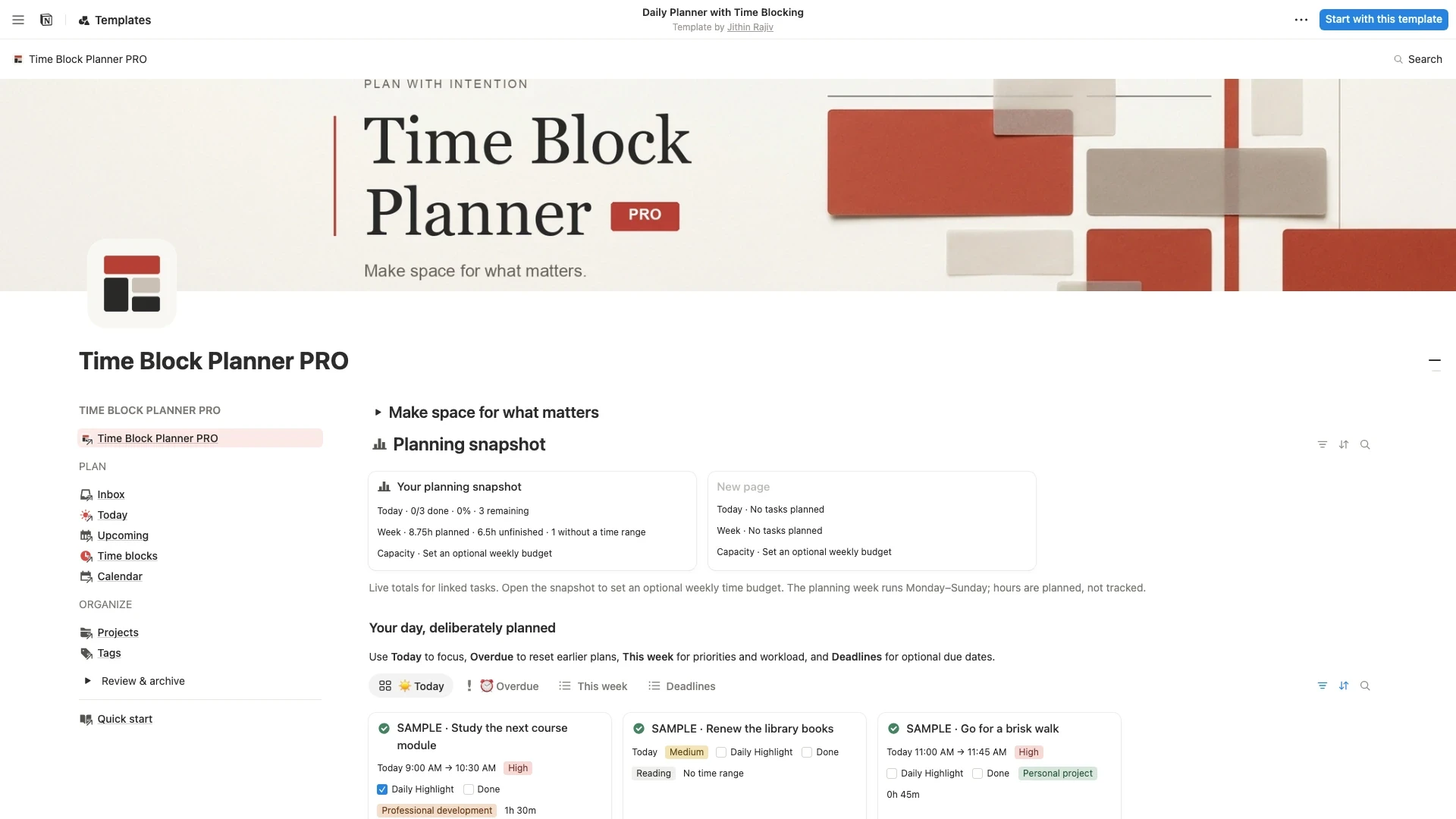
Time Block Planner PRO
$6.30Plan focused days with Time Block Planner PRO for Notion. Capture tasks, choose a Daily Highlight, schedule time blocks, and review your weekly workload.
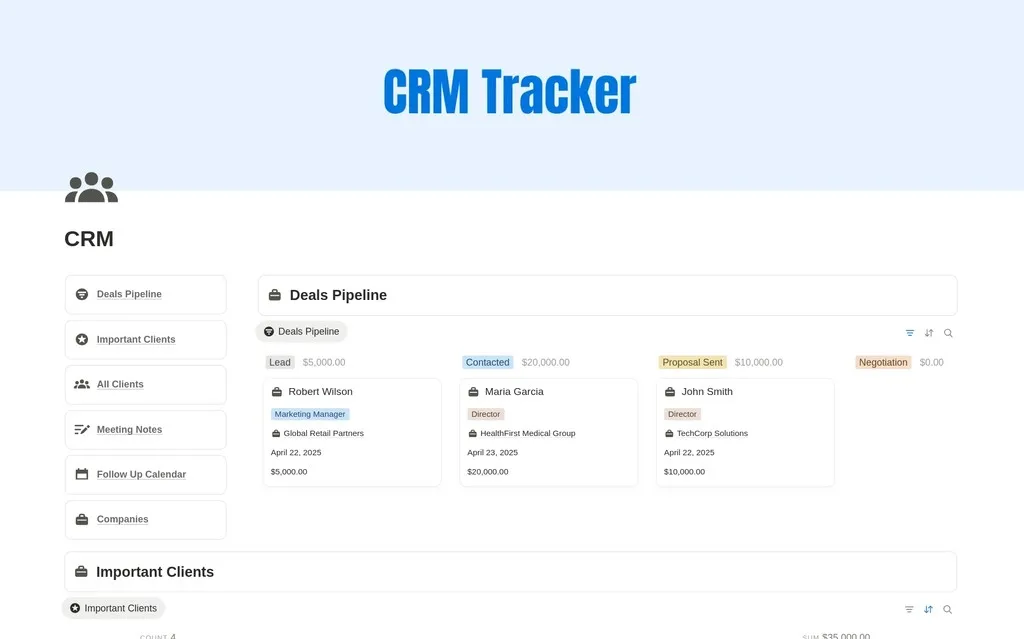
CRM Tracker
$8.40Manage leads, clients, deals and follow-ups with this Notion CRM template. Organize your sales pipeline and client relationships in one workspace.
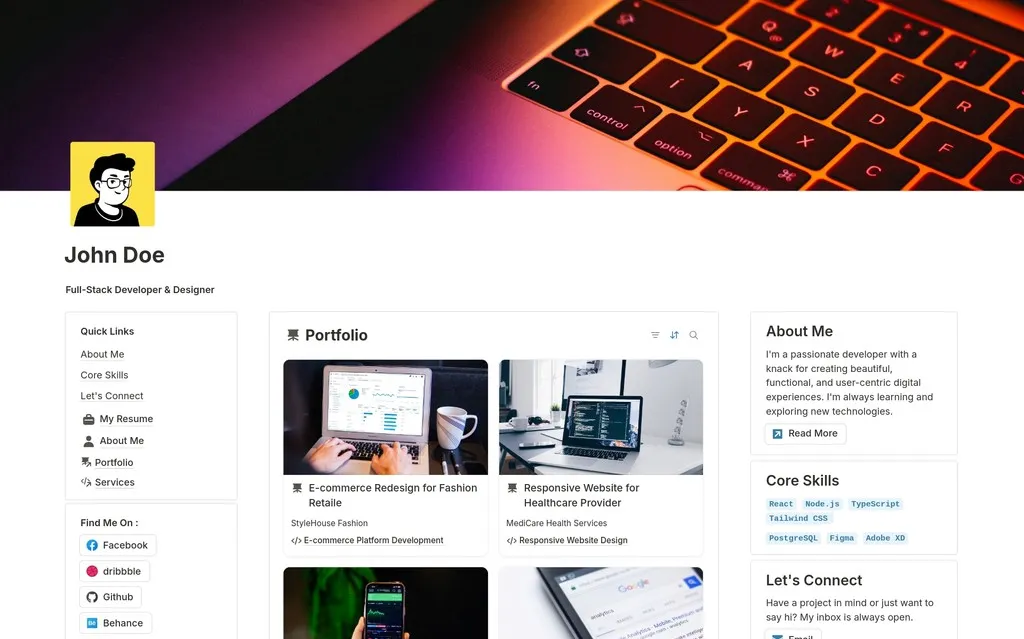
Personal Portfolio Website for Designers & Developers
$6.30Create a portfolio website in Notion. Showcase your projects, introduce your work, and share contact details with this template for designers and developers.
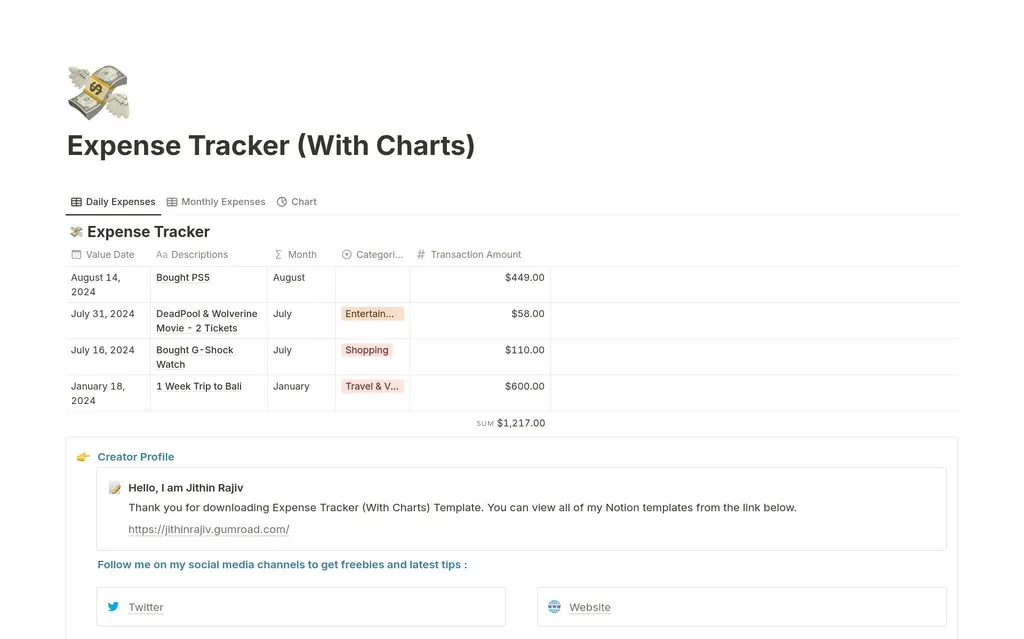
2026 Expense Tracker - Monthly Expense Tracker
$4.90Where does your money go? Finally get the answer with this simple but powerful Notion template for tracking daily and monthly expenses. Take control of your finances.
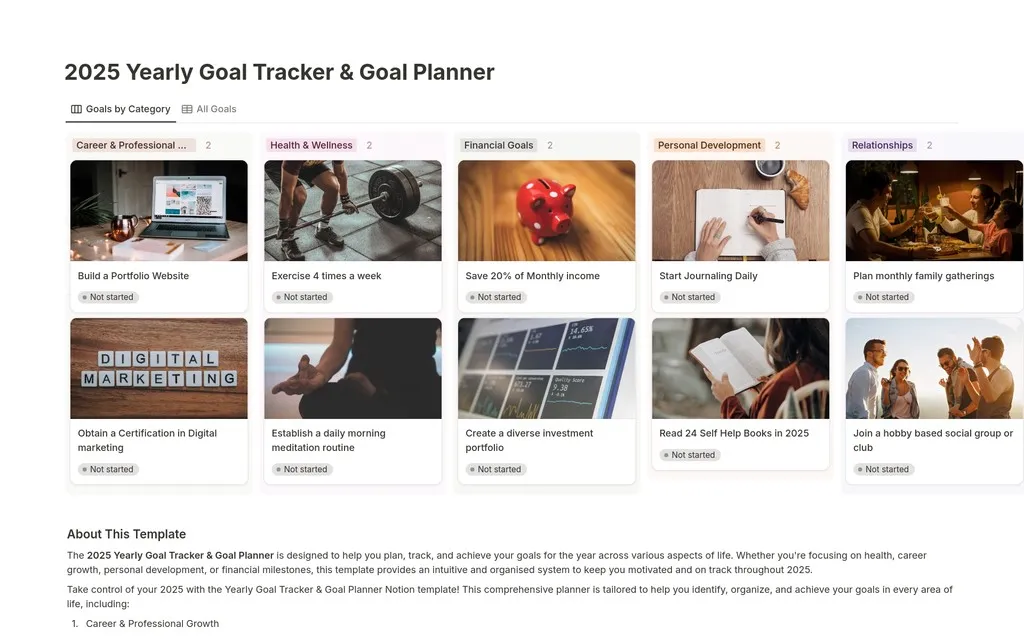
2025 Yearly Goal Tracker Vision Board
$2.10Don't just set goals for 2025, achieve them. This Notion template helps you break down your yearly ambitions into actionable projects and daily habits.
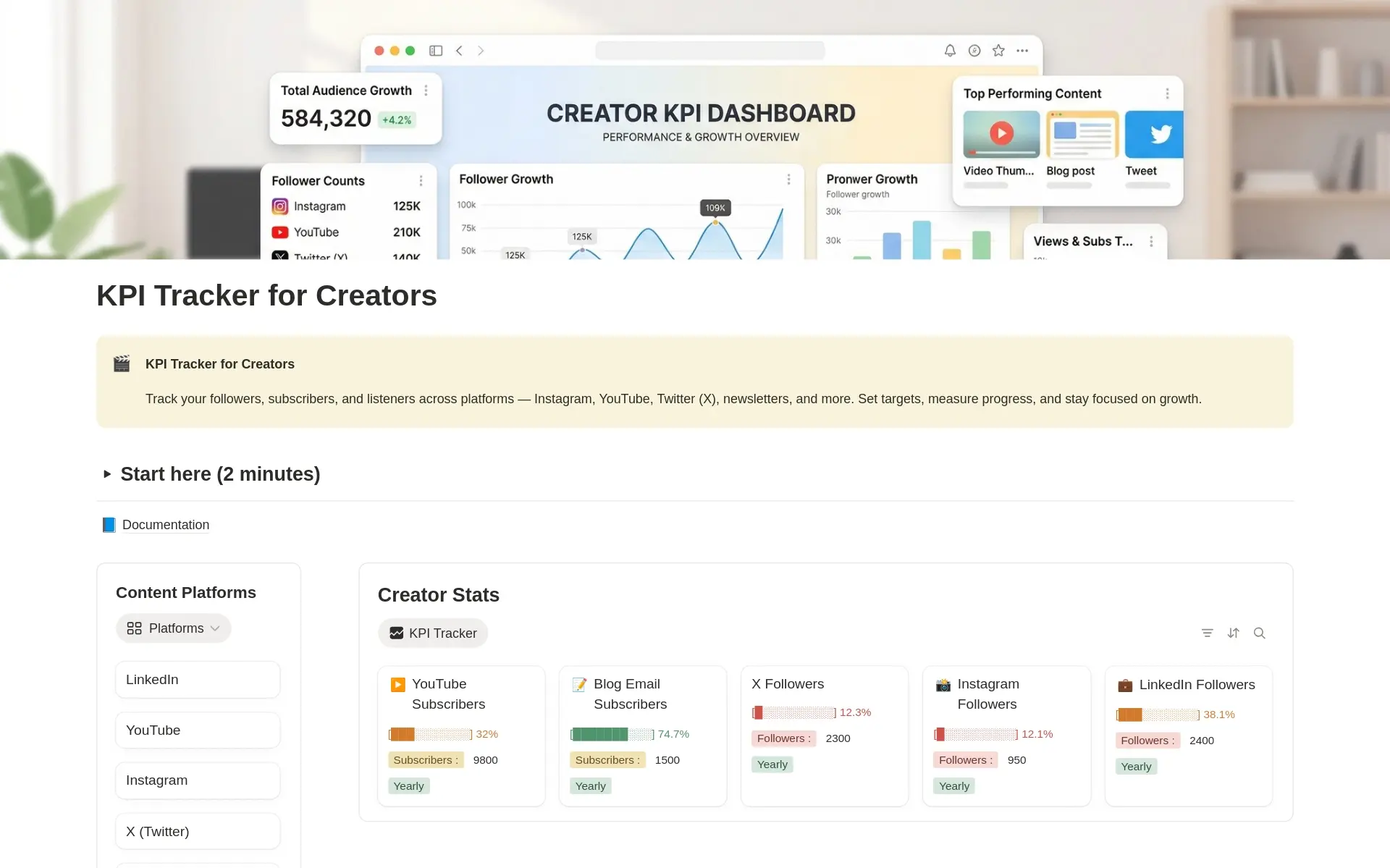
KPI Tracker for Content Creators
FreeA Notion KPI tracker for content creators. Track followers, views, engagement, and revenue across every platform in one dashboard.
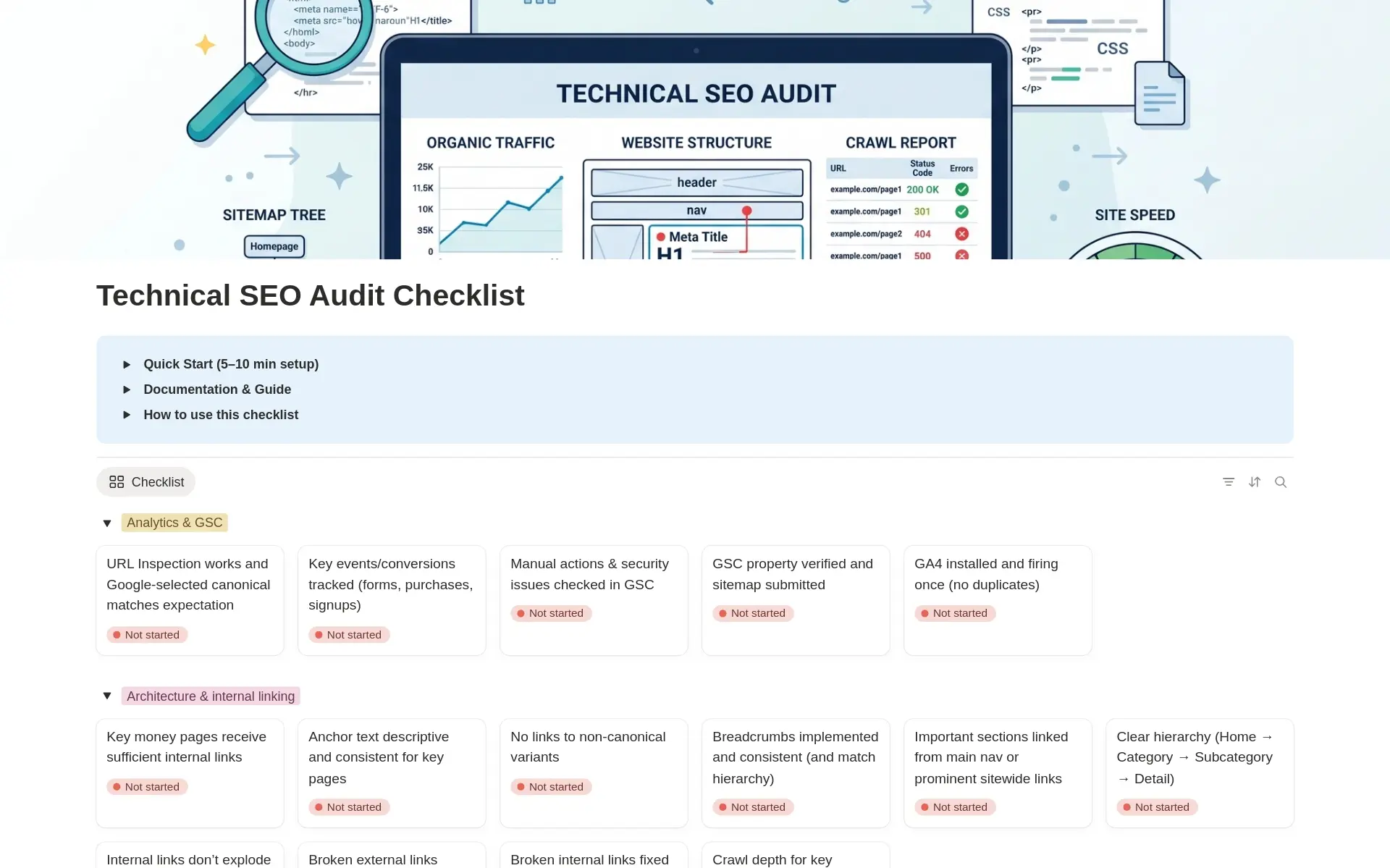
Technical SEO Audit Checklist
FreeA structured technical SEO audit checklist in Notion. Cover crawling, indexing, speed, and structured data, then turn findings into an action plan.
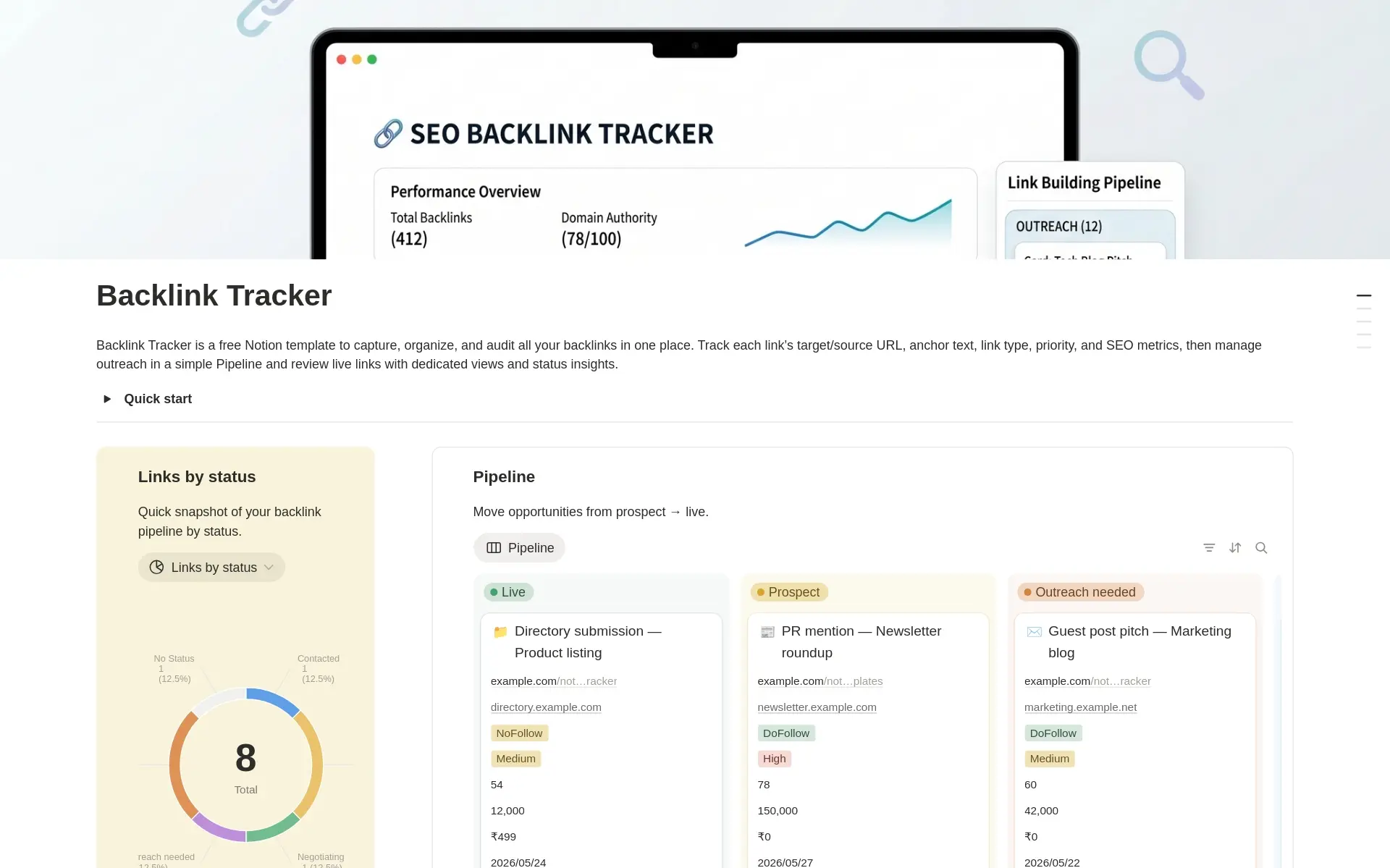
SEO Backlink Tracker
FreeTrack backlink opportunities, outreach, live links, anchor text, link types, DR, traffic, costs, and follow-ups with this free Notion backlink tracker.
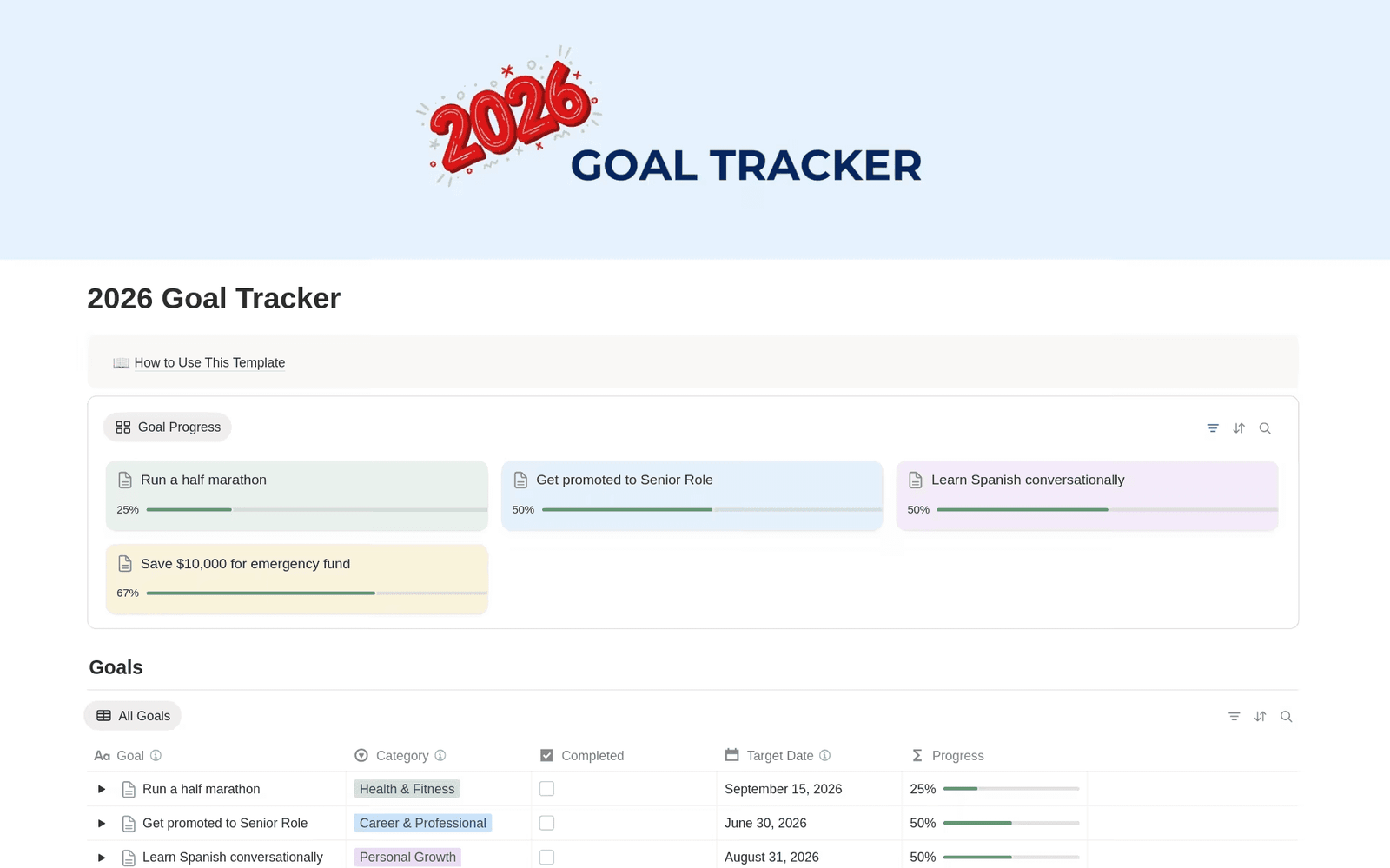
2026 Goal Tracker
FreeSet your 2026 goals in Notion, break them into actionable steps, and track progress in one free goal tracker template.
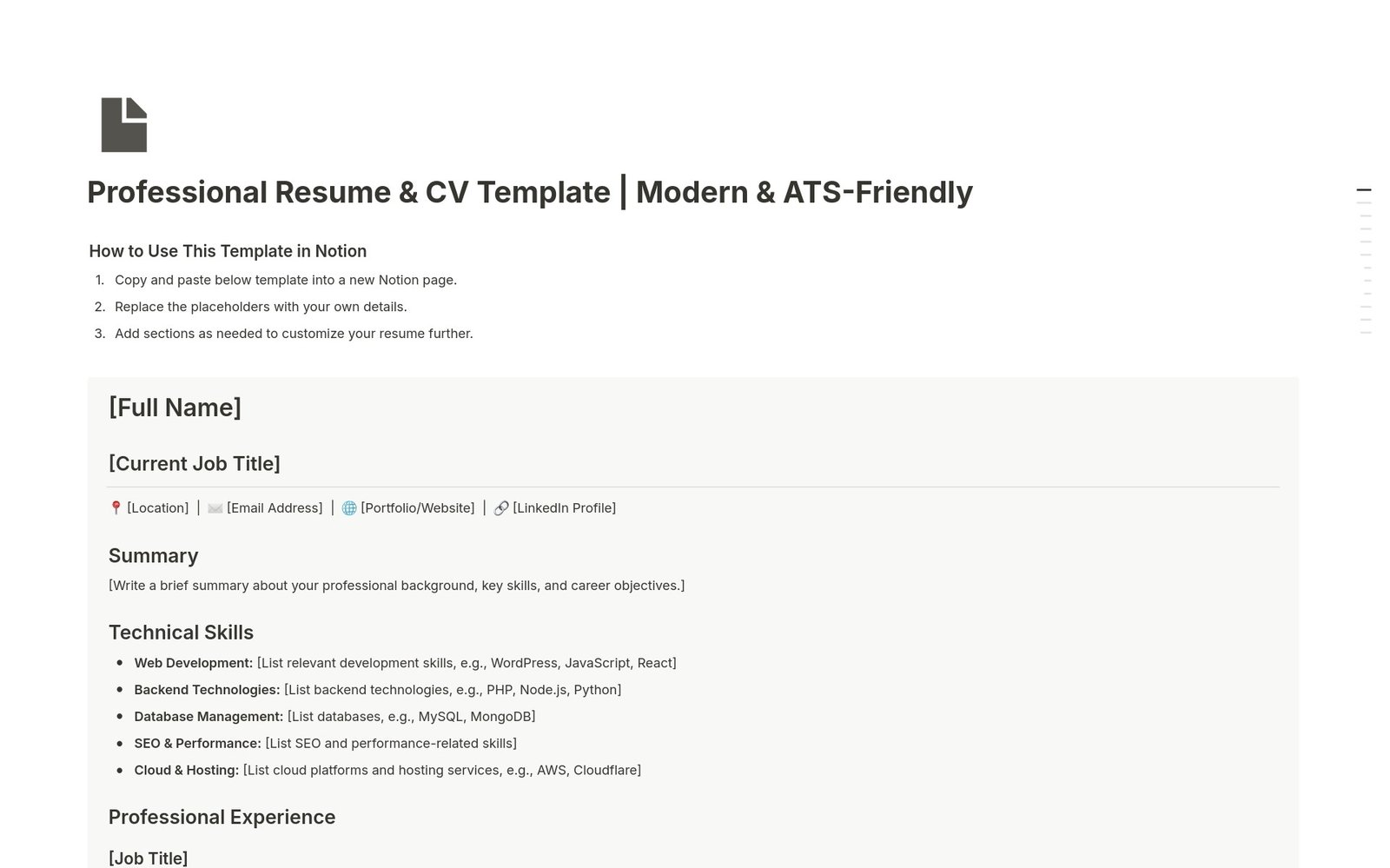
Professional Resume & CV
FreeBuild your resume in Notion with this free template. Customize your summary, experience, skills, education, and certifications in a clear, professional layout.
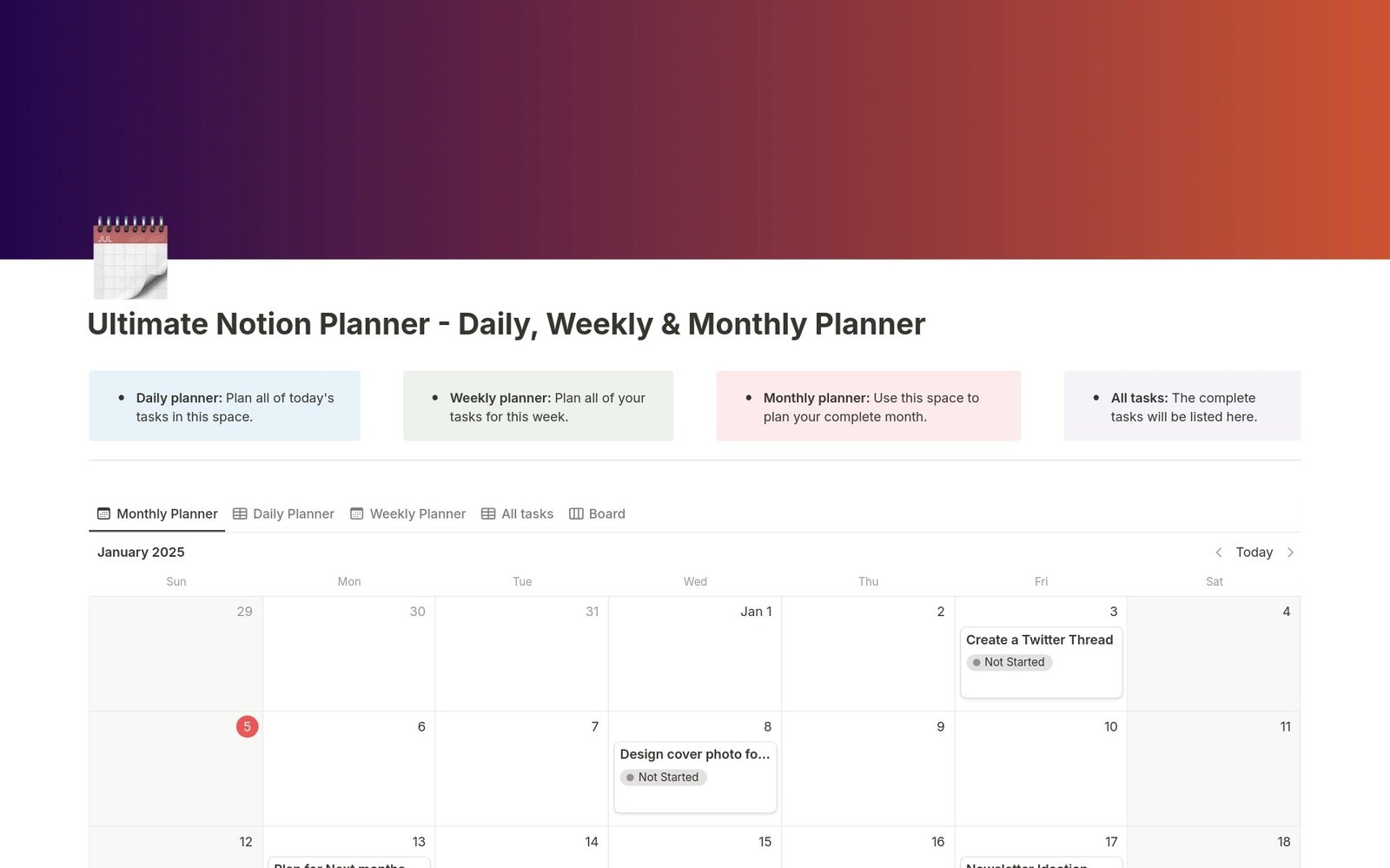
Daily Planner, Weekly Planner & Monthly Planner
FreeThe ultimate planner template. Organize your days, plan your weeks, and review your months, all in one interconnected Notion dashboard. Find your focus.
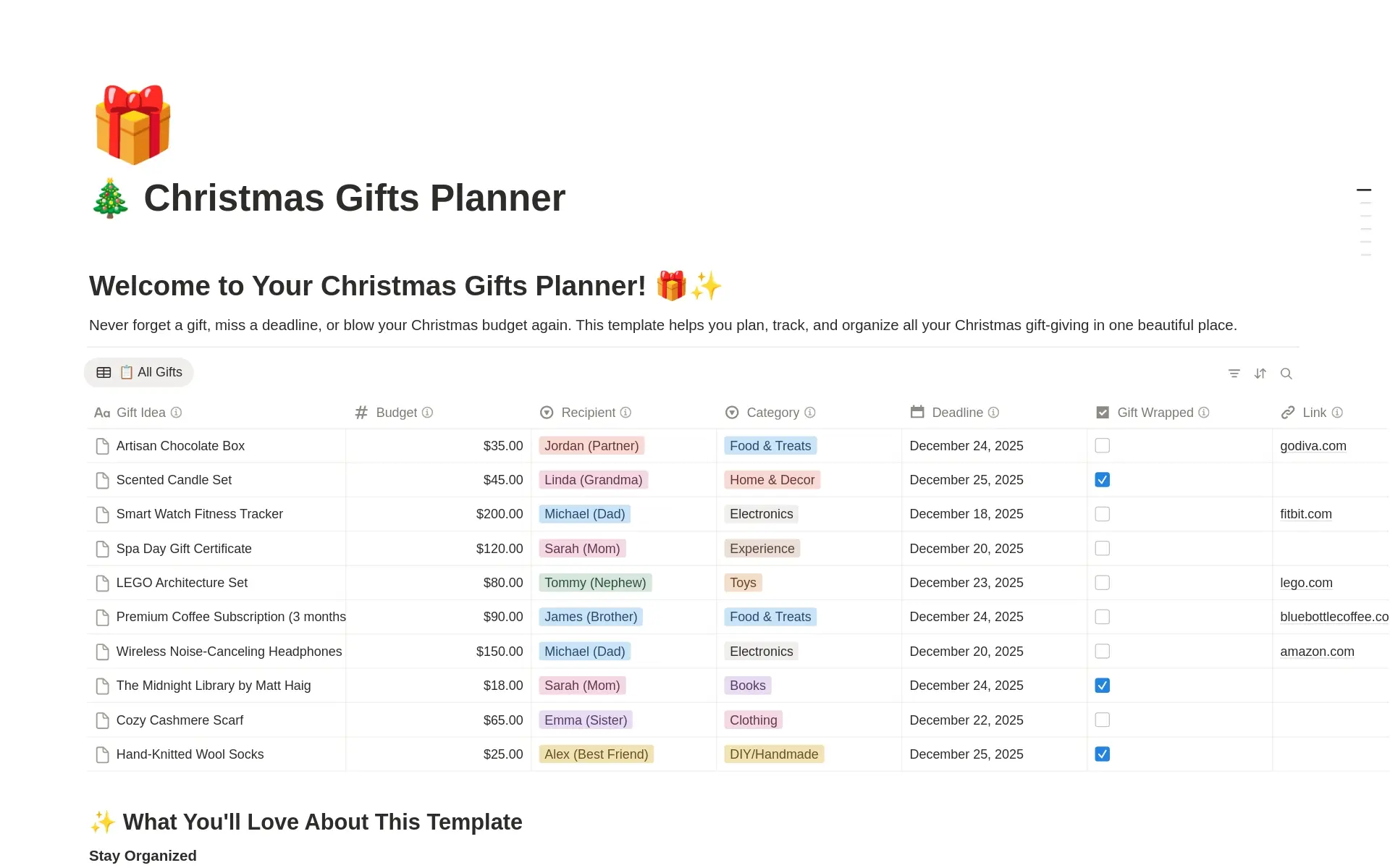
Christmas Gifts Planner & Tracker
FreeOrganize Christmas gifts in Notion. Track gift ideas, budgets, purchases, and wrapping status for everyone on your list.
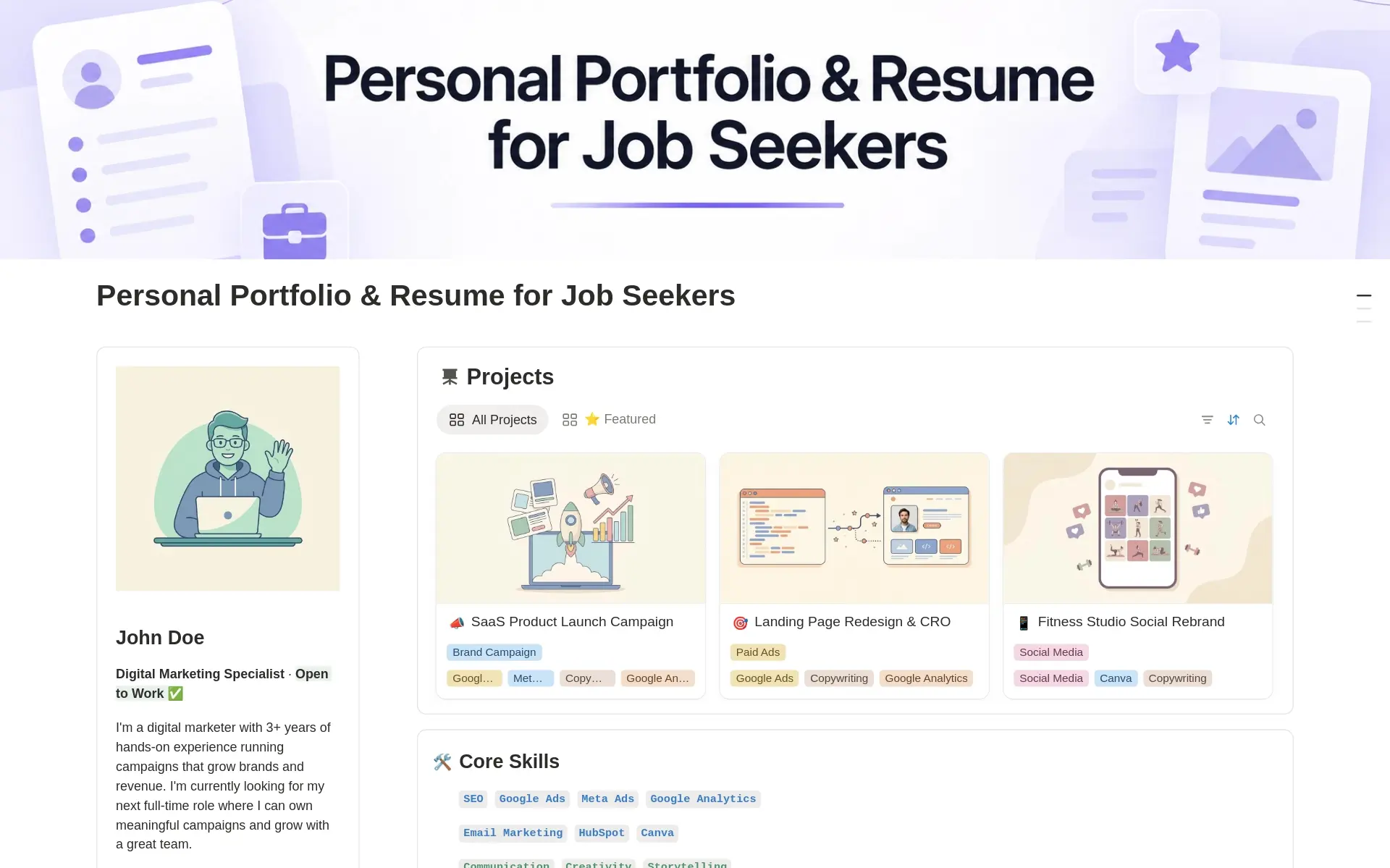
Personal Portfolio & Resume for Job Seekers
FreeBuild a personal portfolio and resume in Notion. Showcase projects, skills, and experience, and share one link that gets you noticed by recruiters.
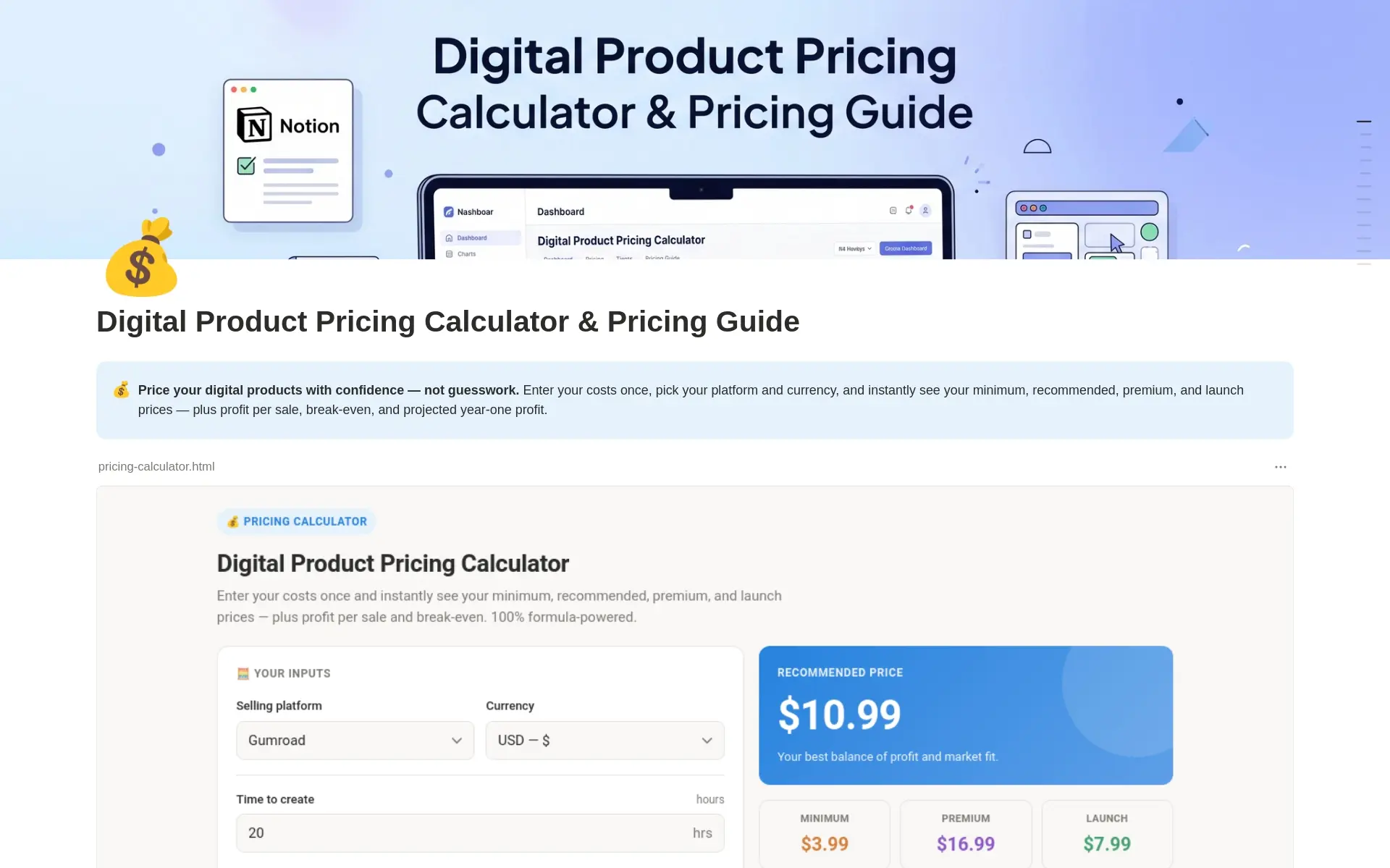
Digital Product Pricing Calculator
FreeA Notion pricing calculator for digital products. Work out costs, platform fees, margins, and the right price point in minutes.
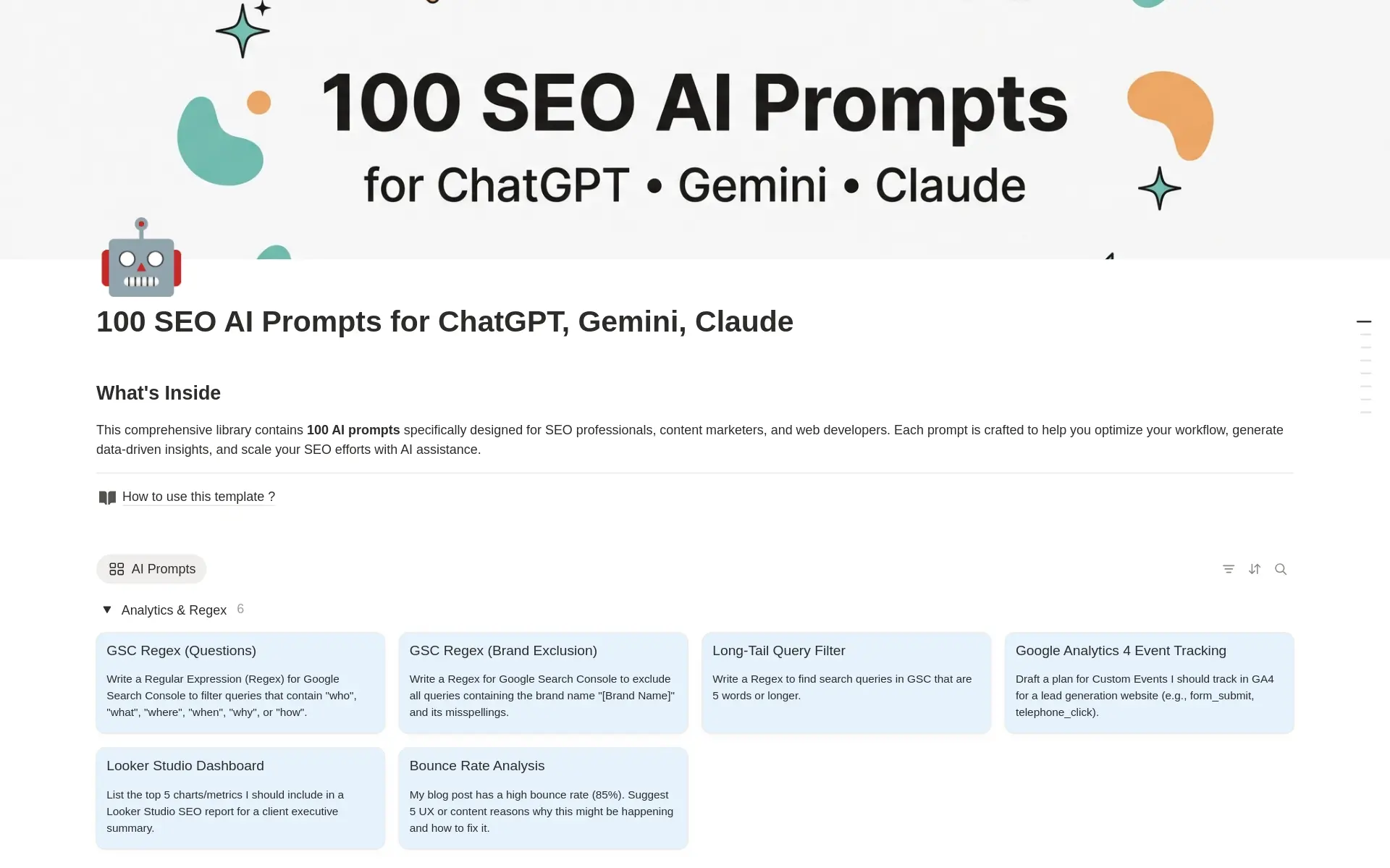
100+ SEO AI Prompts
FreeGet 100+ AI prompts for SEO in Notion. Prompts for keyword research, content briefs, on-page SEO, and link building.
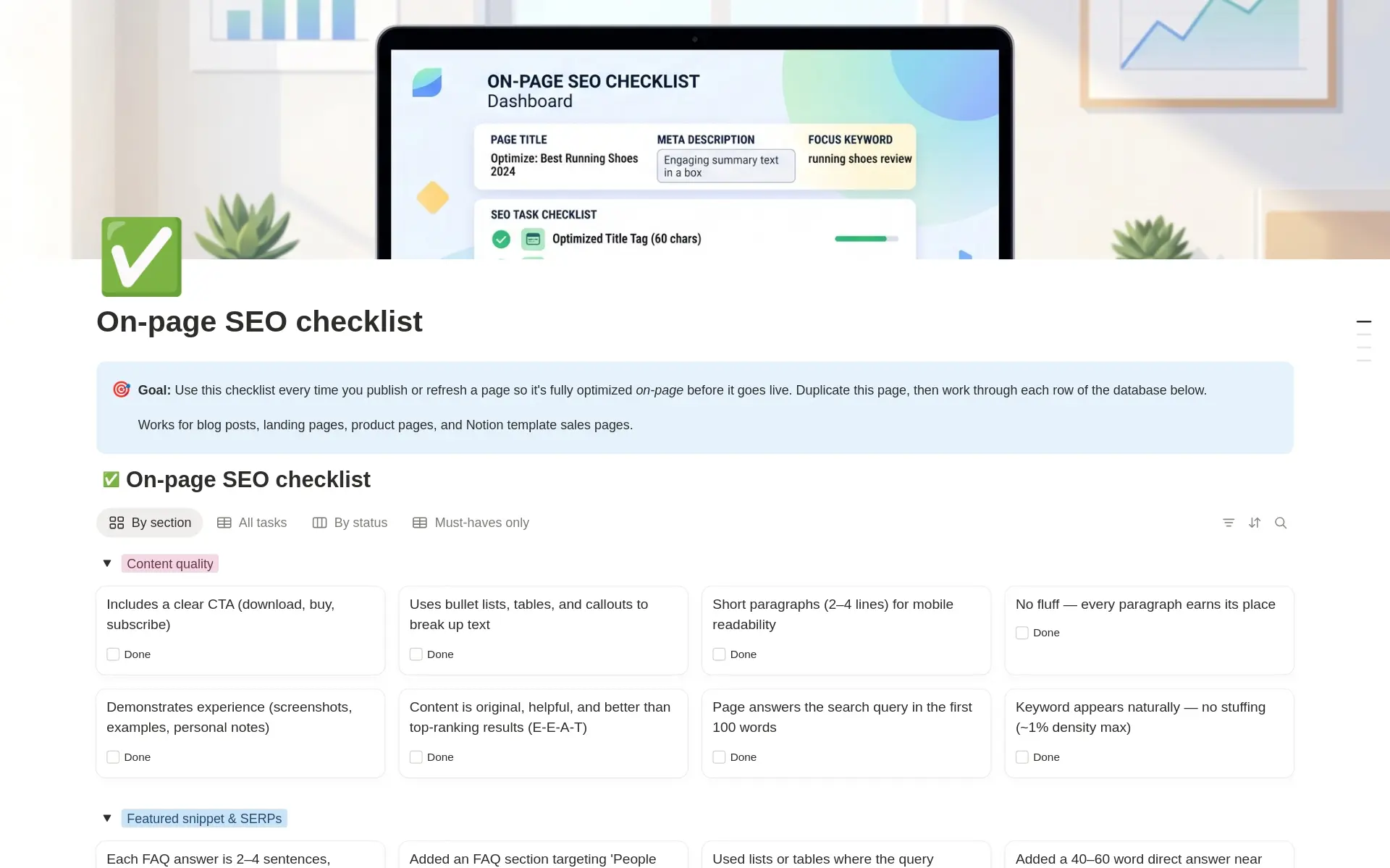
On-Page SEO Checklist for Blogs & Landing Pages
FreeUse this free On-Page SEO Checklist Notion template to optimize titles, meta descriptions, headings, internal links, and content before publishing.
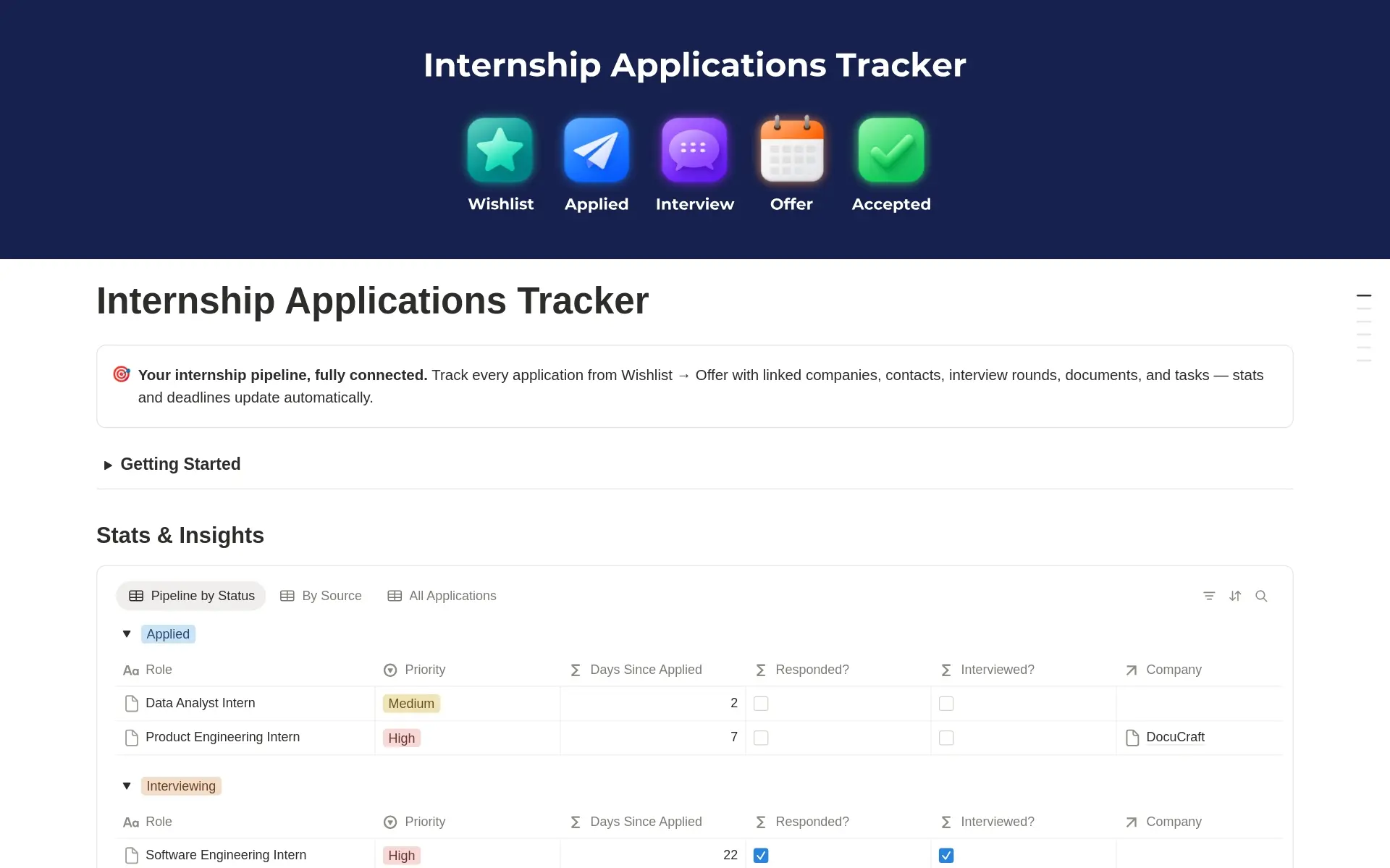
Internship Applications Tracker
FreeOrganize internship applications in Notion. Track deadlines, application status, recruiters, and interviews in one simple dashboard.
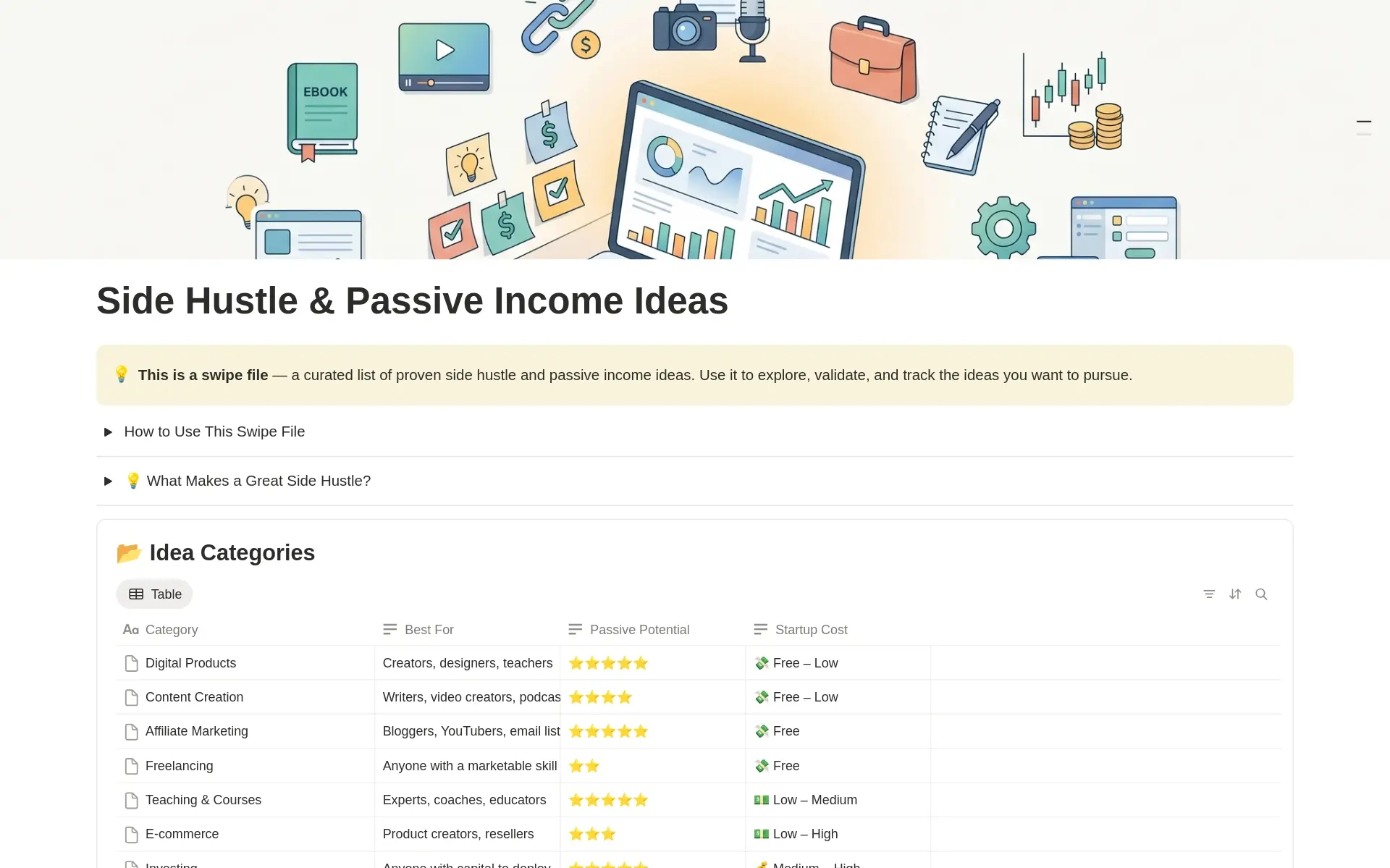
Side Hustle & Passive Income Ideas
FreeExplore side hustle and passive income ideas in one Notion database. Compare effort, cost, and income potential to find the right fit.
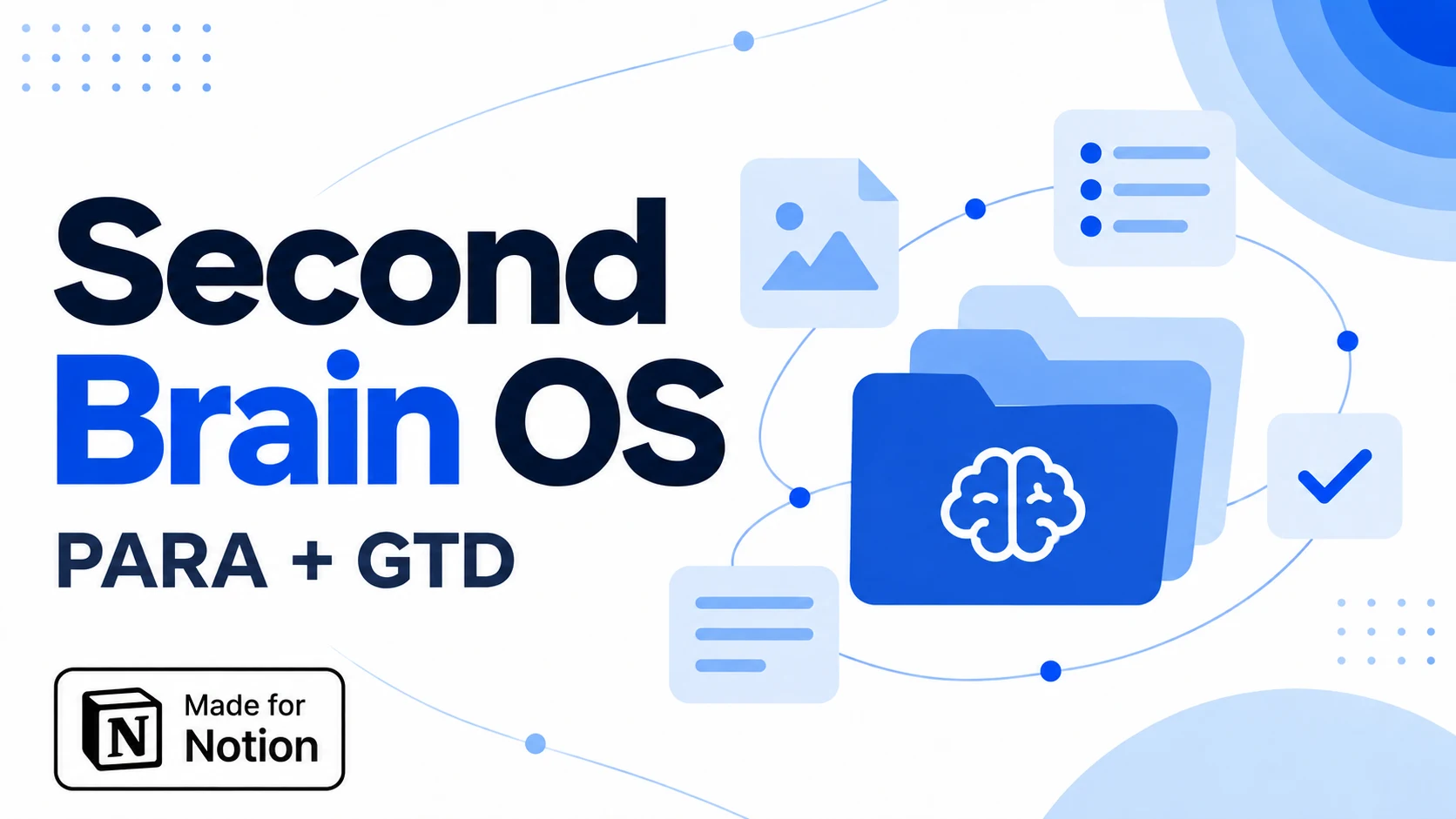
Second Brain OS - PARA & GTD
$20.30A connected Notion workspace for tasks, projects, notes and resources, with PARA and GTD dashboards, daily planning and weekly reviews.
Ready to organize your Notion workspace?
Buy Notion Template BundleView the bundle and final price on Gumroad
What is included in the Notion template bundle?
The bundle brings free and premium Notion templates into one library for planning, content creation, clients, goals, and finances. Choose it when you want several starting points for different parts of your workspace. Browse the included template cards above to see what each system is designed to organize.
One-time payment and bundle access
The bundle uses a one-time payment and includes access to current and future templates. Follow the purchase button to Gumroad to see the final price and the delivery information before checking out. Prices displayed on the individual template cards describe individual templates, rather than the price of the bundle.
Build your workspace one system at a time
After getting access, choose the template that addresses your most immediate need and duplicate it into Notion. Add a small amount of real information and learn its structure before introducing another system. You do not need to use every template at once. A focused planner for today and a separate tracker for a recurring task can be a practical starting point. Return to the included library as your work changes and you need another system.
Notion template bundle questions
One library, several ways to organize your work.
The complete Notion template bundle brings Jithin Rajiv’s free and premium templates together through a one-time purchase, with access to current and future templates as described in the offer. The library covers different needs, including daily planning, content creation, client management, goals, and finances. Browse the included cards to see the individual systems and their features.
A bundle is most useful when you expect to use several templates for different parts of your work or life. You can begin with one system and introduce another when a new need appears. If you only need a single planner or tracker, compare its individual page with the bundle before deciding. Review the final offer on Gumroad rather than adding together the prices shown on individual cards.
Is the bundle a subscription?
This page describes the bundle as a one-time payment. Follow the purchase button to Gumroad to review the current price, included access, and delivery information before checkout. The individual template prices displayed in the catalog describe separate templates and are not the checkout price of the complete bundle.
Is a template collection the same as the bundle?
No. A collection groups templates by a role or goal so you can find relevant resources. The complete bundle is a separate purchase option with its own access details. Opening a collection does not by itself give access to every paid template listed within it.
How should I start using the bundle?
Choose the template that addresses your most immediate task, follow its access instructions, and duplicate it into Notion. Add a few real tasks or records before customizing it. Keep the other templates available for later, rather than trying to combine every system into one dashboard on the first day.