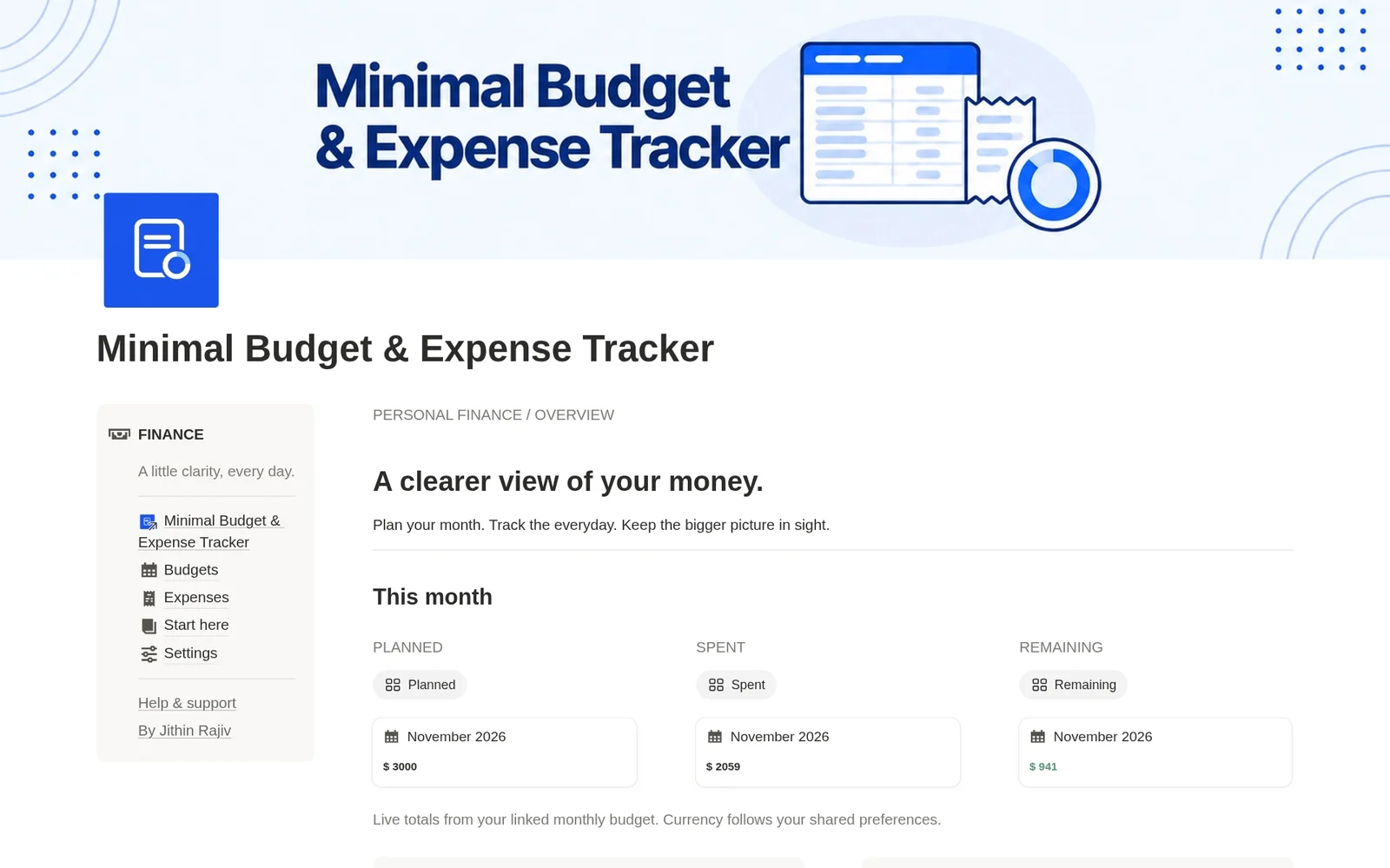
Monthly Budget Dashboard
See planned, spent and remaining amounts for the current month on one screen.
A Notion budget template for a clearer view of your money
Plan your month, log everyday spending and see what is left before your next purchase. A minimal Notion budget template that works as a budget tracker and expense tracker, with monthly and yearly views and your own currency.
What you get
INSIDE THE TEMPLATE
Two connected databases, one dashboard and a short setup guide. No formulas to build.
See planned, spent and remaining amounts for the current month on one screen.
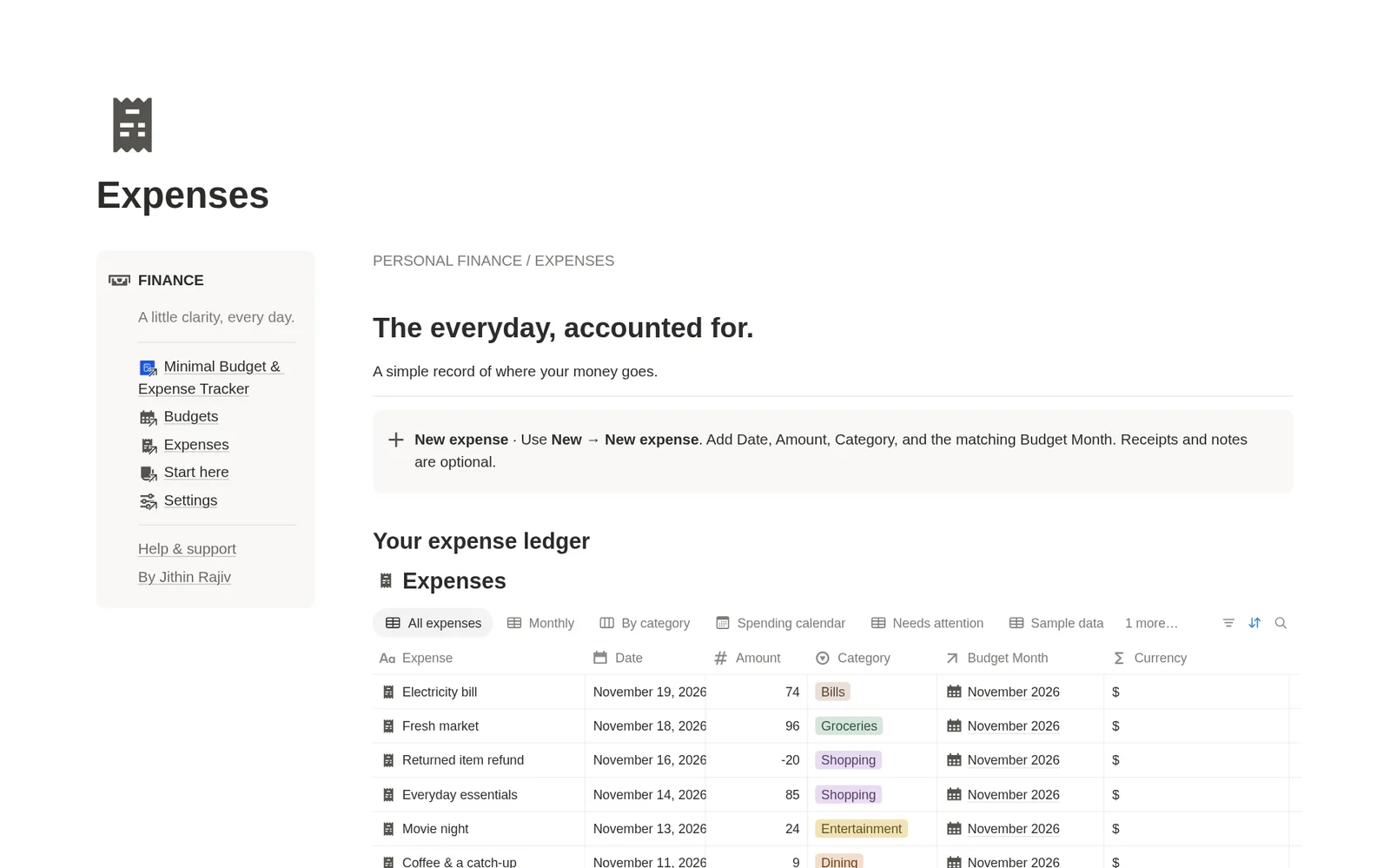
Log a purchase with its date, amount and category, then link it to its budget month.
Track this month, or browse this year's records grouped by month. Older history stays one click away.
Browse spending by category or by date to see where your money goes.
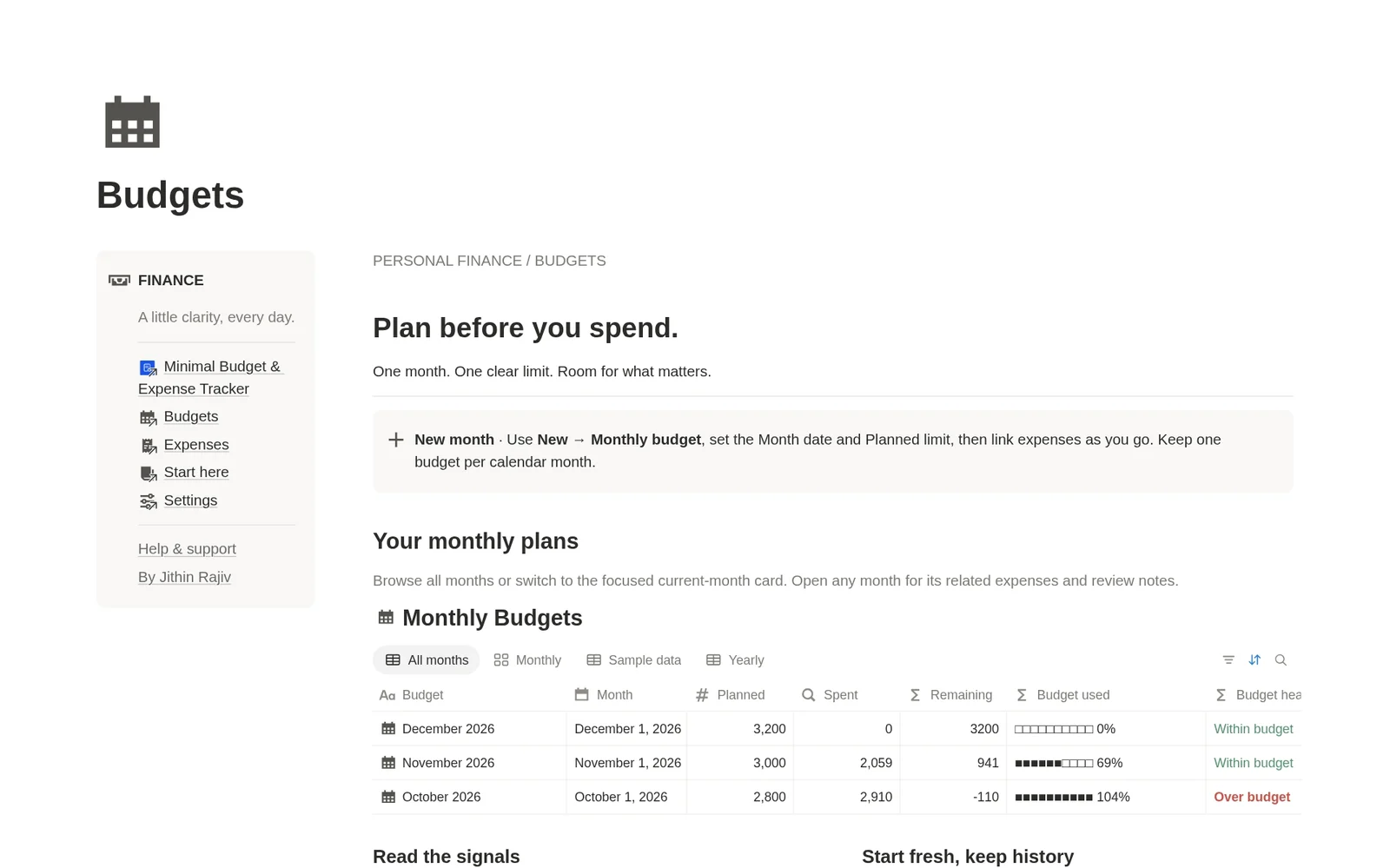
A progress bar shows how much of your limit is used, with Near limit at 80% and Over budget above 100%.
A Needs attention view surfaces missing details and budget-month mismatches so your totals stay right.
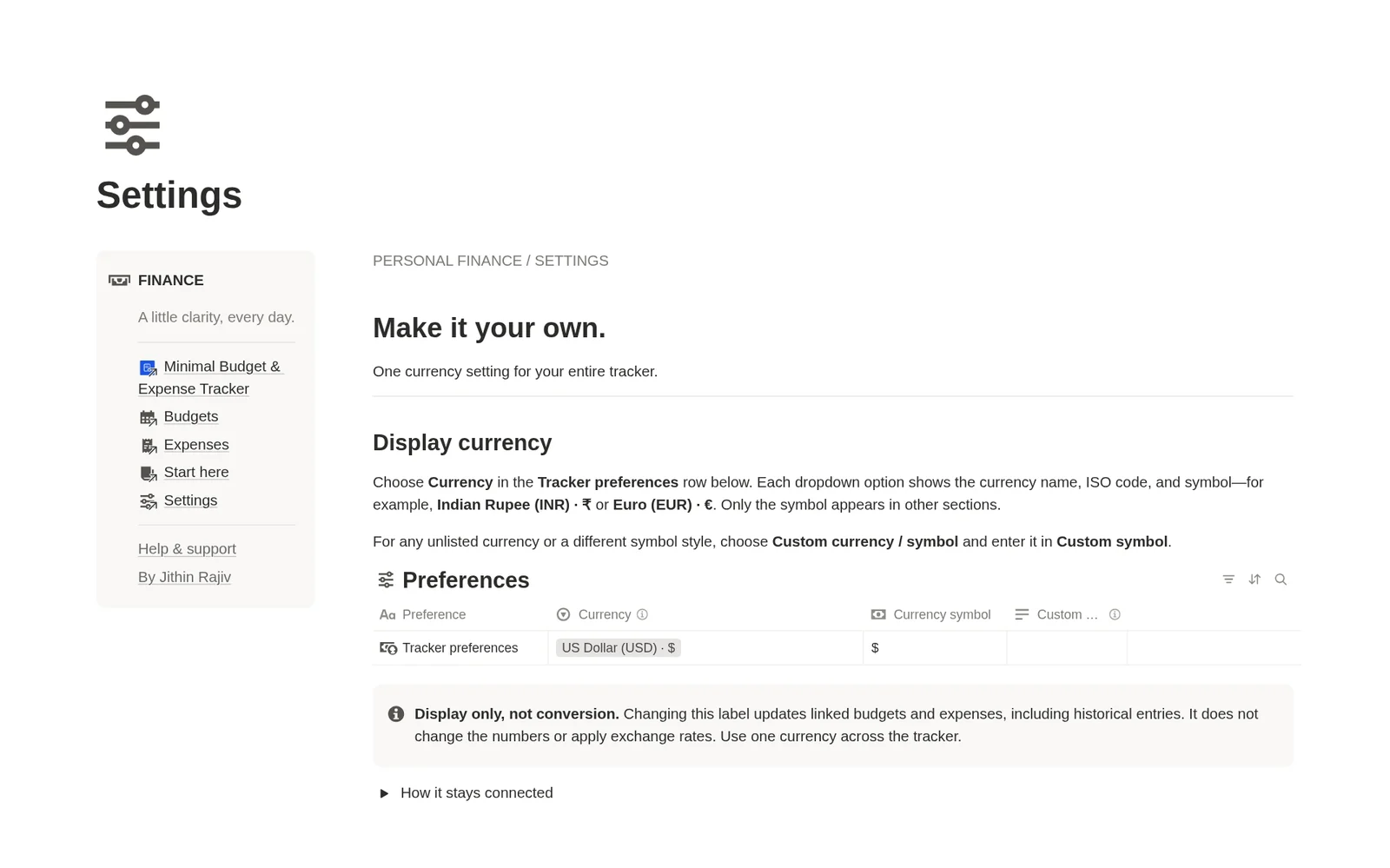
Pick a currency from a dropdown with its name, code and symbol, or enter your own symbol.
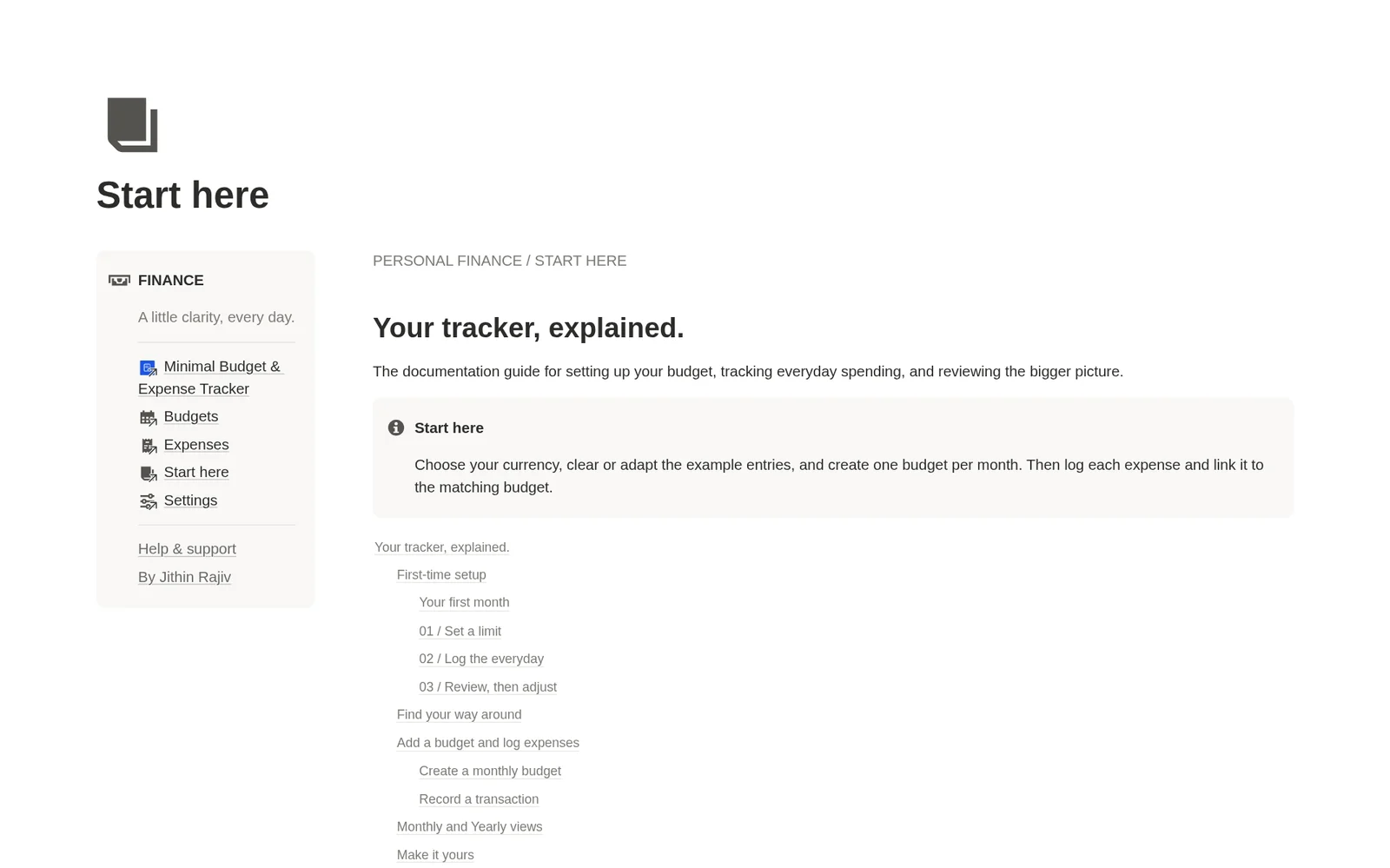
Start each month or expense from a ready page, plus a Start here guide and sample entries to explore.
How it works
Check out on Gumroad. The template link arrives in your receipt email.
Click Duplicate in Notion to add it to your own workspace in one click.
Start with one section and add the rest as you need it.
Who it’s for
You do not need a complicated spreadsheet to build a budgeting habit. This Notion budget template brings your monthly spending plan and your everyday transactions into one calm workspace. Set a limit for the month, log what you spend and check what remains before your next purchase.
Create a budget for each month and enter your planned spending limit. Every expense you link to that month adds to Spent, and Remaining updates for you. A progress bar shows how much of the limit is used, so you can spot a month heading over budget while there is still time to adjust.
Add a purchase, pick a category and link it to its budget month. You can attach a receipt or a note when you need more context. Refunds are entered as negative amounts, so they reduce the month's spending instead of cluttering your records.
Think of it as a simple Notion finance tracker for the budgeting side of your money. Each month has one limit, each expense belongs to one month, and the dashboard always shows what is planned, spent and remaining.
Use the monthly view for daily tracking and the yearly view to browse this year's records grouped by month. Switch to the category board or the spending calendar when you want a different angle. Because history is kept, you can open any earlier month whenever you like.
Choose your currency from a dropdown that shows its name, code and symbol, or enter your own. Only the symbol appears across your budgets and expenses. It is a display setting, so there are no exchange rates and the tracker is built for one currency at a time.
Duplicate the template, choose your currency, then explore or remove the sample entries. Create your first monthly budget and log your first expense. The Start here page inside the template covers setup, the monthly routine and troubleshooting, and the help guide on this site has the same answers.
Start with one template, or unlock the full library—including future releases.
You’re viewing this template
$6.30$9$9
A minimal Notion budget template with an expense tracker. Plan each month, log everyday spending and see what is left.
All templates, one payment Best value
$48.30$69$69
One price for every template. Keep growing your workspace with each new release.
Before you get started
Answers to help you choose with confidence.
A Notion budget template is a ready-made workspace you duplicate into Notion to plan monthly spending limits and track expenses against them. This one is a minimal Notion budget tracker with a dashboard, monthly budgets, an expense ledger and a currency setting.
A Notion template you duplicate into your workspace. It has a current-month dashboard, connected monthly budget and expense databases, monthly and yearly views, a category board, a spending calendar, budget health indicators, entry checks, reusable page templates, sample entries and a setup guide.
Yes. It covers the budgeting side of personal finance: monthly limits, everyday expenses, categories and a yearly view. It does not track income, investments or net worth, and it does not connect to your bank.
Yes. Add each purchase with a date, amount and category, then link it to its budget month. Refunds go in as negative amounts and reduce that month's spending.
Monthly shows the current calendar month and Yearly shows the current calendar year grouped by month. They roll forward automatically and older records are never deleted. Use All months or All expenses to see your full history.
Yes. Choose your currency in Settings, or enter a custom symbol. It changes the label only, so it does not convert amounts or apply exchange rates. The tracker is designed for one currency at a time.
No. Transactions are entered manually, which keeps your data in your own Notion workspace and the template simple.
Yes. The template is built in Notion, and you duplicate it into your own workspace after purchase.
Yes. It is a one-time purchase with lifetime access, not a subscription.
Your Gumroad email receipt includes the Notion access link. Open the link and duplicate the template into your own Notion workspace. The setup guide walks you through the first month.
Get the template, duplicate it into Notion, and shape it around the way you work.
Digital product · Return policy
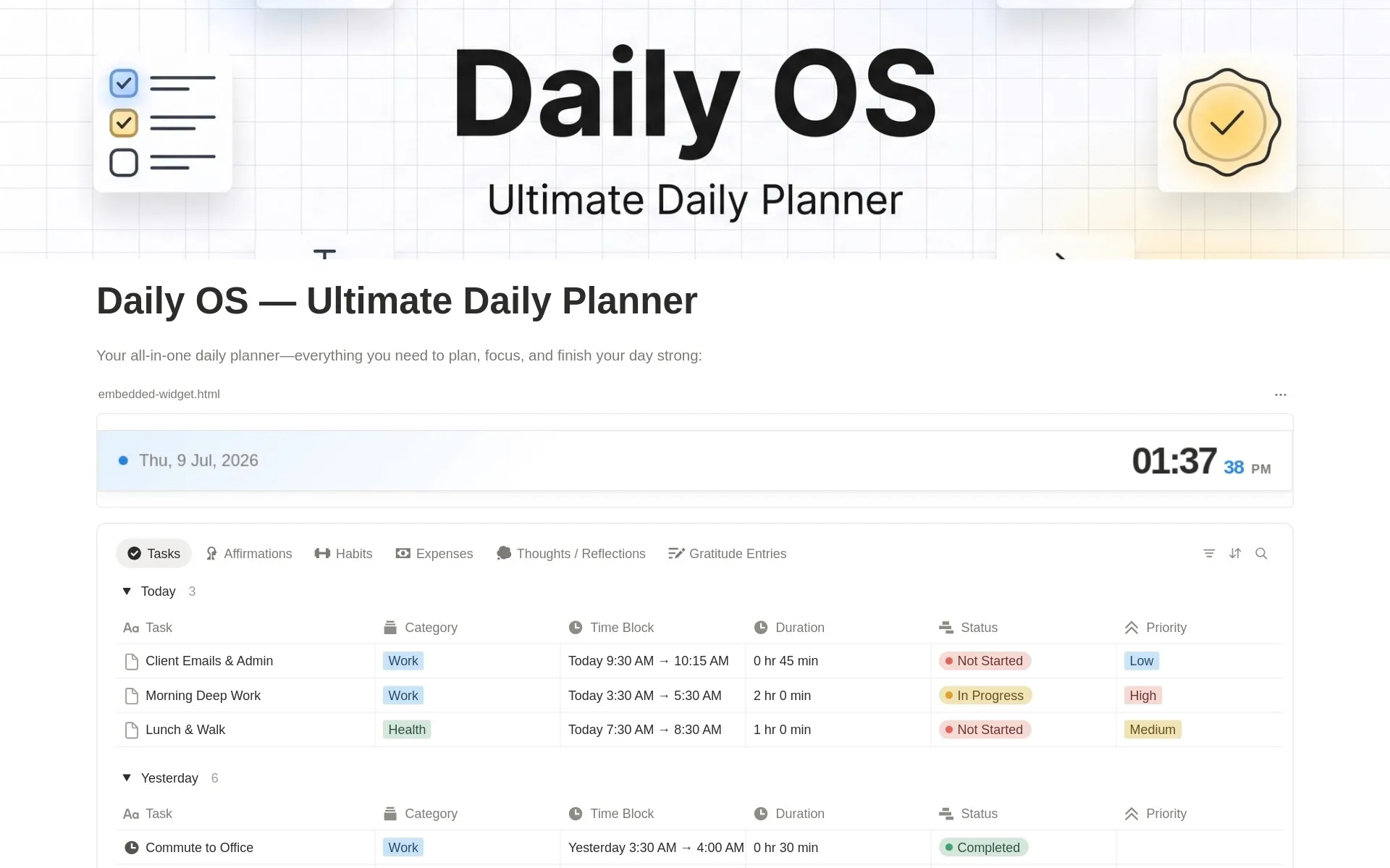 30% offNotion Planner TemplatesDaily OS - Daily PlannerTime block your schedule, build habits, track expenses, journal, and reflect — all in one simple daily system.99 installs$8.40
 Notion Planner Templates2027 Yearly Goal Tracker & PlannerA free Notion goal tracker for 2027. Set yearly goals, break them into steps, and track progress by quarter, month and category.35 installsFreeGet free
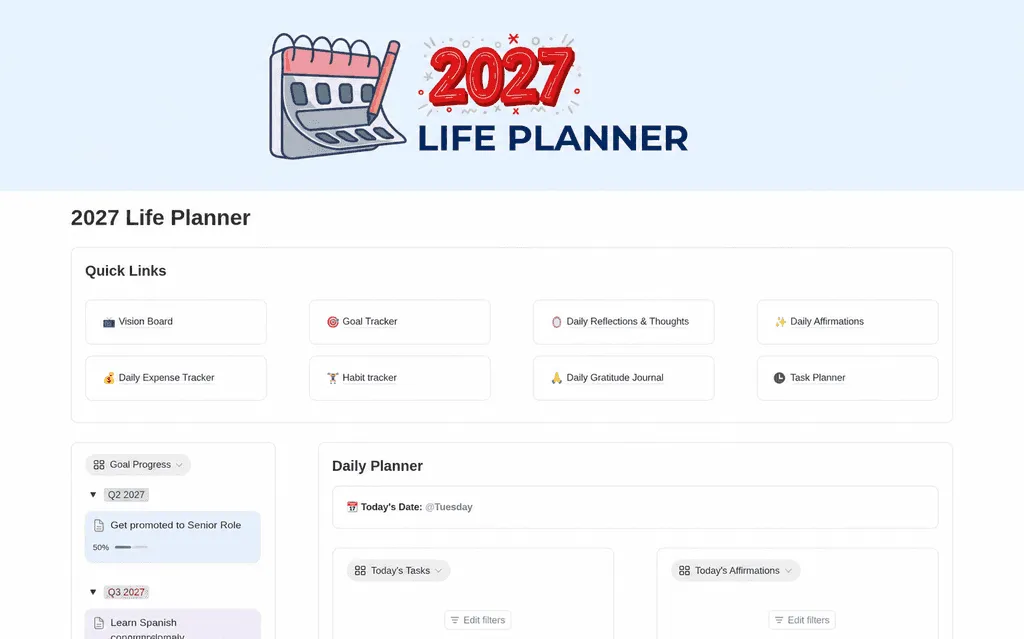 30% offNotion Planner Templates2027 Life PlannerMake room for what matters in 2027. Organize your goals, daily tasks, habits, reflections, and expenses with a Notion life planner that brings your year into focus.39 installs$13.30
Minimal Budget & Expense Tracker
$6.30$9$9 · 30% off