Notion Map: How to Use Map View in Databases
How to create a map in Notion with map view: add a Place property, set up the view, fix missing pins and work around the limits.
 Jithin Rajiv4 min read
On this page
A Notion map is a database view that shows your items as pins on an interactive map. To make one, give your database a Place property, add an address to each item, then add a Map view. Click a pin to open the page behind it.
It suits anything with a location: travel plans, places to eat, clients, venues or a bucket list. Here is how to set it up and what to watch for.
How to create a map view in Notion
You need a database with a Place property. If it does not have one, Notion creates one when you add the map view. You can also add it yourself:
- Open the database and click Add property, or the + next to the right-most property.
- Choose Place.
Then add the map view in either of two ways:
- On a page, type
/mapand press Enter. - Hover over a view name in the database, click +, choose Map, name the view and click Create.
How to add places to your map
Fill in the Place property for each item. A place can come from your current location, a location name or an address. A pin appears for each item once its address matches a real location.
Notion's help page says address search uses a third-party provider, so coverage and accuracy can vary by region. If a pin does not appear, try the full street address or the name of a well-known place.
If you convert an existing text property to a Place property, clean up the addresses first. Anything that does not resolve to a real location will not get a pin.
Using the map
- Open an item: click a pin to open its page.
- Move around: zoom and drag like any online map.
- Filter and sort: both work on text. You can filter by text in a place's name or address and sort alphabetically.
- Switch Place property: if the database has more than one, open the slider menu at the top of the map, choose Layout, then Map by, and pick the one you want.
Notion map view limits
Check these before you build a system around it:
- 100 items at a time. Map view shows up to 100 items. For more, use filters or split your items across views.
- No distances. You cannot calculate distances between places.
- Missing pins. Pins can be missing when an address does not resolve to a location, or when the map is using a different Place property than you expect.
- No routes. Map view plots places. It is not a trip planner.
Notion's help page does not list plan or platform restrictions for map view, so check Notion's pricing and help pages for your own workspace.
Ideas for a Notion map
- Travel and bucket lists: pin destinations, then add a status and a target date to each one.
- Restaurants and cafes: keep a database of places to try with a visited checkbox and a rating.
- Clients and venues: add a Place property to a client list to see where your work is clustered.
- Events and meetups: map the venues for a season of events.
A bucket list is an easy place to start. The free 2027 Bucket List template gives you a database of experiences with target dates, and you can add a Place property to it and turn on a map view.
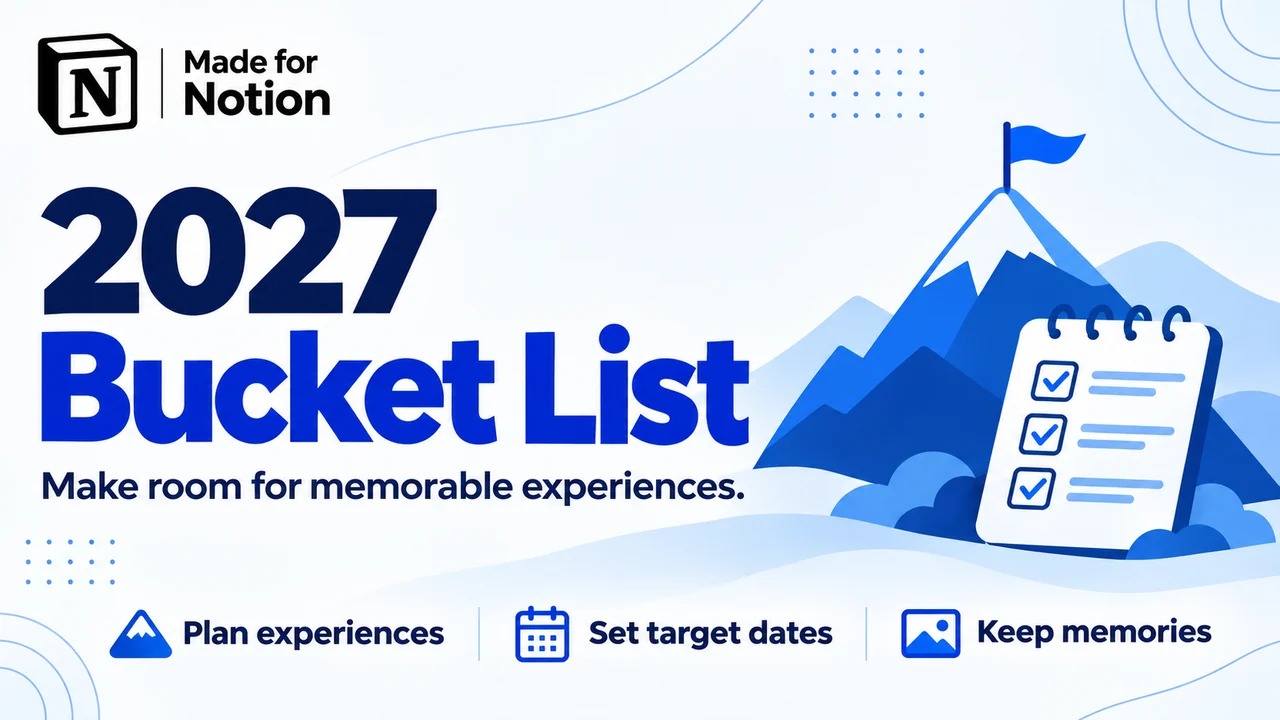 Free2027 Bucket ListA free Notion bucket list template for 2027. Add experiences, set target dates, move plans across a board, and keep photos on your Memory Wall.Get it free →
If you keep clients in a database, such as the CRM Tracker, you can do the same with their addresses.
Notion map or the map formula?
People searching for "notion map" sometimes mean a different thing. Notion's formulas include a map() function, which applies an expression to each item in a list and returns a new list. It has nothing to do with the map view above. Use the map view to plot places, and the map() formula to transform lists of values inside a formula property.
Showing one location without a database
If you only need to show a single place on a page, you do not need a database. Paste a map link into a page and choose to embed it. You get a map you can look at, but it is not connected to your data, so it will not update when your database changes.
Notion map questions
What property do I need for a map in Notion? A Place property. Notion adds one for you if you create a map view on a database without one.
Can I use more than one Place property? Yes. Switch between them with Layout and then Map by in the map's settings.
Why is my pin not showing? The address may not match a real location, or the map may be set to a different Place property. Check the address first.
How many places can a Notion map show? Up to 100 items at one time. Use filters or several views for more.
Related guides
- How to add columns in Notion
- How to use a Notion toggle list
- Add a clock or tracker with a free Notion widget
Written by
Jithin Rajiv
Notion templates, free tools and widgets for getting work done, by Jithin Rajiv.