Notion Toggle List: How to Create and Use Toggles
How to create a Notion toggle list, the keyboard shortcut, toggle headings and practical ways to use collapsible blocks to keep long pages tidy.
 Jithin Rajiv4 min read
On this page
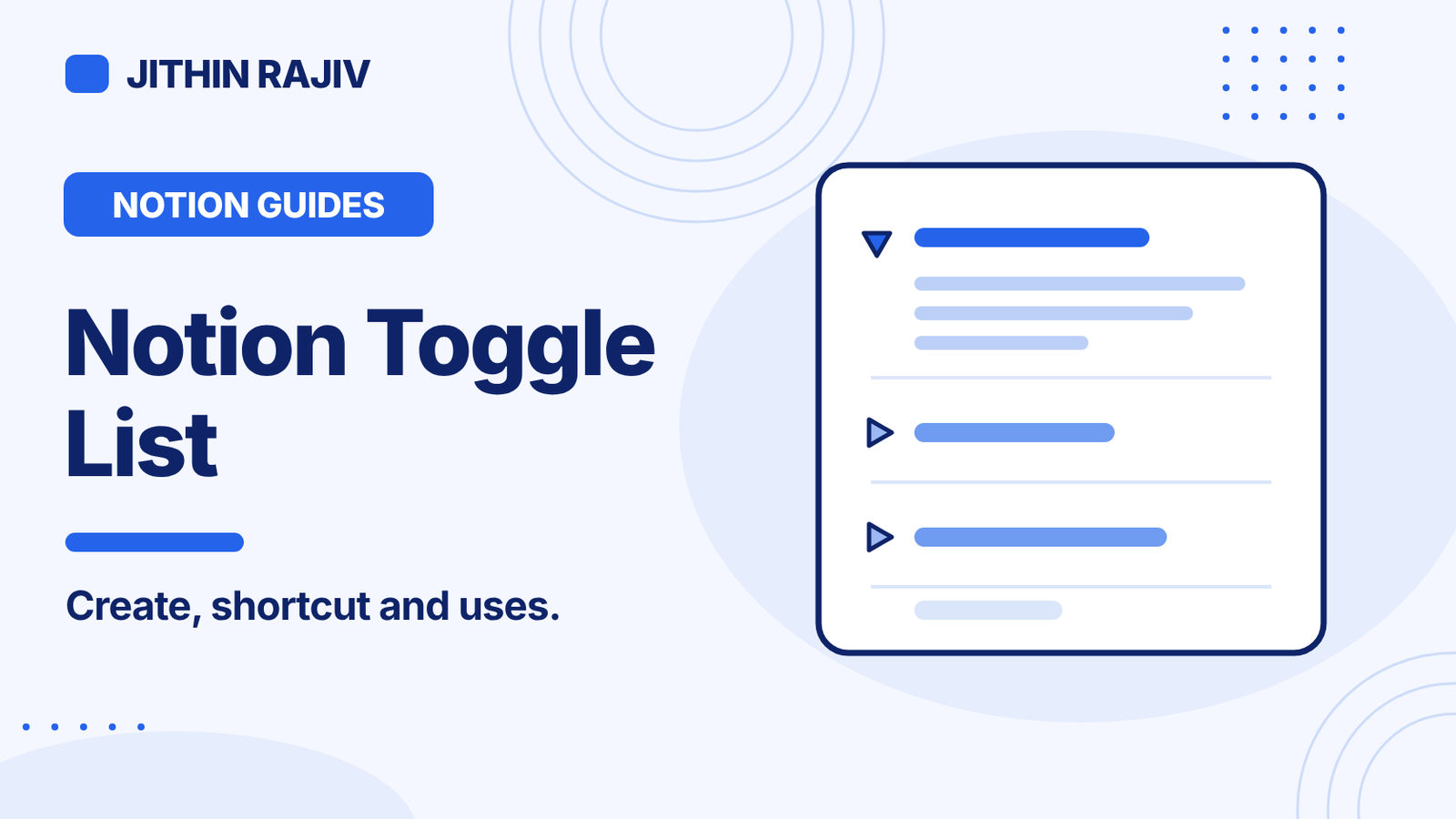
A Notion toggle list is a block that hides its content behind a small arrow. To make one, type > followed by a space at the start of a line, write the title, then put your content inside. Click the arrow to show or hide it.
That is the whole idea, but there are a few extra ways to create toggles, a toggle heading for long pages, and some limits worth knowing before you build a page around them.
How to create a toggle list in Notion
Notion gives you two quick ways to add a toggle:
- Markdown shortcut: on an empty line, type
>and press the space bar. - Slash menu: type
/and choose the toggle list block.
Then write the title of the toggle. To fill it:
- Click inside the toggle and add new blocks.
- Drag existing blocks onto the toggle with the
⋮⋮handle. - Press
Tabon a block under the toggle to indent it inside.
A toggle can hold plain text, lists, images and other blocks, so it works as a container for any detail you want out of the way.
Notion toggle list shortcut
| What you want | Shortcut |
|---|---|
| Turn a line into a toggle list | Type > then a space |
| Create a toggle list (Mac) | cmd + option + 7 |
| Create a toggle list (Windows) | ctrl + shift + 7 |
| Open or close one toggle | cmd/ctrl + enter |
| Open or close all toggles in a list | cmd/ctrl + option/alt + T |
These come from Notion's keyboard shortcuts page. Shortcuts can change between versions, so try them on a test page before you rely on them.
Notion toggle headings
A toggle heading is a heading that collapses everything underneath it. It is the best option for long pages, because you can fold away whole sections and keep only the headings in view.
To make one:
- Hover over a heading or line of text and click
⋮⋮in the left margin. - Choose Turn into.
- Pick Toggle heading 1, Toggle heading 2 or Toggle heading 3.
Use heading 1 for the main sections of a page and heading 2 or 3 for sub-sections, the same way you would use ordinary headings.
Using a toggle list in a database
Every row in a Notion database is a page, so you can put toggles inside the body of any row. That is a tidy way to keep a long set of notes, a checklist or reference detail inside a task, a client record or a project without crowding the table view.
The toggles live in the page, not in the database columns. If you want to see information in the table itself, use a property instead.
Ways to use toggles
- FAQs and help pages: put the question in the toggle title and the answer inside. Readers scan the questions and open only what they need.
- Meeting notes: keep the agenda visible and fold the detailed notes under each item.
- Long reference pages: group sections under toggle headings so the page stays short.
- Instructions: add a "How to use this page" toggle at the top of a template so the guidance is there when needed and gone when not.
- Archives: keep old notes in a toggle at the bottom of a page instead of deleting them.
If you are building a FAQ or help center, the Knowledge Base & Help Center template is set up for that kind of page.
30% off $13.30
Toggle list questions
What is a toggle list in Notion? It is a collapsible block. The title stays visible and the content inside opens and closes when you click the arrow.
Can I make a toggle open by default? Notion's help pages say toggles open and close manually and cannot be set to open or closed by default. If a section must always be visible, use an ordinary heading instead.
How do I turn a toggle back into normal text? Click ⋮⋮ next to the block, choose Turn into and pick Text.
What is the difference between a toggle list and a toggle heading? A toggle list is a plain collapsible line. A toggle heading is a heading (level 1, 2 or 3) that also collapses, so it works as a section title.
Related guides
Written by
Jithin Rajiv
Notion templates, free tools and widgets for getting work done, by Jithin Rajiv.