Notion Client Portal: How to Build One in 3 Ways
Three ways to build a client portal in Notion: a shared page, a template, or a login portal with Softr. What each costs in effort, and which one to choose.
 Jithin Rajiv4 min read
On this page
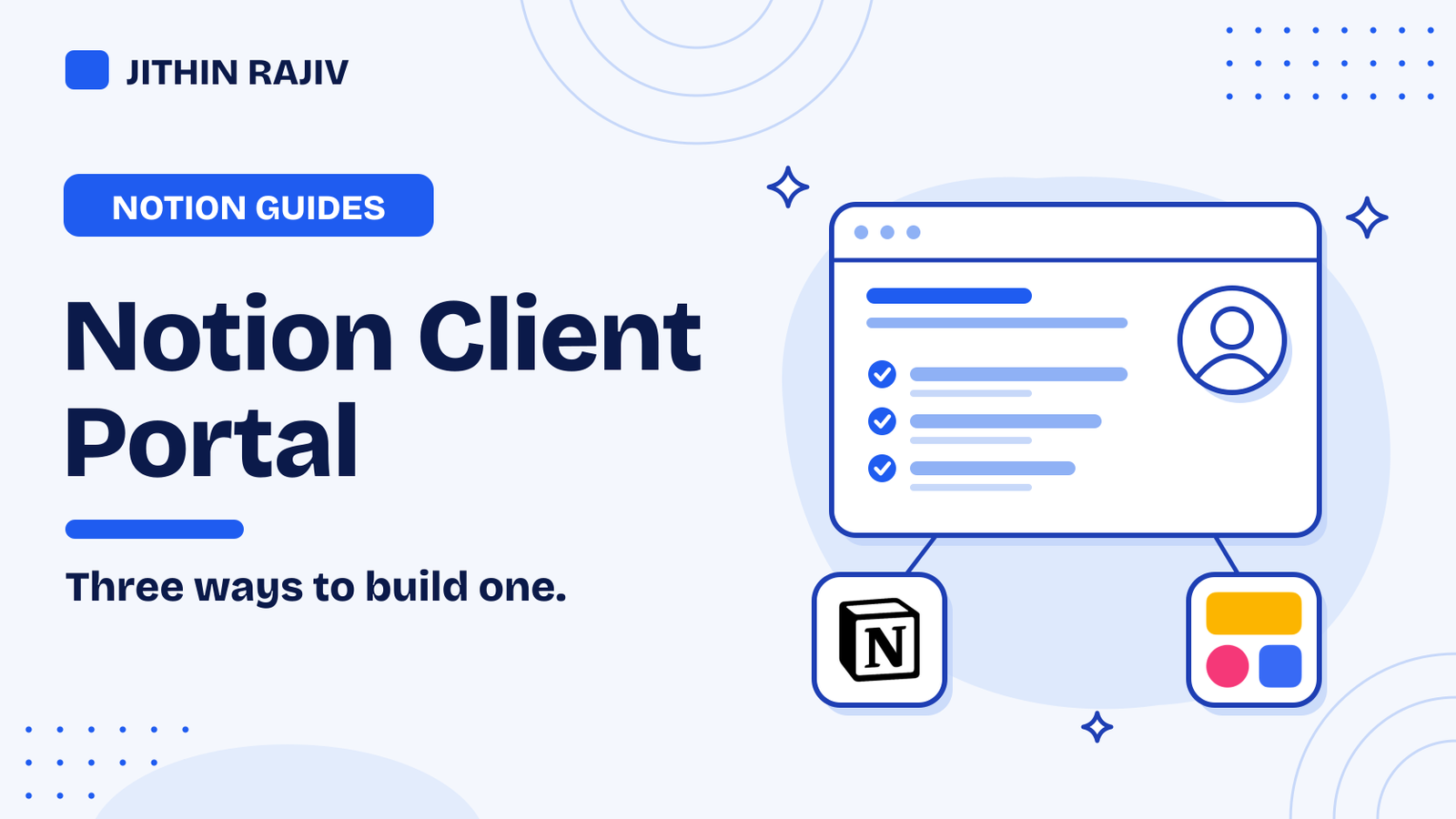
You can build a Notion client portal in three ways: share one page per client, start from a template, or put a login portal on top of a Notion database with a tool like Softr. The first is quickest, the second saves setup time, and the third gives every client their own private view.
A client portal is one place where a client sees project status, files, deadlines, invoices and approvals, so they stop asking you for updates by email. This guide shows each way, what it takes, and how to keep one client's data away from another's.
What to put in a client portal
Keep it small. Most portals need:
- Project status. A simple "not started, in progress, done" view for each deliverable.
- Deliverables and files. Links to the latest versions, so no one searches an inbox.
- A timeline. Key dates and what you need from the client by when.
- Approvals and feedback. A place for the client to say yes or ask for changes.
- Invoices and contact details. Links to invoices, plus how to reach you. If you are sorting out your invoicing, see how to number invoices.
Way 1: share one Notion page per client
The simplest portal is a normal Notion page that you share with the client. Make one page per client, add the sections above, and invite the client to it. Check Notion's help page for how guest access works on your plan.
Good for: a few clients, quick setup, no extra cost beyond Notion.
Watch out for: never put two clients on the same page. Share only that client's page, not your whole workspace, and be careful with public "anyone with the link" sharing, because anyone who has the link can open it.
Way 2: start from a template
A template gives you the structure so you do not build it from scratch. A good client setup has a database of clients and projects, a status view, and a page you duplicate for each new client, which becomes the page you share.
If you also want to track leads before they become clients, a Notion CRM template keeps leads, clients, deals and follow-ups in one place. You can then share a page for each client from that setup.
30% off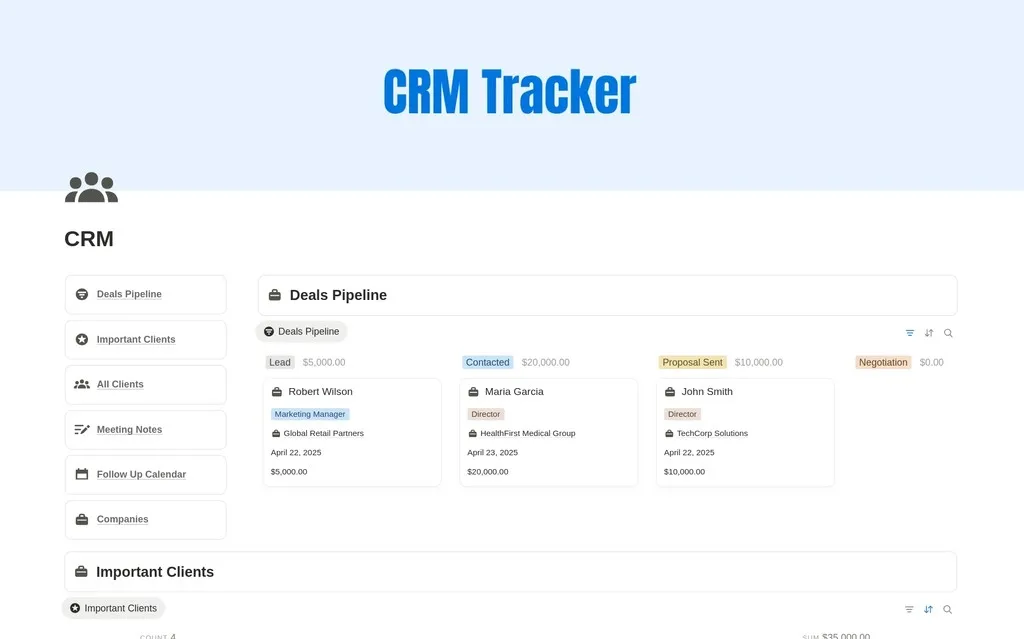 Marketing$8.40
Good for: freelancers and small studios who want to look organized from day one.
Watch out for: you still share one page per client, so the same privacy rules apply.
Way 3: a login portal with Softr
If you want clients to log in and see only their own data, build the portal on top of your Notion databases. Softr connects to Notion databases and puts a portal in front of them. Clients log in and see only the rows linked to their account, so you do not have to share your Notion workspace.
You keep your data in Notion and edit it there, and the portal shows the right rows to the right client. Softr says you can start for free, so check its pricing page for what each plan includes.
Good for: more clients, a more professional look, and cases where each client should only see their own information.
Watch out for: it is another tool to learn and pay for as you grow. Map out which database holds the data, and what each client may see, before you build.
If you also need to collect information from clients, use a form that sends answers into your Notion database. See the best Notion form tools.
Which way should you choose?
- 1 to 5 clients, no budget: share one page per client.
- You want a head start: use a template, then share pages.
- Clients need logins, or you have many clients: Softr.
You can also start with Way 1 and move to Way 3 later, because your data stays in Notion.
A short privacy checklist
- Keep each client on their own page or in their own rows.
- Share the smallest page you can, not a whole workspace.
- Avoid putting passwords or sensitive documents in a portal. Link to a secure place instead.
- Review who has access when a project ends, and remove clients you no longer work with.
Frequently asked questions
Can I build a client portal in Notion for free? Yes, with a shared page. Check Notion's help page for guest limits on your plan. A login portal with Softr has its own plans, so check its pricing.
Can clients edit a Notion portal? You choose the permission when you share. Many people give clients comment access, so they can reply without changing the page. Check the sharing options on your plan.
Is a Notion client portal secure? It is only as private as your sharing settings. Share per client, avoid public links for private information, and use a login portal if each client must only see their own data.
For more add-ons, see the best Notion tools.
Written by
Jithin Rajiv
Notion templates, free tools and widgets for getting work done, by Jithin Rajiv.