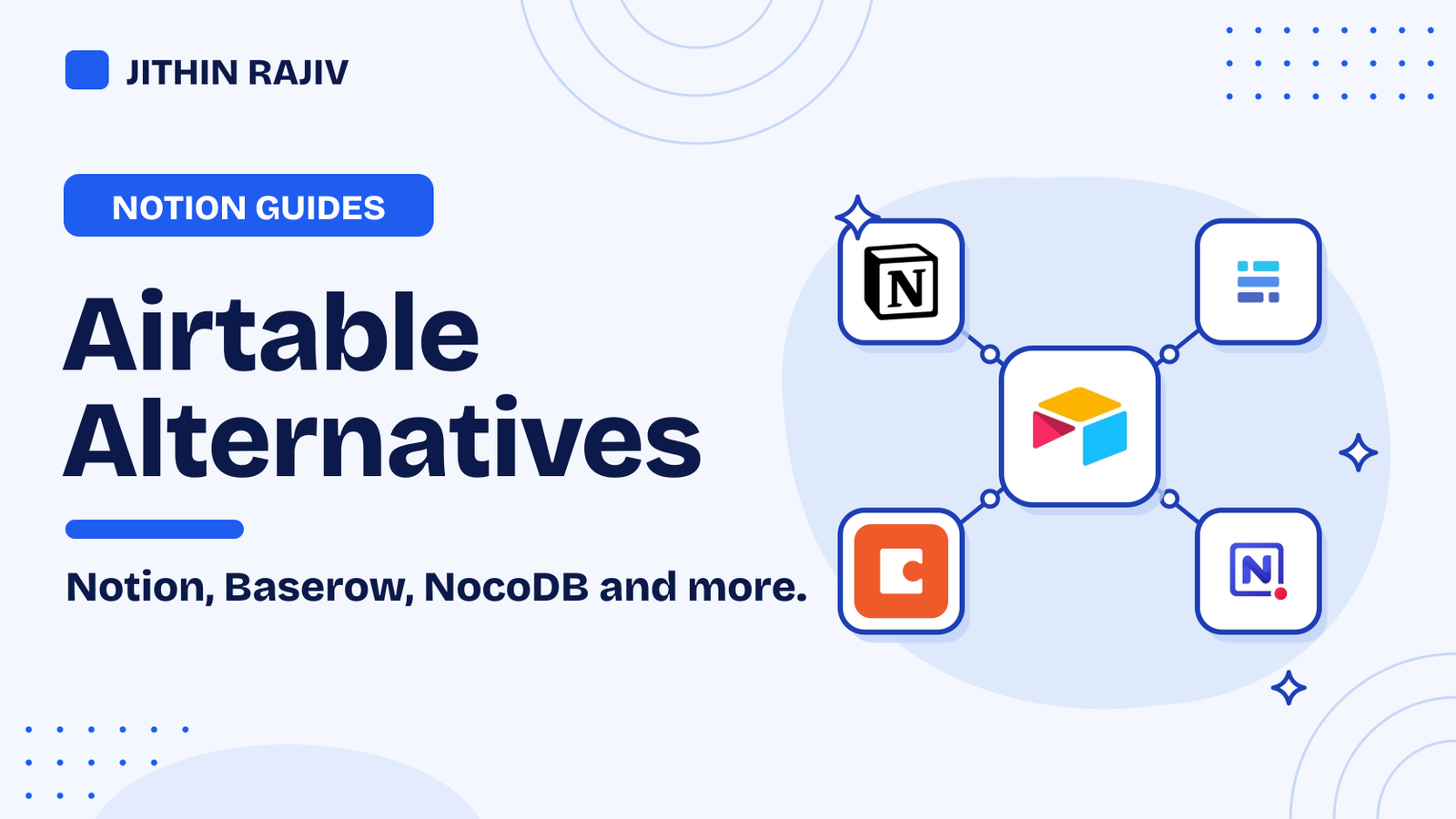
Airtable Alternatives: Notion, Baserow, NocoDB and More
Airtable alternatives worth considering, from Notion databases to open-source options, with what each does well, what you give up, and how to move your data.
 Jithin Rajiv4 min read
On this page
The best Airtable alternatives depend on why you are leaving. Notion suits people who want notes, docs and databases in one place. Baserow and NocoDB are open-source options you can self-host. Google Sheets is the simplest if your data is mostly a spreadsheet, and Coda mixes documents with tables.
None of them is an exact copy of Airtable, so start by listing the features you actually use. This guide covers each option, what you give up by switching, and how to move your data.
Which Airtable alternative should you pick?
- You want one workspace for notes, tasks and databases: Notion.
- You want an open-source database you can self-host: Baserow or NocoDB.
- Your data is mostly rows and formulas: Google Sheets.
- You like documents with tables inside them: Coda.
- You want to keep Airtable for now and use Notion too: sync them with Whalesync.
1. Notion: best if you want databases inside a workspace
Notion databases come with table, board, calendar and gallery views, plus relations and rollups to link one database to another. You can also collect answers with Notion's built-in forms, which feed straight into a database.
What you give up: Notion is a workspace first and a database second, so large, heavily structured datasets can feel less strict than in Airtable. Automations in Notion are a paid-plan feature, so check what your plan includes.
2. Baserow: an open-source no-code database
Baserow is an open-source, no-code database. You can use it in the cloud or self-host it, which helps if you want control over where your data lives. It is the closest in feel to Airtable on this list, with a spreadsheet-like grid. Check its site for current plans and features before you commit.
3. NocoDB: put a spreadsheet view on a database
NocoDB is an open-source tool that gives a database a spreadsheet-style interface. It suits people who already have a SQL database and want a friendlier way to view and edit it, and it is usually self-hosted. It takes more technical setup than Notion or Google Sheets.
4. Google Sheets: the simplest option
If your Airtable base is really a table with a few formulas, Google Sheets may be all you need. It is free to start, everyone knows it, and it connects to many other tools. You give up relations between tables, richer field types and Airtable's views, so it works best for flat data.
5. Coda: documents with tables
Coda combines documents and tables, so a plan, a checklist and a database can sit on one page. It suits teams that think in documents. Like Notion, it is a workspace, so check how its tables compare with Airtable for your own data.
Using Notion with Airtable: sync, or build on top
You do not always have to leave Airtable all at once.
- Whalesync keeps a Notion database and Airtable in two-way sync, so you can move gradually and keep both up to date. Start with a copy of your data, and check that deletes need approval.
- Softr builds portals and simple apps on top of your Notion databases, with logins so each person sees only their own rows.
- Zapier, Make and n8n can move records between the two. See the best Notion automation tools.
What you give up when you leave Airtable
Before you switch, list what your base relies on:
- Field types and relations. Check that your alternative has an equivalent for each one.
- Views and interfaces. Custom views and Airtable's interface features may not map one to one.
- Automations and extensions. You may need a tool such as Make or n8n to rebuild them.
- Forms and sharing. Check whether the new tool's forms and permissions cover what you use now.
How to move your data
- Export each Airtable view you need as a CSV file.
- Import the CSV into your new tool. Notion, Google Sheets and Baserow can all import CSV files.
- Recreate relations and views by hand, then check a sample of rows against the original.
- Rebuild your automations, and run both systems side by side for a week before you switch off Airtable.
Frequently asked questions
Is Notion a good Airtable alternative? For many small teams and solo workers, yes. It handles tables, relations and forms, and it keeps your notes and docs in the same place. For very large or strictly structured datasets, check that it fits before you move.
Is there a free Airtable alternative? Google Sheets is free to start, and Notion, Baserow and NocoDB offer free ways to try them. Limits and plans change, so check each tool's pricing page.
Can I use Notion and Airtable together? Yes. A sync tool such as Whalesync keeps a Notion database and Airtable in step, so you can move over gradually.
If you want a ready-made setup in Notion, see the Notion CRM template or browse the best Notion tools.
Written by
Jithin Rajiv
Notion templates, free tools and widgets for getting work done, by Jithin Rajiv.