Notion Day Planner Template: Free Layouts for Daily Planning
Three day planner layouts for Notion: a priority list, a time-blocked day and a daily dashboard. Build the simple ones free, or start from a ready-made template.
 Jithin Rajiv3 min read
On this page
A good Notion day planner does one job: it tells you what to do today and when. There are three layouts worth knowing, and you can build the first one free in about five minutes. Pick the layout that matches how your days actually go, then adjust it.
Which day planner layout should you use?
| Layout | Best for | Cost |
|---|---|---|
| Priority list | Days with a short list of tasks | Free to build |
| Time-blocked day | Days with meetings and focus work | Free to build, or a ready-made template |
| Daily dashboard | Tasks, habits and reflection together | Ready-made template |
If your days feel chaotic, start with the priority list. If you know what to do but never find the time, use the time-blocked day. If you want one page for the whole routine, try the dashboard.
Layout 1: A free priority list
This is the simplest day planner in Notion. Create a database with four properties: Name, Date, Priority and Done. Add a view called Today that filters Date to today and sorts by Priority. Each morning, add up to three tasks and mark them Done as you go.
Keep it short on purpose. A list of three that you finish beats a list of twelve that you ignore.
For a free starting point with more structure, the Daily Planner, Weekly Planner & Monthly Planner is a free Notion planner that connects your days, weeks and months in one dashboard.
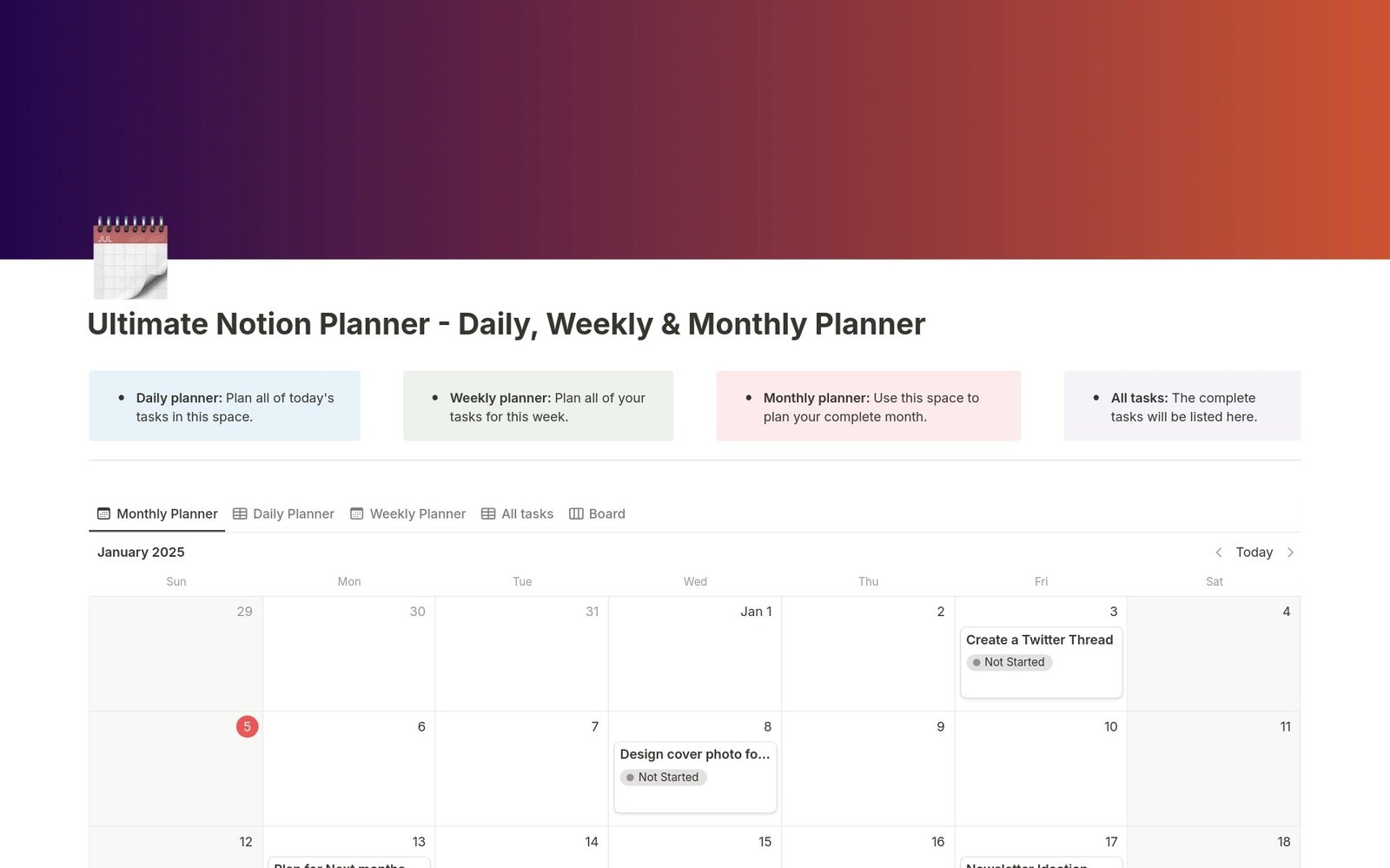 Notion Planner TemplatesFreeDaily Planner, Weekly Planner & Monthly PlannerOne interconnected Notion planner for your days, weeks, and months. Plan tasks, review progress, and stay organized in a single dashboard.24K+ installsGet it free →
Layout 2: A time-blocked day
Time blocking gives each task a start and finish time. In Notion, give your Date property an end time and add a calendar or timeline view set to a single day. Place fixed commitments first, then focus work, then leave gaps for breaks and surprises.
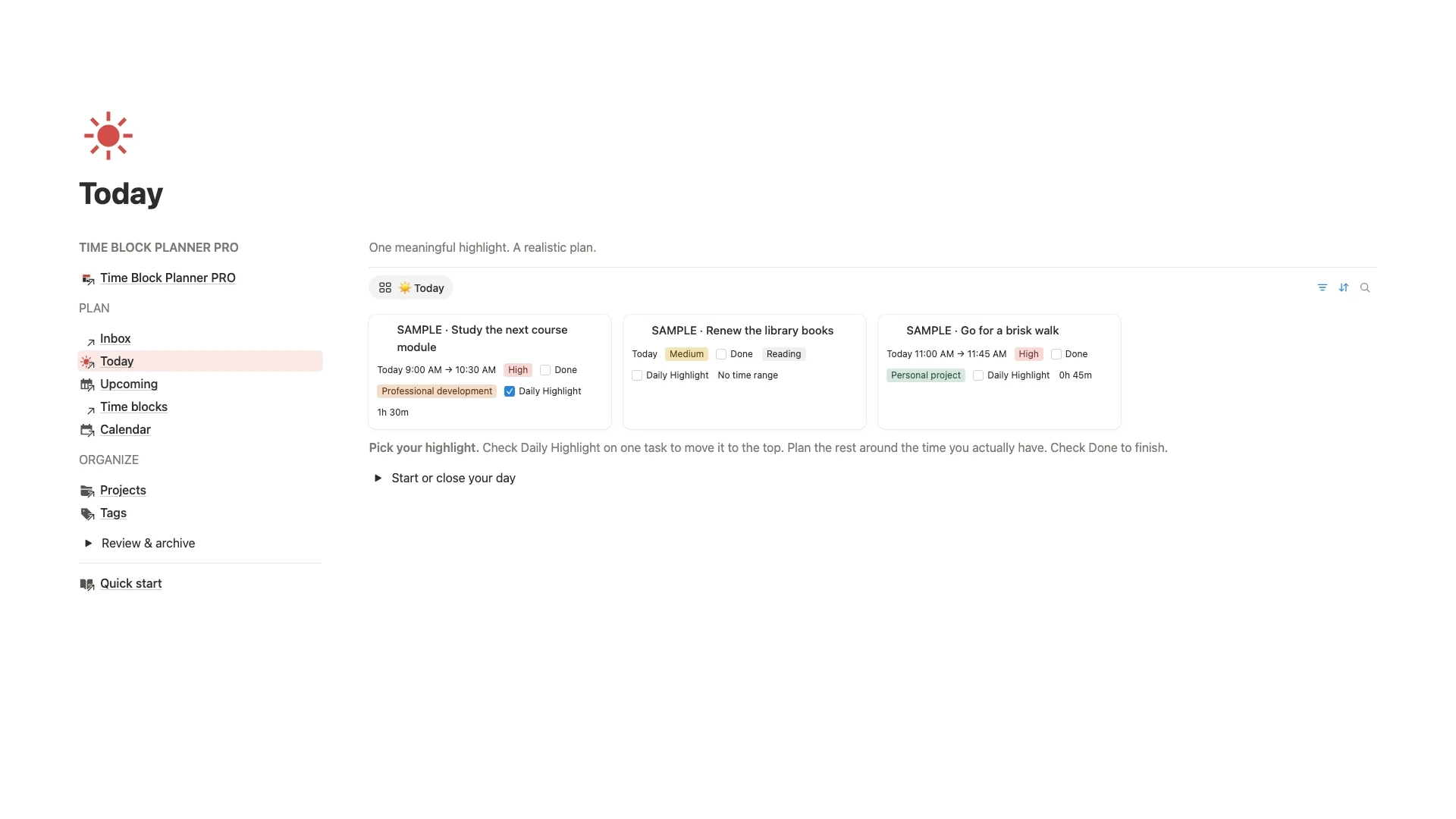
The Time Block Planner PRO does this in a ready-made system. It has a Today view where you choose one Daily Highlight and see priorities, start times and planned durations together.
If you want the full method, read how to time block in Notion.
30% off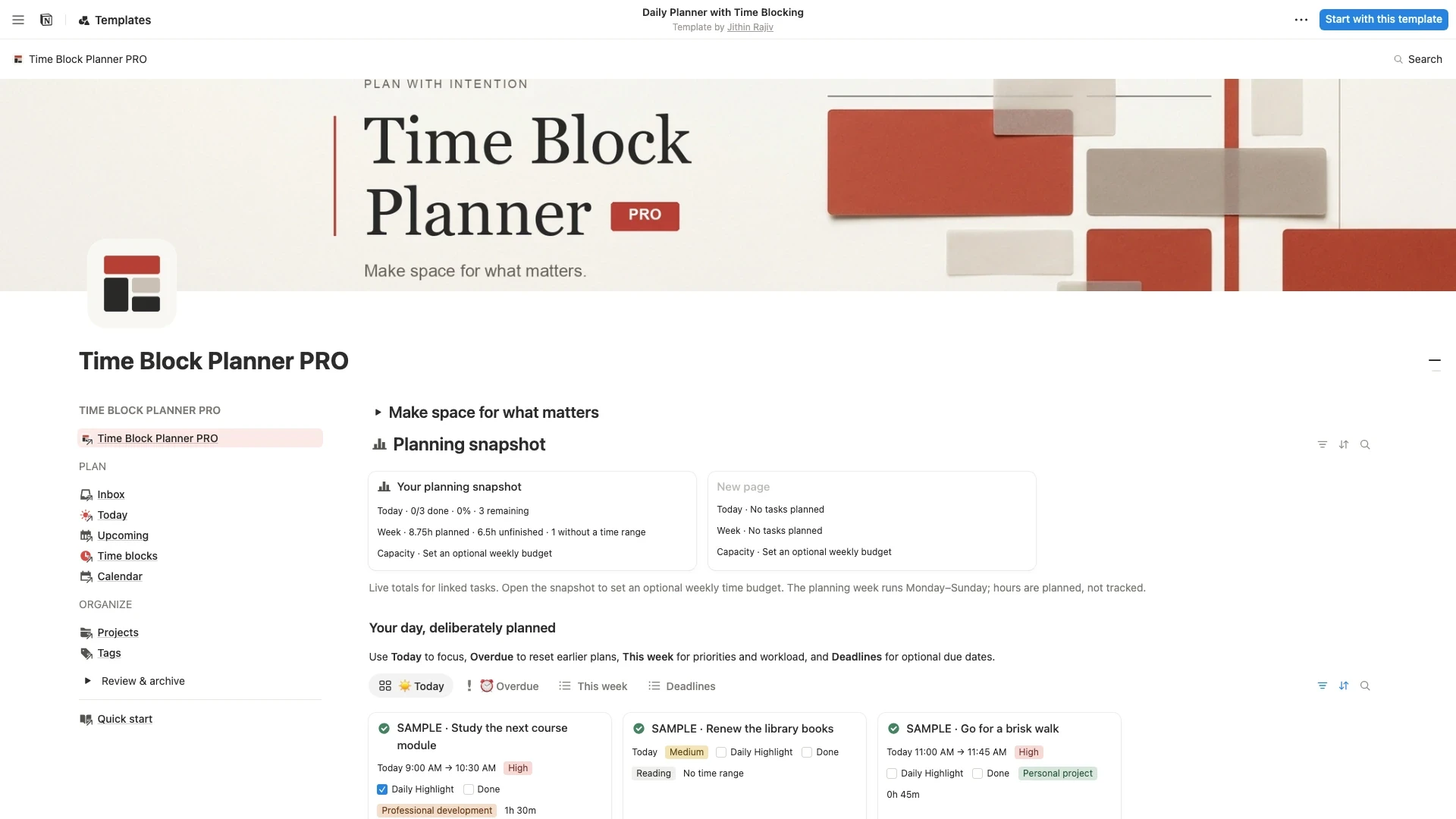 Notion Planner Templates$6.30
Layout 3: A daily dashboard
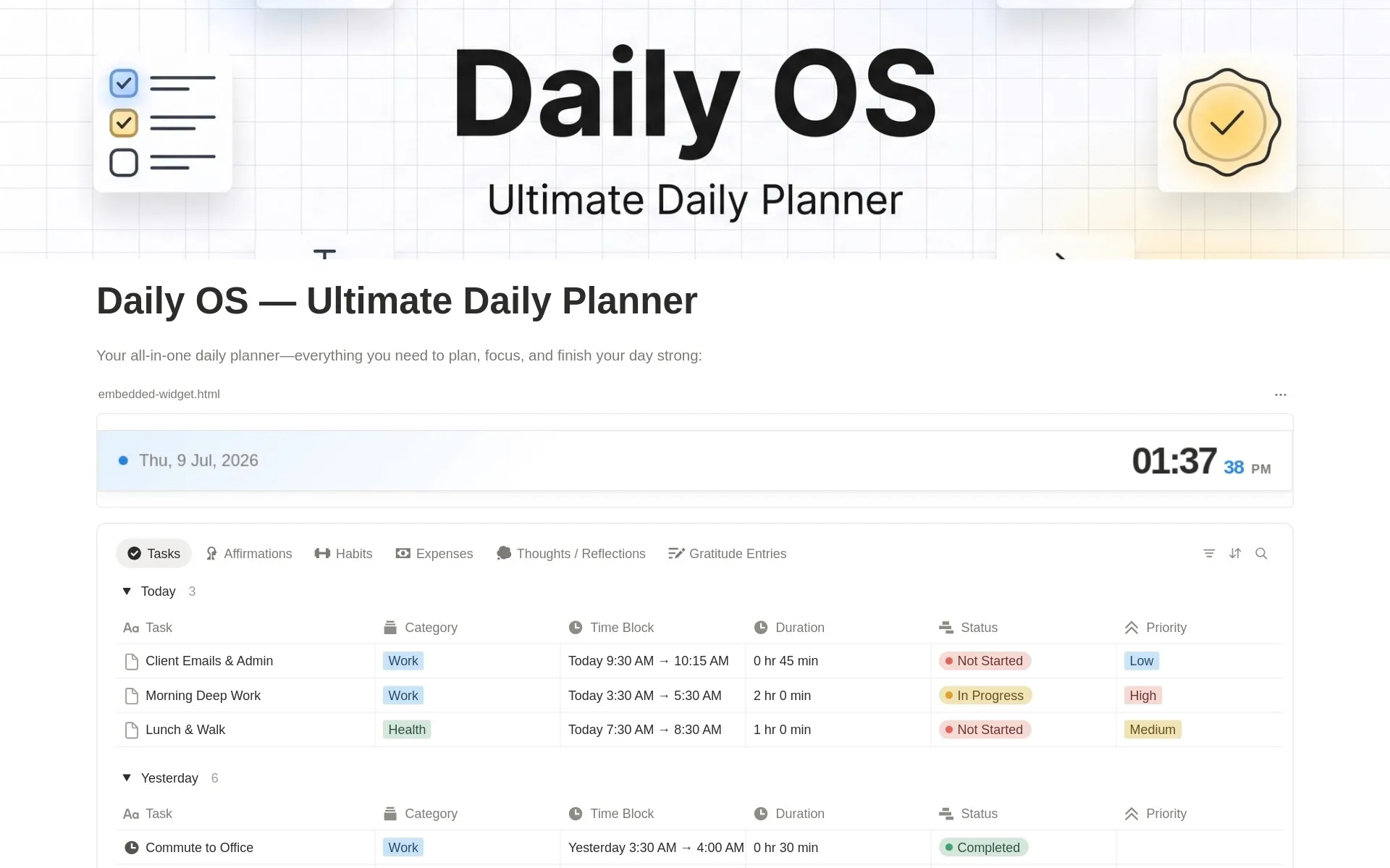
A dashboard puts the whole day on one page: tasks, habits, a short reflection and anything else you check daily. It suits people who want one place to open each morning and close each night.
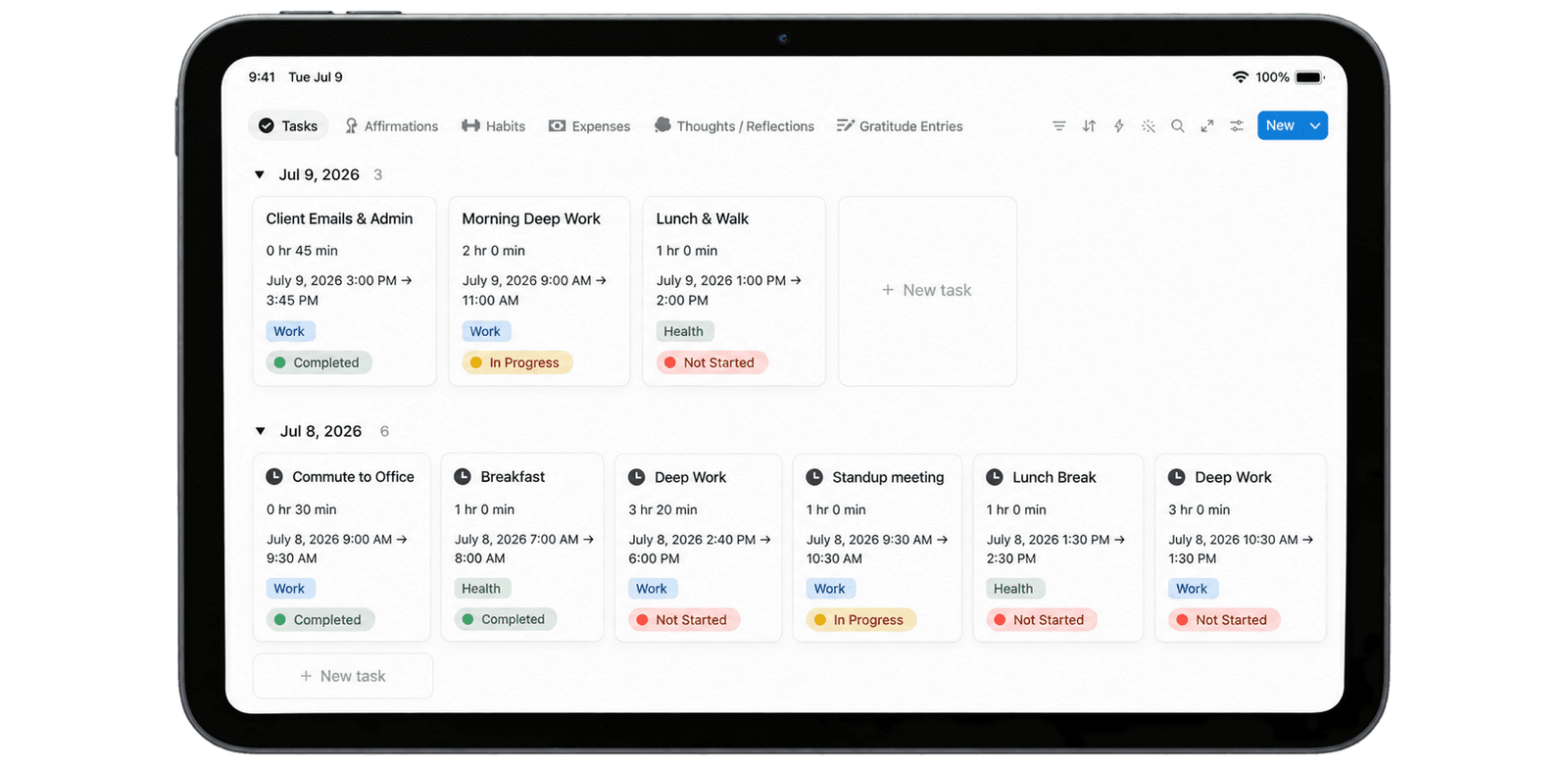
Daily OS is built this way. It combines a time block planner, habit tracker, expense tracker, gratitude journal and daily reflections.
 Notion Planner Templates$8.40
How to set up a day planner in Notion in 5 minutes
- Duplicate a template, or create a database with Name, Date, Priority and Done.
- Add a Today view that filters to the current date.
- Delete any sample entries.
- Add three real tasks for today.
- At the end of the day, move anything unfinished to tomorrow.
Plan one day before you customize anything. You will learn what is missing from real use.
Tips for a day planner you will keep using
- Plan the night before. Five minutes in the evening makes the morning easier.
- Limit your priorities. Three is enough for most days.
- Keep one view open. If you have to hunt for Today, you will stop using it.
- Review weekly. Look at what moved forward and what keeps getting postponed.
Related guides
- How to choose a daily planner Notion template compares the options in more detail.
- Browse all Notion planner templates.
Written by
Jithin Rajiv
Notion templates, free tools and widgets for getting work done, by Jithin Rajiv.