How to Make a 2027 Vision Board in Notion (Free Template)
A simple way to build a vision board in Notion: pick a Word of the Year, add visions by life area, and check in monthly. Includes a free template.
 Jithin Rajiv2 min read
On this page
A vision board shows what you want your year to look like. A goal list tells you what to do. This guide covers the first one: how to build a vision board in Notion that you will actually open, in about ten minutes.
I made a free template for this, the 2027 Vision Board. You can follow the steps below with it, or recreate the same structure from scratch.
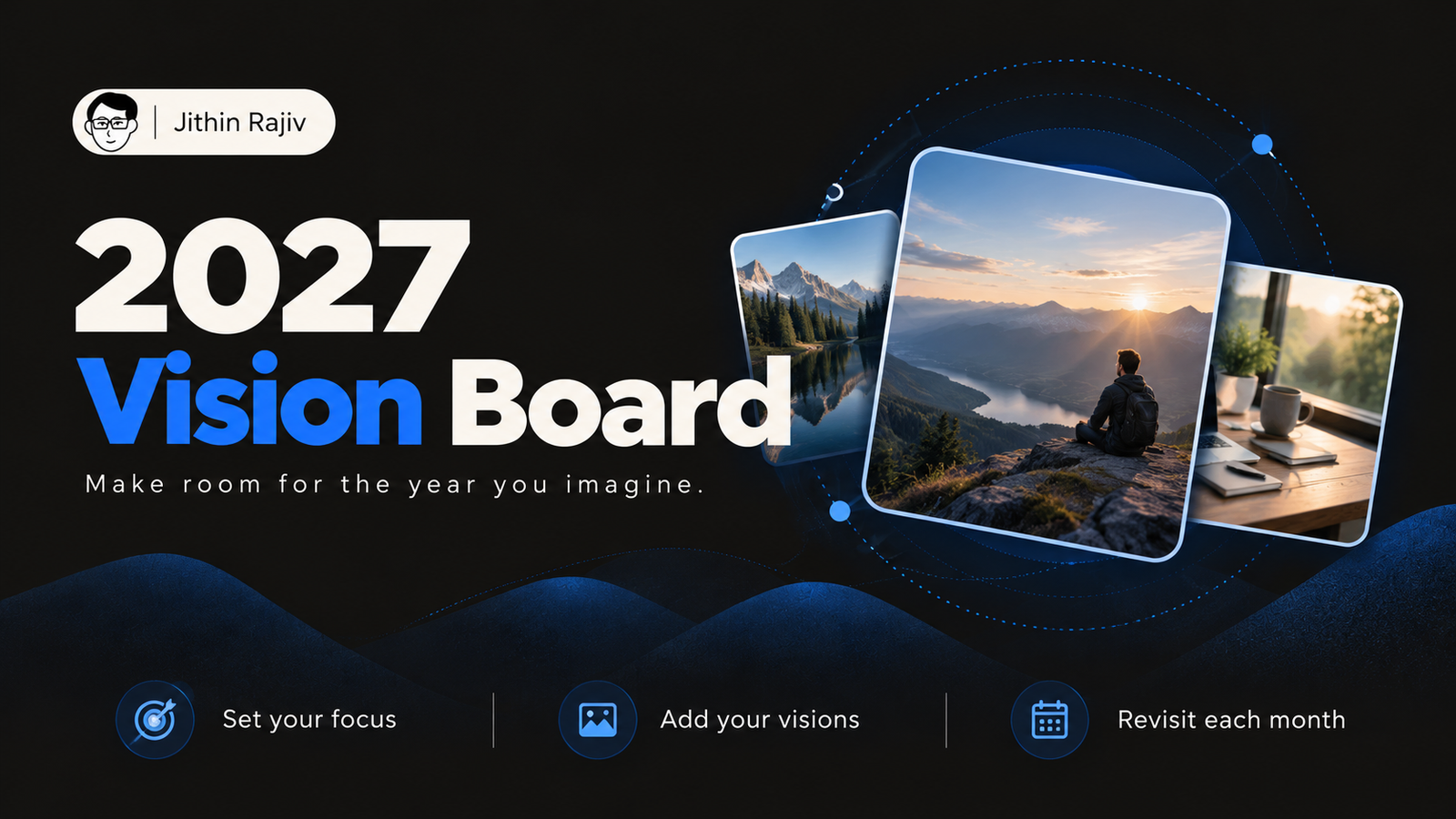 Free2027 Vision BoardA free Notion vision board for 2027. Pick a Word of the Year, collect your visions by life area, and check in monthly.Get it free →
Why use Notion for a vision board
A paper board is hard to carry and easy to forget. A Notion board lives where you already work, works on your phone, and is easy to edit when your year changes. The template also has a Mobile View, a single-column layout for quick check-ins.
Step 1: Choose a Word of the Year
Start with the Focus section. Write one word for how 2027 should feel, three feelings you want to have, and finish the sentence "By December 2027, I am…". Keep it short. You will read it often.
Step 2: Add visions by life area
The Vision Board is a gallery database. Each card has a Vision (the title) and an Area. The template uses eight areas:
- Mindset
- Career
- Health
- Relationships
- Finance
- Travel
- Growth
- Lifestyle
Click + New, write the vision, pick its area, and paste an image inside the card. A By Area view groups the cards so you can see which part of your life is empty.
Step 3: Write each vision in the present tense
"I do work I love" is easier to picture than "I want a better job." The sample cards in the template, such as "Strong, calm and at peace" and "I explore new places", follow this pattern. Edit or delete them and add your own.
Step 4: Use the prompts when you are stuck
The template includes four Vision Prompts, for example "What does a perfect day in December 2027 look like?" and "What would I do if I knew I couldn't fail?". Answer one, then turn the answer into a card.
Step 5: Add a dream list
The Dream List is a checklist of experiences, like running a 10K or hosting a dinner for friends. It is separate from your goals, so it can stay playful.
Step 6: Look at it every morning, check in monthly
Add the page to your Favorites. Once a month, ask three questions from the Monthly Check-in: does my life look more like my vision, which area needs attention next, and does any image or vision need updating?
From vision to action
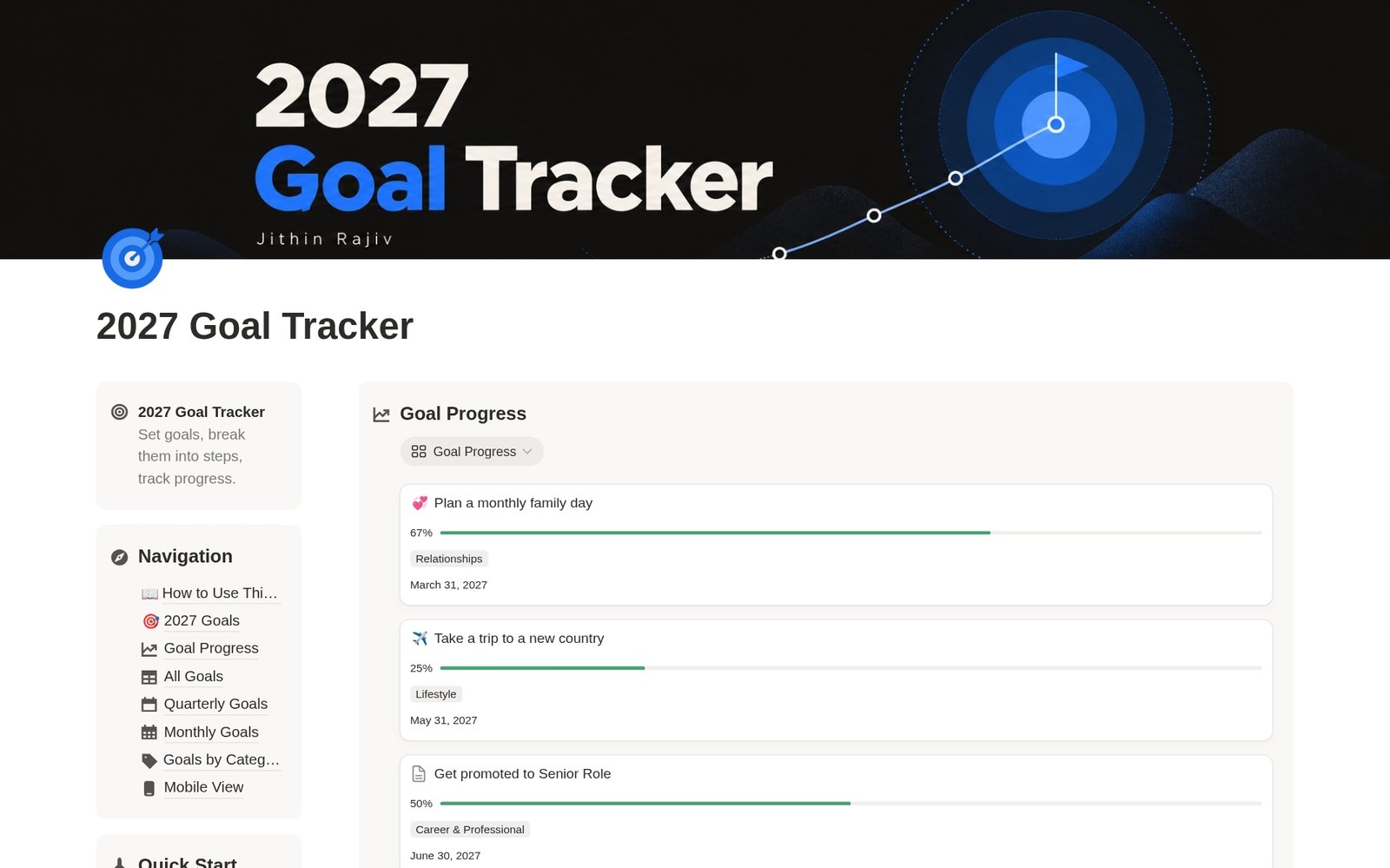
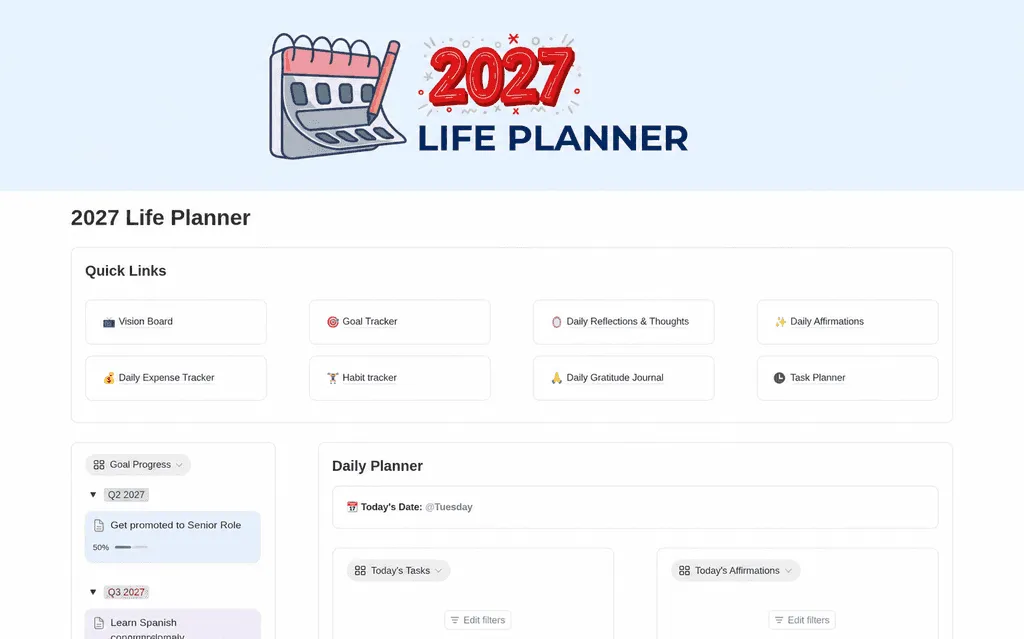
A vision board does not track progress. If you want to break a vision into steps, pair it with a goal tracker such as the 2027 Yearly Goal Tracker & Planner.
Get the template
The 2027 Vision Board is free. Click Duplicate in Notion to copy it into your workspace.
Written by
Jithin Rajiv
Practical templates, free widgets, and useful guides for a workspace that works for you.