Notion vs Obsidian for an AI Second Brain
Notion and Obsidian suit different people. Compare storage, structure, AI options and cost to pick the better base for your AI second brain.
 Jithin Rajiv3 min read
On this page
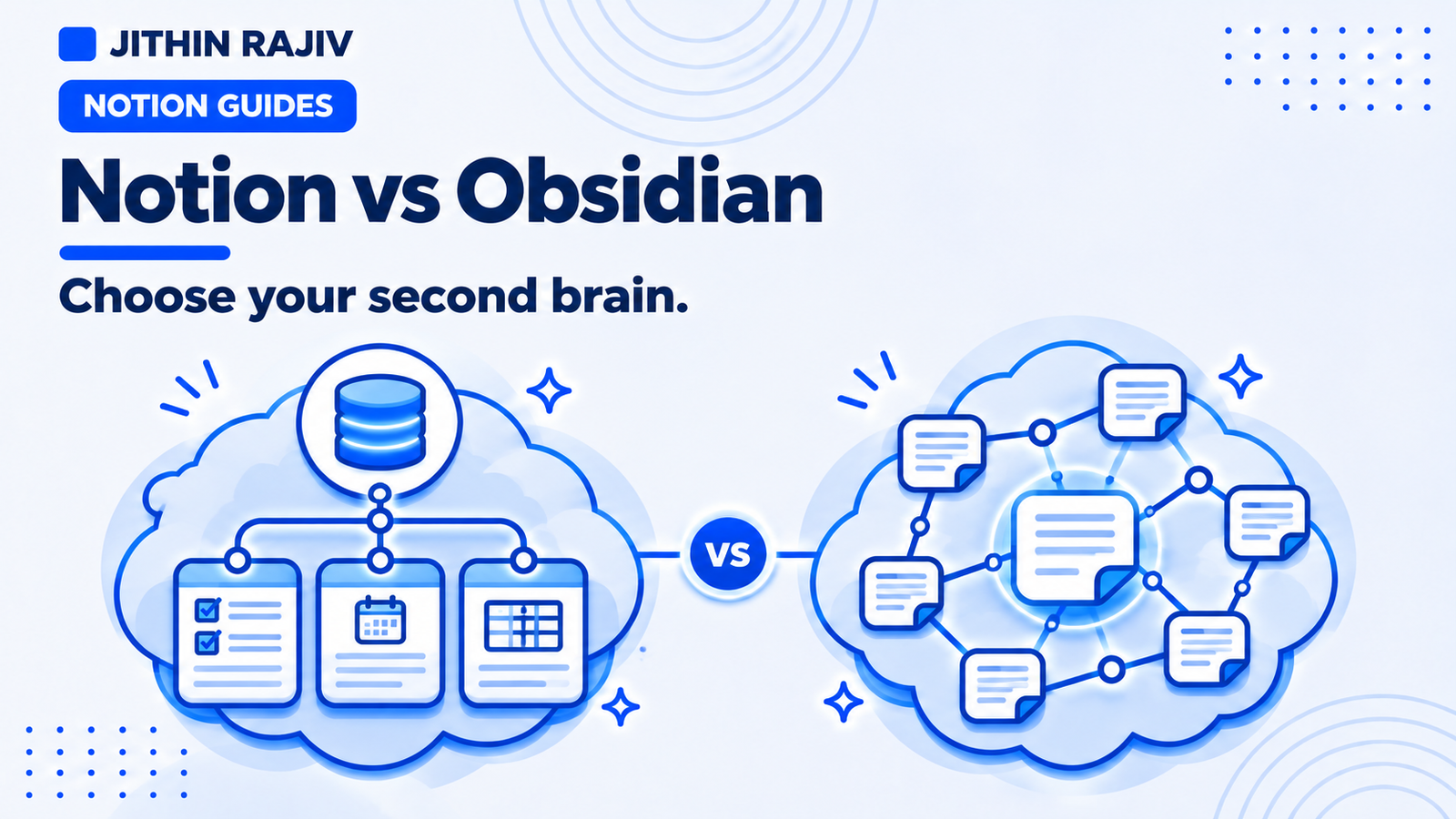
Search for an AI second brain and you will find a lot of Obsidian setups. That is not because Obsidian is the only option. It is popular with people who like plain files and tinkering. Notion is a strong alternative if you want connected databases for your tasks and projects as well as your notes.
Here is an honest comparison for building an AI second brain, including when Obsidian is the better pick.
The core difference
Notion is a cloud workspace. Pages and databases live on Notion's servers, with sync built in.
Obsidian is a local-first notes app. Your notes are Markdown files in a folder on your device, and sync across devices is optional and handled separately.
Everything else flows from that.
Side-by-side comparison
| Notion | Obsidian | |
|---|---|---|
| Where notes live | Notion's cloud | Plain Markdown files on your device |
| Structure | Pages plus databases, relations and views | Folders, links and backlinks, with plugins |
| Tasks and projects | Native databases with statuses and dates | Possible with plugins and conventions |
| Linking notes | Relations and links | Wiki-style links and a graph view |
| Sync | Built in | Optional paid sync, or a method you set up yourself |
| Offline use | Limited | Strong, since files are local |
| Collaboration | Built in | Limited |
| AI options | Notion AI, connectors and external assistants | Community plugins and external tools that read your files |
| Cost | Free personal plan, paid tiers for teams and AI | Free for personal use, optional paid sync and publish |
Pricing and plan details change often, so check each product's current pricing page before deciding.
Where Obsidian is stronger
- You own plain files. Markdown notes can be opened by almost any tool, which is convenient for AI tools that read folders of text.
- Local-first and offline. Your notes work without a connection.
- Graph view and backlinks. Good for exploring how ideas connect.
- Plugins. A large community ecosystem lets you shape it heavily.
If you mostly write long notes, like to tinker and want maximum control over your files, Obsidian is a very good fit.
Where Notion is stronger
- Databases. Tasks, projects, notes and resources can be separate databases that relate to each other, which suits a second brain that is also a task system.
- Built-in sync and sharing. No setup to use it on your phone and laptop.
- Less assembly. You can start from a ready-made template rather than configuring plugins.
- A built-in AI option. Notion AI is available inside the workspace, though its full agent features are on higher plans.
If you want your second brain to connect knowledge to projects and next actions, Notion's databases make that easier.
What about the AI layer?
Both work with AI, in different ways:
- With Notion, you can use Notion AI, connect Claude to your workspace, or paste material into any assistant.
- With Obsidian, AI usually comes from plugins or external tools that read your Markdown files.
In both cases the same rule holds: the assistant is only as helpful as the structure it reads. Clear titles, links between notes and projects, and regular pruning matter more than the tool.
Which should you choose?
Choose Obsidian if you value local files, offline use and a plugin-heavy, personal knowledge-graph workflow.
Choose Notion if you want notes, tasks and projects connected in one workspace, built-in sync, and a ready-made structure.
If you pick Notion, Second Brain OS gives you that structure already built: Inbox, Tasks, Projects, Areas, Notes, a Resource Library, PARA and GTD dashboards, and weekly reviews. It does not include a built-in AI assistant, so you add the AI tool you prefer.
30% off Notion Planner Templates$20.30
Related guides
Written by
Jithin Rajiv
Practical templates, free widgets, and useful guides for a workspace that works for you.