AI Second Brain Best Practices and Common Mistakes
Habits that make an AI second brain useful, and the mistakes that turn it into a cluttered archive. A practical checklist for Notion users.
 Jithin Rajiv3 min read
On this page
Most people who build an AI second brain get the same result: a lot of saved material and not much that is easy to use. The difference is rarely the AI tool. It is a handful of habits.
Best practices
1. Capture first, organize later
Use one Inbox for everything. A title is enough. The goal is to get ideas out of your head quickly, then process them when you have time.
2. Organize by usefulness, not by topic alone
Sorting by "where will I use this?" works better than sorting by subject. The PARA method does this with Projects, Areas, Resources and Archive. See the PARA method guide, or Second Brain OS includes a PARA dashboard if you want to see it in practice.
3. Connect notes to the work they support
A note linked to a project is far more useful than one floating on its own. It also gives an AI assistant the context it needs to answer well.
4. Write titles you can search
"Interview notes: pricing research" beats "Notes 14". Descriptive titles help you and any assistant that searches your workspace.
5. Save the takeaway, not the whole source
After reading something, write one or two lines on why it matters. A short summary is more useful than a pile of highlights.
6. Keep a short daily list
Choose a few tasks on purpose each day instead of staring at a long backlog. This is what turns saved knowledge into action.
7. Review weekly
Check your projects, next actions and waiting items, and archive what you are done with. A weekly review is what keeps the system trustworthy.
8. Decide what AI can see
Choose in advance which pages are off-limits, and review what you authorize when you connect an assistant. See how to connect Claude to Notion for an example.
Common mistakes
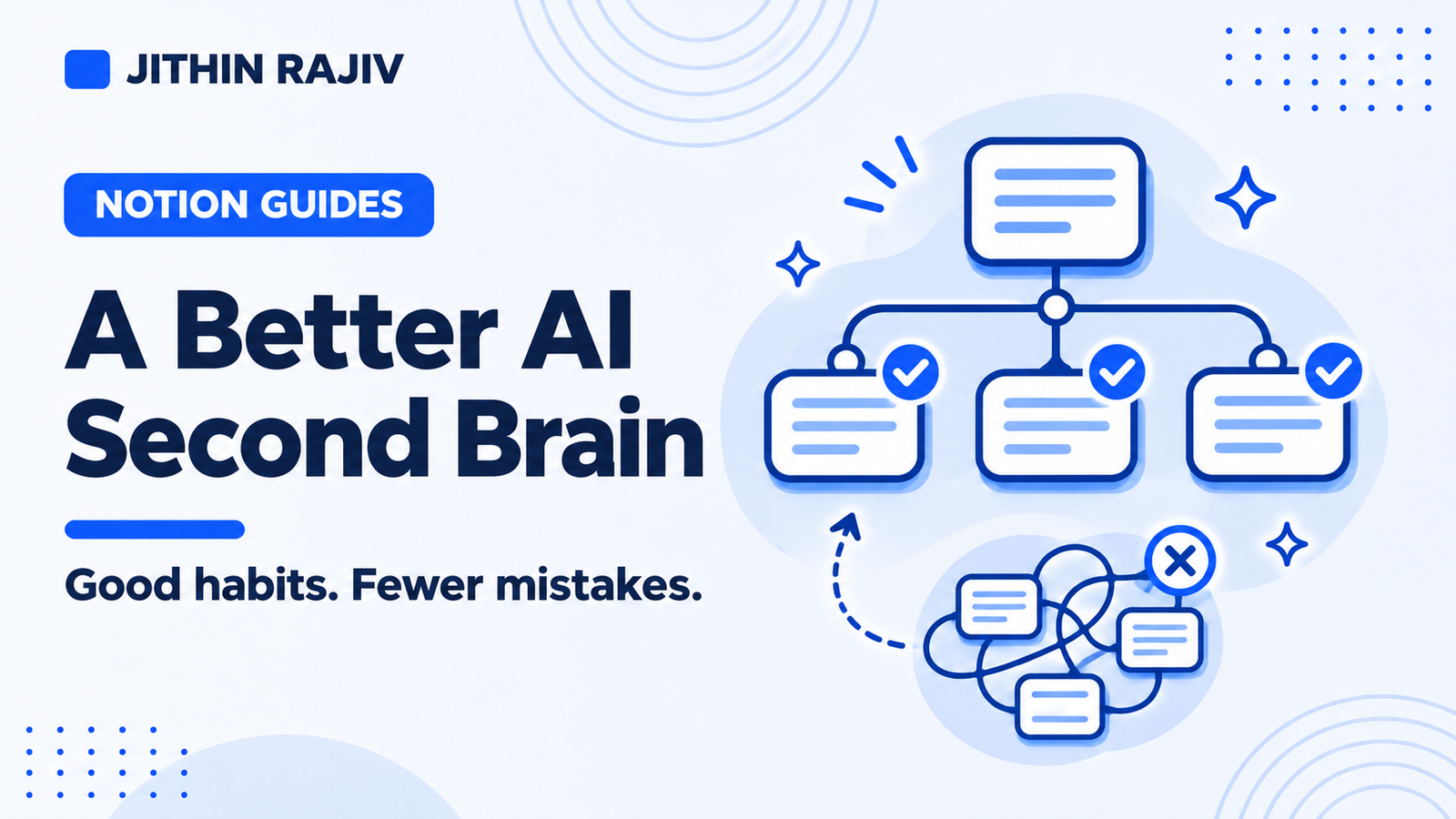
Collecting without connecting. Saving hundreds of articles that never link to a project or task.
Over-building the system. Dozens of databases, tags and properties before you have used any of them. Start with an Inbox, Projects, Tasks and a daily list, then add more.
Skipping the review. Without it, the system fills with stale or contradictory notes, and answers get worse.
Trusting AI output blindly. Summaries and drafts can be wrong or miss detail. Check important points against the original.
Expecting AI to organize everything automatically. An assistant can help, but you still decide what a capture becomes, where it belongs and what to work on.
Sharing sensitive material carelessly. Be deliberate about what you paste into or connect with an AI tool.
A simple starting checklist
- [ ] One Inbox for all captures
- [ ] Projects with one clear next action each
- [ ] Notes linked to projects or topics
- [ ] A short daily task list
- [ ] A weekly review on the calendar
- [ ] A list of pages the AI should not see
A ready-made version
Second Brain OS builds these habits into a Notion workspace. It has an Inbox with manual processing, Tasks with separate planning and deadline dates, Projects linked to notes and tasks, a My Day list, a Resource Library, and Weekly Reviews. A Get Started guide and a "start small" path help you adopt it in stages: begin with the Inbox, Projects, Tasks and My Day.
It does not include a built-in AI assistant, so you choose your own.
30% off Notion Planner Templates$20.30
Related guides
Written by
Jithin Rajiv
Practical templates, free widgets, and useful guides for a workspace that works for you.