AI Second Brain: What It Is and How to Build One in Notion
An AI second brain is a notes and tasks system with an AI assistant on top. Here is what that means, why structure comes first, and how to build one in Notion.
 Jithin Rajiv4 min read
On this page
An AI second brain is a personal knowledge system, usually your notes, tasks, projects and saved sources, with an AI assistant that can search it, summarize it and help you draft from it. The idea is simple: instead of trying to remember everything, you store it somewhere reliable and use AI to find and reuse it.
The catch is that the AI is only as useful as what it can read. If your notes are scattered and untitled, an assistant has little to work with. That is why the structure comes first, and the AI comes second.
What an AI second brain actually does
When the system is set up well, an AI assistant can help you:
- Find a note or source you saved weeks ago, without remembering the exact title
- Summarize a long research note into a few lines
- Pull together everything related to one project before you start work
- Draft an outline, email or plan using your own notes as the starting material
- Turn a messy brain dump into a list of next actions
What it does not do is decide what matters. You still capture, choose and review. AI speeds up the retrieval and drafting, not the thinking.
The three layers of an AI second brain
- Capture. A single place where ideas, links and tasks land before you sort them.
- Structure. A way of organizing that information by how you use it, such as PARA (Projects, Areas, Resources, Archive) with connected tasks and notes.
- AI layer. An assistant that can read the structured material and help you work with it.
Most people skip straight to the third layer and are disappointed. Build the first two and the third becomes much more useful.
How to build an AI second brain in Notion
Notion is a good home for this because notes, tasks and projects can live in connected databases instead of separate pages. Here is a practical order to build it.
1. Create an Inbox
Make one database where every idea, link and task is captured first. A title is enough. You decide later what it becomes.
2. Add Projects and Tasks
A project is an outcome with a finish line, such as "Publish three case studies." Each project gets a short list of tasks, with one clear next action. Link the tasks to the project so you can see them together.
3. Link your notes to projects
When you write a research note, connect it to the project it supports. This is the step that makes AI useful later: the assistant can see which notes belong to which work.
4. Keep a resource library
Save articles, books, videos and tools in one library rather than as scattered bookmarks. Add a one-line takeaway to the ones that matter.
5. Review weekly
A short weekly review keeps the system current. Without it, your second brain slowly fills with stale material.
6. Add the AI layer
You have three realistic options:
- Notion AI. Notion's own assistant can search your workspace and connected apps. Notion lists its full agent features on the Business and Enterprise plans, with limited trial use on other plans, so check the current plans before relying on it.
- Claude connected to Notion. You can connect Claude to your workspace so it can search and read your pages. See how to use Claude with your Notion second brain.
- Any chatbot, by copy and paste. Paste a note or a project's tasks into the assistant you already use. It is the simplest start and needs no setup.
Each option has trade-offs in cost, privacy and convenience. Whichever you choose, only share material you are comfortable sharing.
Where Second Brain OS fits
If you would rather not build the databases from scratch, Second Brain OS is a ready-made Notion workspace for the first two layers. It gives you an Inbox, Tasks, Projects, Areas, Notes, a Resource Library, PARA and GTD dashboards, a My Day list and weekly reviews, all connected.
To be clear about what it is: Second Brain OS does not include a built-in AI assistant, automatic summaries or a Notion AI subscription. It is the organized structure. You bring the AI layer you prefer.
30% off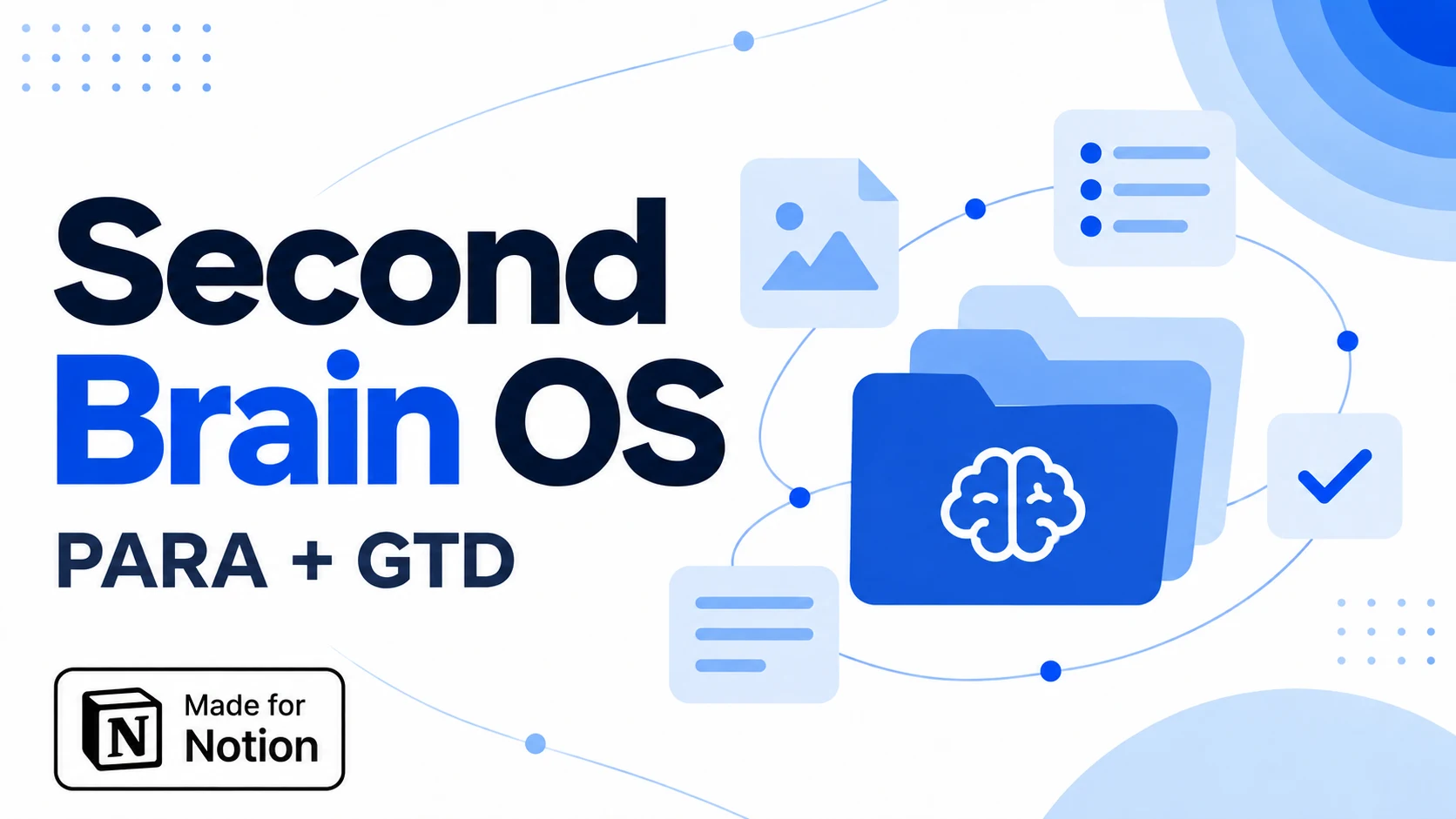 Notion Planner Templates$20.30
Is an AI second brain worth it?
It is worth it if you already collect notes and sources and struggle to find or use them. It is less useful if you rarely write anything down, because the assistant has nothing to read. Start small: capture for two weeks, link notes to a couple of projects, then try an AI assistant on that material and see whether it saves you effort.
Next steps
Written by
Jithin Rajiv
Practical templates, free widgets, and useful guides for a workspace that works for you.