AI Second Brain Use Cases for Freelancers, Students and Creators
Practical ways freelancers, students, creators and professionals can use an AI second brain in Notion, with example workflows for each.
 Jithin Rajiv3 min read
On this page
An AI second brain is most useful when it helps with a real, repeated job. Here are practical use cases for four common groups. These are examples to adapt, not promised results, and each assumes your notes, projects and tasks are kept in a connected workspace such as Notion.
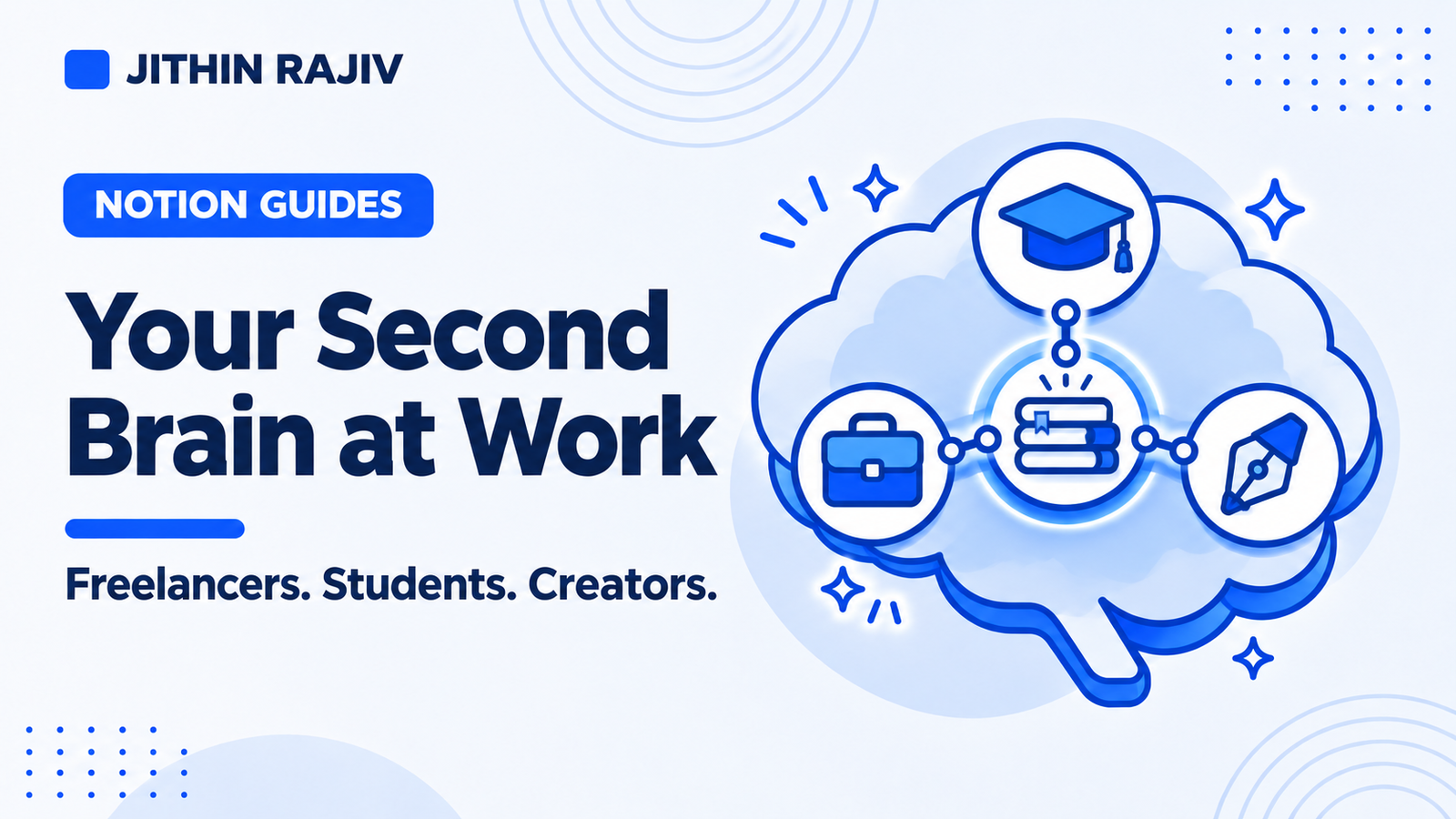
Freelancers and independent consultants
The problem: client work, research and ideas end up in different places.
Workflow:
- Capture every idea or request in an Inbox.
- Create a project per client outcome, such as "Redesign the pricing page."
- Link research notes and sources to the project.
- Before a client call, ask an AI assistant to summarize the project's notes and list open next actions.
Where AI helps: summarizing scattered notes, drafting a status update from your task list, and pulling together the research behind a proposal.
Students and self-directed learners
The problem: lecture notes, readings and assignments are disconnected.
Workflow:
- Keep one note per reading or lecture, linked to the course or assignment it supports.
- Save key passages as highlights connected to their source.
- Review weekly to see what you have not revisited.
Where AI helps: summarizing a reading, generating practice questions from your own notes, and outlining an essay using what you have already collected. Always check summaries against the source before relying on them.
Creators and writers
The problem: ideas are plentiful, but turning them into finished work is the bottleneck.
Workflow:
- Capture ideas as they arrive.
- Turn the promising ones into projects with a clear next task, such as "Outline the first case study."
- Link research notes and reference links to each project.
Where AI helps: drafting outlines from your research, suggesting structures, and finding older ideas that relate to what you are writing now.
Professionals managing projects and responsibilities
The problem: project work sits next to ongoing responsibilities, and context gets lost between meetings.
Workflow:
- Organize by Projects (finishable outcomes) and Areas (ongoing standards).
- Record decisions and follow-ups against the relevant project.
- Use a short daily list of tasks you have chosen on purpose.
Where AI helps: preparing for a meeting by summarizing a project's notes, drafting follow-up messages, and reviewing what changed this week.
What these workflows have in common
- A single capture point so nothing is lost
- Connections between notes and the work they support
- A short daily list and a weekly review so the system stays current
- AI used for retrieval and drafting, not for deciding priorities
Try it with Second Brain OS
Second Brain OS is built around exactly this cycle: capture, clarify, connect, choose a next action and review. It includes an Inbox, Tasks, Projects, Areas, Notes, a Resource Library, PARA and GTD dashboards, a My Day list and weekly reviews, plus a Get Started guide and example records.
It does not include a built-in AI assistant. Pair it with the tool you prefer, such as Claude connected to Notion or Notion AI.
30% off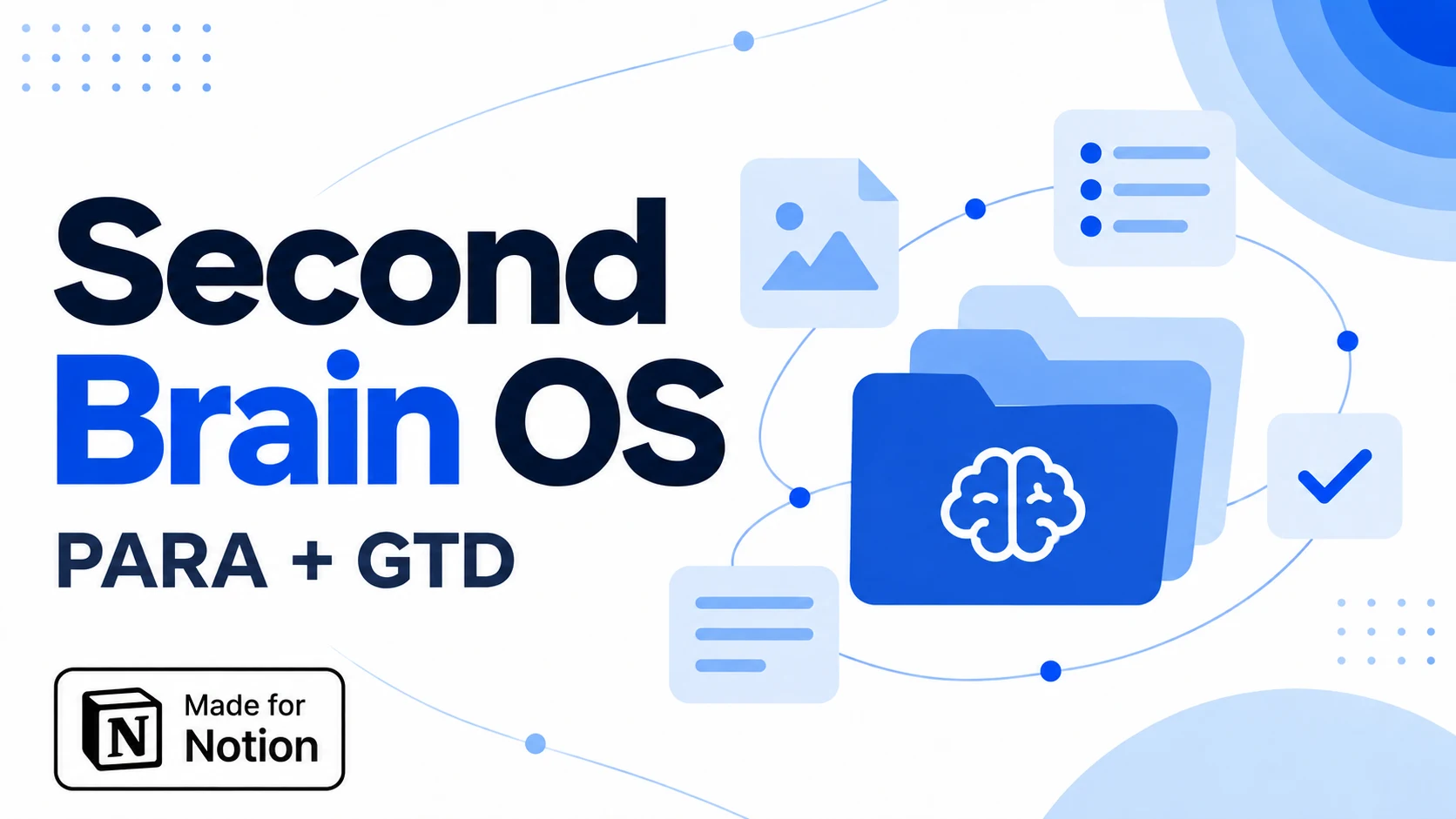 Notion Planner Templates$20.30
Related guides
Written by
Jithin Rajiv
Practical templates, free widgets, and useful guides for a workspace that works for you.