Notion Web Clipper: How to Install, Use and Fix It
How to use the Notion Web Clipper: install it, clip pages into a database, save from your phone, fix common problems, and what to use if it falls short.
 Jithin Rajiv4 min read
On this page
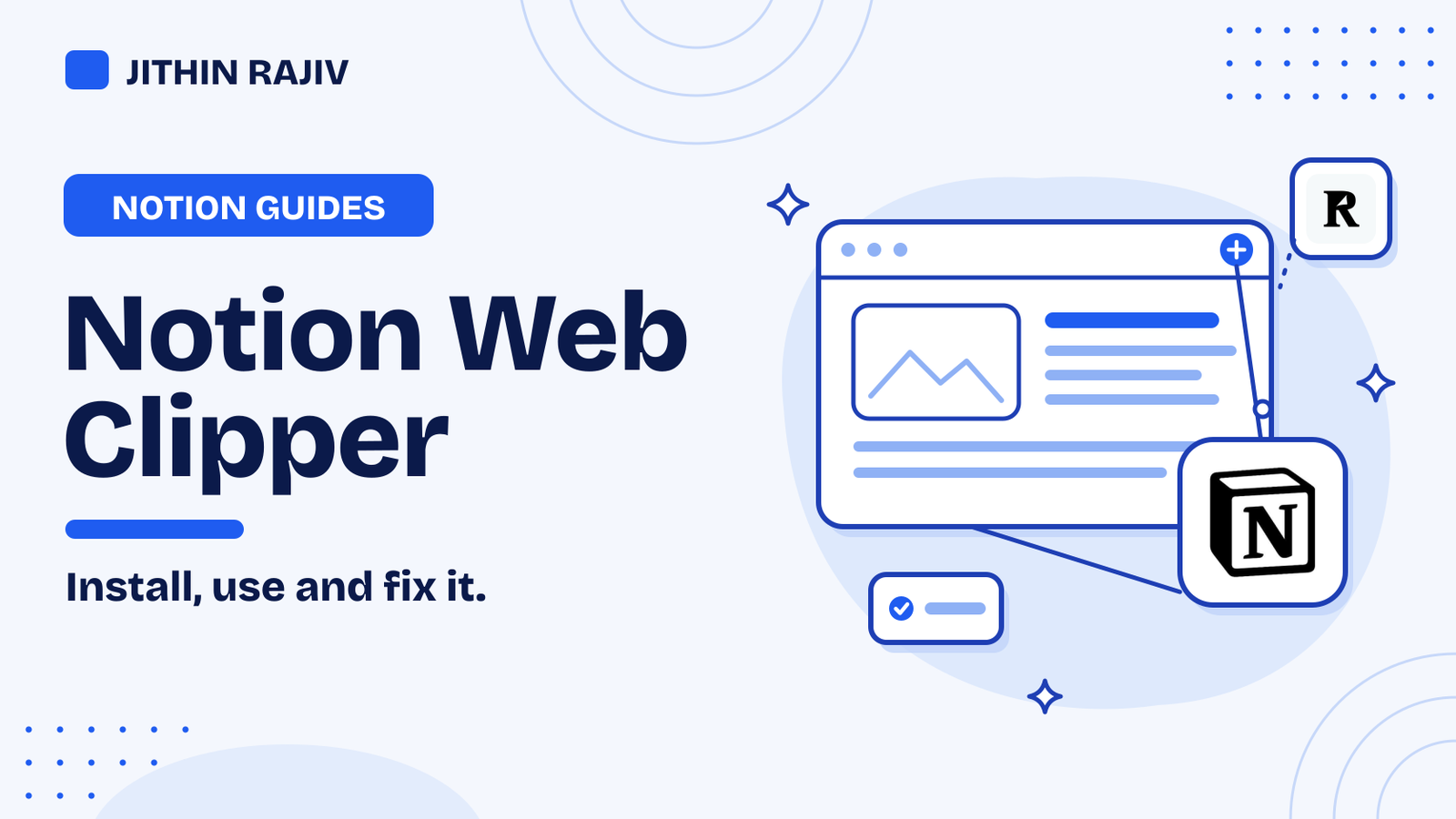
The Notion Web Clipper saves any web page into Notion with one click. Install the browser extension, sign in to your workspace, open a page you want to keep, click the clipper icon, choose where to save it, and save. This guide covers installing it, clipping into a database, using it on your phone, and what to do when it does not work.
How to install the Notion Web Clipper
Notion's help page says the desktop Web Clipper is a browser extension for Chrome and Safari. Install it from your browser's extension store, then pin it to your toolbar so it is easy to reach.
Other browsers are less clear. Notion's help page does not list Firefox, and it only documents Chrome and Safari. Browsers built on Chrome, such as Edge or Brave, can often install Chrome extensions, but test it with a few pages before you rely on it.
How to clip a page into Notion
- Open the page you want to save.
- Click the Notion Web Clipper icon.
- Choose where to save it: a page in your workspace, or a database.
- Save, then open Notion to check that it arrived.
Some sites format differently, so a clipped page may miss some content or look different from the original. Check important clips.
Clip into a database (the best way to use it)
Clipping into a database turns saved pages into something you can sort and filter. Notion says that when you clip into a database, the clipper adds a URL property with the original address. On desktop you can also create a new links database from the clipper.
A simple reading list database needs only a few properties:
- Name and URL, which the clipper fills in.
- Status, such as To read, Reading, Done.
- Topic or Project, so you can find clips later.
Notion's help page says you cannot add tags while clipping, so open the saved page in the database to add them afterwards. Setting a default Status of "To read" means every new clip lands in the right view.
How to use the Notion Web Clipper on your phone
On mobile, the clipper works through the share sheet. Notion's help page says it works from Safari or Chrome on iOS 13 or later and on Android 7 or later. Open a page, tap Share, choose Notion, and pick where to save it.
You can also save photos and local files on mobile, though local files clipped to a database do not get a URL. Mobile clipping works for web pages from browsers, not for content in other apps such as Twitter or the iOS Notes app.
Notion Web Clipper not working? Things to try
These are general fixes. Notion's help page also covers known limits.
- Check you are signed in to the right Notion workspace in the same browser.
- Check the extension is on and pinned, and update your browser.
- Try another page. If one site clips badly, it may be how that site is built.
- Reinstall the extension if it still misbehaves.
- Use another browser that Notion documents, such as Chrome or Safari.
What if the Web Clipper is not enough?
The clipper saves a page. If you want more, here are other options:
- Paste a link as a bookmark. In Notion, paste a URL and choose the bookmark option. It is manual, but it works in any browser.
- Save highlights with Readwise. It exports your reading highlights into a Notion database, so you keep the parts that mattered, not the whole page.
- Automate it. If you save links elsewhere, a tool such as Zapier or Make can add them to a database. See the best Notion automation tools.
Make the most of what you clip
Clips only help if you use them. Review your reading list once a week, move useful pages into your project notes, and delete what you will not read. If you want a system for capture, projects and weekly reviews, read how to build an AI second brain in Notion.
30% off Notion Planner Templates$20.30
Frequently asked questions
Is the Notion Web Clipper free? Notion's help page does not mention a plan requirement for the clipper. Check Notion's pricing page for what your plan includes.
Can I save a page into a specific database? Yes. When you clip, choose a database as the destination, and the clipper adds a URL property with the page's address.
Does the Notion Web Clipper work offline? It needs an internet connection to save into your workspace.
Can I clip from my phone? Yes, through the share sheet in Safari or Chrome on iOS and Android.
For more add-ons that work with Notion, see the best Notion tools.
Related guides
Written by
Jithin Rajiv
Notion templates, free tools and widgets for getting work done, by Jithin Rajiv.