Notion for Startups: How to Get Up to 3 Months of Notion Business Free
Notion is offering startups up to 3 months of Notion Business with Notion AI included. Here is who it suits, how to apply, and how to set up your workspace quickly.
 Jithin Rajiv3 min read
On this page
If you are building a company, Notion can hold your docs, your team wiki and your projects in one workspace. Notion currently offers startups up to 3 months free on a new Business plan, with monthly AI credits included, through an application. This guide covers who it suits, how to apply, and what to set up first.
Disclosure: the apply links in this post are affiliate links. I am part of the Notion Builders program and earn a reward if your trial application is approved through them, at no cost to you. I am an independent creator, not an employee of Notion, and this is a community-run website that Notion does not maintain.
What is the Notion for Startups trial?
It is an offer from Notion of up to 3 months free on a new Business plan, including monthly AI credits, for startups that apply. Notion reviews each application, so it is not automatic. Read the criteria below before you start.
Who is it for?
Notion's help page says the 3-month offer is meant for startups building scalable, tech-related products or services. Notion also needs to be able to verify your application, so have a public company website ready. Three practical points:
- It is for new, non-paying customers. The offer applies to a new Business plan. Existing paying customers and Enterprise plan customers are not eligible, and startup offers cannot be combined with other offers or codes.
- Some applicants get 1 month instead of 3. Notion says this can apply to service-based businesses, consultancies, agencies, solo applicants and teams under 10 employees, or when it cannot verify the application.
- Expect to wait a few days. Notion says applications can take 3 to 5 business days to be answered.
Notion makes the final decision on every application. The full rules are on Notion's help page.
How to apply
- Open the trial application on Notion.
- Check you fit the criteria above, and have your public company website ready.
- Fill in the form and submit it.
- Wait for Notion's decision. Approval is up to Notion.
I also keep a short overview with answers to common questions at Notion for Startups.
What to set up first
A trial is short, so avoid spending it building empty pages. A simple order that works for most early teams:
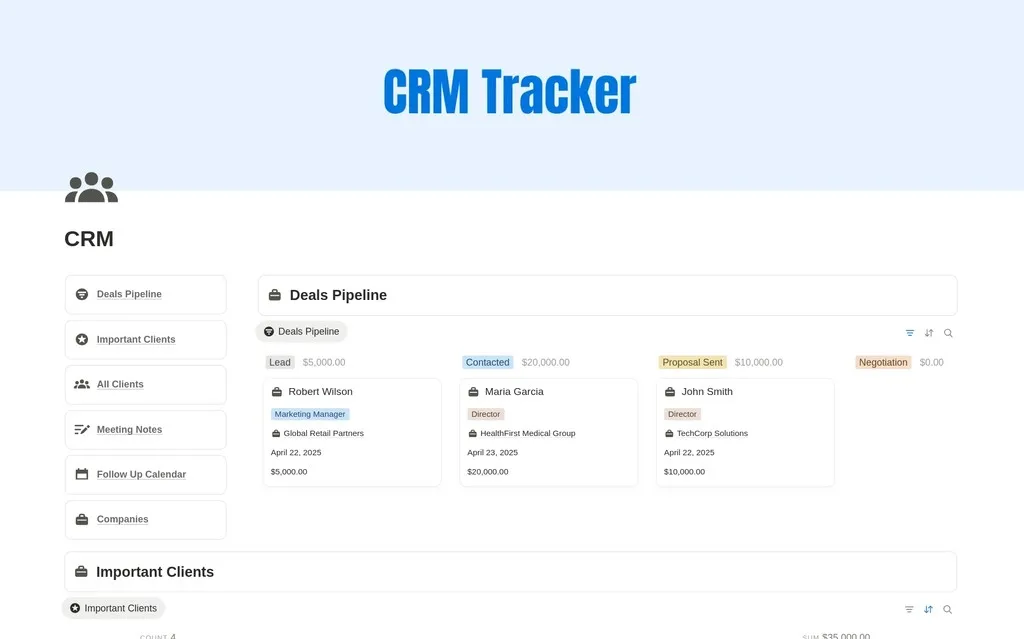
- A customer or lead tracker. Start with the Notion CRM template so every conversation has a home.
- A team wiki. Write down how you work while you still remember why. The Help Center and Knowledge Base template gives you a structure to fill in.
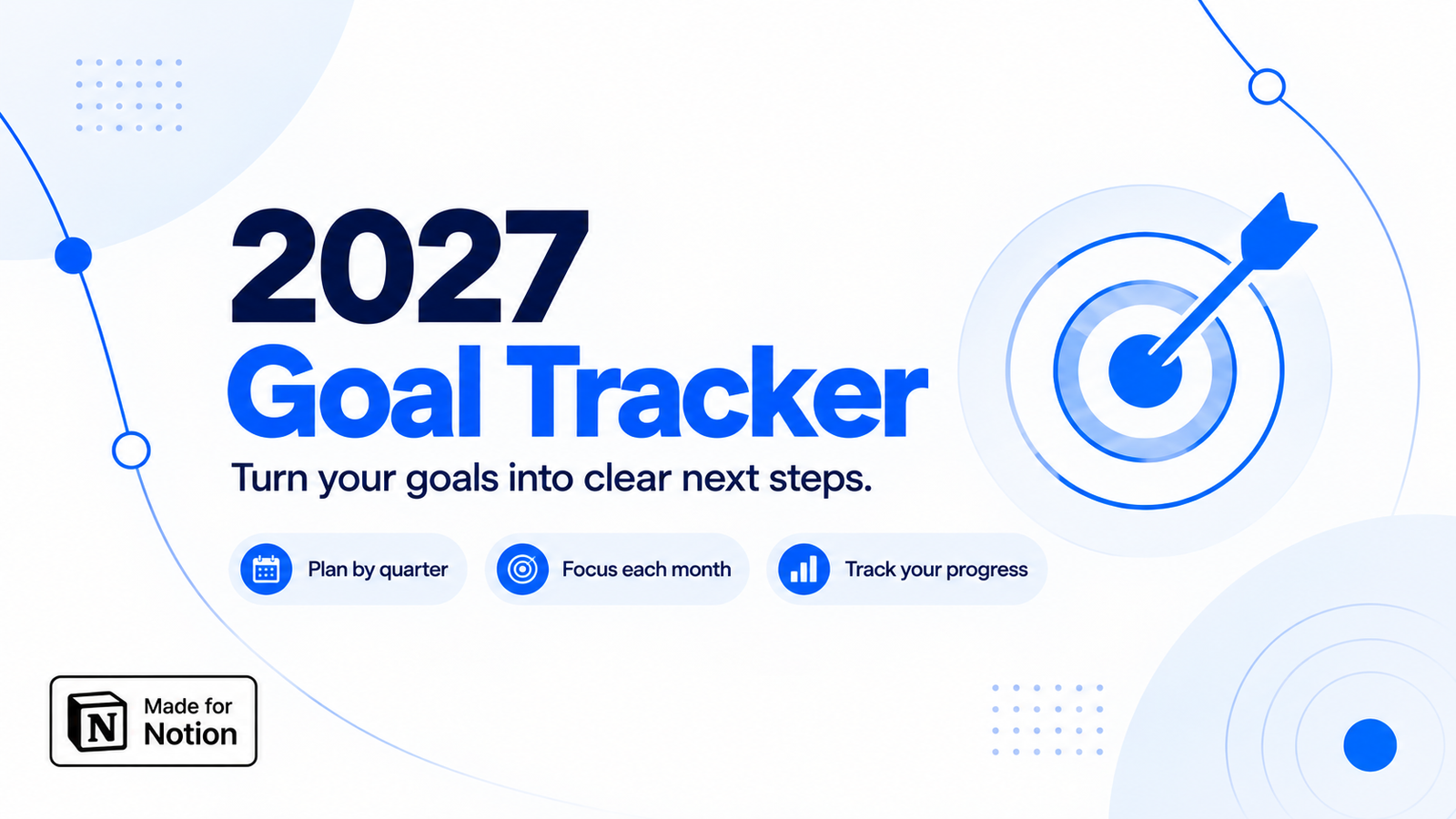
- A weekly goals page. Keep three to five goals visible. The Goal Tracker is a good starting point.
 Marketing$8.40
Is Notion Business worth it for a small team?
The Business plan is built for teams that share work, so it makes the most sense once more than one person is editing the same pages. The trial lets you test that with your real work instead of guessing. Check Notion's website for what the plan includes and what happens when the trial ends.
Are the templates compatible with the trial workspace?
Yes. Templates are regular Notion pages. Open a template, duplicate it, and move it into the workspace you are using for the trial.
Ready to try it?
If you qualify, the application is quick. Apply for the Notion for Startups trial, then pick a template to start from so your workspace is useful from day one.
Written by
Jithin Rajiv
Practical templates, free widgets, and useful guides for a workspace that works for you.