How to Choose a Notion Second Brain Template (Checklist)
Not every Notion second brain template fits every person. Use this checklist to judge structure, task handling, knowledge links and setup effort before you pick one.
 Jithin Rajiv3 min read
On this page
Search for a Notion second brain template and you will find free ones, paid ones, minimalist ones and sprawling ones. The "best" template is the one that matches how you actually work, so it helps to know what to look for before you duplicate anything.
Here is a practical checklist. I make Second Brain OS, so I use it as an example in a few places, but the checklist applies to any template.
1. Does it connect knowledge to action?
Many second brain templates are great at storing notes and weak at helping you use them. Check whether notes can link to projects, tasks and areas, so research stays close to the work it supports.
Look for: relations between notes, projects and tasks, not just a folder of pages.
2. How does it handle tasks?
A second brain that ignores tasks becomes an archive. Check whether tasks have clear statuses and whether dates mean one thing each.
Look for: statuses such as To Do, Next, Doing and Waiting, and separate fields for when you plan to work, a real deadline, and when to follow up.
3. Is there a clear capture step?
You need one place where ideas land fast. If capturing takes five clicks, you will stop doing it.
Look for: an Inbox with quick-add buttons, where a title is enough.
4. Which organizing method does it use?
Templates are commonly built on PARA (Projects, Areas, Resources, Archive), on GTD (a task-focused method), or on their own system. Neither is required, but a clear method makes a template easier to learn.
Look for: an explanation of the structure, ideally with both a PARA view and an optional GTD view.
5. How much setup does it need?
A powerful template can be overwhelming on day one. Check whether you can start with a small part of it.
Look for: a "start small" path, a getting-started guide and example records showing how things connect.
6. Is there documentation?
You will have questions. Setup guides, workflow pages and troubleshooting notes save a lot of frustration.
Look for: built-in documentation, a cleanup guide for sample data, and a way to contact the creator.
7. Is it honest about limits?
Be wary of templates that promise everything is automatic. Notion templates rarely process your inbox or generate recurring tasks for you.
Look for: clear notes on what is manual and what is not included, such as calendar sync or AI features.
8. Does it fit your plan and budget?
Free templates are a good starting point, and paid ones usually add more structure and documentation. Compare what is included, not just the price. If you want to try the free route first, see how to build a free Notion second brain.
How Second Brain OS measures up
Using the checklist above:
- Knowledge to action: notes, projects, tasks, areas and topics are connected databases.
- Tasks: statuses include To Do, Next, Doing, Waiting and Done, with separate Do Date, Due, Snooze until and Follow up dates.
- Capture: an Inbox with Quick Capture for tasks, notes, projects and resources.
- Method: a PARA dashboard plus an optional GTD dashboard.
- Setup: you can start with only the Inbox, Projects, Tasks and My Day, and there is a Get Started guide, a first-ten-minutes walkthrough, a cleanup guide and example records.
- Limits: inbox processing and My Day planning are manual, recurring tasks are not generated, and calendar, email and reading-app integrations are not included. There is no built-in AI assistant.
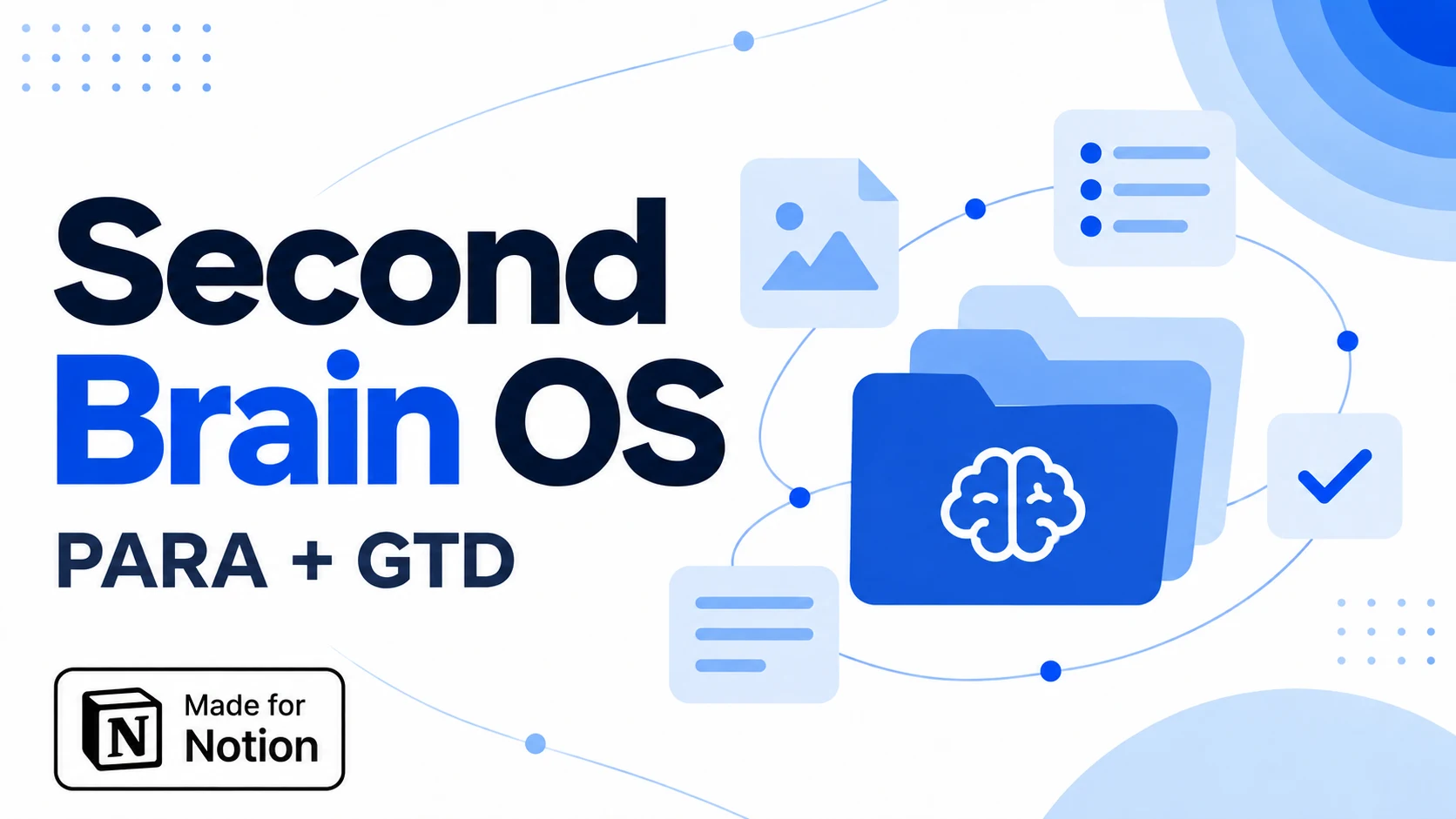 Notion Planner Templates$20.30
A quick decision guide
- You want a light, simple start: build a basic Inbox, Projects, Tasks and Notes setup yourself.
- You want a ready-made, connected system: pick a template with clear documentation and a start-small path.
- You want full automation: be careful. Most templates, including this one, leave processing to you.
Related guides
Written by
Jithin Rajiv
Practical templates, free widgets, and useful guides for a workspace that works for you.