Notion Second Brain for Students: Connect Notes to Assignments
How students can build a Notion second brain that links lecture notes, readings and assignments, with a simple weekly routine you can keep up.
 Jithin Rajiv2 min read
On this page
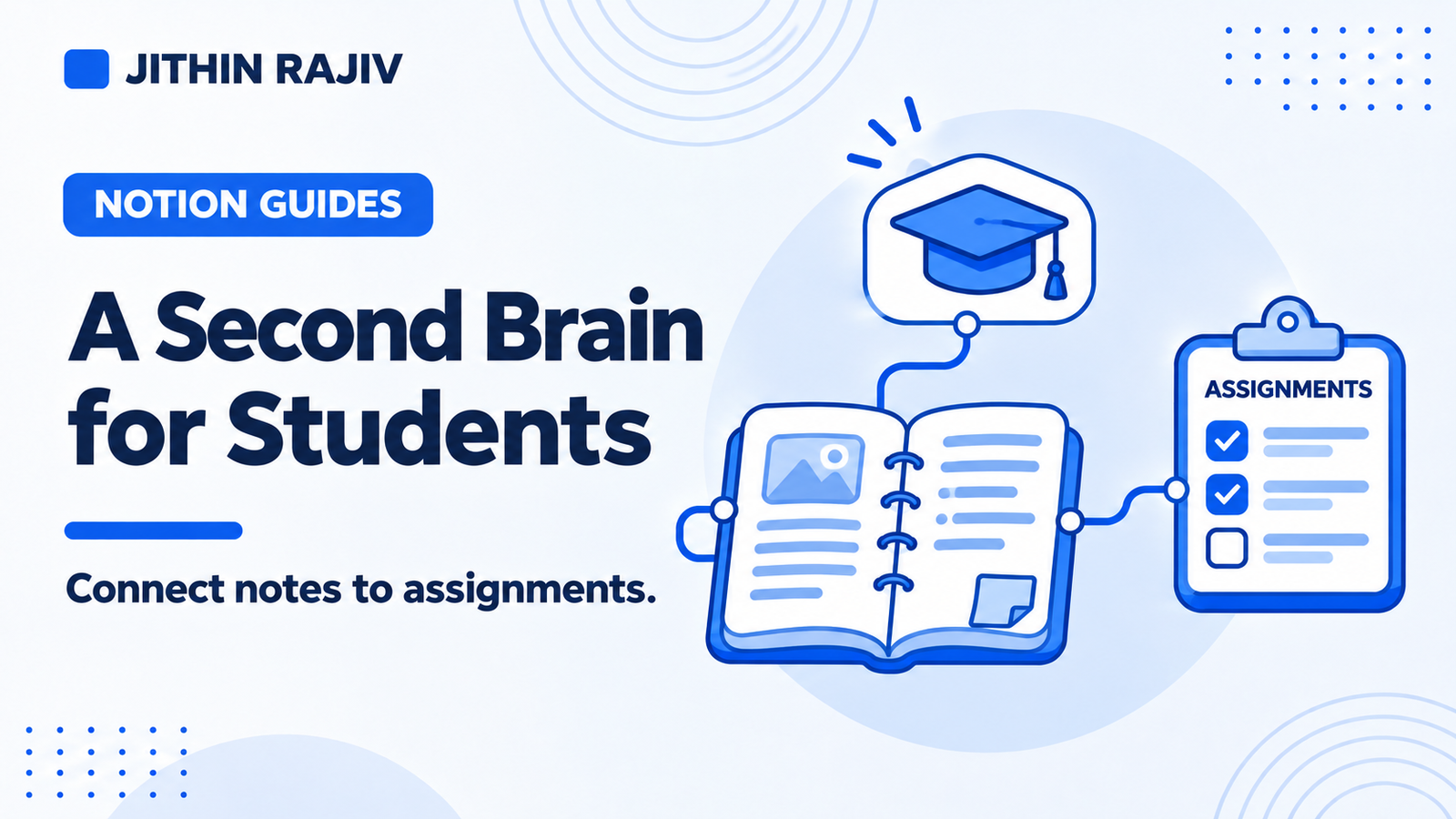
Students collect a lot of information: lecture notes, readings, links, deadlines and ideas for essays. A Notion second brain for students is a way to keep all of that in one workspace and connect it to the assignments and exams it actually supports.
Why students benefit from linking
The usual problem is not a lack of notes. It is that notes sit in one place and assignments in another. When you sit down to write an essay, you have to hunt for what you saved weeks earlier.
Linking fixes this. If your lecture notes, readings and highlights connect to the assignment they relate to, everything you need is in one place when you start.
A simple structure for a student second brain
Projects become assignments, essays, exams or a thesis. Each has a finish line.
Areas become ongoing responsibilities, such as a course, your health or your part-time job.
Resources become readings, articles, videos and topics you are studying.
Tasks become the concrete steps: "Read chapter 4," "Outline essay section 2," "Revise for the quiz."
A weekly routine that works
- Capture anything that comes up during the week in one Inbox, such as a deadline, a question or an idea.
- Process it at the end of the day or twice a week: turn it into a task, a note or a project.
- Link notes to the assignment or course they belong to.
- Pick a few tasks each day instead of working from a long list.
- Review on the weekend: check deadlines, upcoming assignments and what you have not revisited.
Tips for better study notes
- Write a one-line takeaway after each reading, not just highlights.
- Save selected passages as highlights linked to their source.
- Title notes clearly so you can find them later.
- Archive finished courses so they stay available but out of your daily view.
- Check summaries against the source. If you use an AI assistant to summarize, verify important points. See AI second brain use cases for examples.
Using Second Brain OS as a student
Second Brain OS is built for people who want to connect what they learn with what they do, including students and self-directed learners. You can use Projects for assignments, Areas for courses, the Resource Library for readings and sources, and Notes with Highlights for study material. My Day gives you a short daily list, and Weekly Reviews help you look back.
You do not have to use everything. Start with the Inbox, Projects, Tasks and My Day, and add notes and the resource library as your courses get busier. A Get Started guide and example records help you learn how the pieces connect.
Please note that inbox processing is manual, calendar syncing is not included, and the template does not include a built-in AI assistant.
30% off Notion Planner Templates$20.30
Related guides
Written by
Jithin Rajiv
Practical templates, free widgets, and useful guides for a workspace that works for you.